Make a file called “scriptmailssl.sh” and open the nano file editor. Paste these codes and save it!
#!/bin/bash

# This script takes the certs generated by Nginx Proxy Manager
# and copies it to the mailcow docker container.
# Before use, make sure you update the path to your docker data and locate which cert belongs to mailcow

cp /home/applegater/docker/nginx/letsencrypt/live/npm-7/fullchain.pem /home/applegater/docker/mailu/mailcow-dockerized/data/assets/ssl/my.richardapplegate.io/cert.pem
cp /home/applegater/docker/nginx/letsencrypt/live/npm-7/privkey.pem /home/applegater/docker/mailu/mailcow-dockerized/data/assets/ssl/my.richardapplegate.io/key.pem
postfix_c=$(docker ps -qaf name=postfix-mailcow)
dovecot_c=$(docker ps -qaf name=dovecot-mailcow)
nginx_c=$(docker ps -qaf name=nginx-mailcow)
docker restart ${postfix_c} ${dovecot_c} ${nginx_c}
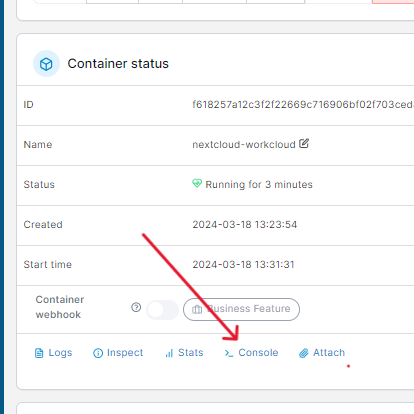
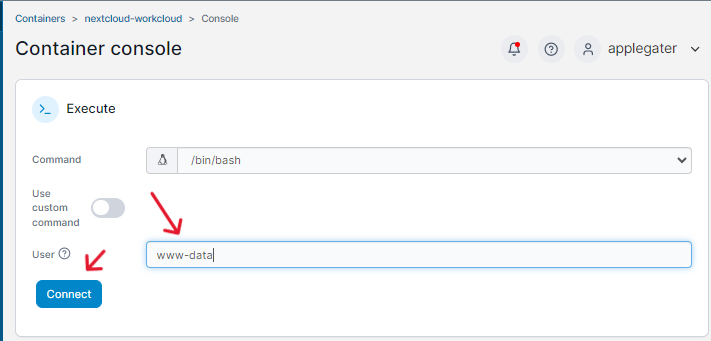
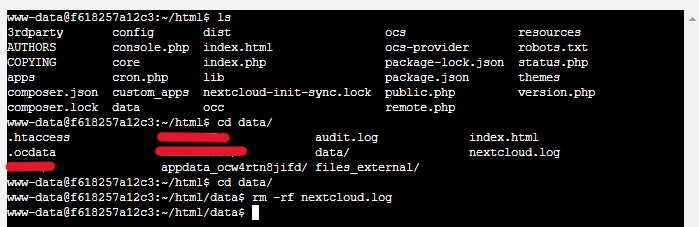
Delete Nextcoud.log to fix the error, but it will come back again and make sure you fix the error, so it won’t pop up again. This is similar to the engine light.
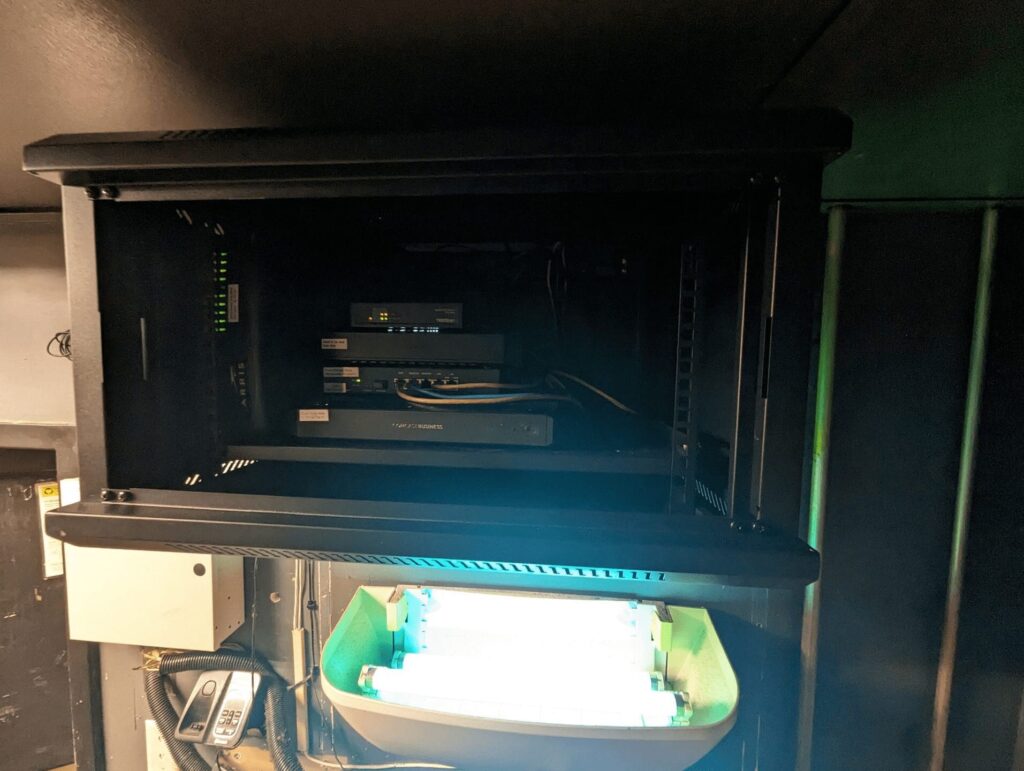
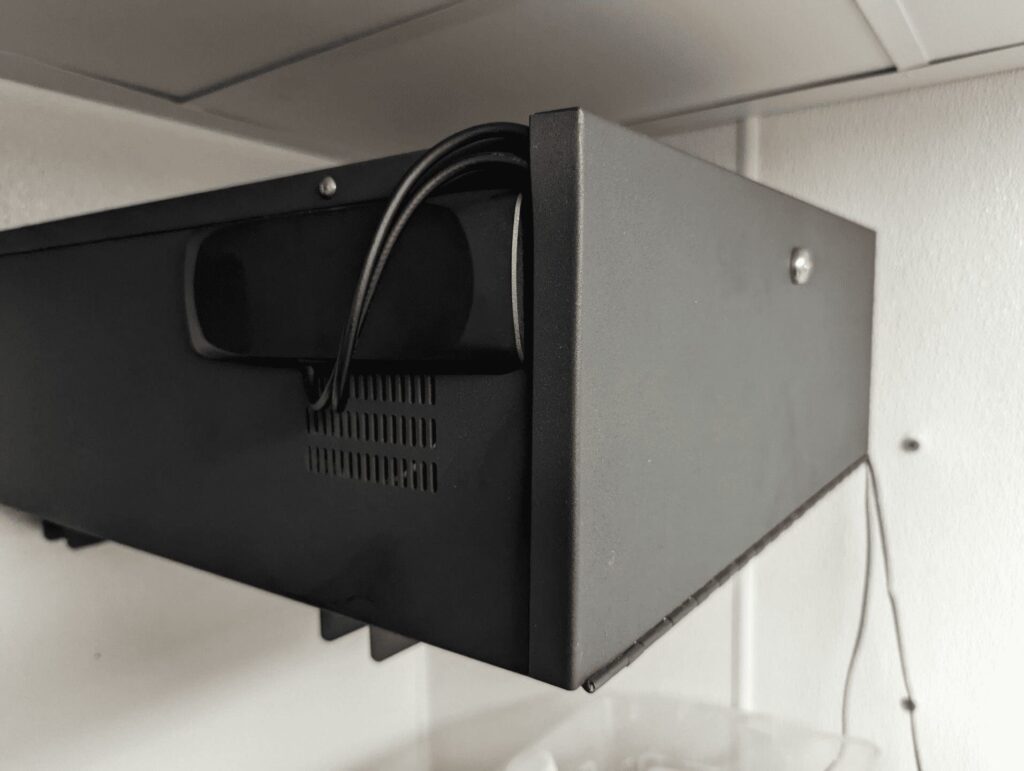
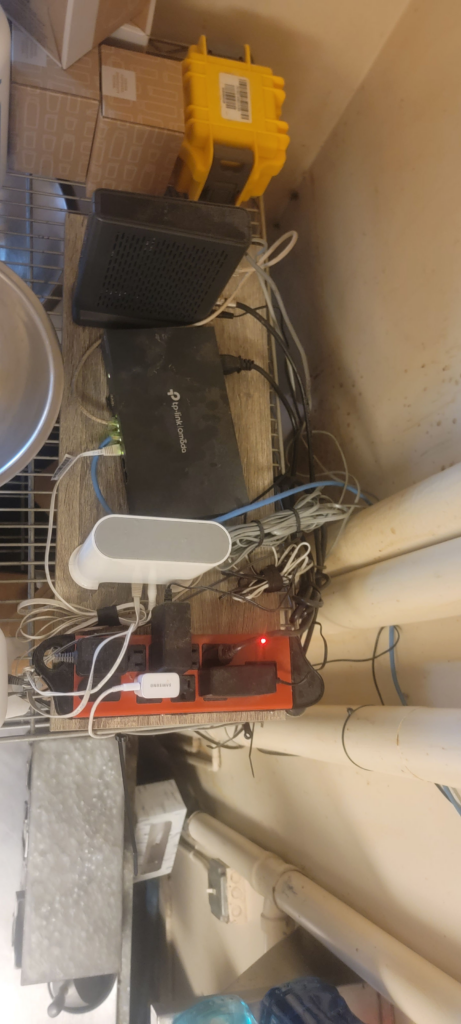
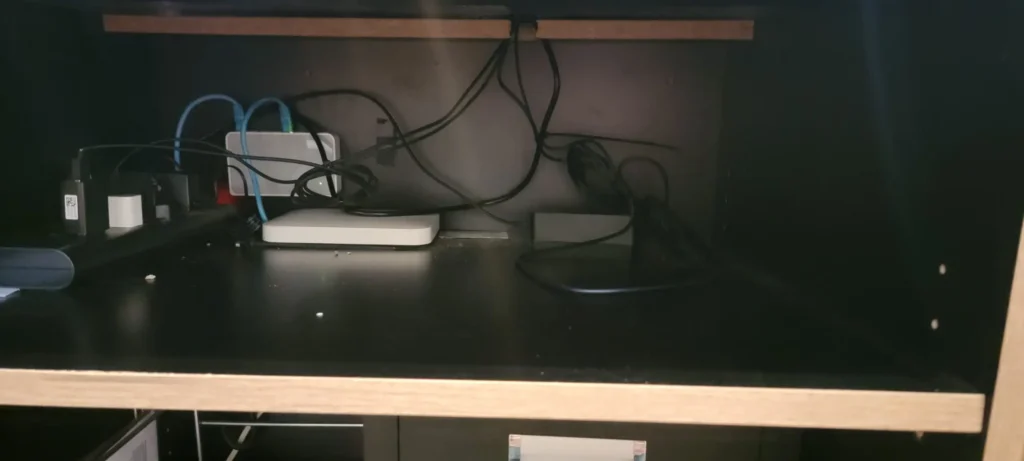
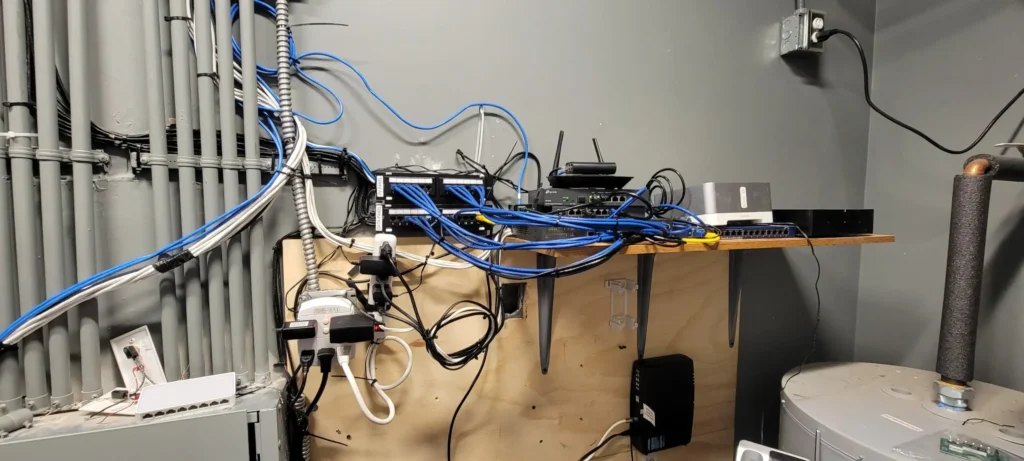
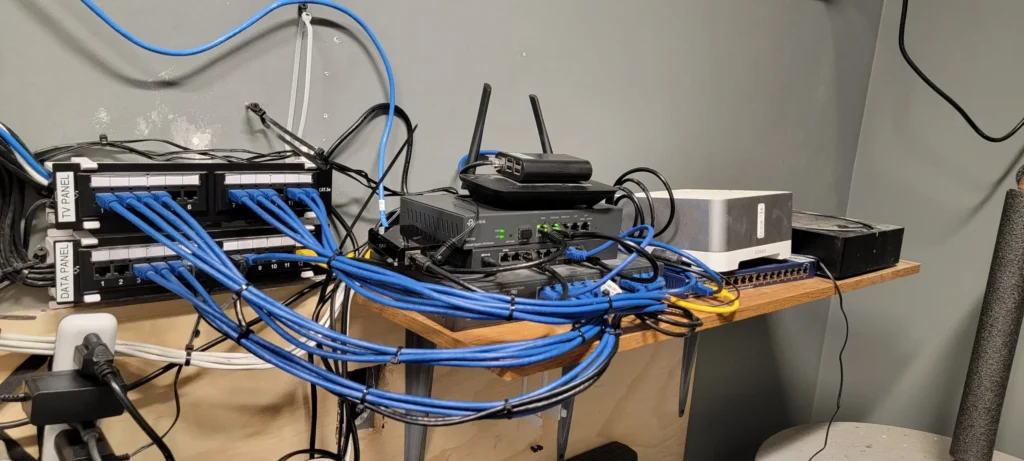
On Sept 2023, I established this network, and unfortunately, it experienced the most severe condition of overheating due to the presence of grease. I upgraded it to a cabinet in October 2023, and it is currently functioning flawlessly. All the devices are fan less, resulting in a reduction in dust and grease buildup. 🙂
If you are looking to remote your server from home, you can, but you cannot simply install OpenSSH with a password, which is very insecure. I strongly recommend using type Ed25519 ssh, which is the most secure and fast access to ssh. I recommend checking out this website. Follow the instructions on the red hat website to protect your Linux Server. These answers are the most accurate. Or here is my config for server ssh I made.
But first, we must generate the ed25519 key for our SSH or SFTP access.
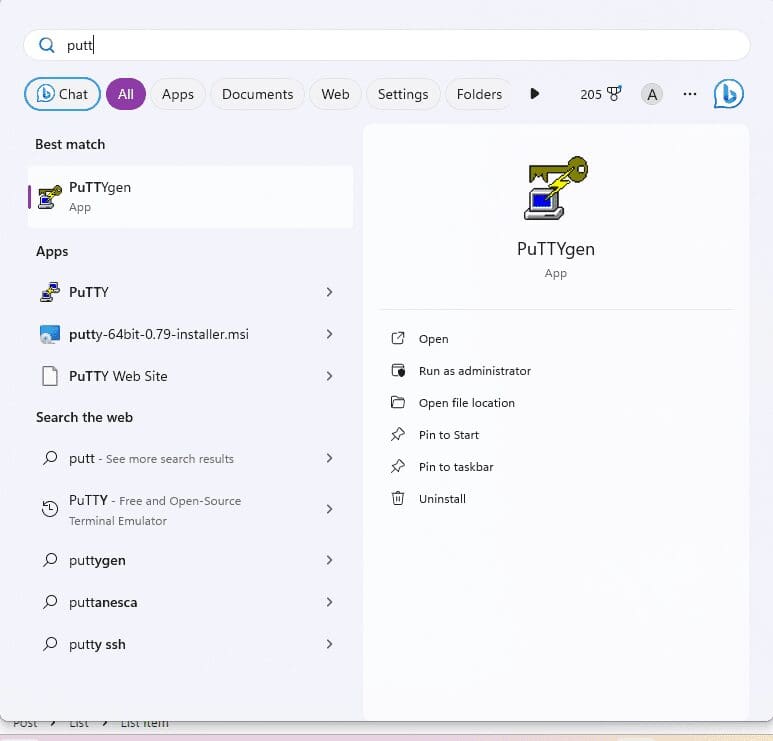
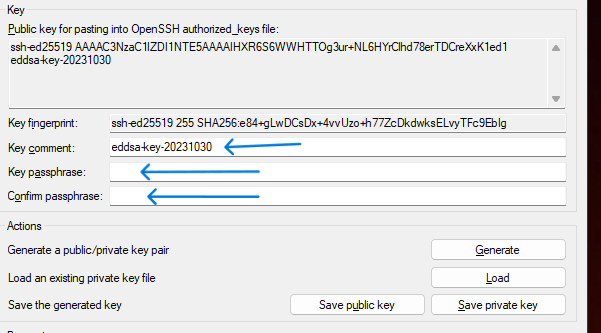
open program on Windows PC putty gen (Putty Key Generator)
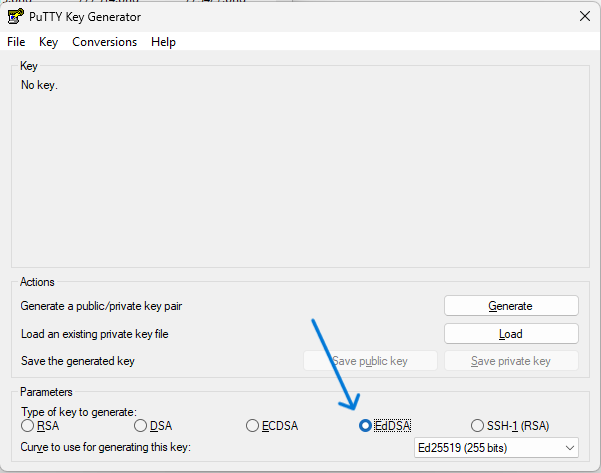
select EdDSA then select Ed25519 then generate
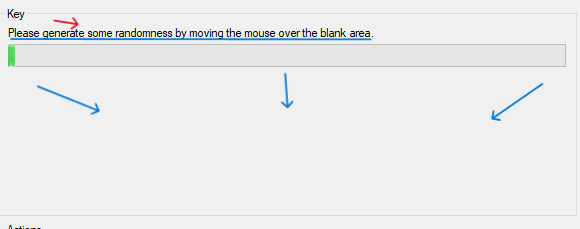
Please generate some random by moving the mouse over the blank area on puTTygen (Putty Key Generator).
After you generate, you can modify key comment and key passphrase
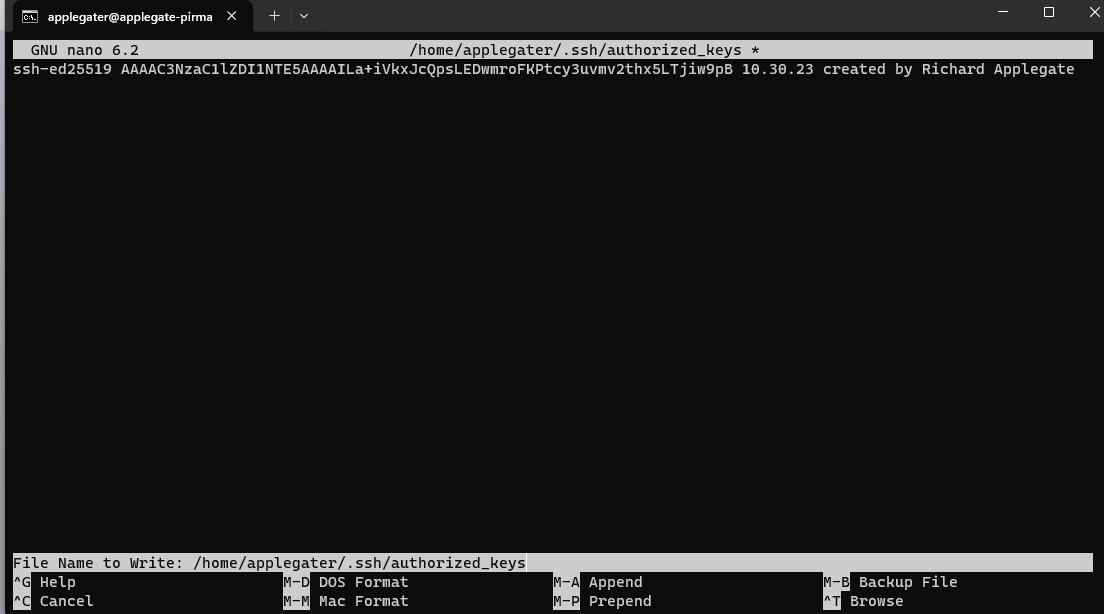
Go over your server, type the command to modify authorized_keys – “nano ~/.ssh/authorized_keys” then add your Public Key from your puTTygen (Putty Key Generator) on your Windows pc copy these to Your Linux Server.
Save authorized_keys, then restart ssh services.
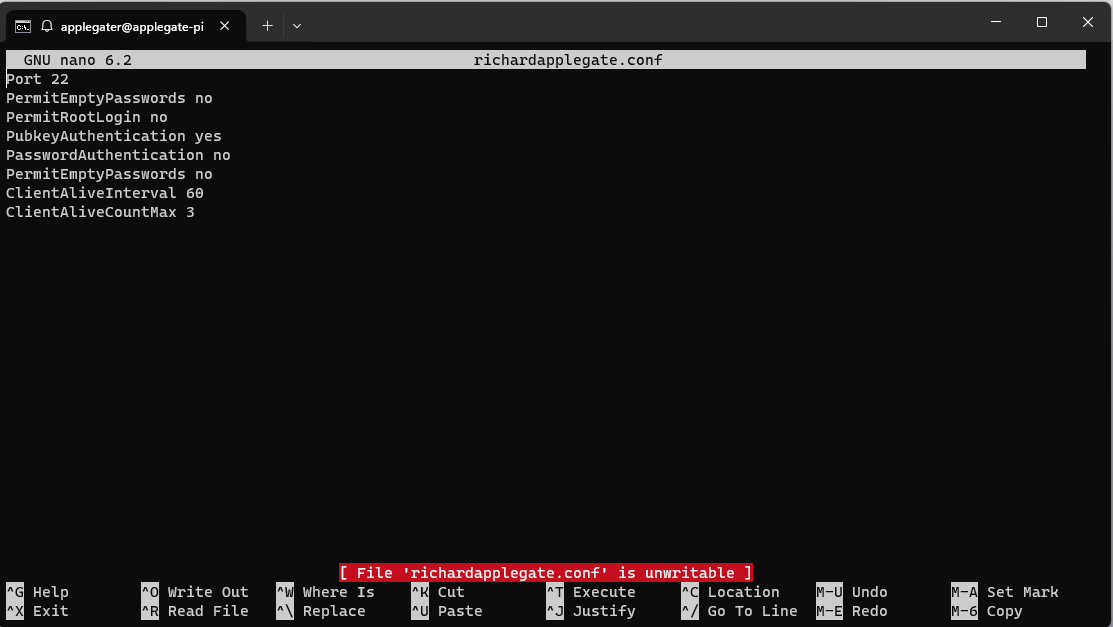
The server can still be accessed with a password, so we must proceed with the server Linux SSH configuration and generate the file richardprofile.conf or whatevername.conf. The SSH path is /etc/ssh/sshd_config/sshd_config.d/richardprofile.conf.
Port 22
PermitEmptyPasswords no
PermitRootLogin no
PubkeyAuthentication yes
PasswordAuthentication no
PermitEmptyPasswords no
ClientAliveInterval 60
ClientAliveCountMax 3
Save the configuration file and then restart ssh. Currently, you are 100% safe because we will set up fail ban to block certain IP addresses so that our network doesn’t get too busy.
These are great, and I plan to make a banner in ssh soon.
On October 25th, 2023 at 11am, it rained a lot. The rain was terrible and heavy, like gravy, splashing on water and mud. My cat Simba Jr. passed away on the highway on Mountain Highway E. unfortunate to see body abuse… roadkill. It is hard to explain.
My Story:
On July 2, 2021, during our stay at Mineral Lake, we adopted Simba Jr. At the time, the RV park was about to close because of an upgrade project, and we found ourselves facing eviction. During this transition, a gentleman approached us, drawn by our unique situation, and expressed both admiration and an interest in adopting Simba Jr.
As I observed their interaction, I sensed a strong connection between him and Simba Jr. Simba quickly established himself as the king of our motor home. He watched over the children and remained protective, but would sometimes wander off, searching for other cats and, as nature calls, new adventures. I apologize to my neighbors for his antics—I try to prevent him from fathering more kittens, but that seems to be his calling in life. He’s quite the robust character!
Simba Jr. is a true warrior; he’s always by my side through moments of anger, sadness, happiness, and calm. I love hearing the way he clicks his teeth, a sound I’ve come to recognize as his way of communicating with me and showing affection. He often snuggles under my blanket and curls up near my legs, offering comfort and, perhaps, even contributing to my well-being.
Admittedly, there was a time when he sprayed on my ex—I couldn’t help but laugh. Thankfully, no harm was done; she was fine and there was no lasting problem.
Through every change and challenge, Simba Jr. has remained fiercely loyal. We developed a bond of deep trust that has stayed strong no matter where life has taken us. Even during the difficult period when I was staying at a former friend’s house—sharing a space with Sunny, as well—Simba was always there for me, offering comfort in troubled times.
Now, things have changed, and I’ve moved on with my mom. Through it all, Simba Jr. has been a constant source of love, companionship, and strength.
—
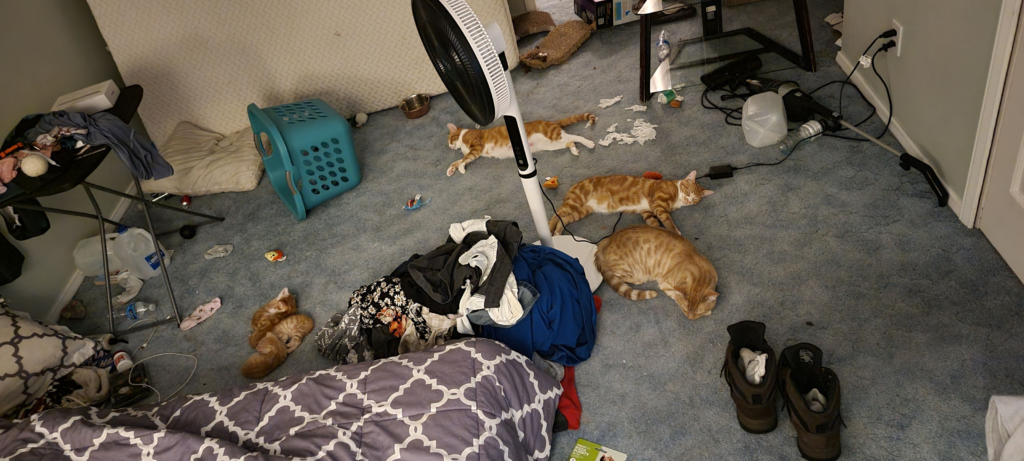
Please excuse the background… like we say. We were homeless, but we do see Simba Jr. love to meet Sunny, however Sunny not like him but until few weeks later they are mated.
We were doing Laundry but there was so much going on between roommates but look at my cats they are one cured our anxiety to calm from DV… but it not roommate’s fault.
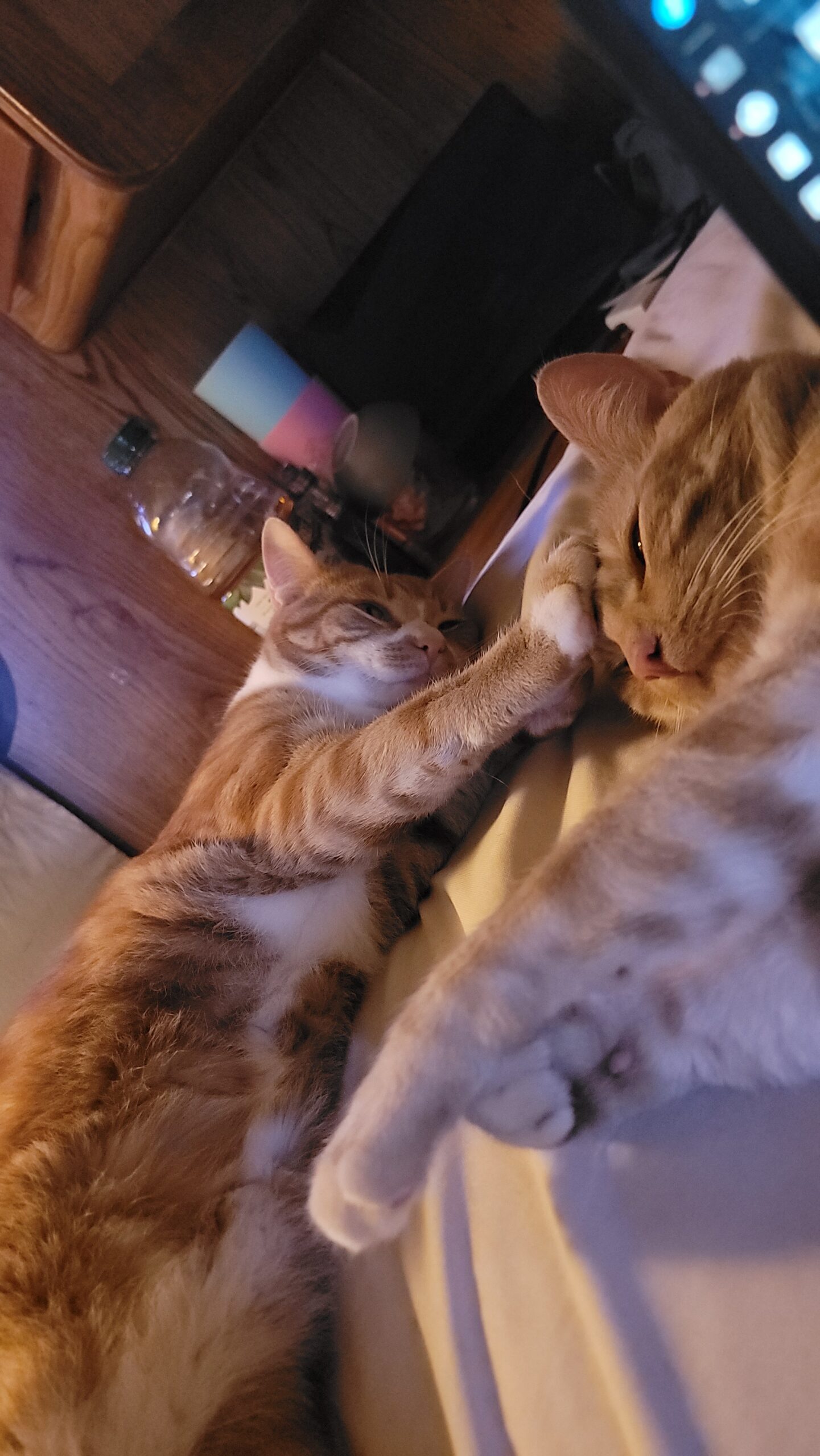
Simba Jr. – Genetic is part of Egyptian mau orange
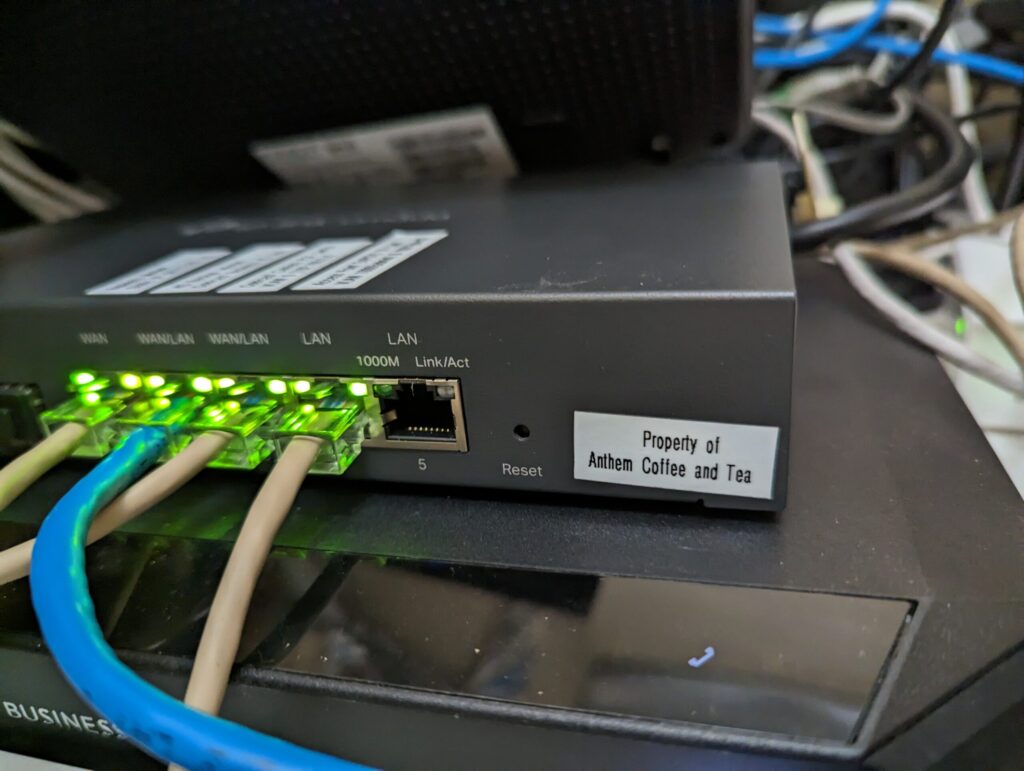
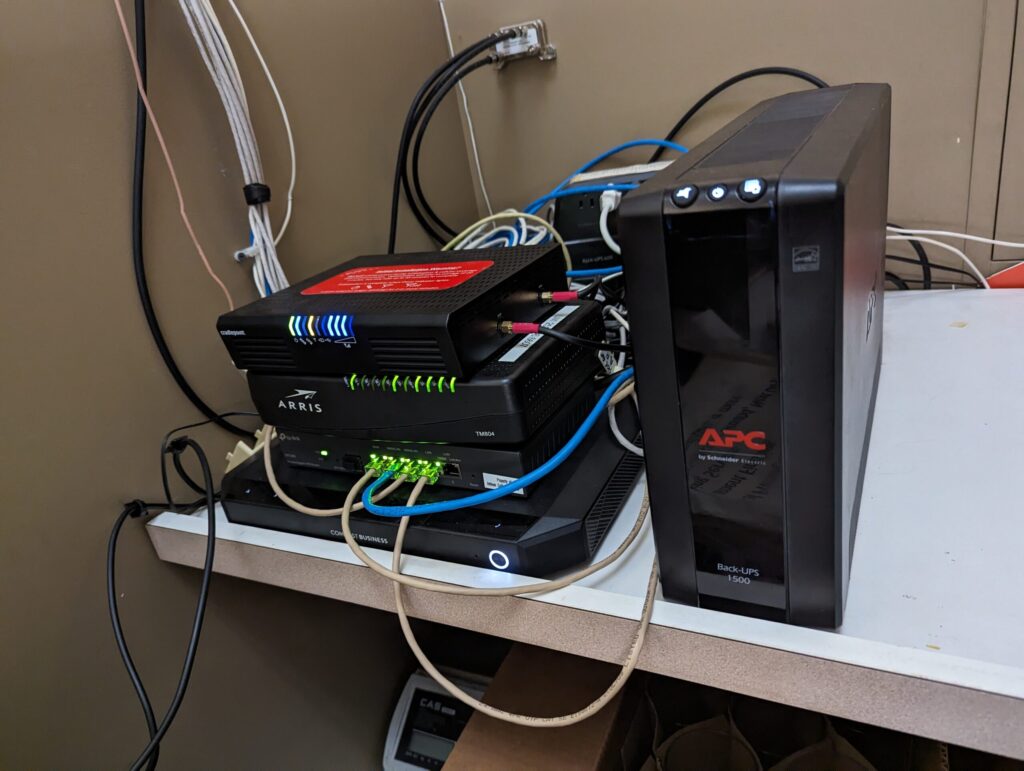
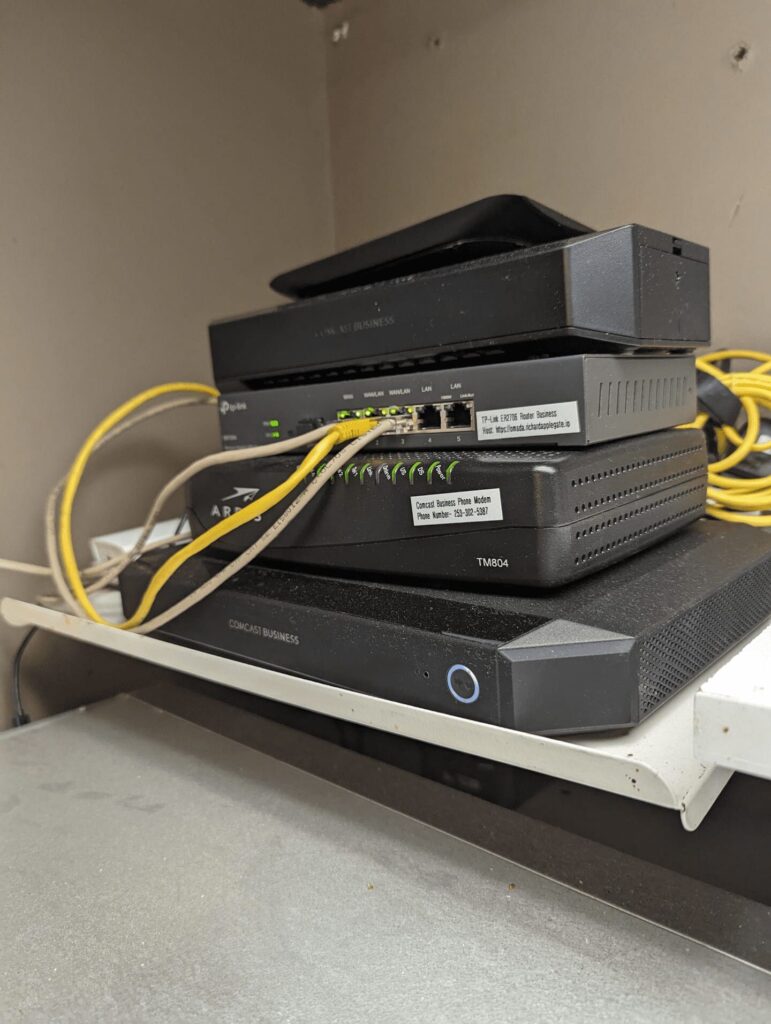
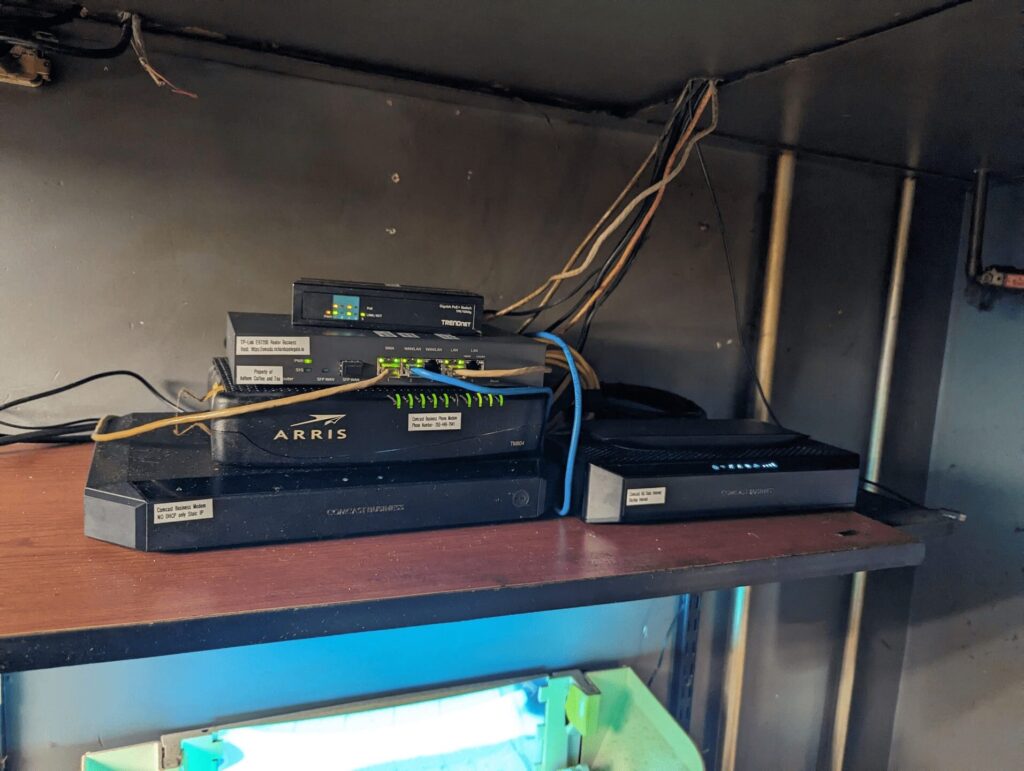
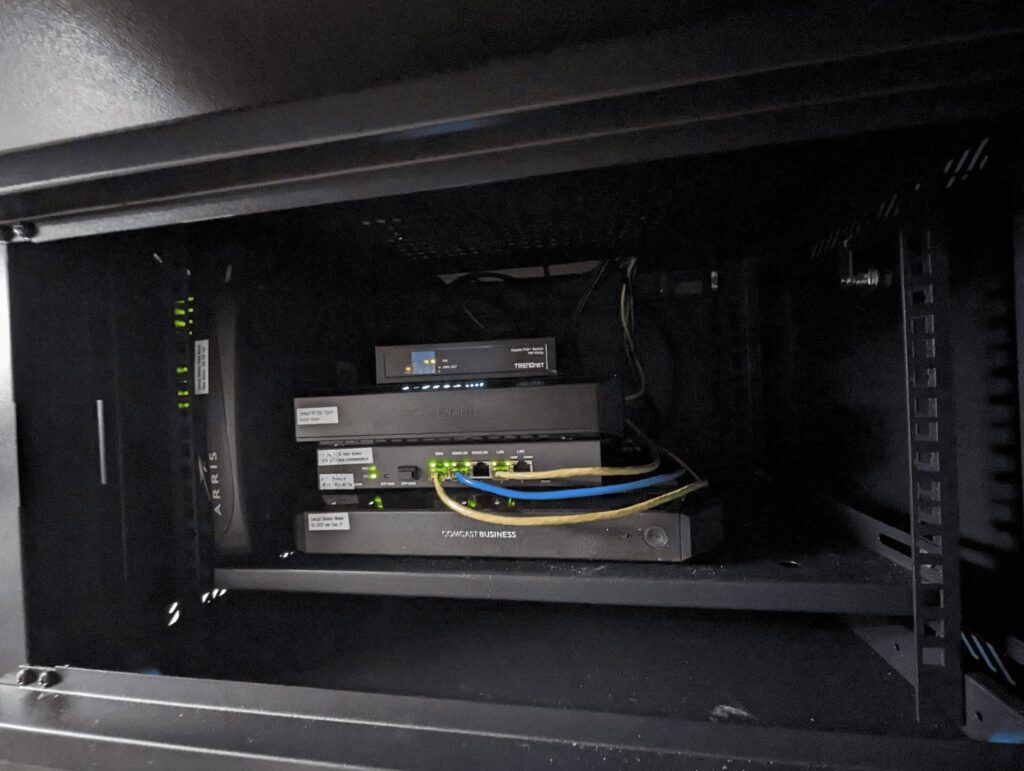
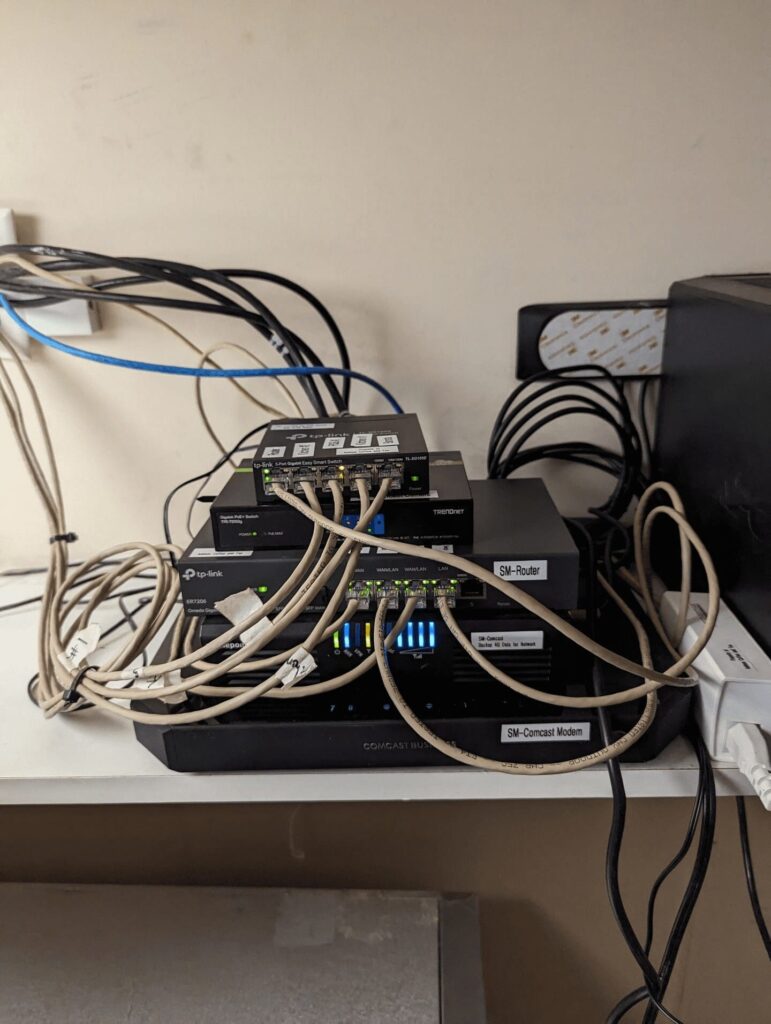
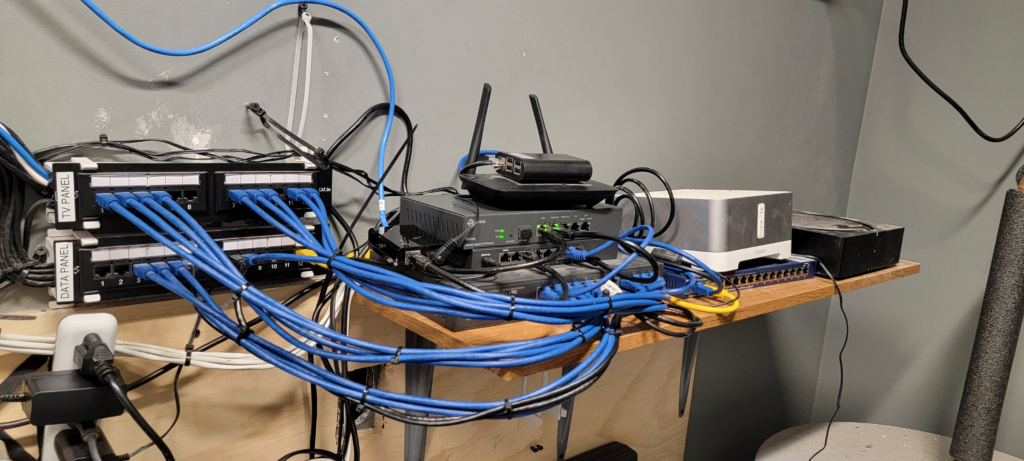
Just wrapped up a much-needed network upgrade at Anthem Coffee & Tea! We’ve moved from a basic shelf to a secure, professional cabinet. This isn’t just about looks—it’s about reliability and maintenance.
What’s changed?
All Network Cables Labeled: I took the time to label every Ethernet and camera wire. No more guessing which cable goes where! Now, troubleshooting is much easier—for me, and for anyone else who needs to work on the system.
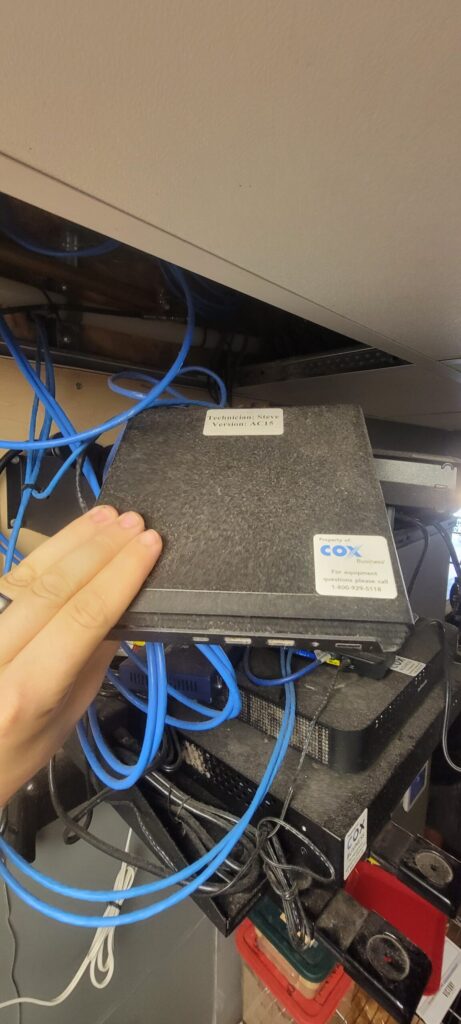
Avoiding Confusion: In the past, our Internet provider nearly disconnected the entire network, thinking our equipment was theirs. Now it’s clear what we own—business routers, access points, point-of-sale wires, and cameras are all identified and protected.
Cleaner, Safer, Future-Ready: The new cabinet keeps equipment clean, protected from dust, and organized. It’s a solid foundation for any future tech needs.
Proud to keep things running smoothly by blending best practices from the past with smart improvements for the future.
See the transformation and full details below:
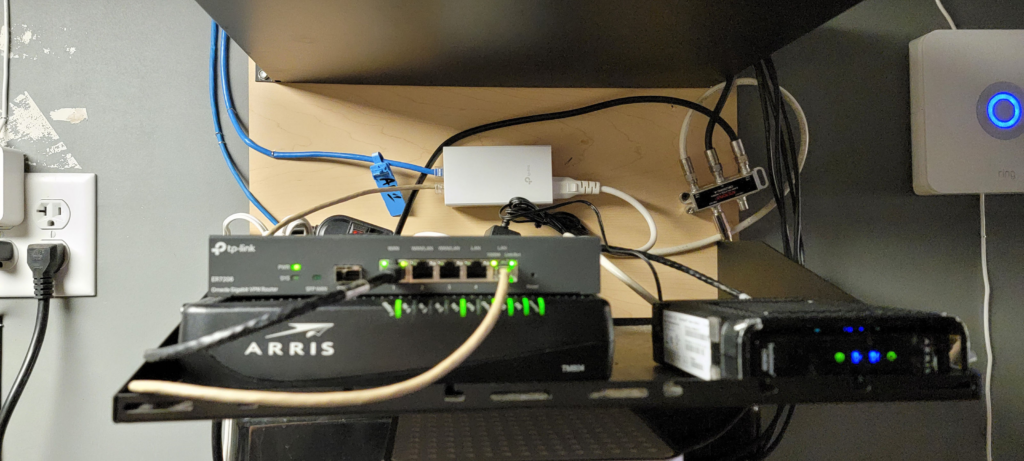
Anthem Coffee and Tea | Sunrise Village Modem Internet and Router Business TP link and Modem Phone and 4G Data Internet Backup and Access Point from another room.
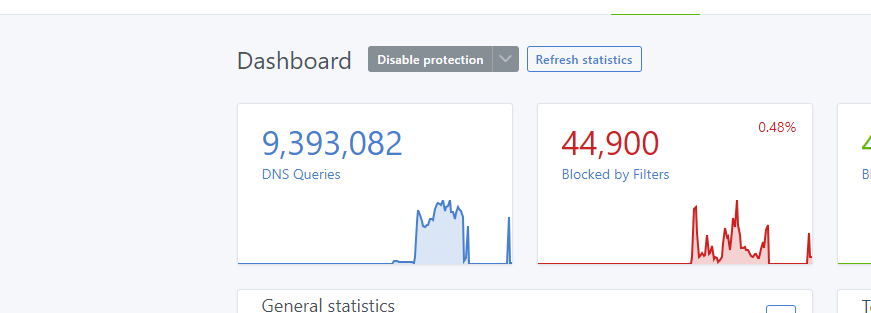
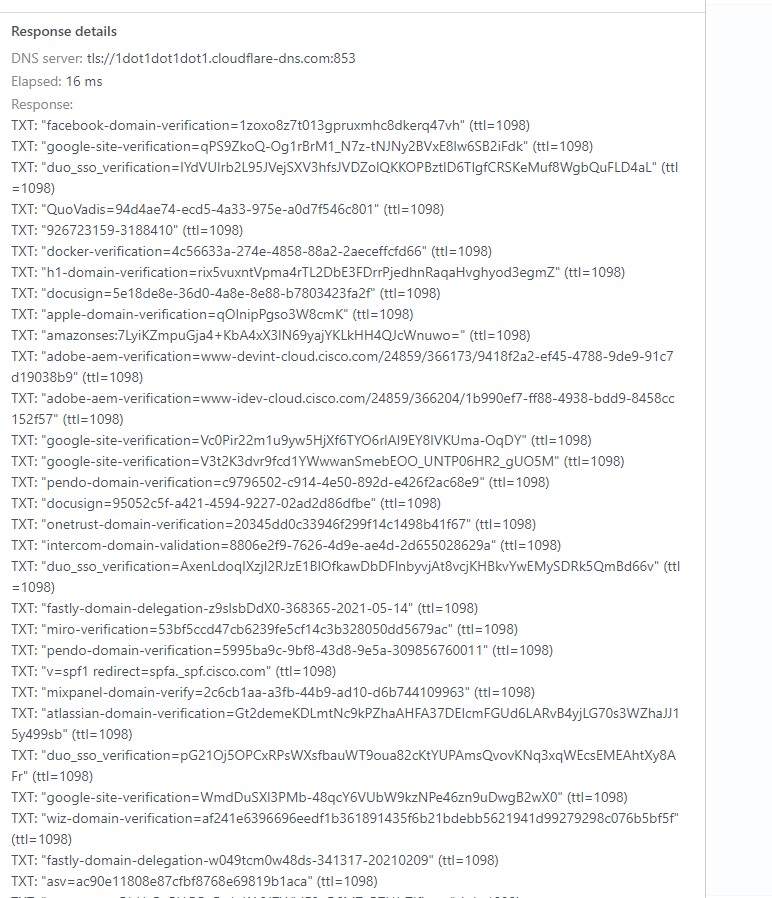
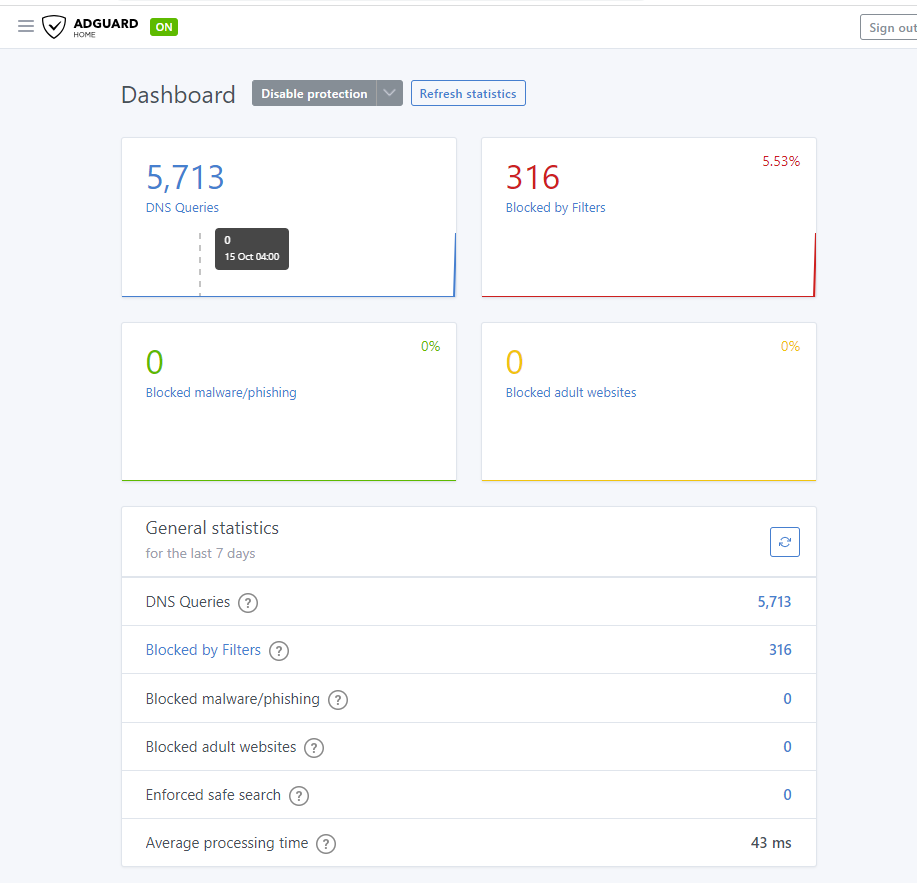
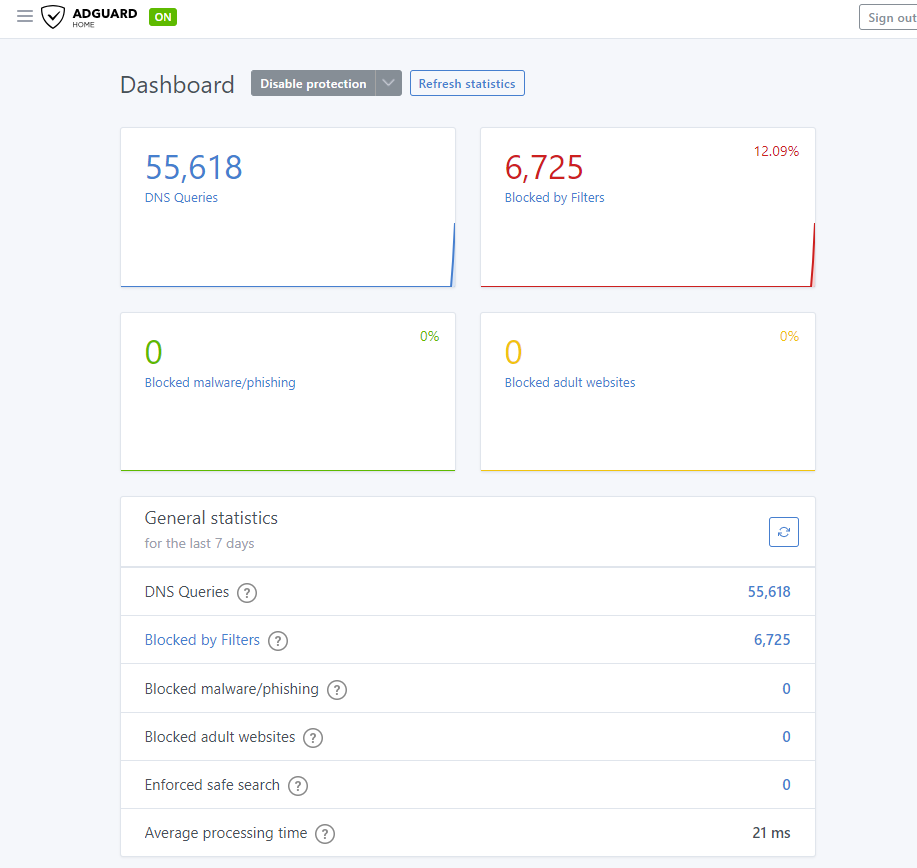
This attack trigger was found on October 16, 2023, when I received an email that my server was nearly full. This is not a typical occurrence. Therefore, I discovered that my AdGuard Home DNS Server had been compromised, and that a significant number of IP addresses exceeding 20K were targeted specifically in Brazil, Latin, two France Server, London, and more due to their focus on DNS attacks.
I decided to conduct a thorough investigation into the individuals present on our server to obtain CIDRs for clients who have been disallowed. As a result, I was able to successfully disallow 99.9 percent of the clients. It is a better way than to block country IP. Because I don’t see myself as needing to waste my IP that is never used. So this way better to do block CIDR Range whoever owner IP they will be automatic disallow because they’re letting them attack DNS Server on us.
Cisco.com is real, but the content is not. This is unusual, everything happening at once. This will cause my server to experience a slowdown.
After I added the IP CIDRs to the client that were not allowed, I noticed that my dashboard went back to normal. Again, here is the link for IP addresses. I have been working on these for the past three days, but it appears that they have been stopped. Therefore, I want to help your times and your DNS Server and our to-do better. 🙂
Secondary Server – Dell Server Tower mini – Portainer with AdGuard Home
Primary Server – Dell Server Tower – Portainer with AdGuard home
I am deeply grateful to Lady Bonnie for allowing me to undertake a DIY project at her residence. For this project, I utilized my personal Xfinity modem in her living room, which is registered to my account—I did not use her internet service at any time. Additionally, at her request, I custom-made a cable for her security camera and routed it through an existing opening in her living room wall.
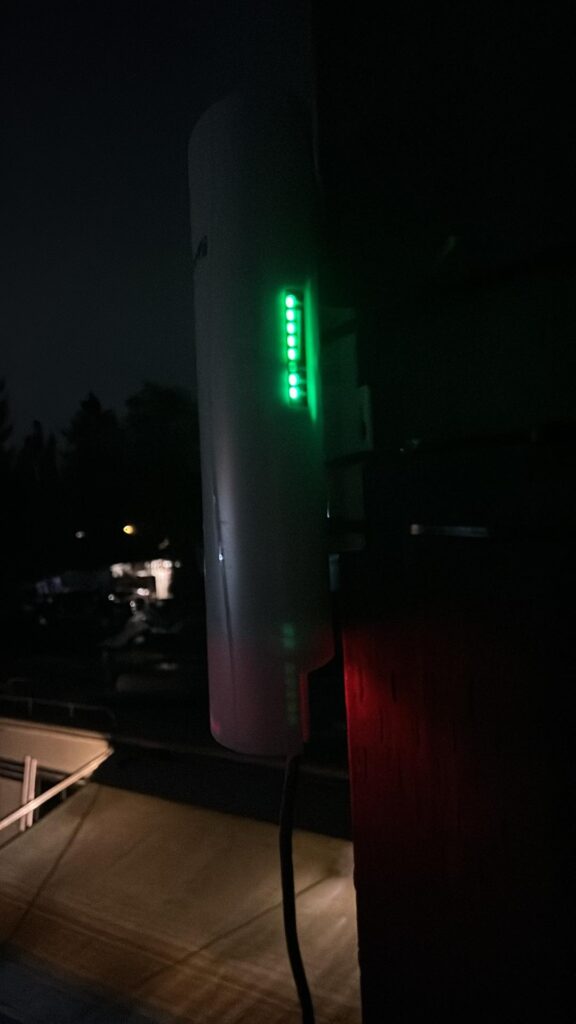
Furthermore, I installed a Gigabit Wireless Bridge on the outdoor pole that was previously used for her TV antenna. This spot turned out to be ideal for achieving excellent signal strength. The new setup is even more effective than using Xfinity Pods, as it enabled a direct connection to the pole near my RV, allowing me to find the optimal position for both stability and speed.
I am pleased to share the details of my project below.
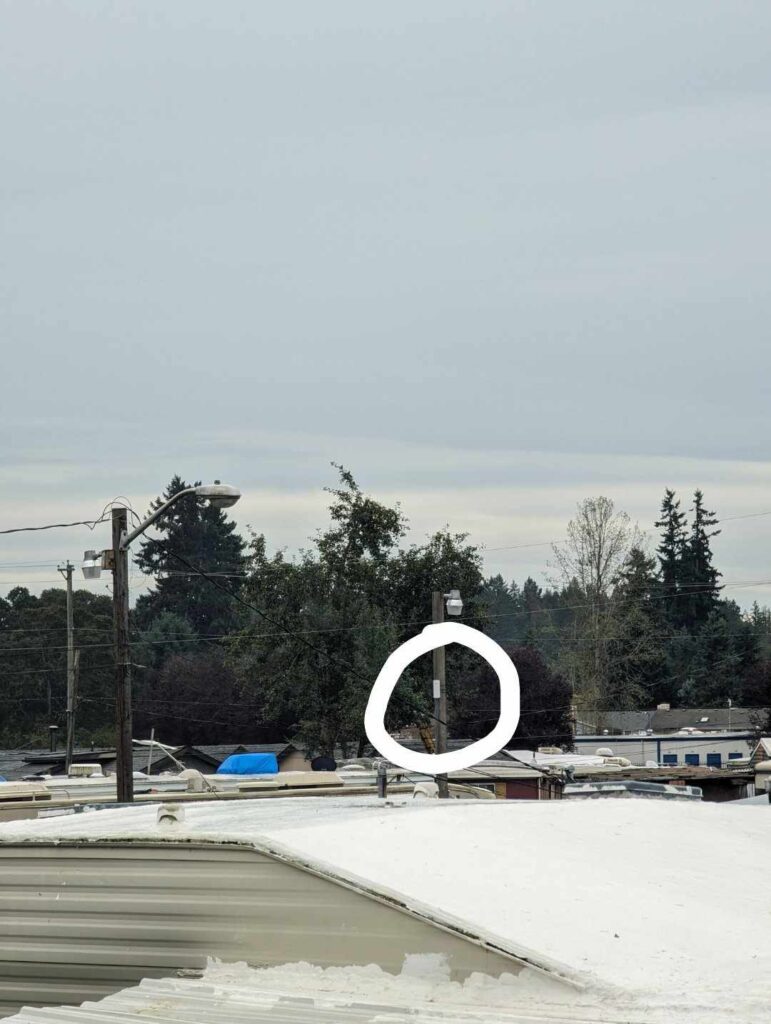
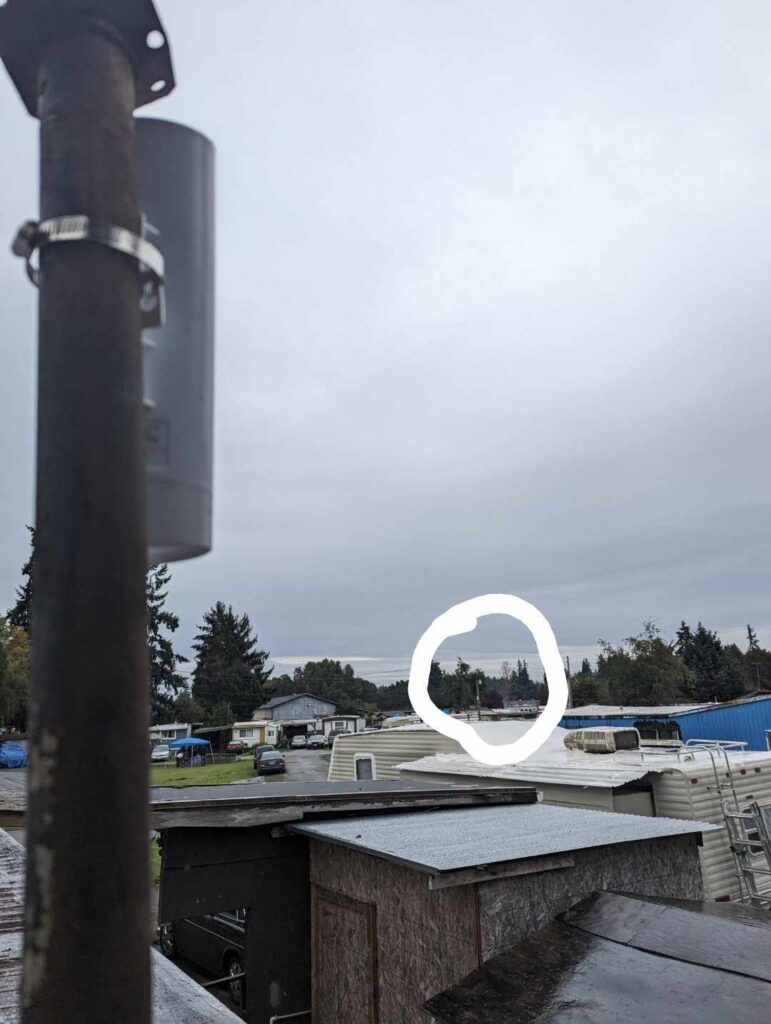
Location Master B is where the circle is that is my pole light. See that far, this device can go up to 5KM! So cool which my idea is maybe I can give around to whoever doesn’t have internet. I am happy to set up a network for them.
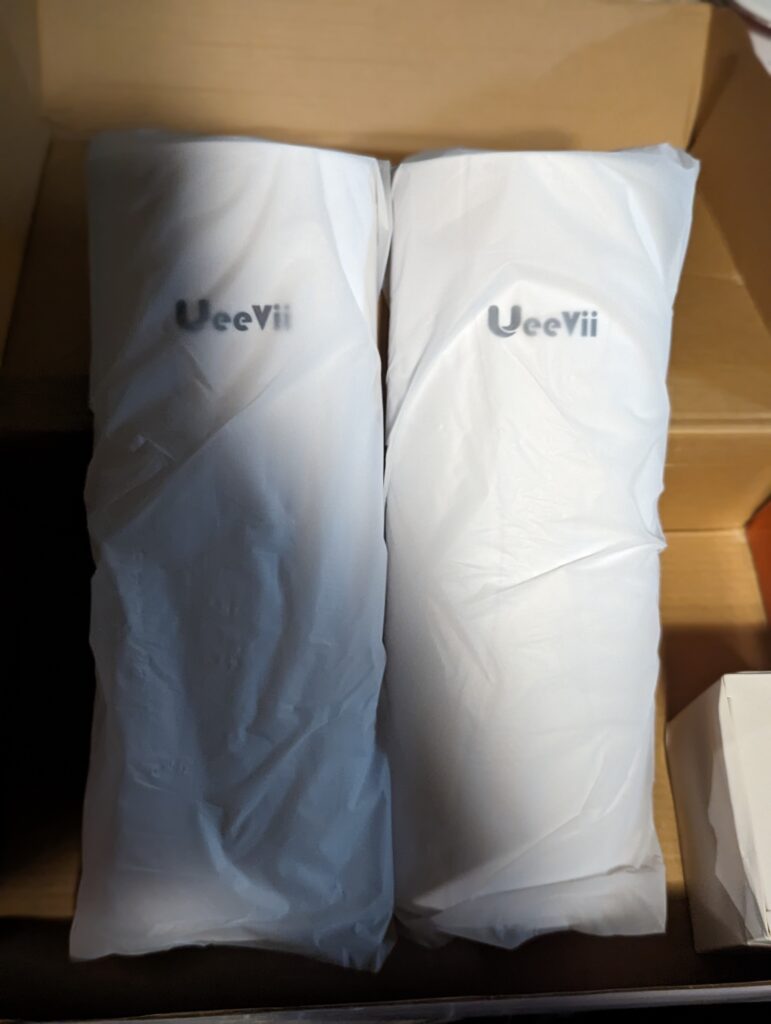
The package is very well and secured and the bag very nice.Credit photo= by:Slade Lutz
You wonder how it works?
I can help this RV park obtain reliable Wi-Fi service, potentially saving you money compared to high Xfinity bills. I would love to assist your business with a connectivity project. Typically, the network hub is in an office, headquarters, or utility shed where the internet connection enters the property. If your location has COAX or Fiber lines, but they’re too far from key areas, you may not be getting the internet performance you’re paying for. Using extenders in these situations often results in significant speed losses—sometimes 60% to 90%—leaving you unable to upload content to YouTube or access servers effectively.
To resolve this, I recommend installing a pole-mounted gigabit wireless bridge on the roof. This setup can be aligned to directly connect with your RV, mobile home, or business, maximizing your connection speed and reliability throughout the property.
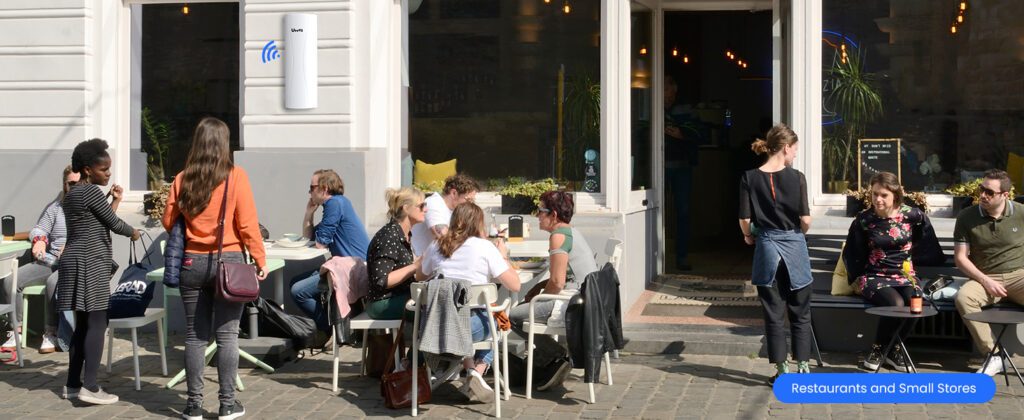
Coffee stands are an example. If you don’t have coax wall or cable to use service Internet, we can do wireless bridge. If you have internet from another store, we can ask the office lease for permission to add a Gigabit Wireless Bridge to the building roof. You own a residence or business, I can do install that for you. One cable 100–150 feet to your office or living room to hook up your router is all you need. Unless you change network information on your router, it is a plug and play device.
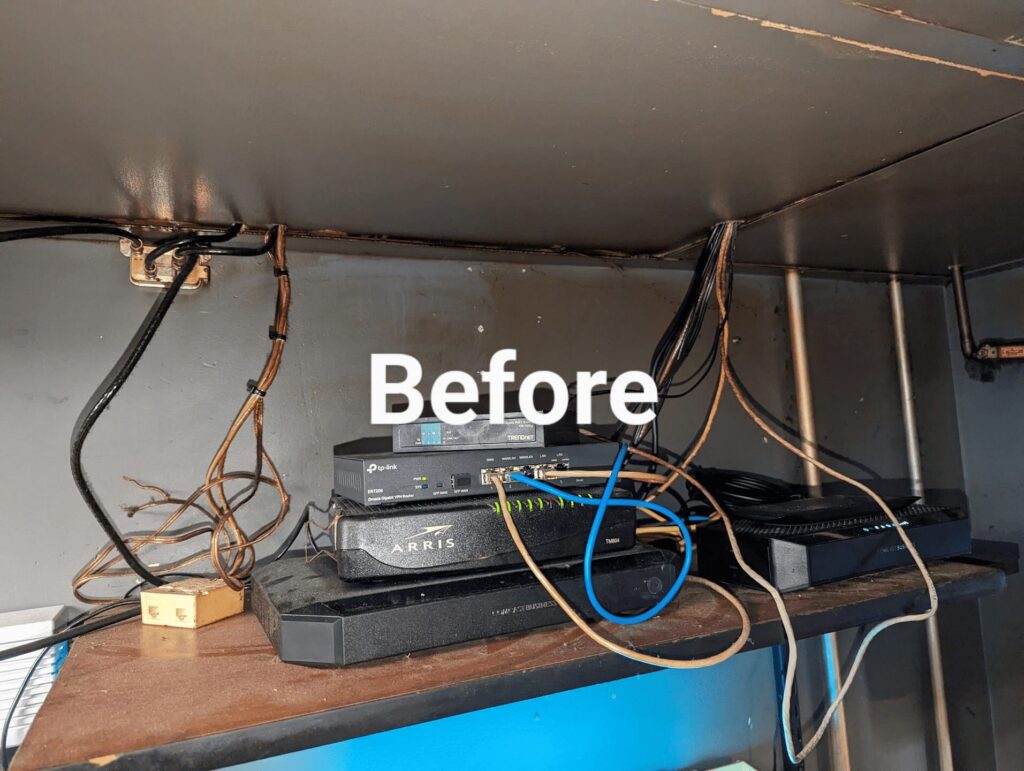
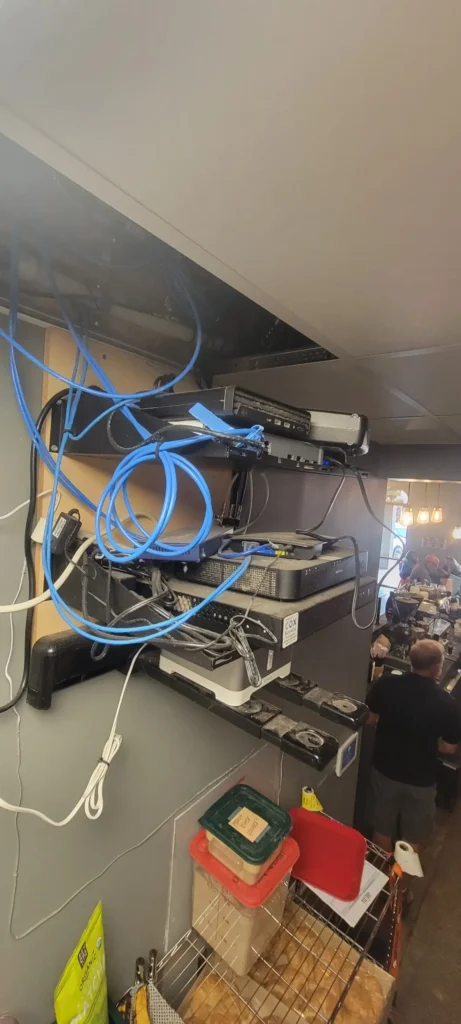
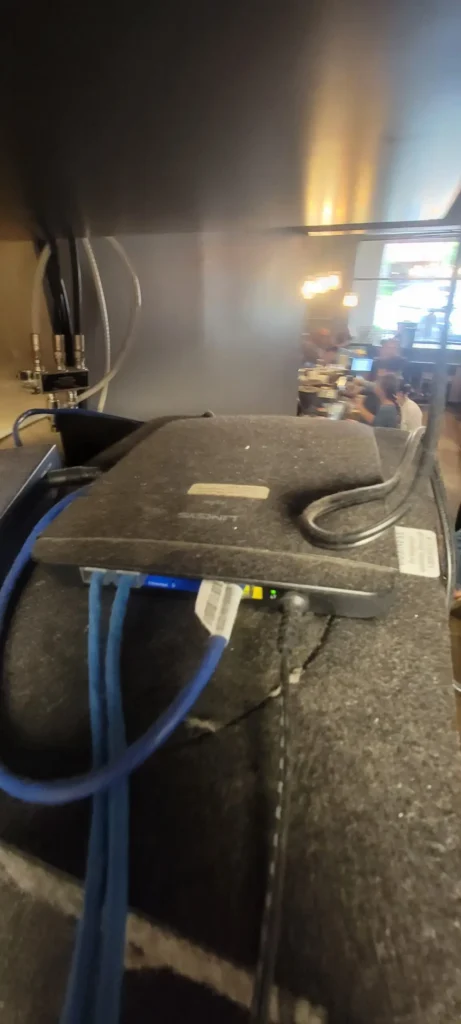
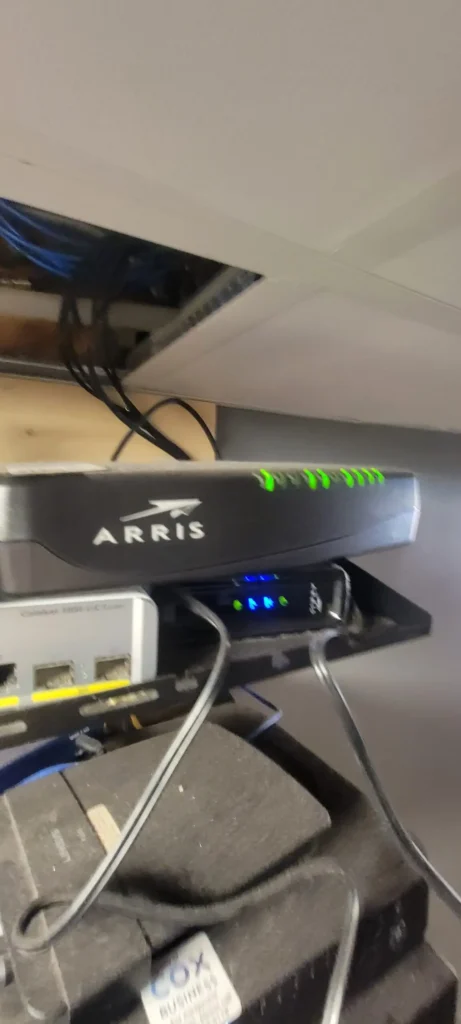
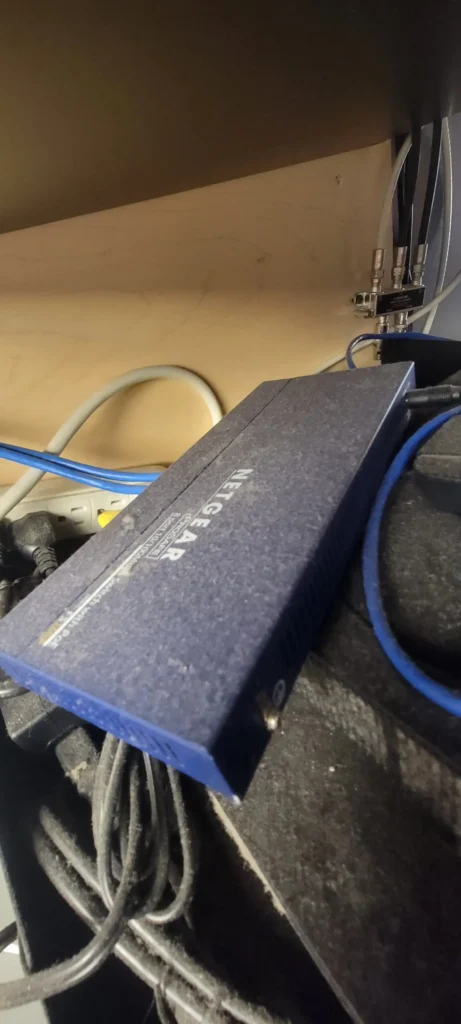
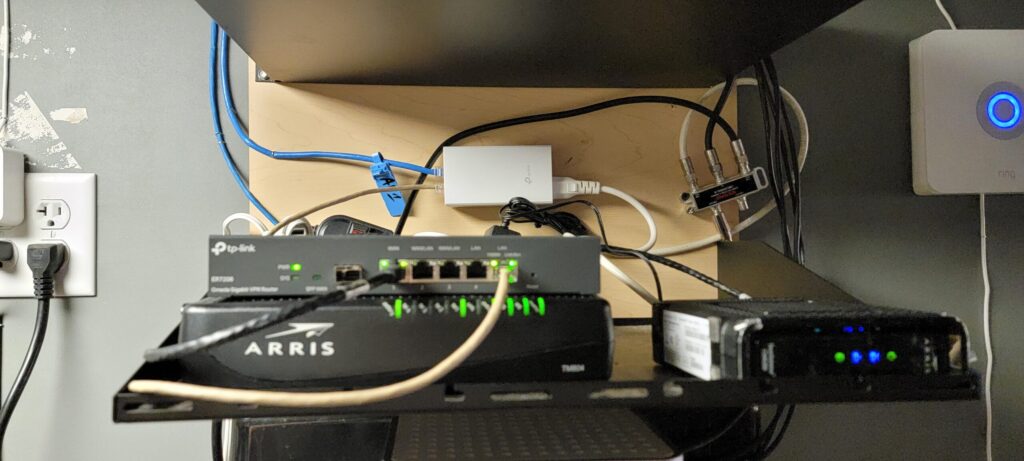
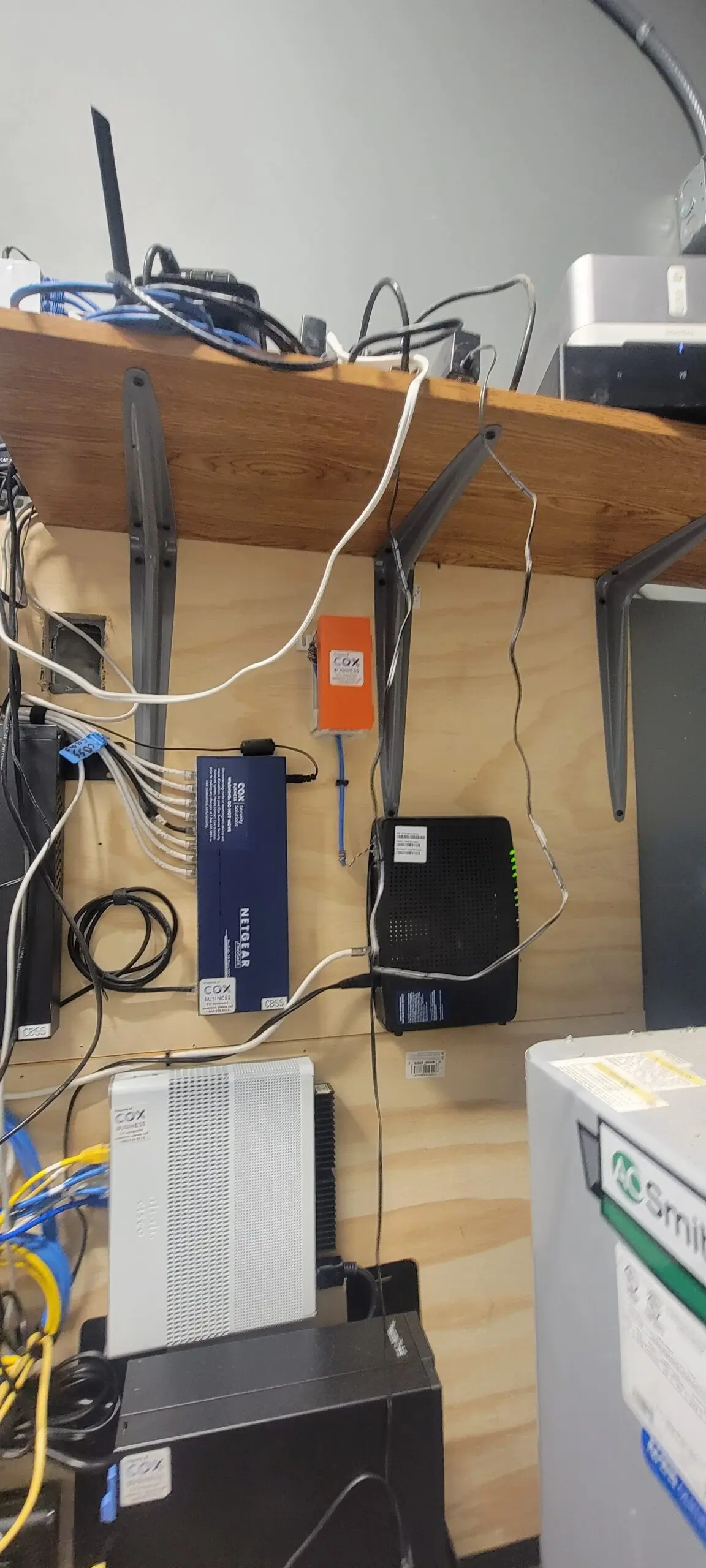
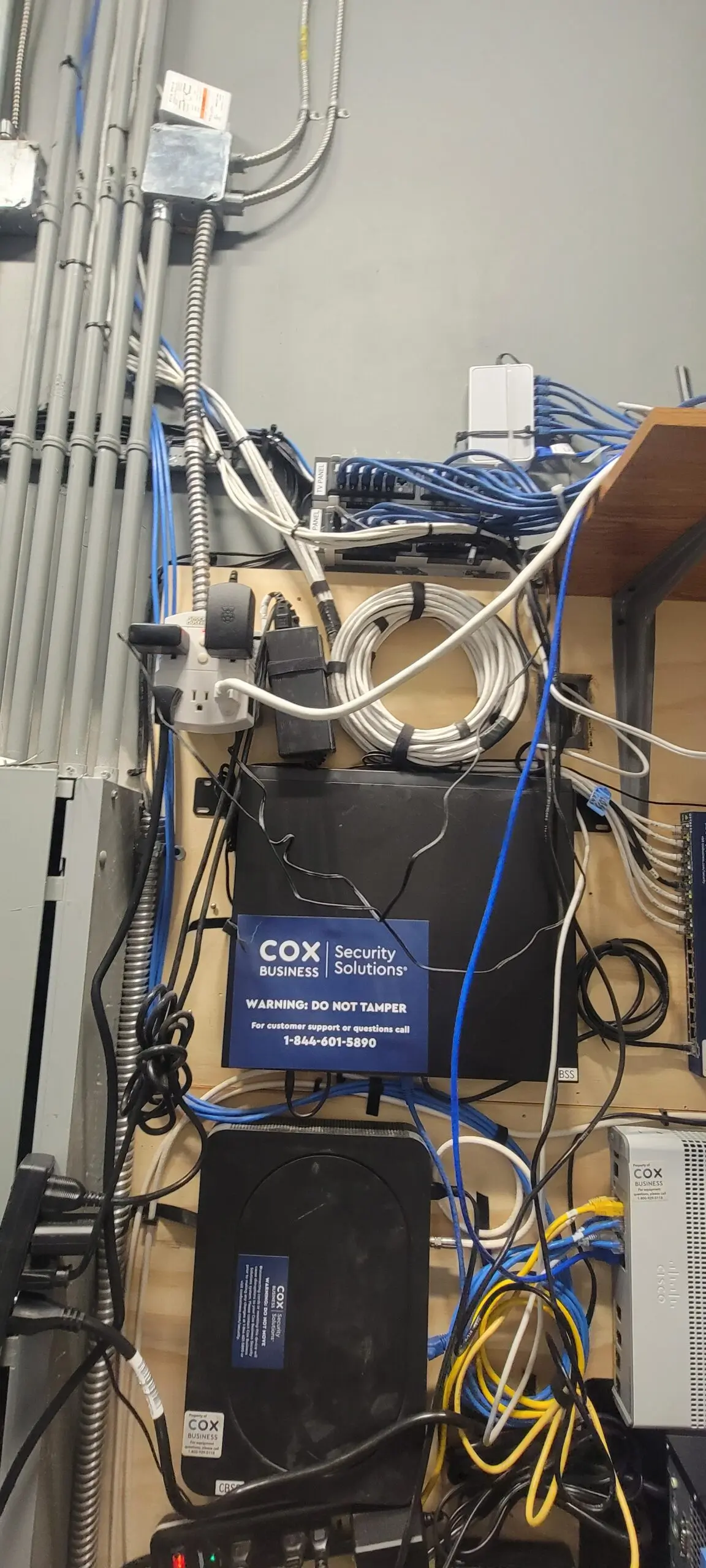
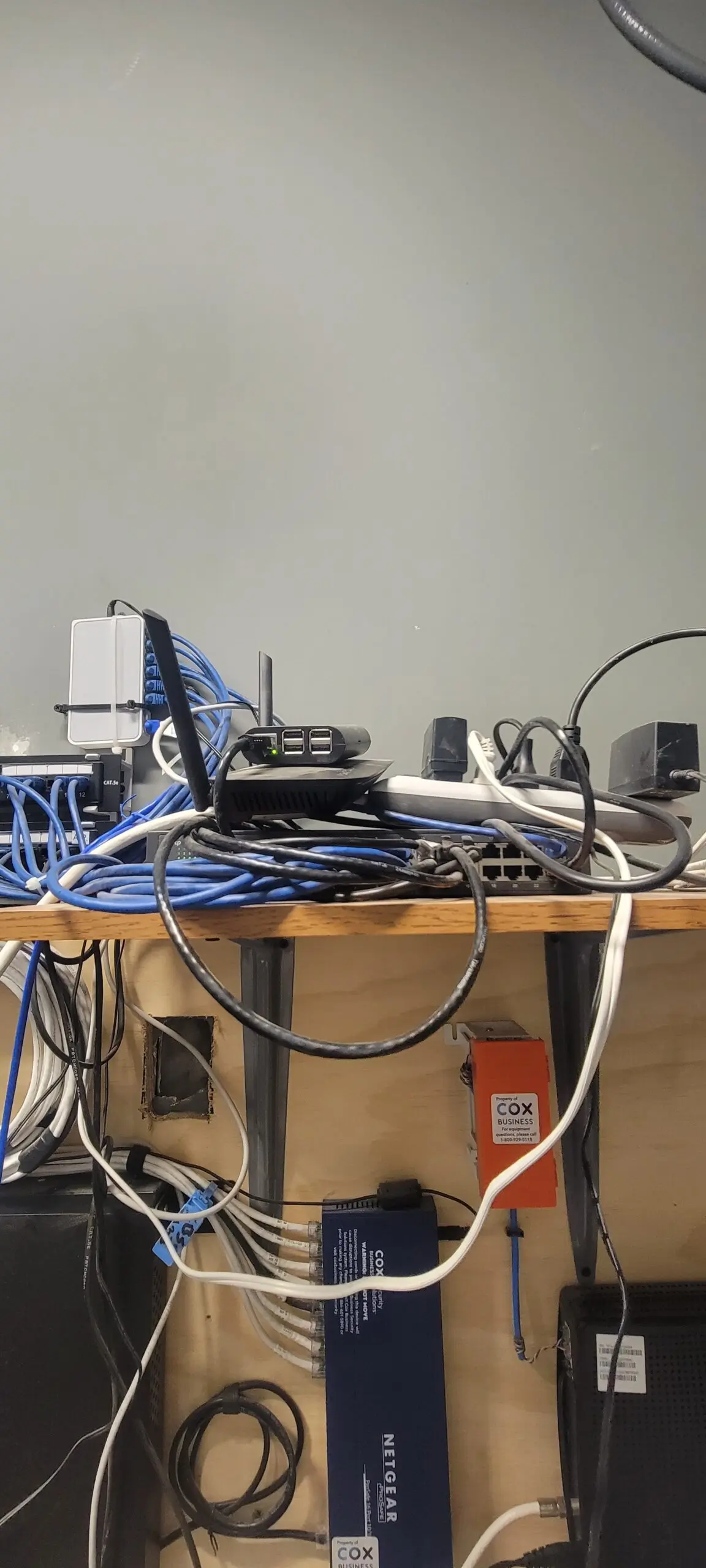
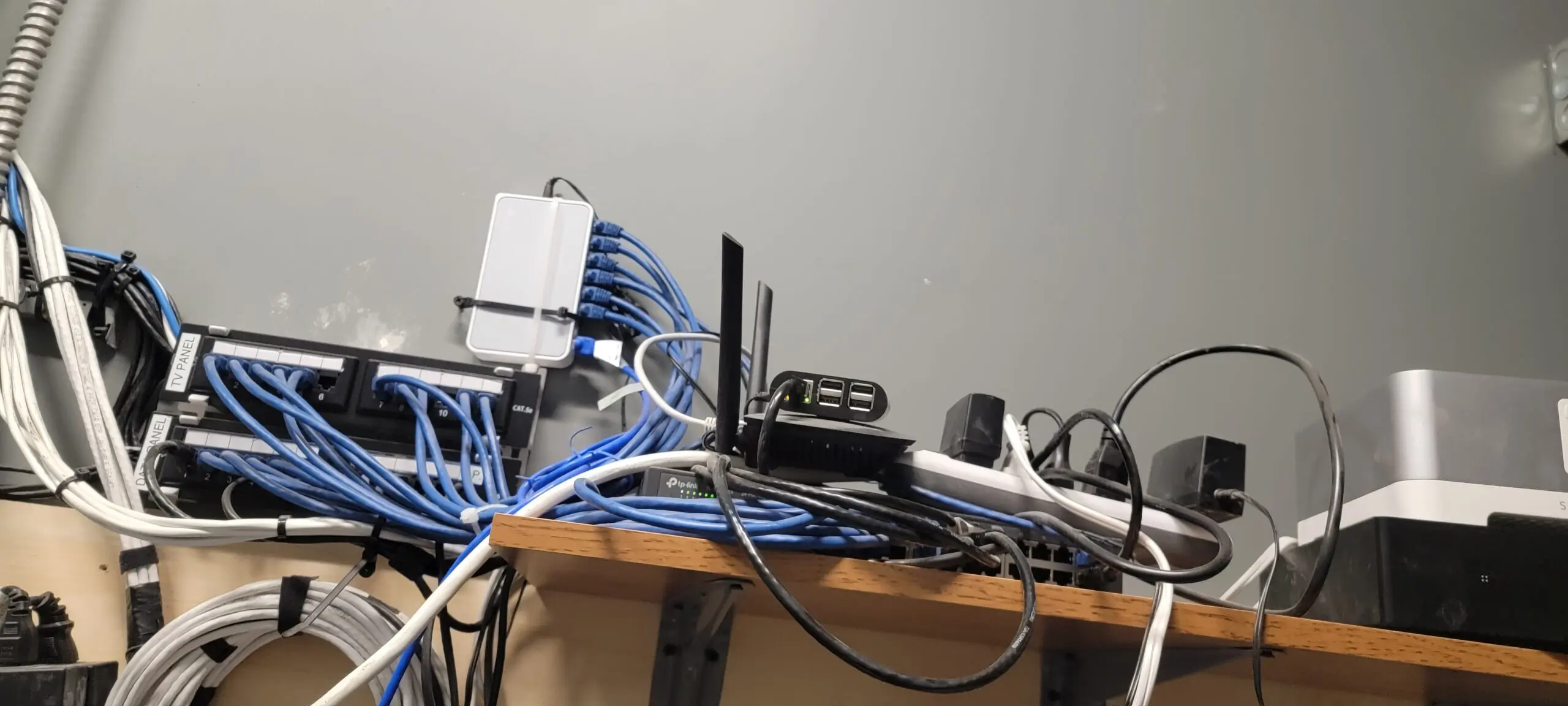
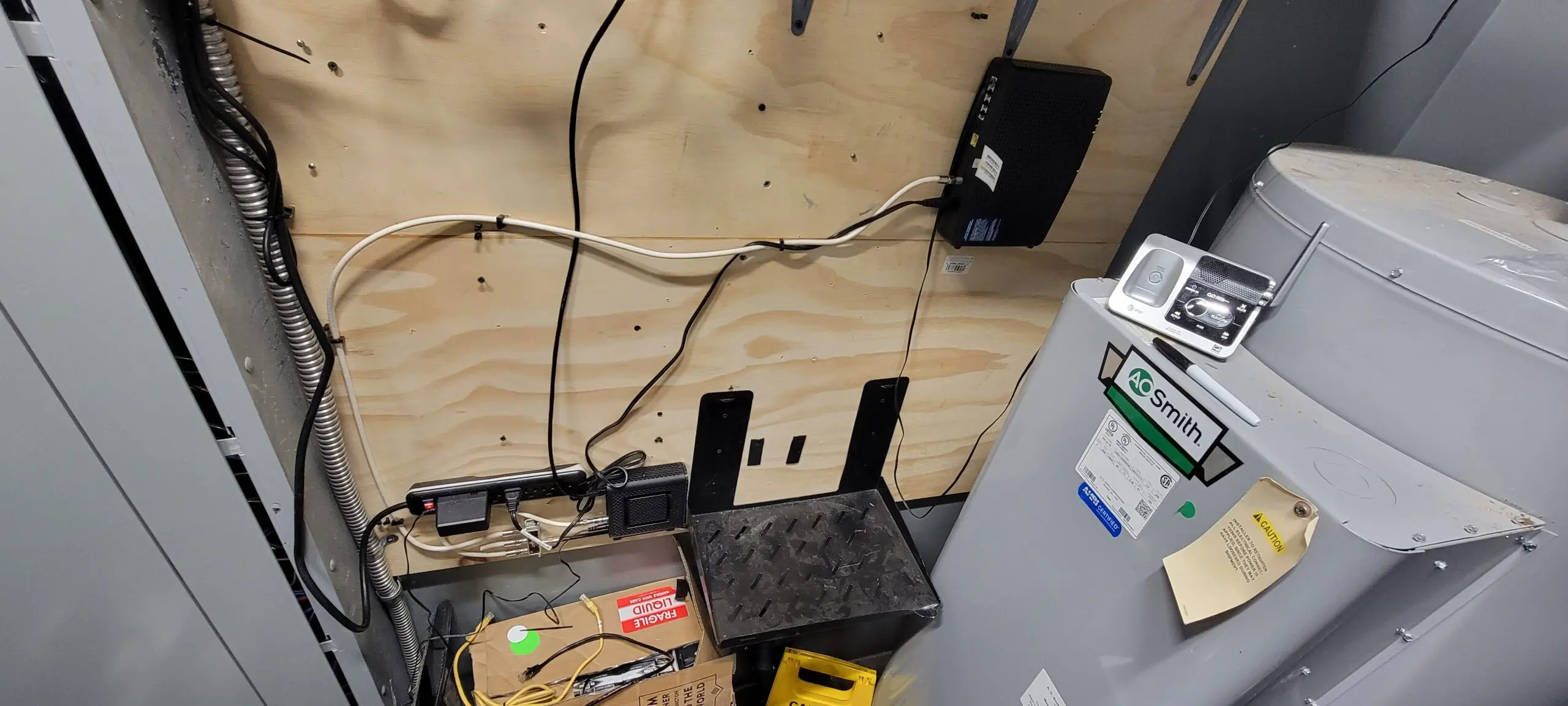
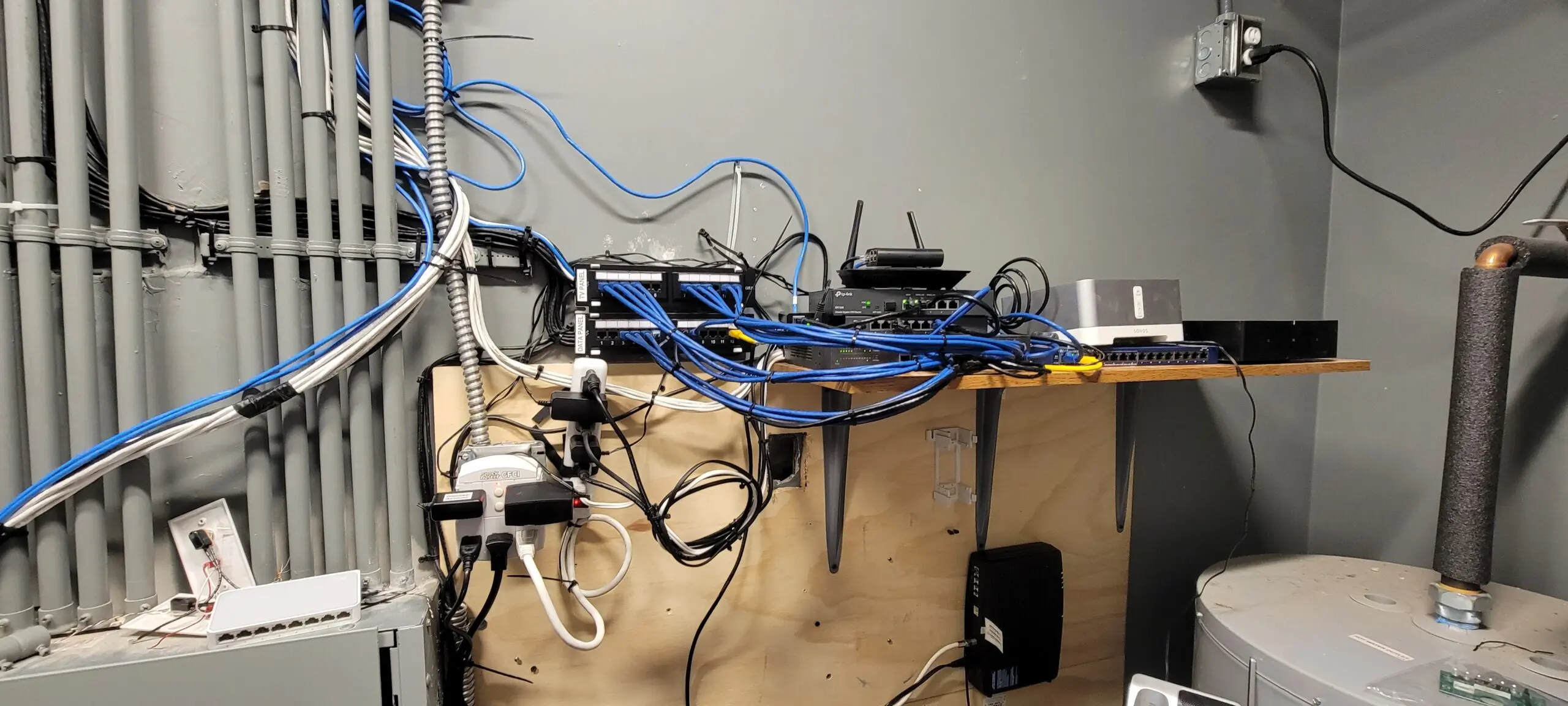
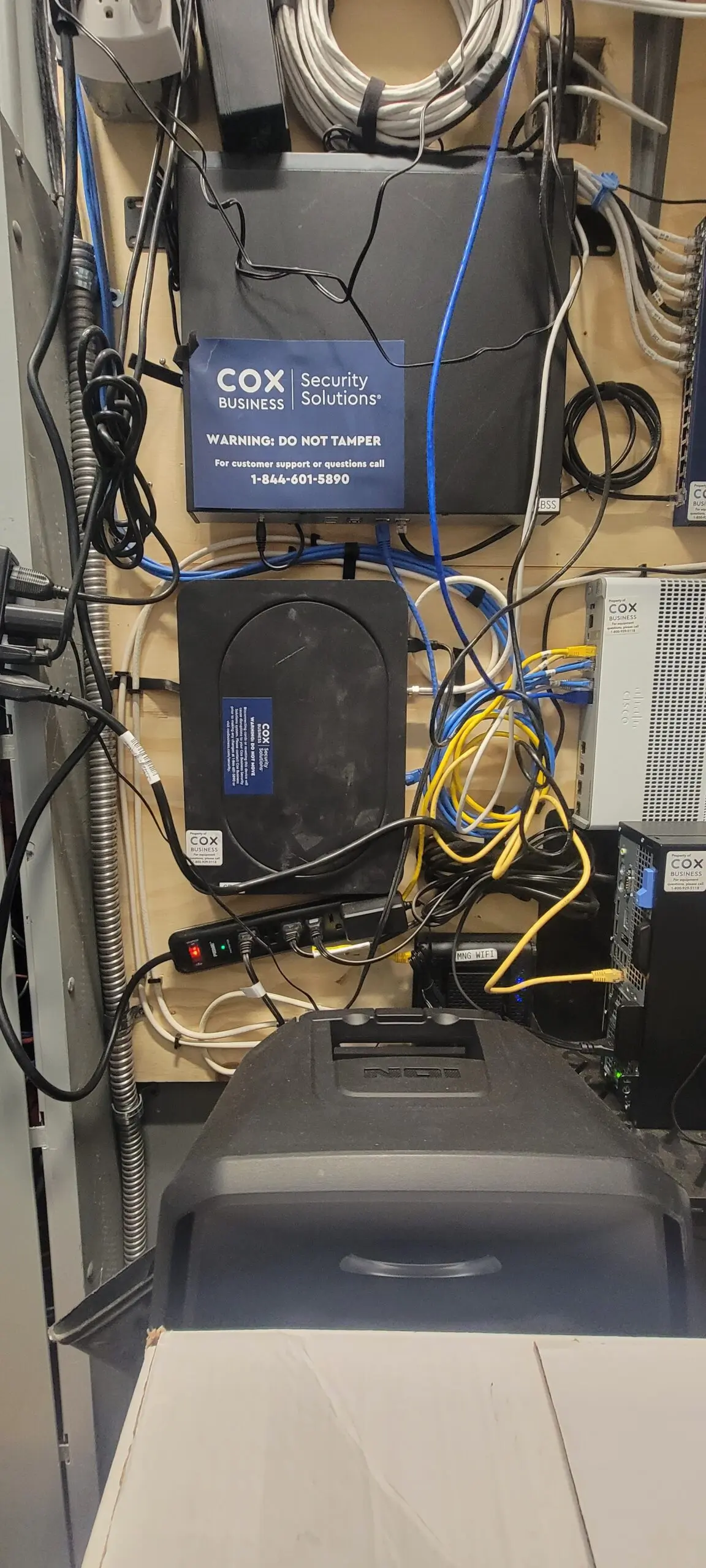
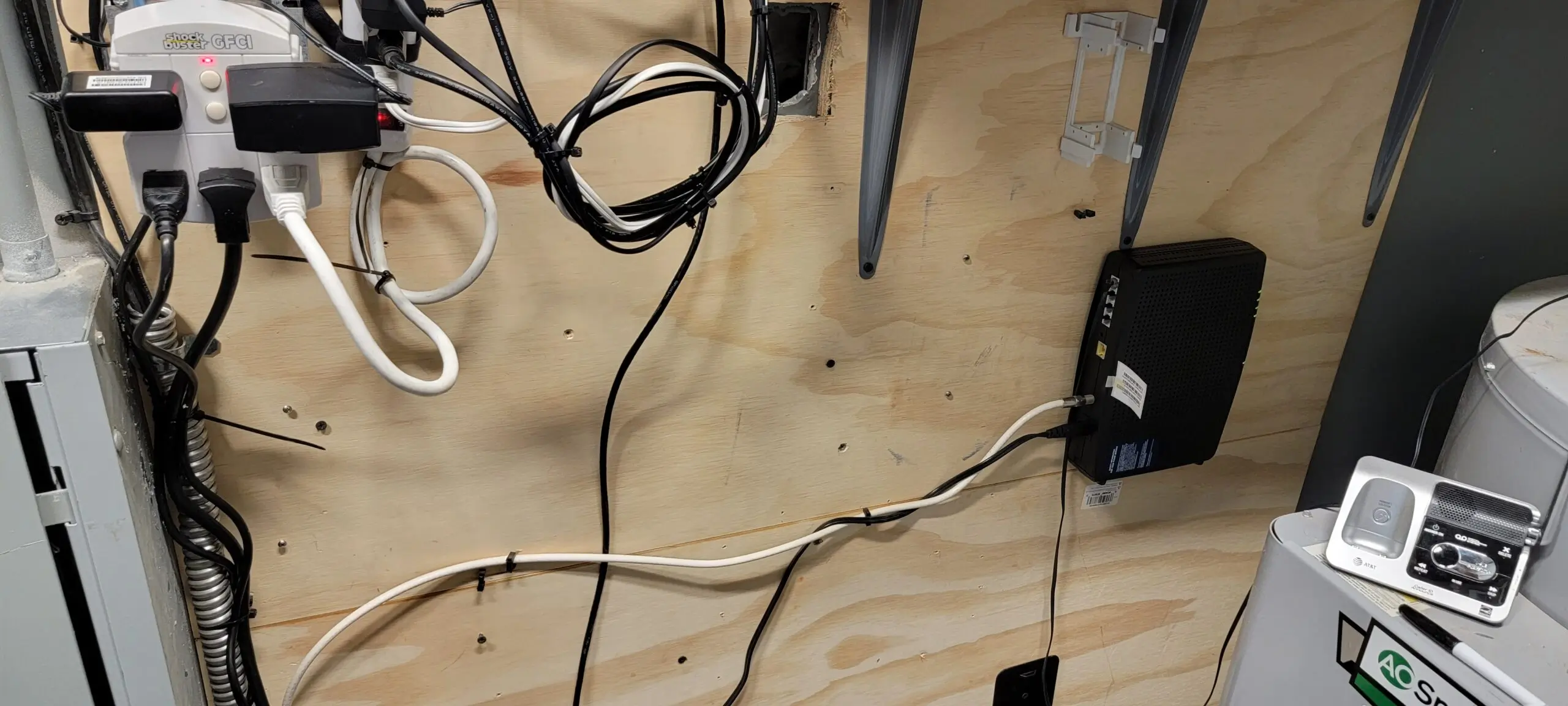
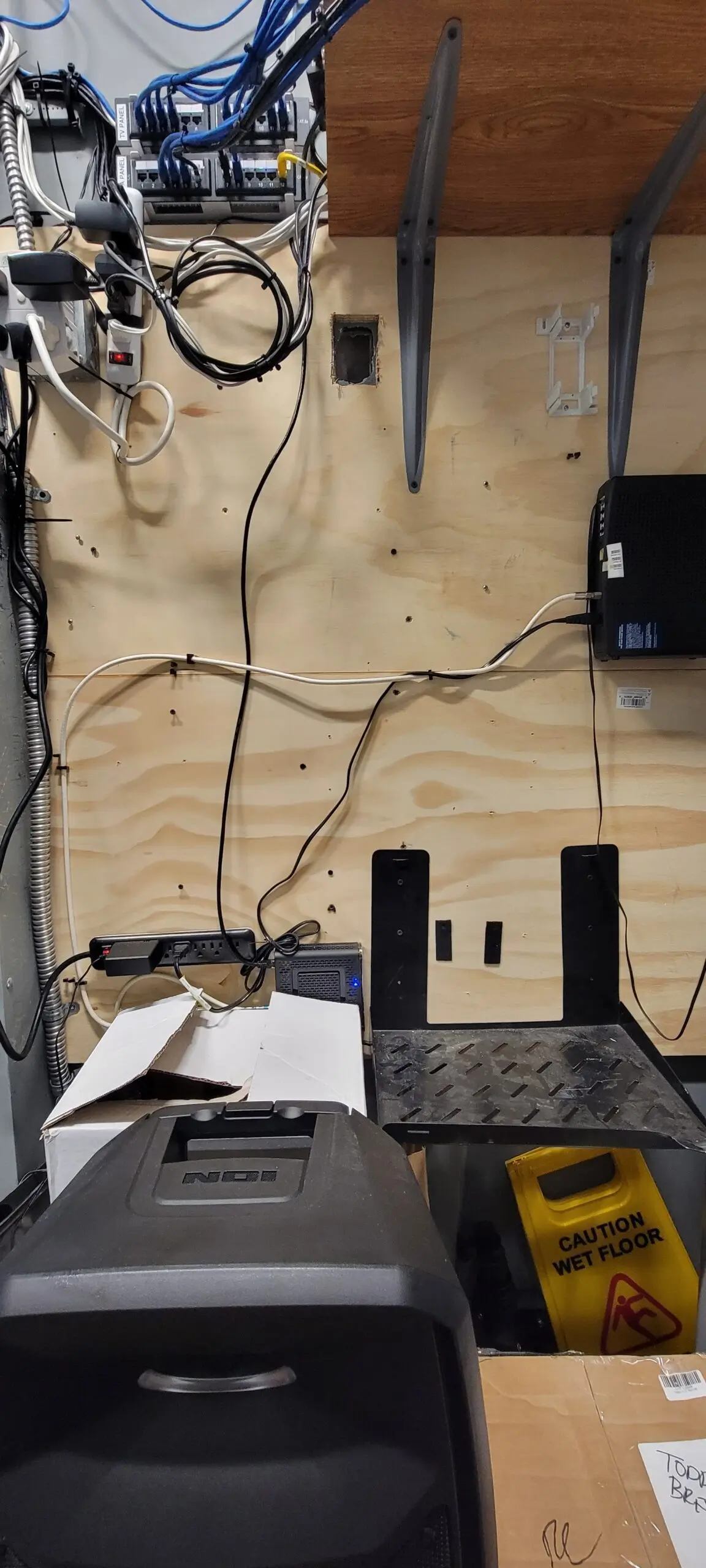
This location is simple and clean up to fix network, and They do have Camera Security, but COX just discontinued these which is crazy. So I removed it from the shelf and removed the old Phone Modem and Router and Security Router. We only need on the shelf is Business Router and Access point and Modem phone and Modem.
I’ve been at Litchfield for five and a half days now. I went through this real challenge experience of going through crazy OCD trigger… So I decided to take all the old Discontinue servers (Camera Security and Firewall) COX wasn’t doing them anymore. So I took everything down and installed a Business Router and 1 Access Point Wi-Fi 6, which is enough for a small coffee shop and it keeps flow. Then, proceed to configure the router to connect to our Anthem DNS and Controller Host for our Network Configuration.
We No longer need camera but we decide to keep these wired just in case in future.THIS GONE, We dont need COX Secuirty because We already have one this feature from Washington server.This Old and Not acceptable throw out there not okay… I like keep clean and stack it up nicely…. IT please you can do better!Old Revelup POS Network… this is nonesense because they can do VLAN TAG on Router to “separate router” easy job.Revelup router with raspberry pi yuck… we no longer need it, we do have square now and amazing.all gone! and Much better.After I did this Clean up our Drive Thru and our KDS Wired and More…This is afterI organized these wire and group up with zip tie. After – For now we just leave phone modem and Modem internet below the wall because COAX Spiltter is bottom and Main Cord is maxium so I do not have extra cox for putting it up.After – Much better This after