Starting this new chapter left me speechless and genuinely excited — it truly was a dream come true. I can provision 100 tablets in just four hours, and I love every minute of it. I enjoy preparing tablets for new launches and supporting Joe Coffee partners through system upgrades and improvements. Staying busy and working toward my goals is what drives me, and this role lets me do exactly that.
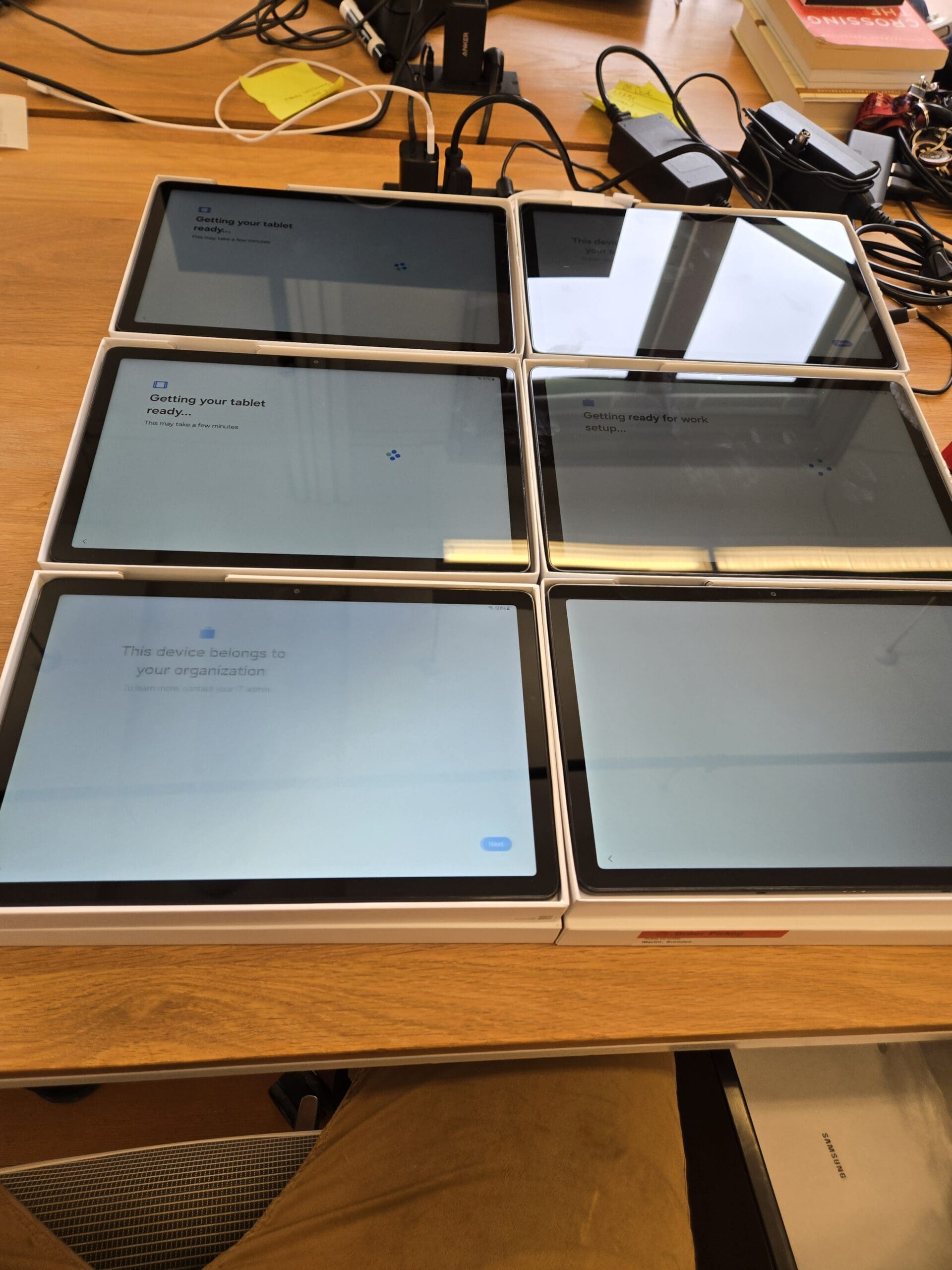
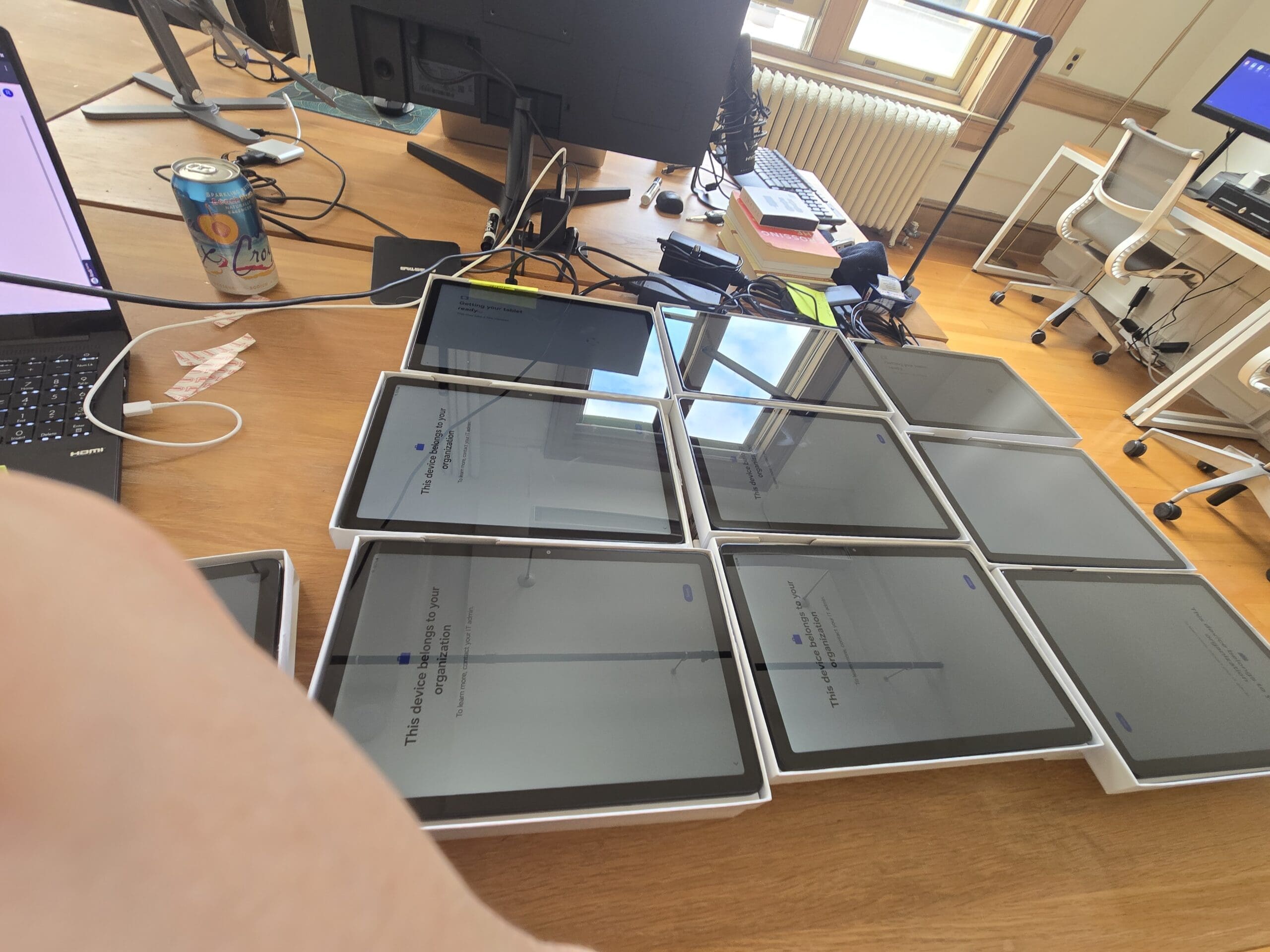
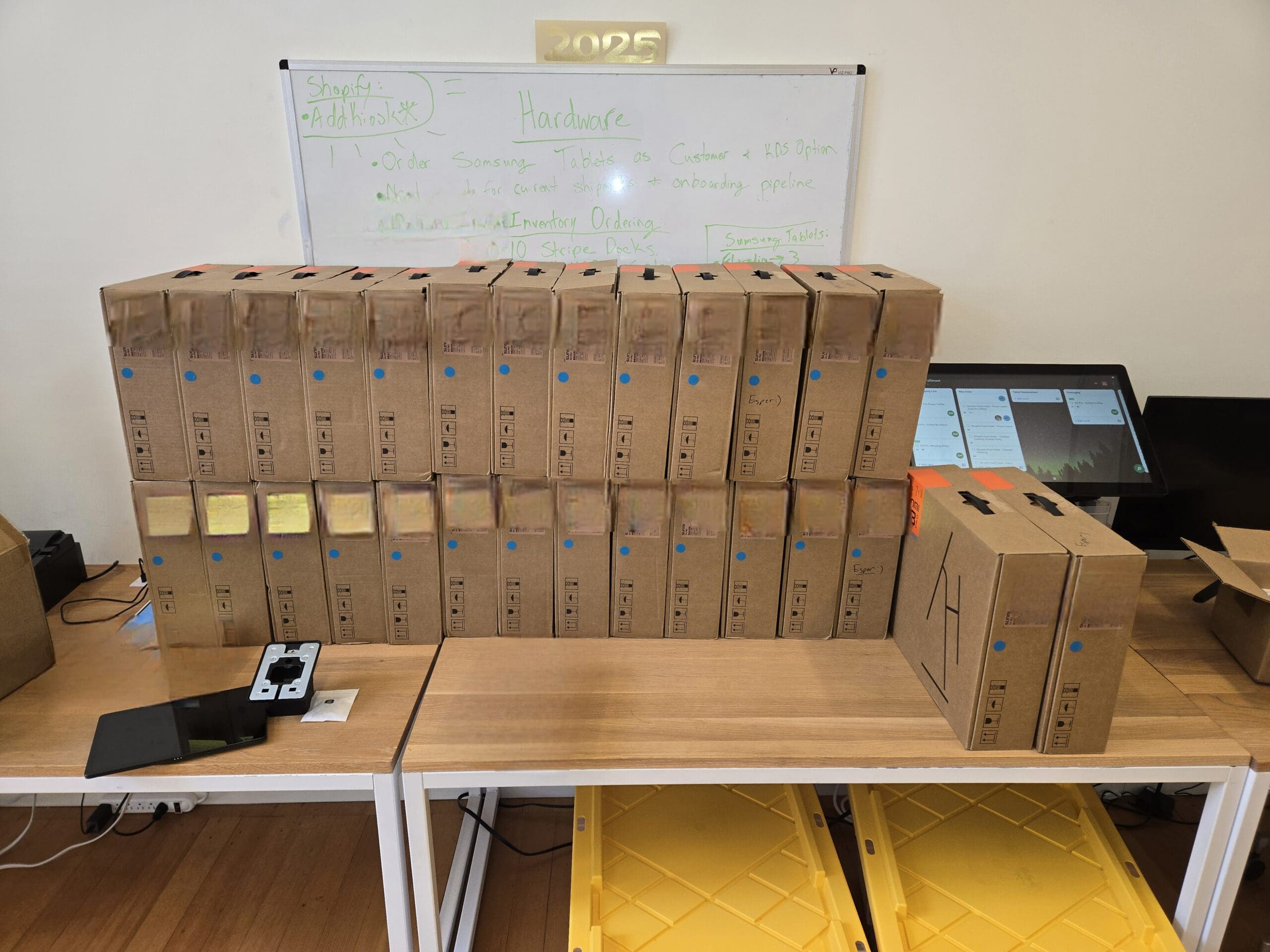
Here is what the process looks like when I am working through 100 tablets at once:
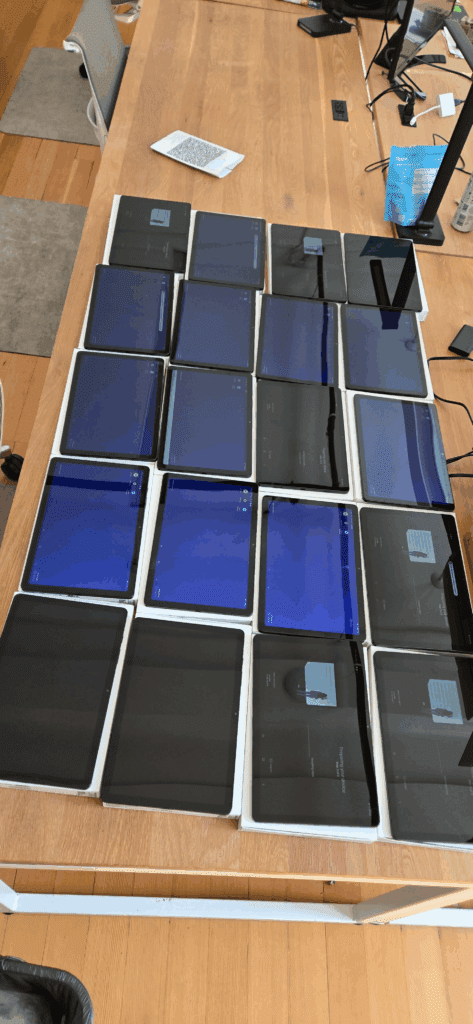
Each Table Holds 20 Tablets — 5 Tables to Handle All 100
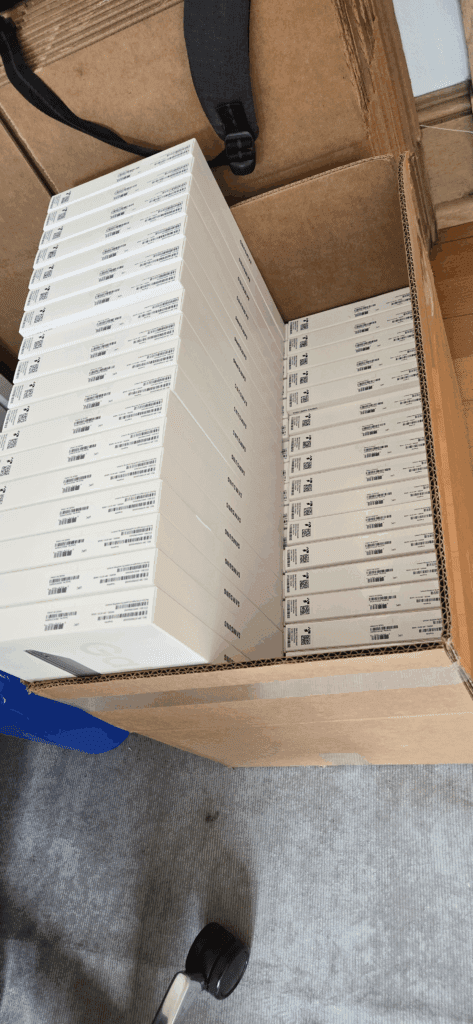
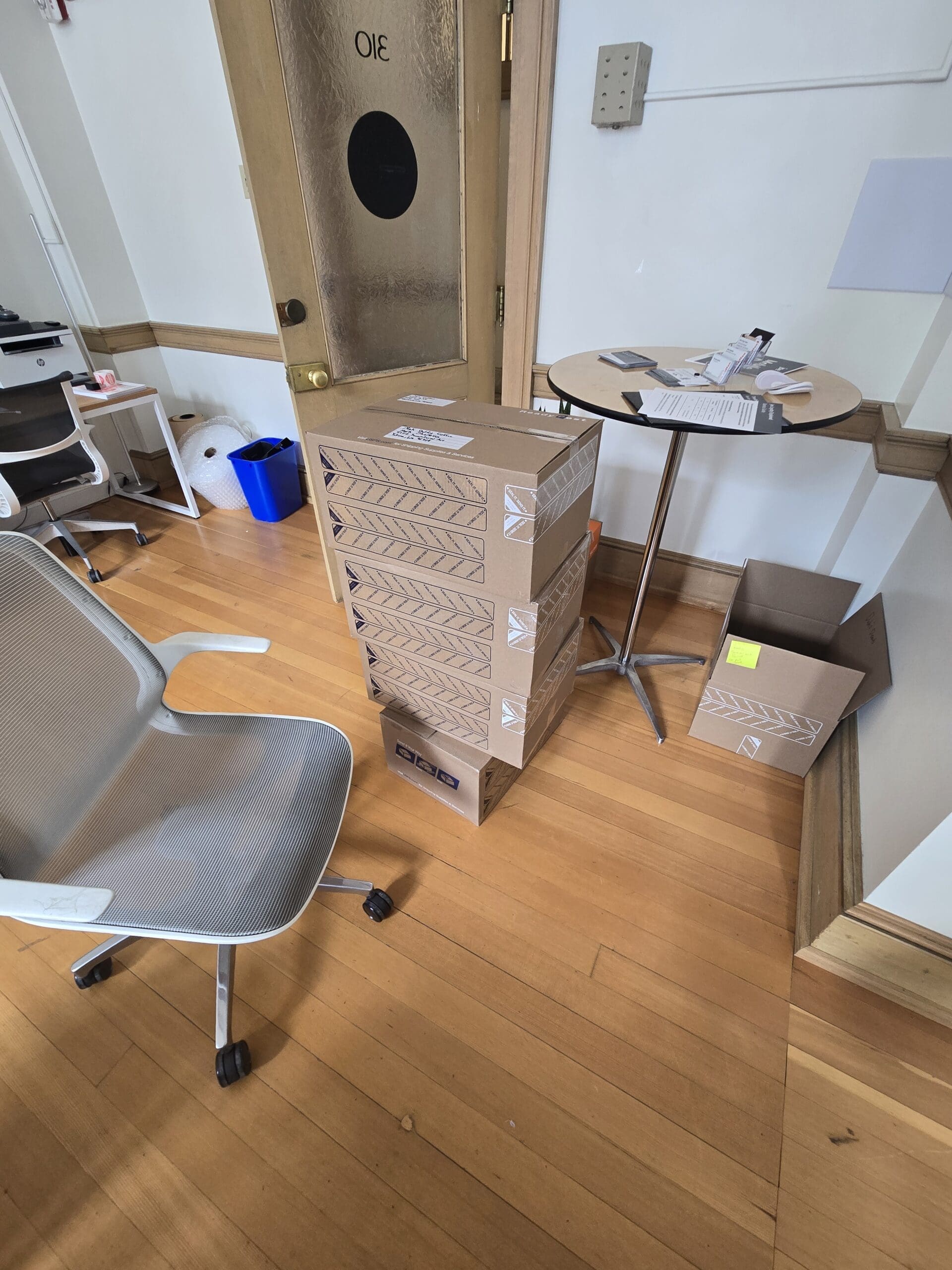
Preparing 100 tablets in a single day is demanding work, but I genuinely enjoy the process — it streamlines setup for the company and makes future tasks faster and easier for everyone. My workflow is straightforward and efficient: I power on each tablet, launch the Joe app, and pair the tablet with the company system. Once configured, I power it off and place it in a white Samsung box, then package it together with the terminal and kiosk system. The finished units are shipped directly to the company, ready to go.
My Brother Label Printer Has Been a Game-Changer
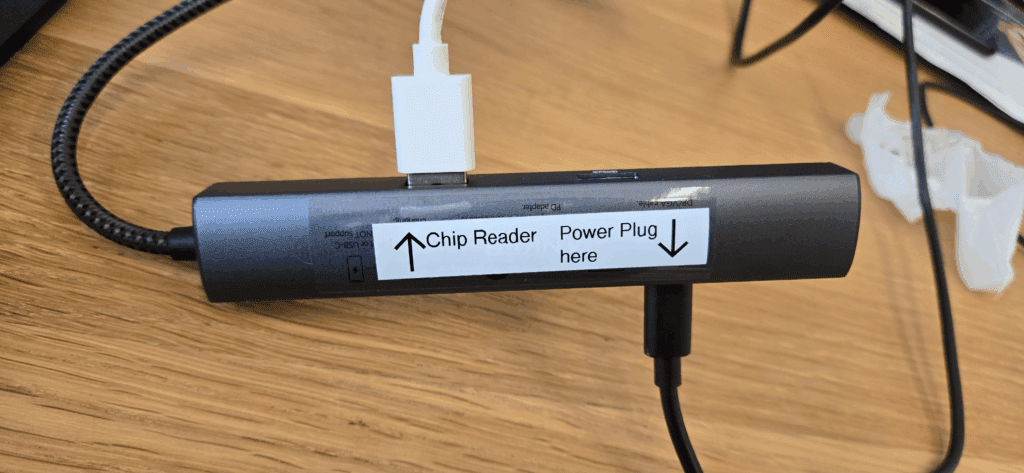
I recently added a Brother label printer to my setup, and it has made a noticeable difference. Printing labels directly from my computer is fast, clean, and keeps everything organized. It is remarkable how much one small tool can speed up hardware preparation and make the whole process run more smoothly for the team.
Every Samsung tablet and its box receives a unique label before it ships. This makes troubleshooting straightforward — if a partner ever has an issue, they can read the number off the back of their tablet and pass it to our IT team, who can then access the device remotely to diagnose or resolve any problems with the Joe app.
What It Is Like Working at the Joe Coffee Office
The atmosphere at the Joe Coffee office is something I genuinely look forward to every day. The team is supportive, friendly, and invested in each other’s success — there is a real sense of camaraderie that makes the work feel meaningful. Management is approachable and actively encourages growth, offering feedback and opportunities to develop new skills. The office itself is bright and well-designed, with dedicated spaces for collaboration, focused work, and the occasional breather. Team events and shared experiences keep morale high and relationships strong. Being part of this team feels like being part of a community that values hard work, creativity, and mutual respect — and that makes every workday genuinely rewarding.
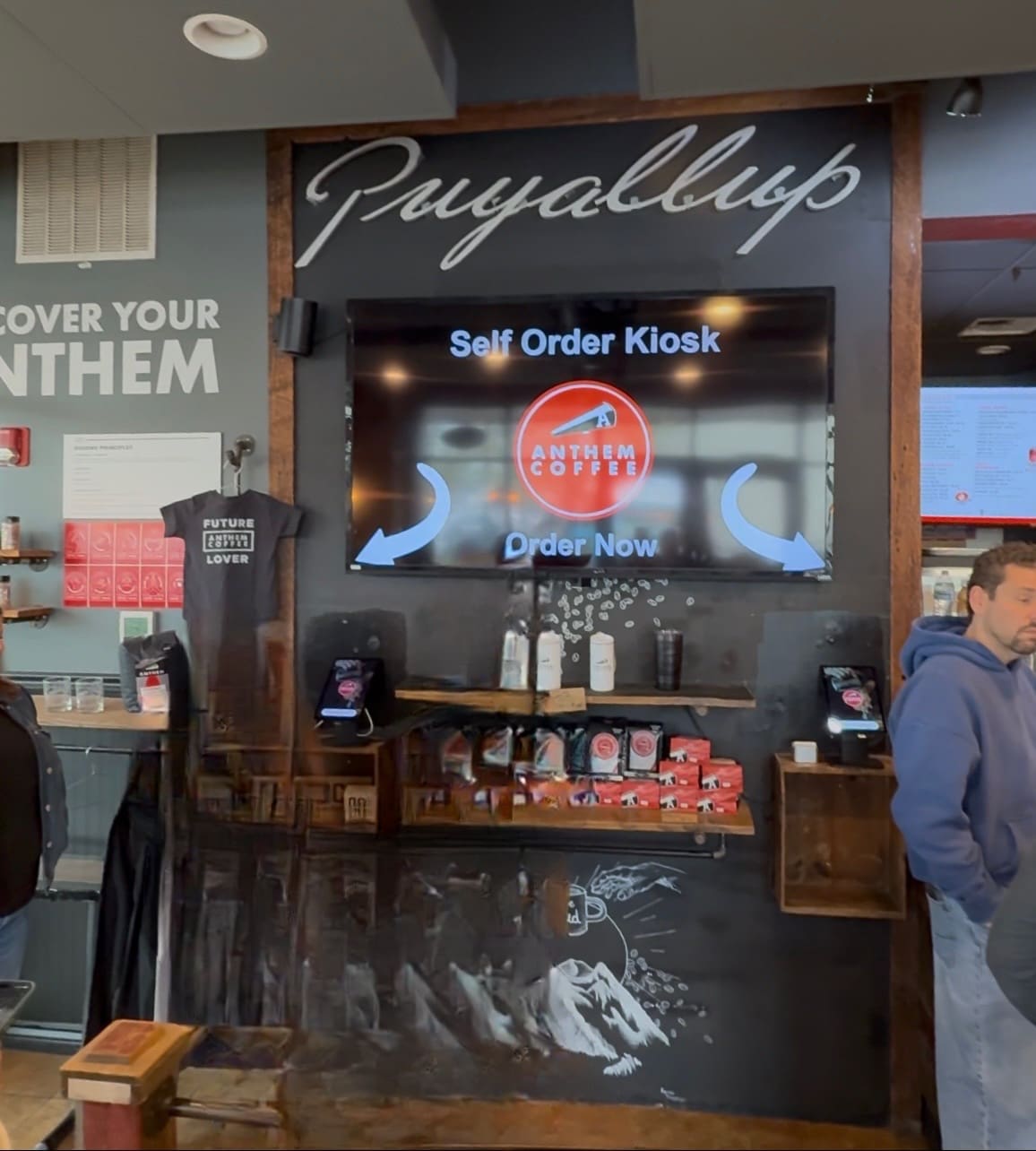
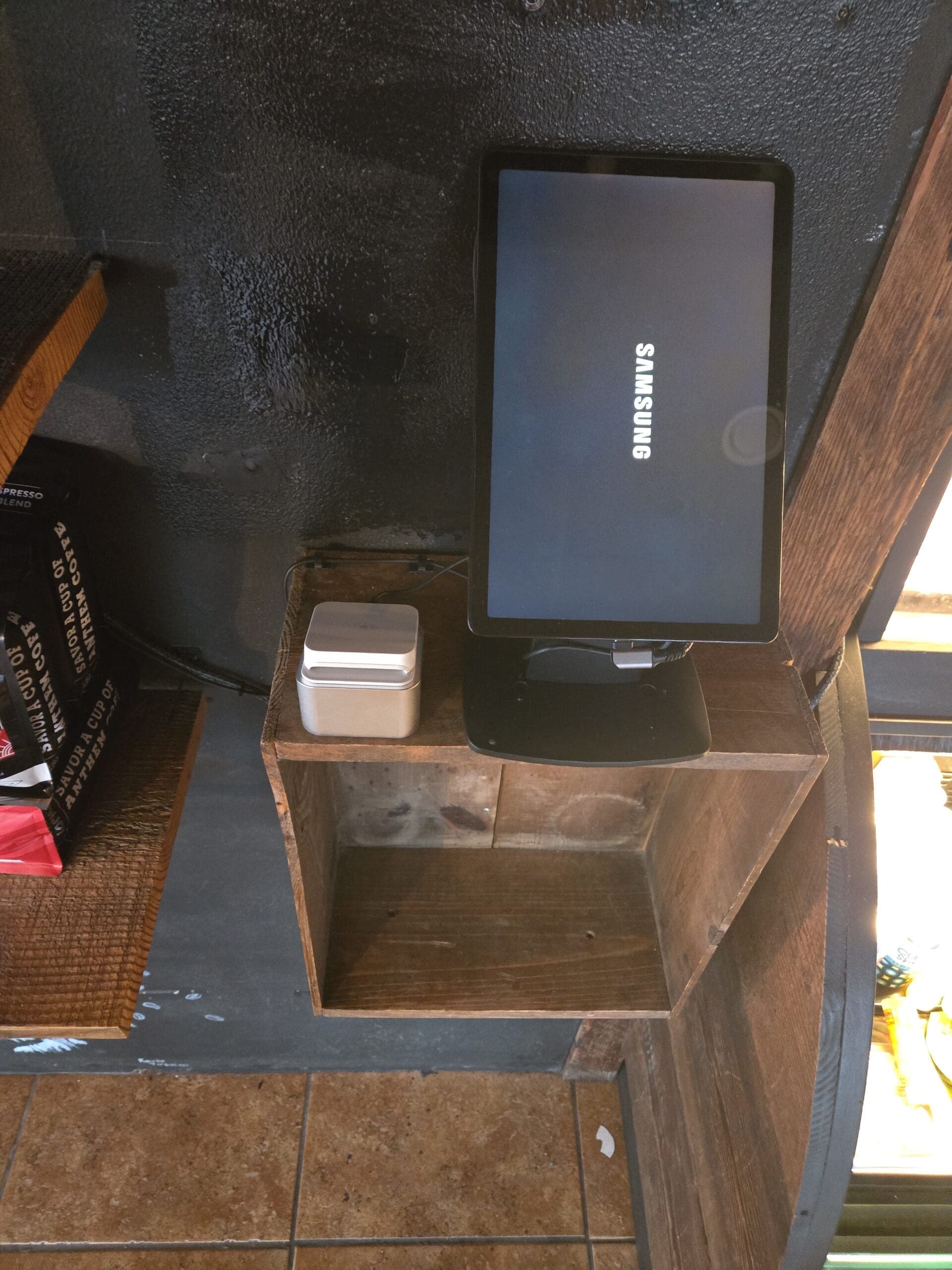
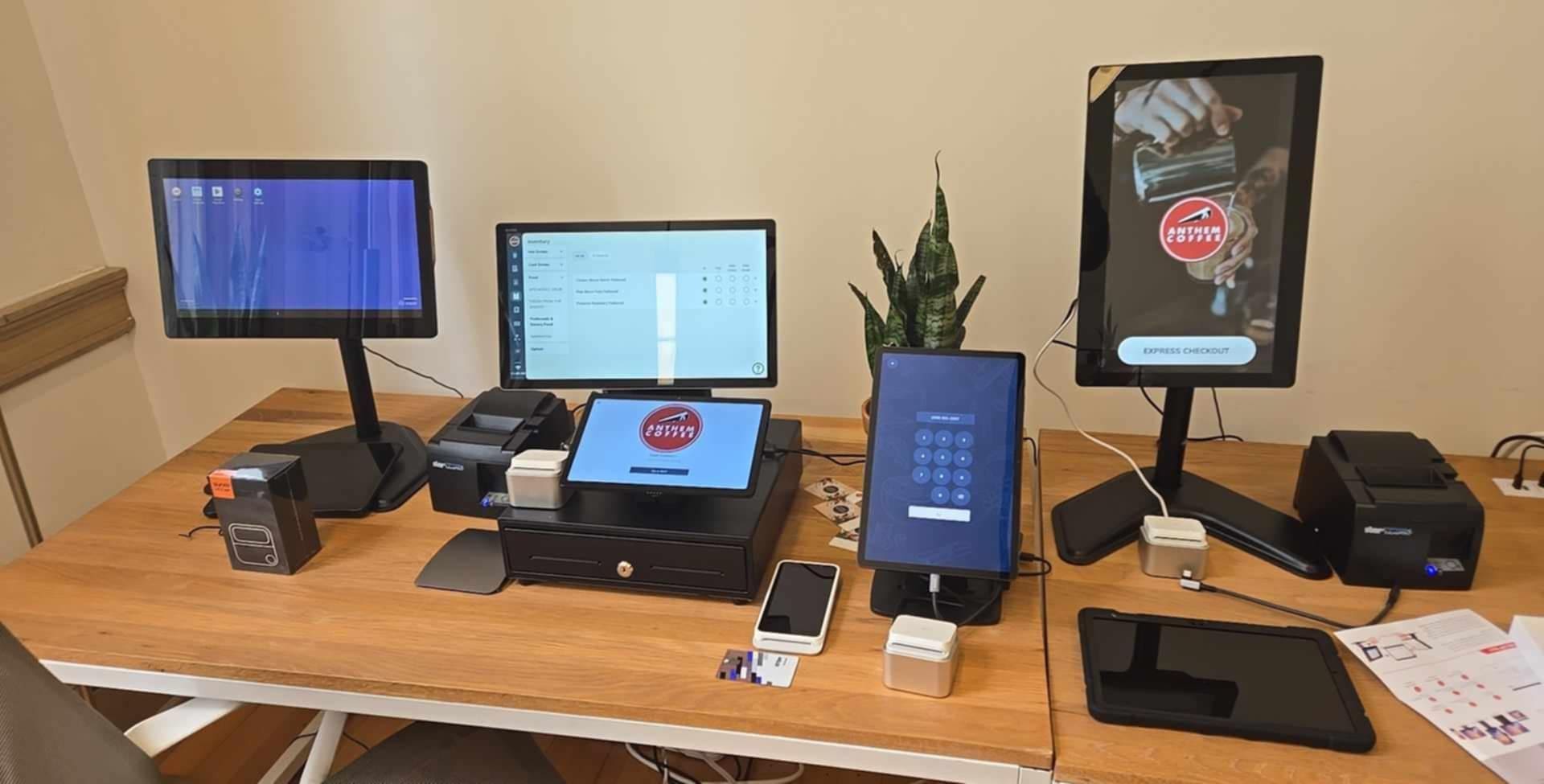
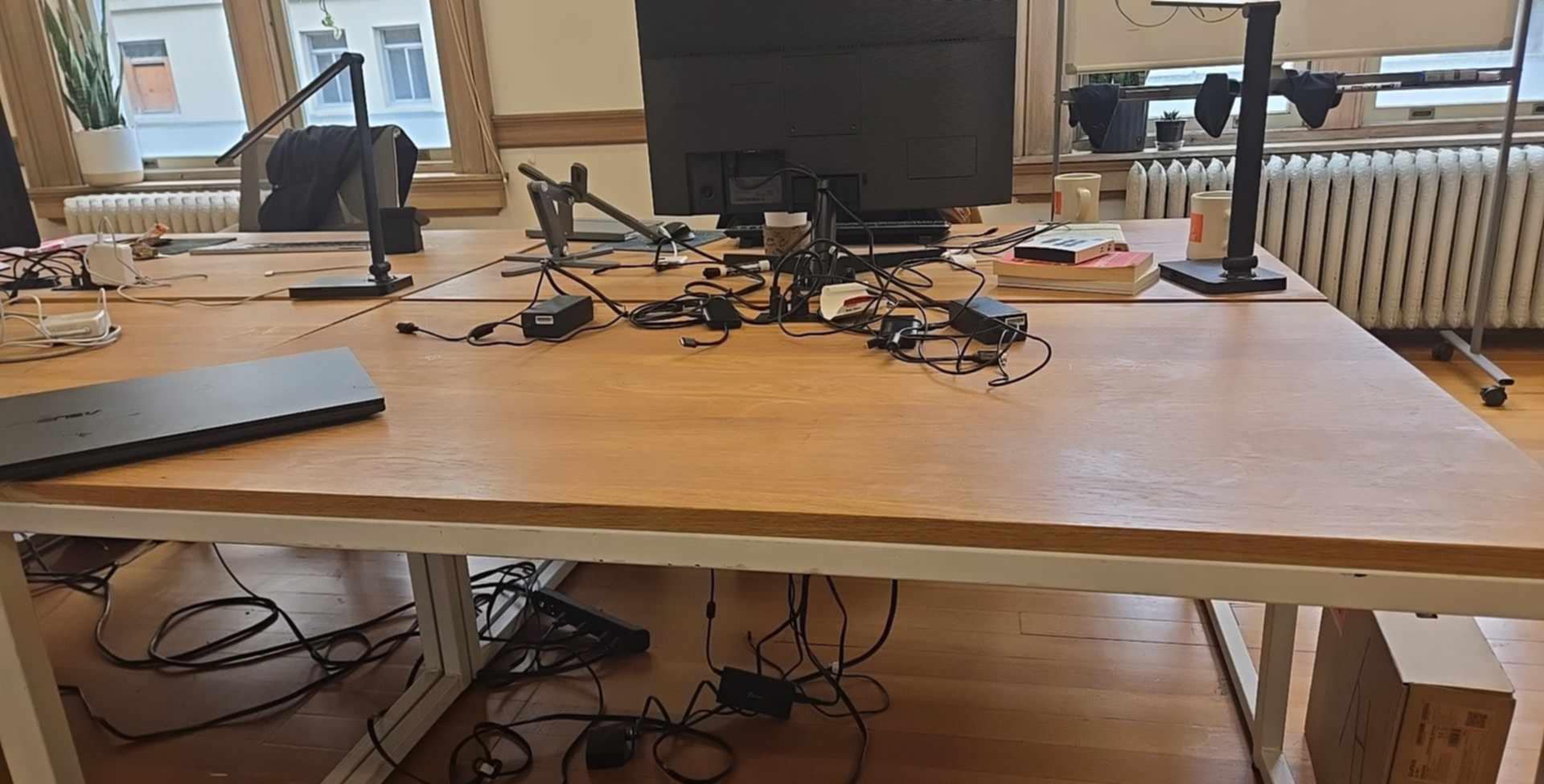
Kiosk system walkthrough.
Comments (0)
No comments yet. Be the first!