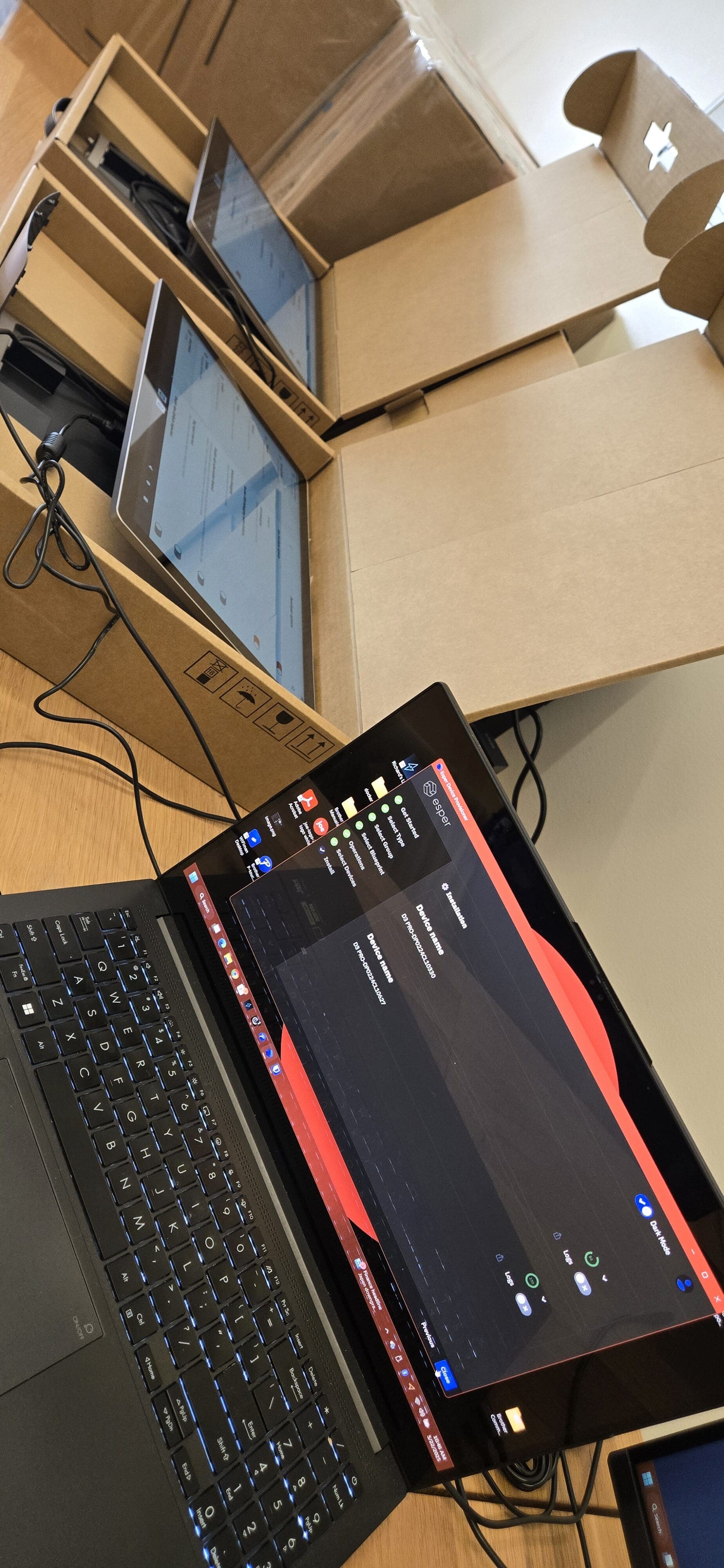
Deploying 50 brand-new D3 Pro Point of Sale (POS) terminals in a single day is one of those projects that blends physical hustle with methodical technical execution. From hauling hardware out of storage to provisioning each device with Esper MDM and Joe Coffee OS, every step matters when you want a smooth, scalable rollout. Here’s a complete behind-the-scenes look at exactly how we took 50 POS terminals from boxes to battle-ready — before a single sale was ever processed.
Step 1: The Big Move — Getting 50 D3 Pro Terminals to the Staging Area
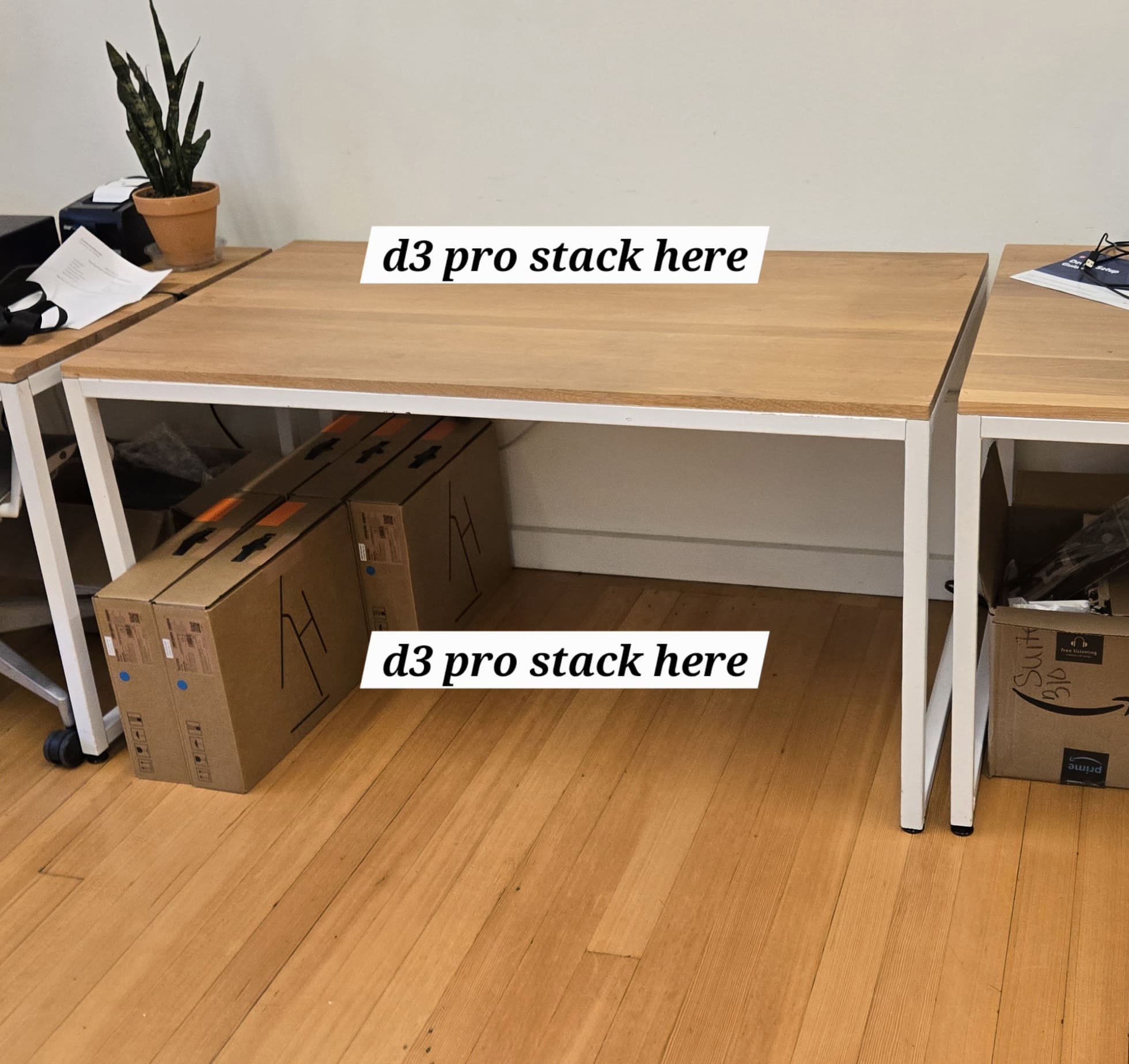
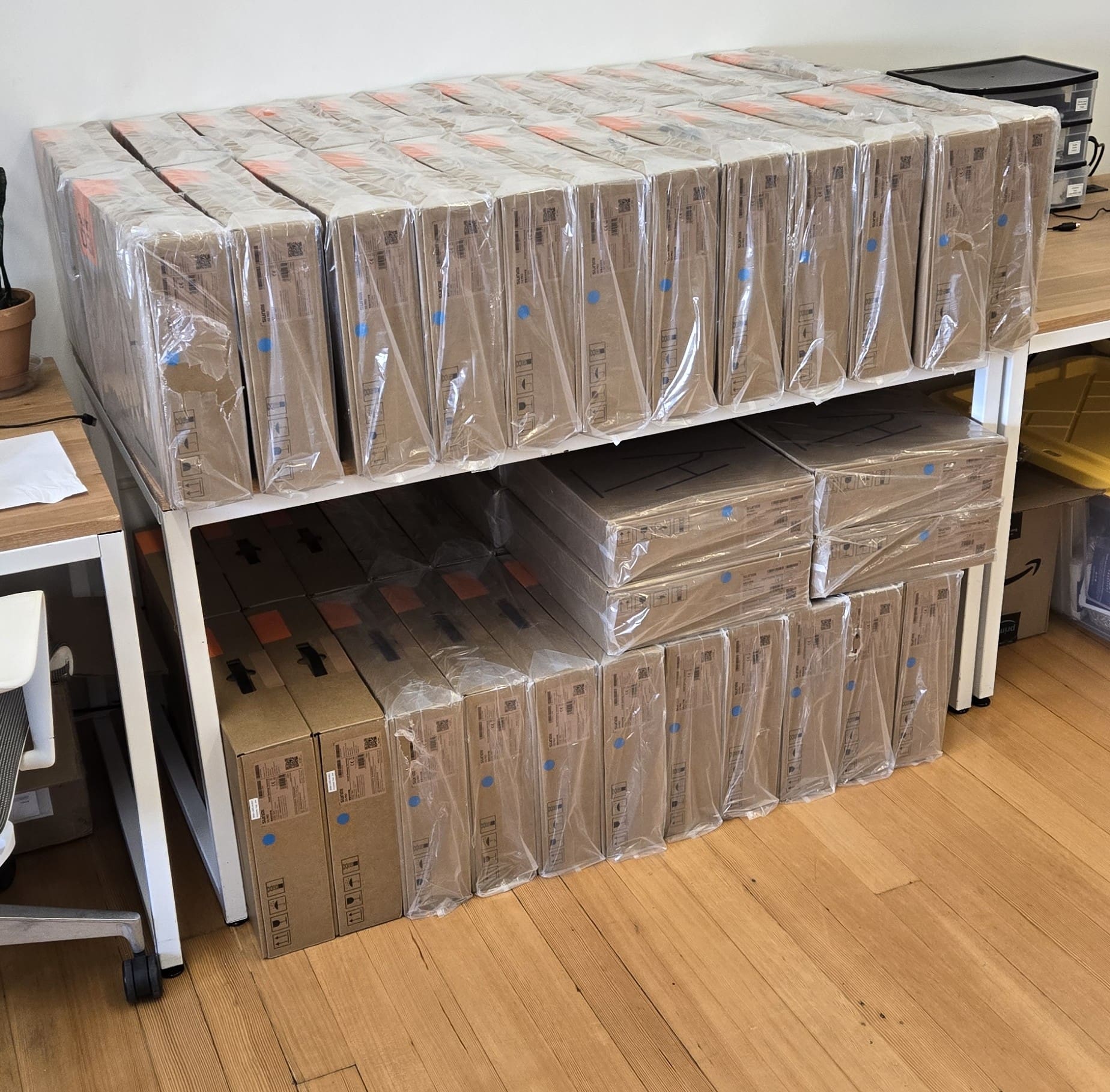
Before any configuration could begin, all 50 D3 Pro POS machines had to move from downstairs storage up to the staging floor. Loading 12 D3 Pro boxes at a time onto a cart and using the elevator kept the process efficient and manageable. Here’s how the logistics broke down:
- Load 12 D3 Pro terminals onto the transport cart.
- Roll the cart into the elevator and ride up to the staging floor.
- Unload and arrange boxes to keep the workspace organized.
- Return downstairs and repeat until all 50 units were staged.
Several trips and a respectable step count later, every unit was upstairs. When deploying hardware at scale, even the logistics of moving equipment deserve a deliberate plan.
Step 2: Break Down the Packaging and Clear the Workspace
With all 50 machines upstairs, the next task was tackling the inevitable mountain of packaging — cardboard boxes, foam inserts, and wooden crating material. Breaking it all down, hauling it out, and clearing the staging area consumed a solid chunk of time on its own. If large-scale IT deployments teach you one thing quickly, it is this: tech jobs are not always glamorous. Sometimes they are heavy lifting, recycling runs, and careful workspace management. Keeping the staging area clean and organized, however, pays real dividends once the configuration phase begins — fewer mix-ups, faster throughput, and a much lower chance of any device getting lost in the chaos.
Step 3: Configuring Each D3 Pro POS Terminal
With 50 terminals lined up and the workspace clear, it was time to get each device fully configured and ready for deployment. Here’s the exact setup workflow used for every unit:
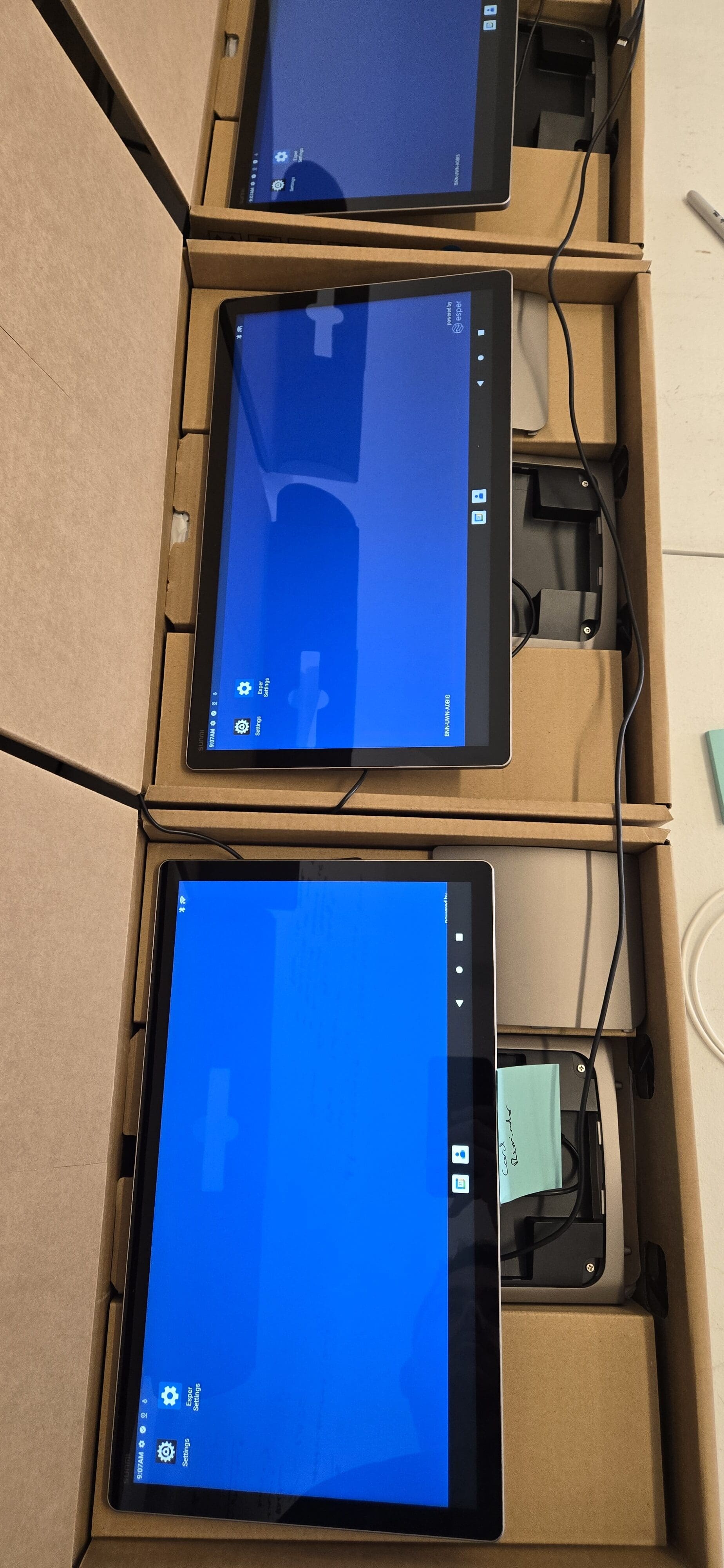
- Connect and power up: Plugged in each D3 Pro and confirmed it booted correctly before proceeding. Catching hardware defects out of the box — before investing time in provisioning — saves significant effort downstream.
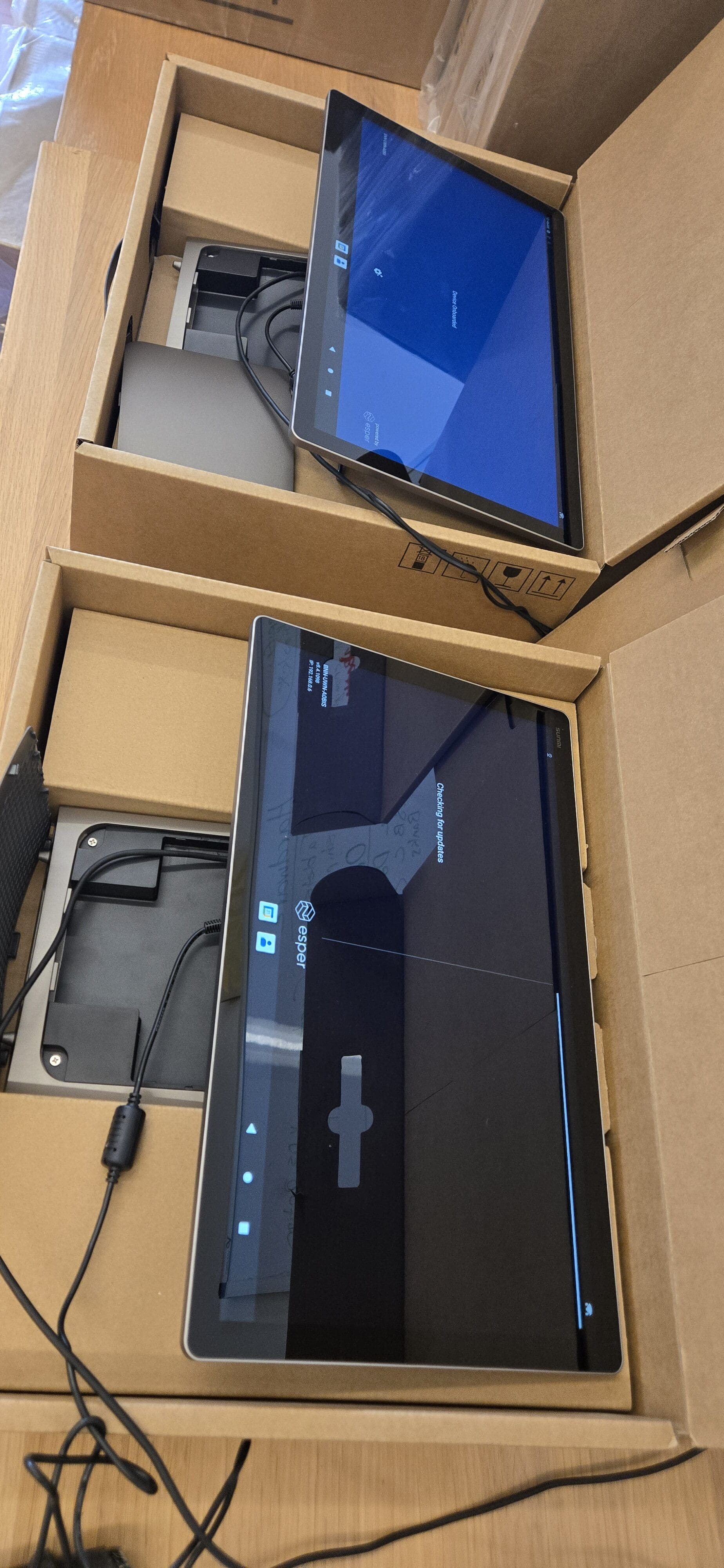
- Provision with Esper MDM: Enrolled each terminal into Esper, our mobile device management (MDM) platform, for centralized remote management. With Esper in place from day one, every D3 Pro can be monitored, updated, locked down, or troubleshot remotely — no need to physically track down individual devices later. For a fleet of 50 POS terminals, remote management is not a luxury; it is a necessity.
- Install Joe Coffee OS: Deployed Joe Coffee OS as the POS platform on each device. Joe Coffee OS is purpose-built for coffee shop point-of-sale operations, providing the menu management, order flow, and payment processing functionality our locations depend on daily.
- Label each device: Printed and applied a unique identifier label to every D3 Pro. Clear, consistent physical labeling is what makes a 50-device fleet manageable long-term — especially when matching a terminal to an inventory record, a support ticket, or a specific store location.
- Log everything in inventory: Recorded each device’s serial number, label ID, and assigned configuration in the inventory system before moving on to the next unit. With 50 units in the field, accurate records from day one are what separate smooth remote management from a logistical nightmare six months later.
Why This POS Deployment Workflow Matters
It is worth stepping back to explain why each of these steps exists. Deploying POS hardware at scale is not just about getting devices turned on — it is about building a foundation that makes the entire fleet easy to support, update, and manage over its lifetime. Esper MDM handles the remote management layer, ensuring a technician never needs to roll to a location just to push a software update or resolve a configuration issue. Joe Coffee OS delivers a consistent, optimized experience across every terminal. And disciplined labeling and inventory logging mean that when something does go wrong — and eventually something always does — the team can respond quickly and accurately.
Conclusion
Moving and fully deploying 50 D3 Pro POS terminals in a single day is no small undertaking — it is equal parts physical logistics and careful technical execution, with a healthy dose of patience required throughout. But walking out at the end of the day knowing every device is powered on, labeled, provisioned with Esper MDM and Joe Coffee OS, and accurately logged in inventory is a genuinely satisfying result.
If you have ever wondered what a real-world POS system deployment actually looks like behind the scenes, now you have a clear picture: deliberate logistics, repetitive but critical configuration steps, and the quiet confidence that comes from knowing 50 terminals are ready the moment they hit the floor. These behind-the-scenes deployment days are what keep everything running smoothly at scale — and honestly, they are some of my favorites.
Comments (0)
No comments yet. Be the first!