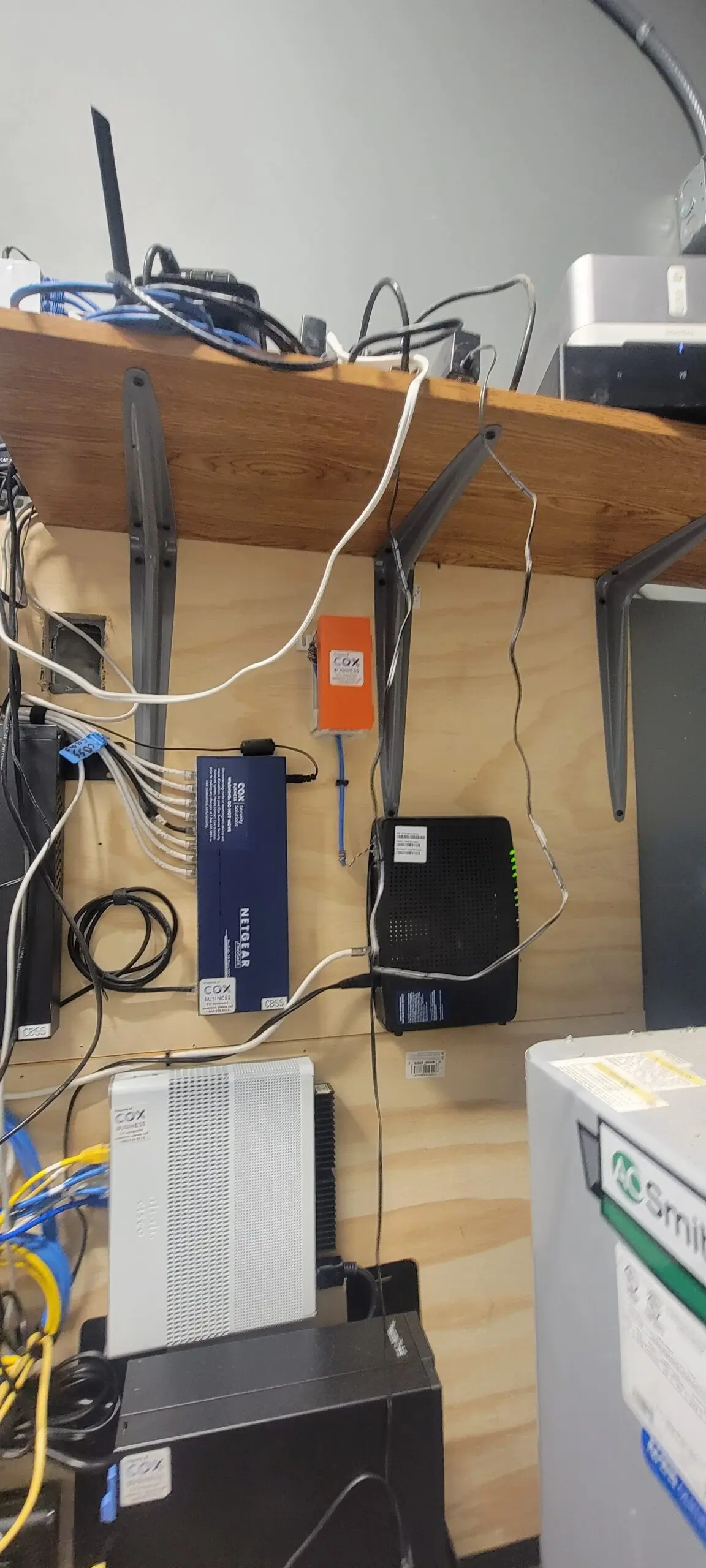
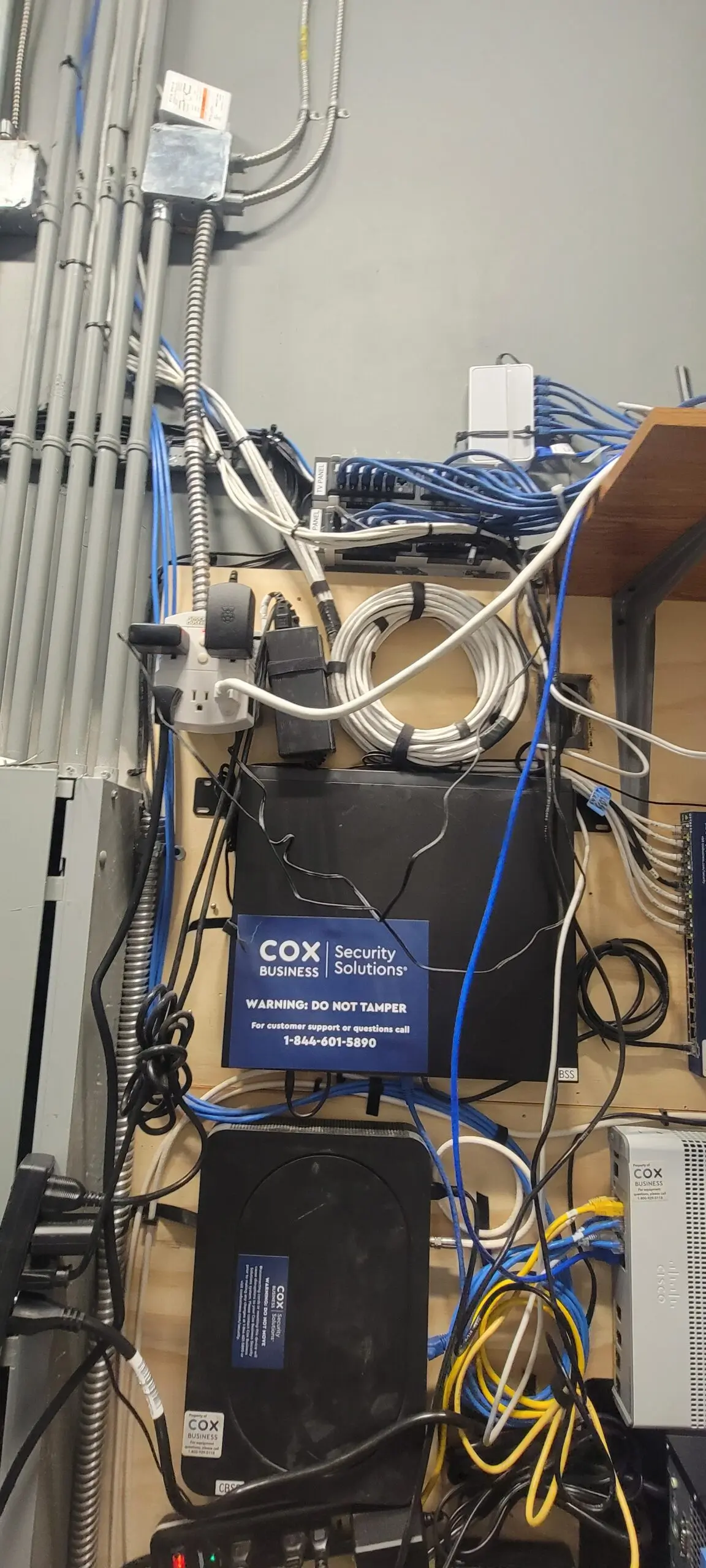
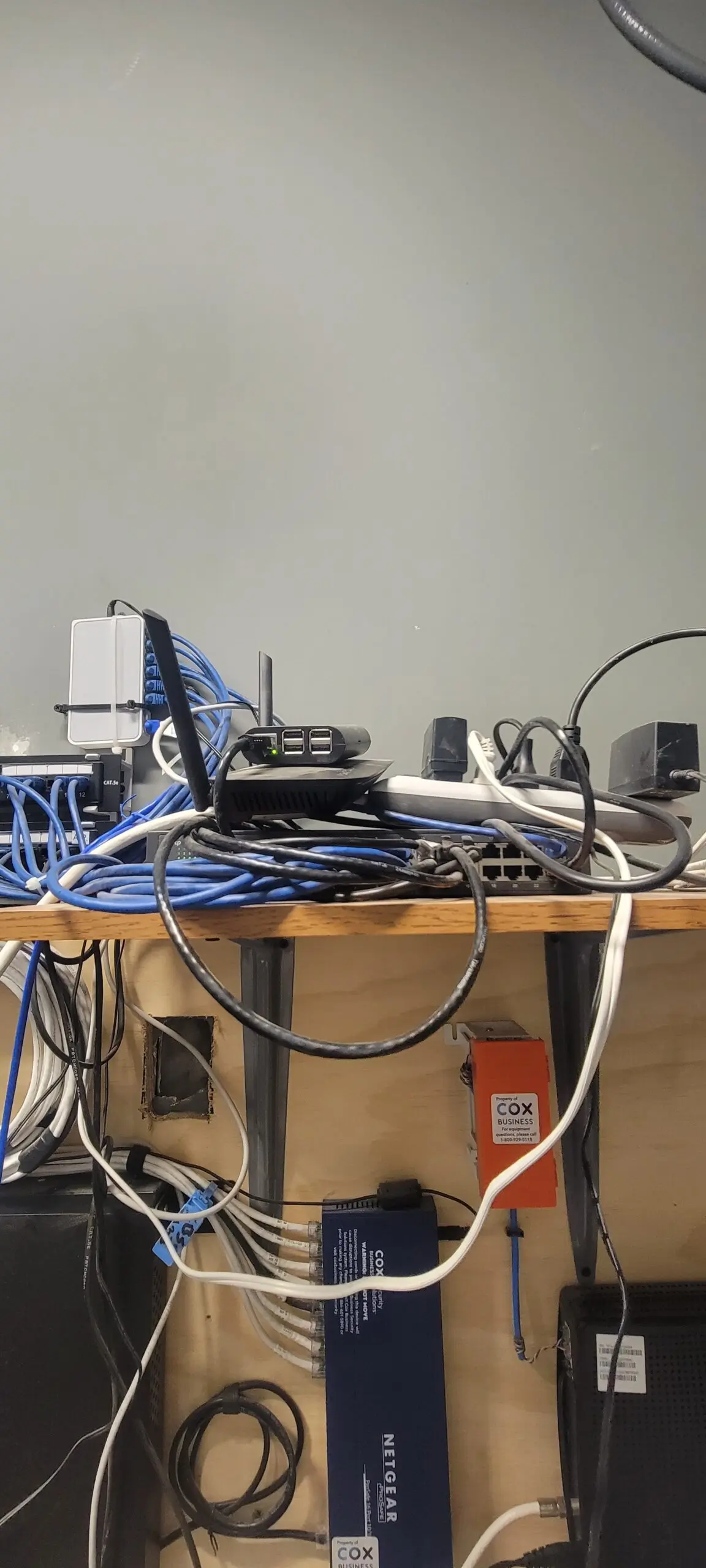
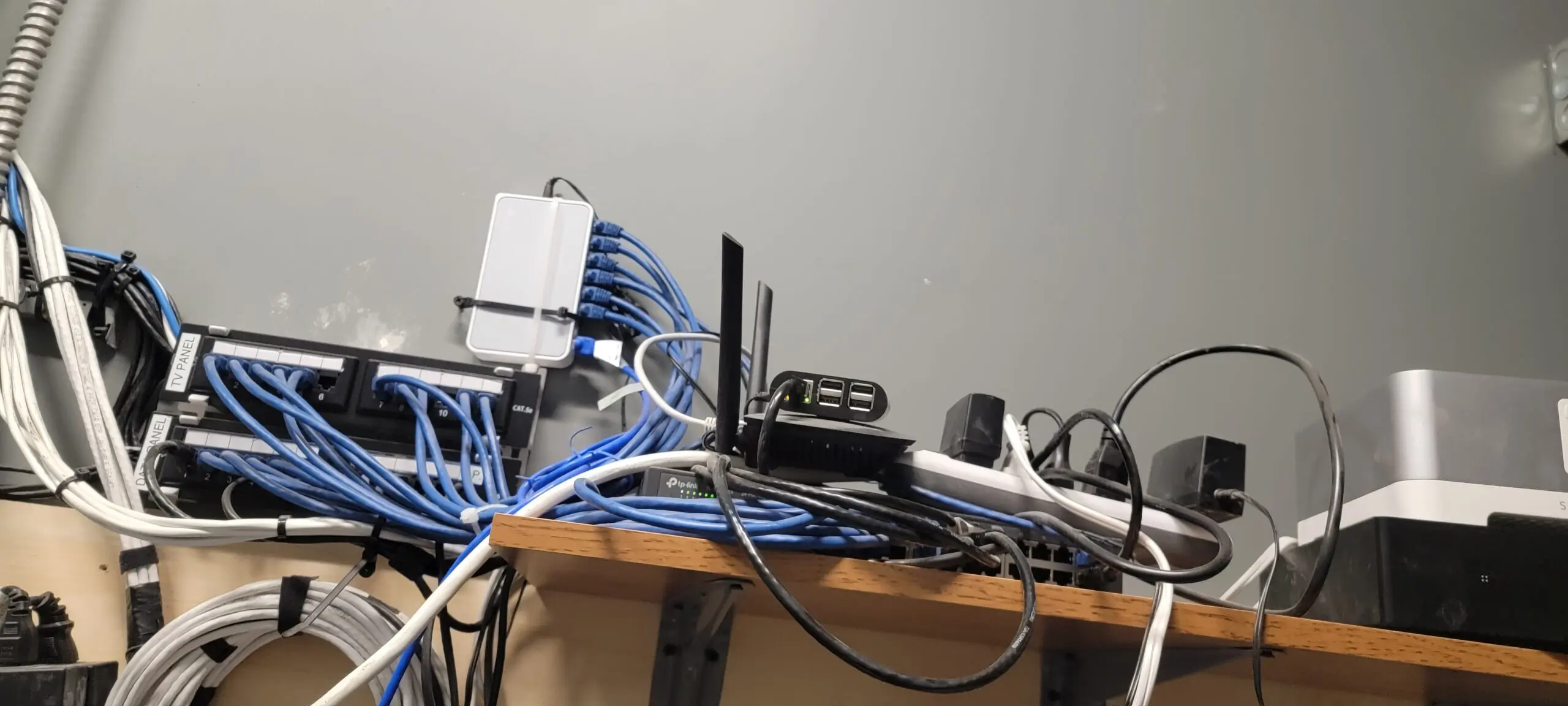
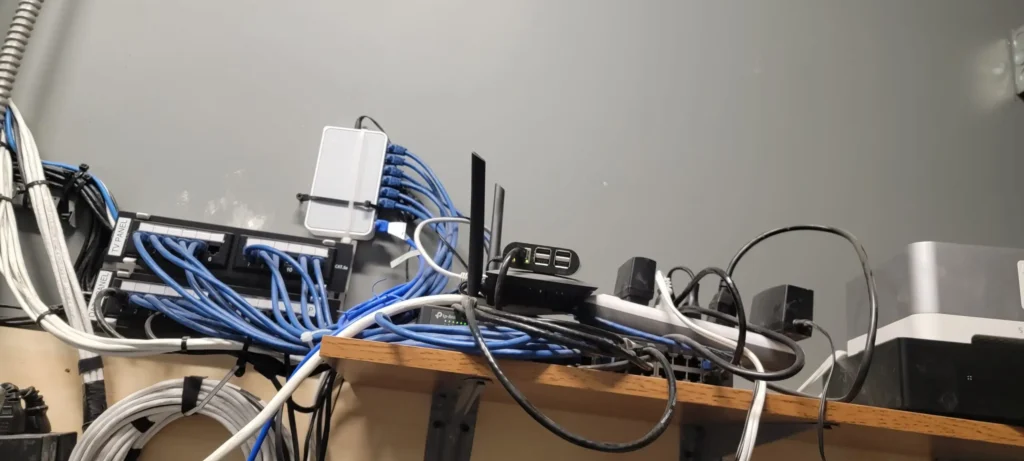
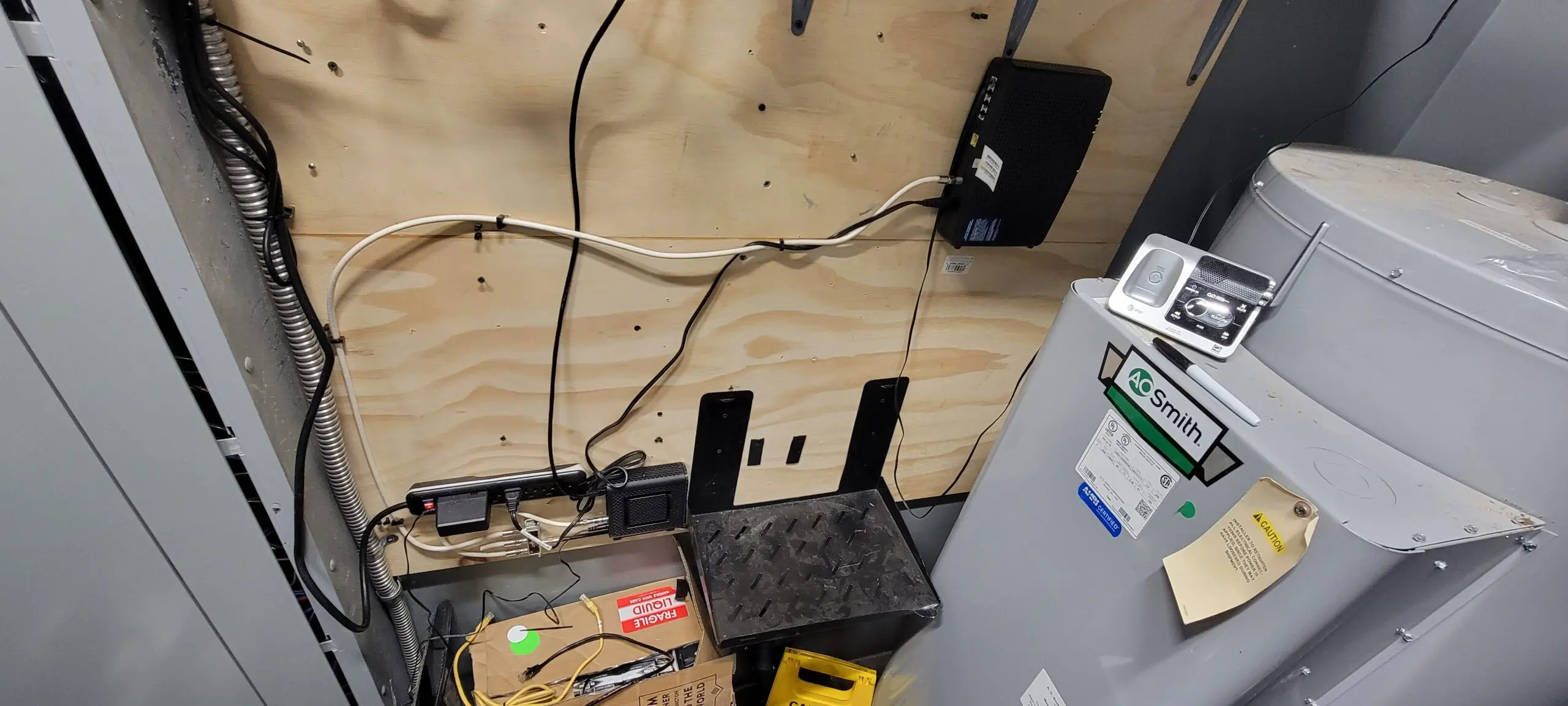
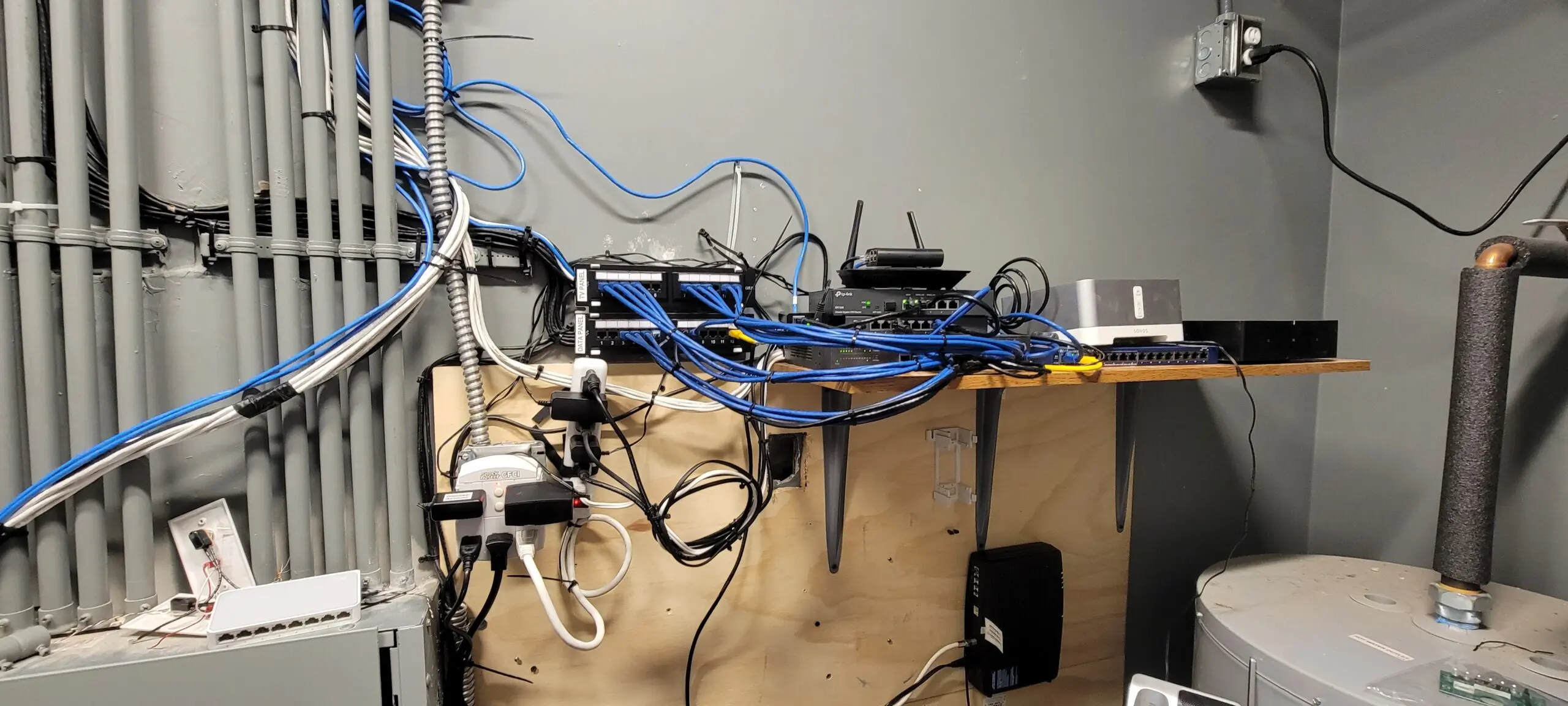
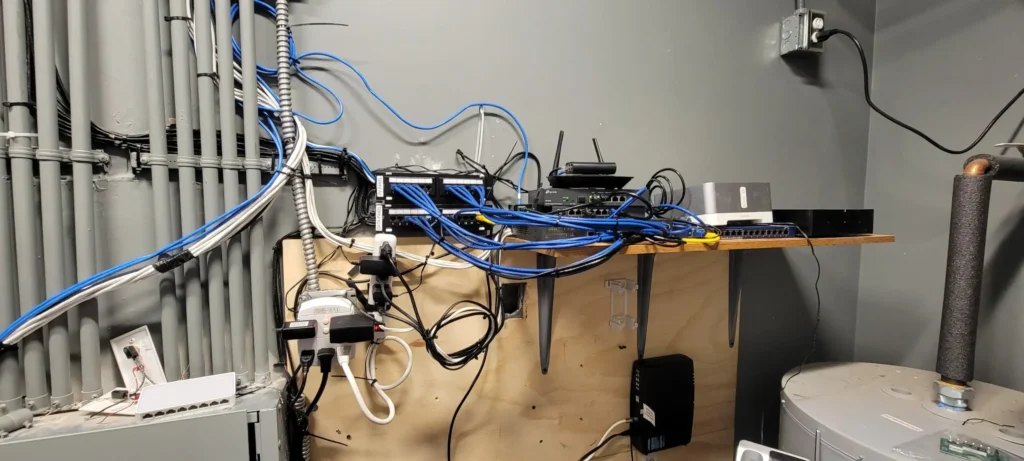
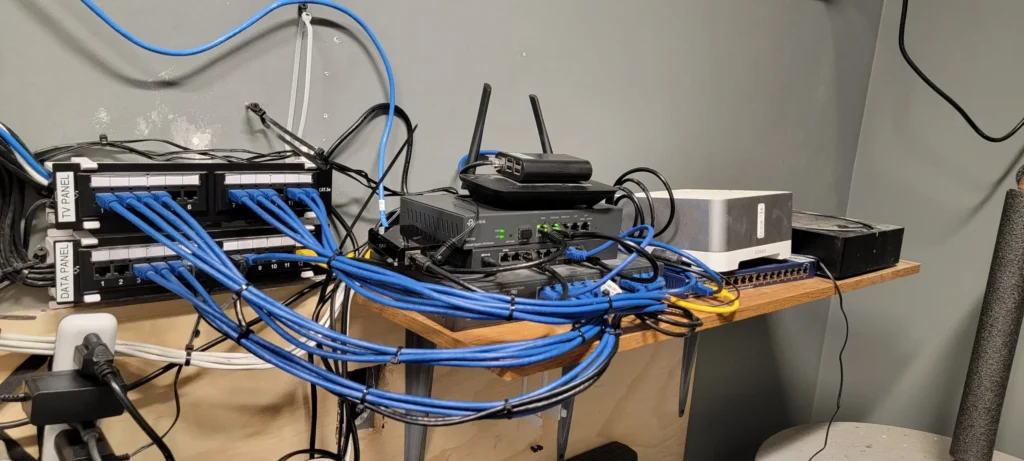
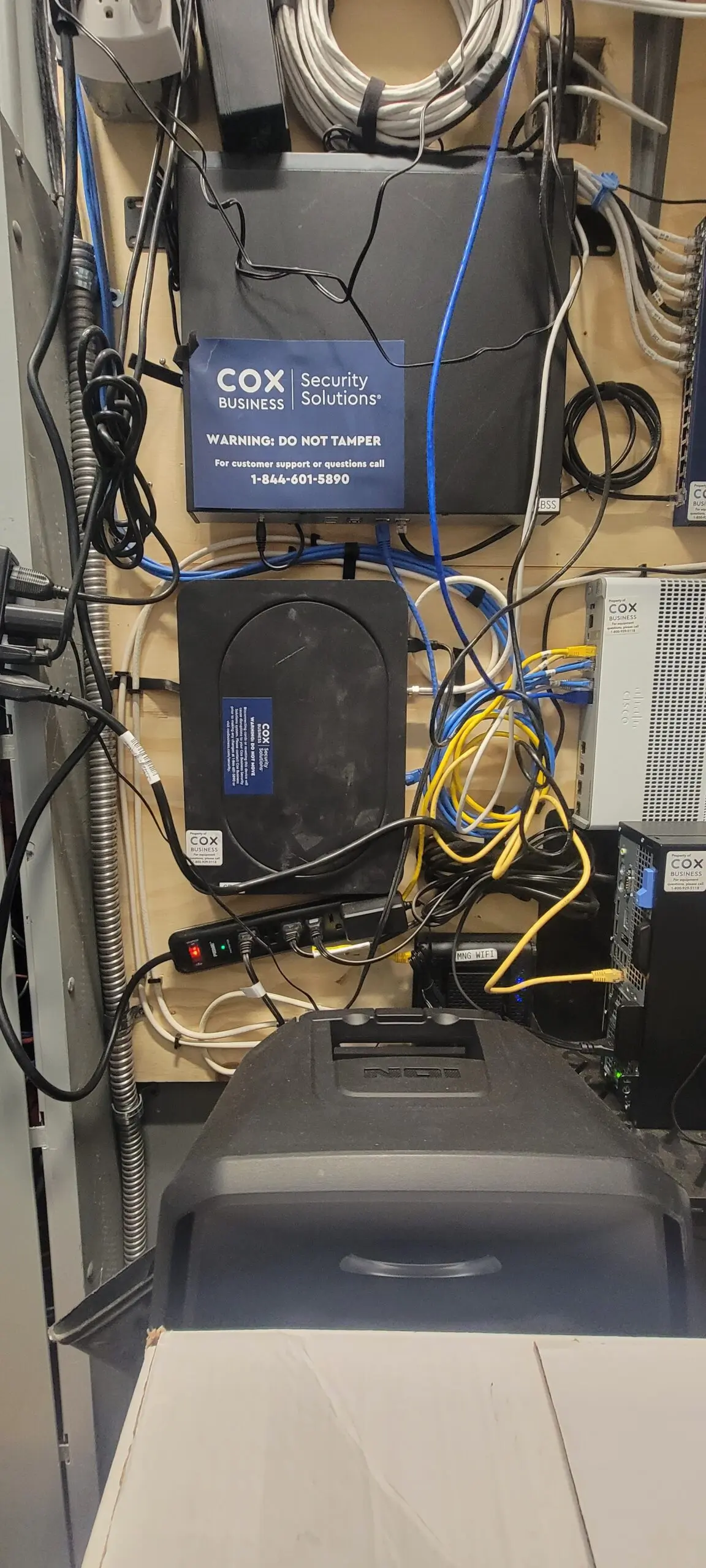
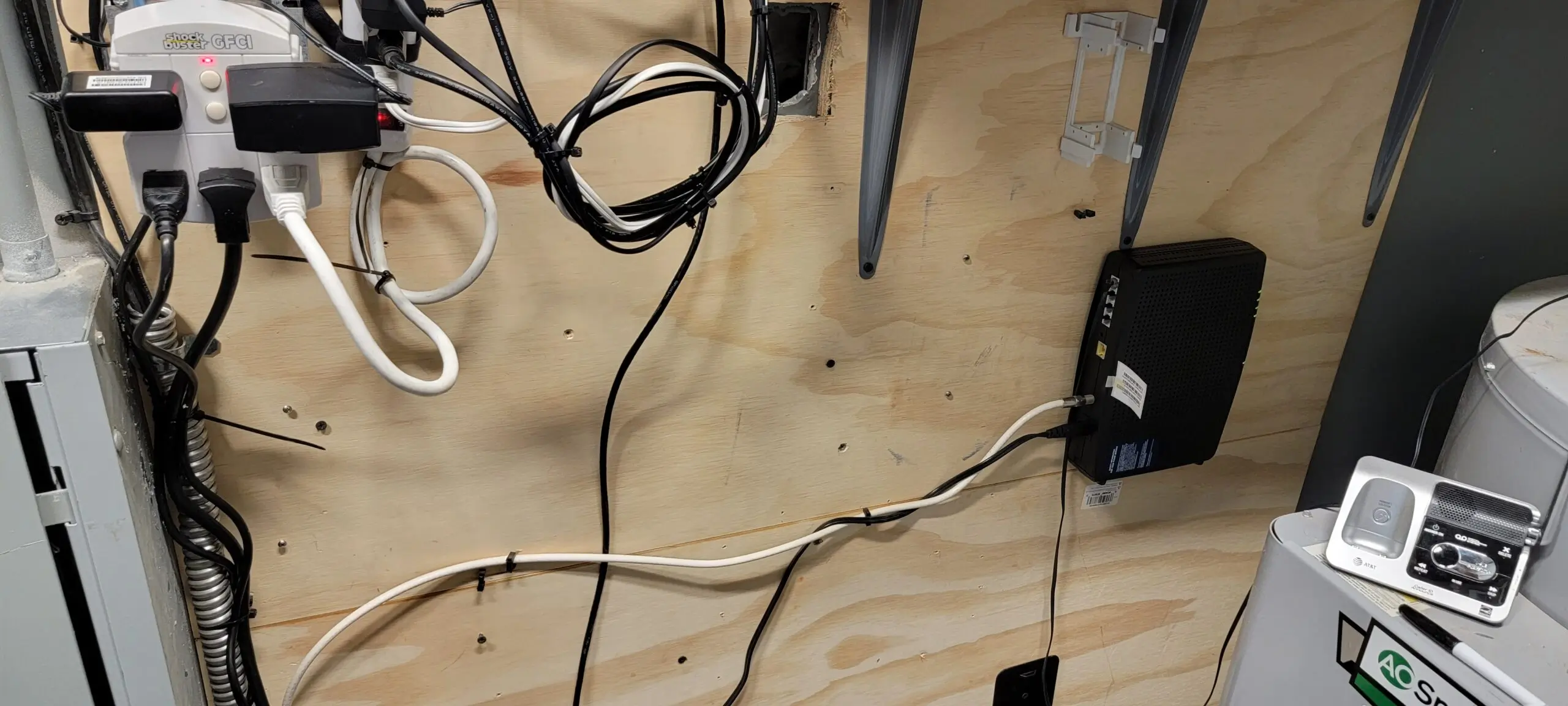
I’ve been at Litchfield for five and a half days now. I went through this real challenge experience of going through crazy OCD trigger… So I decided to take all the old Discontinue servers (Camera Security and Firewall) COX wasn’t doing them anymore. So I took everything down and installed a Business Router and 1 Access Point Wi-Fi 6, which is enough for a small coffee shop and it keeps flow. Then, proceed to configure the router to connect to our Anthem DNS and Controller Host for our Network Configuration.
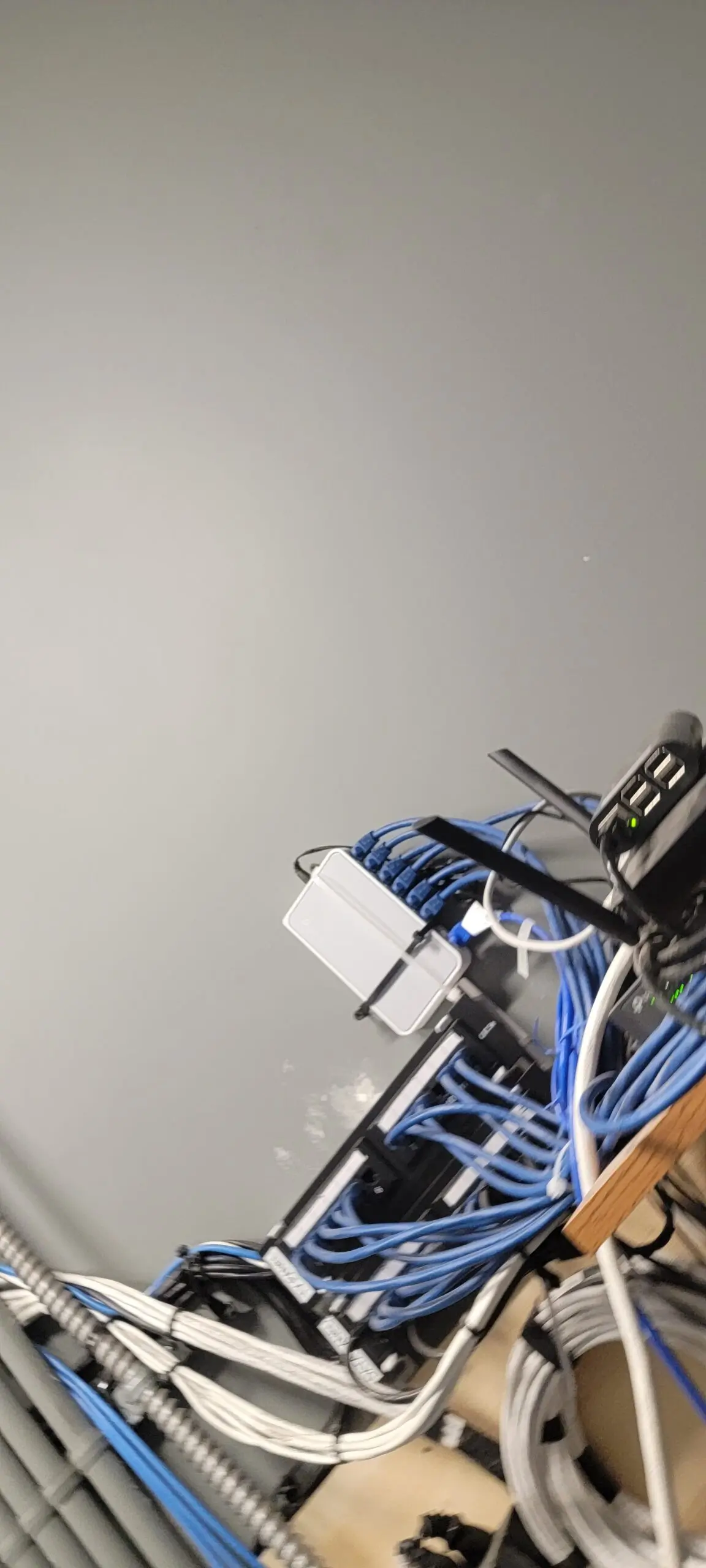
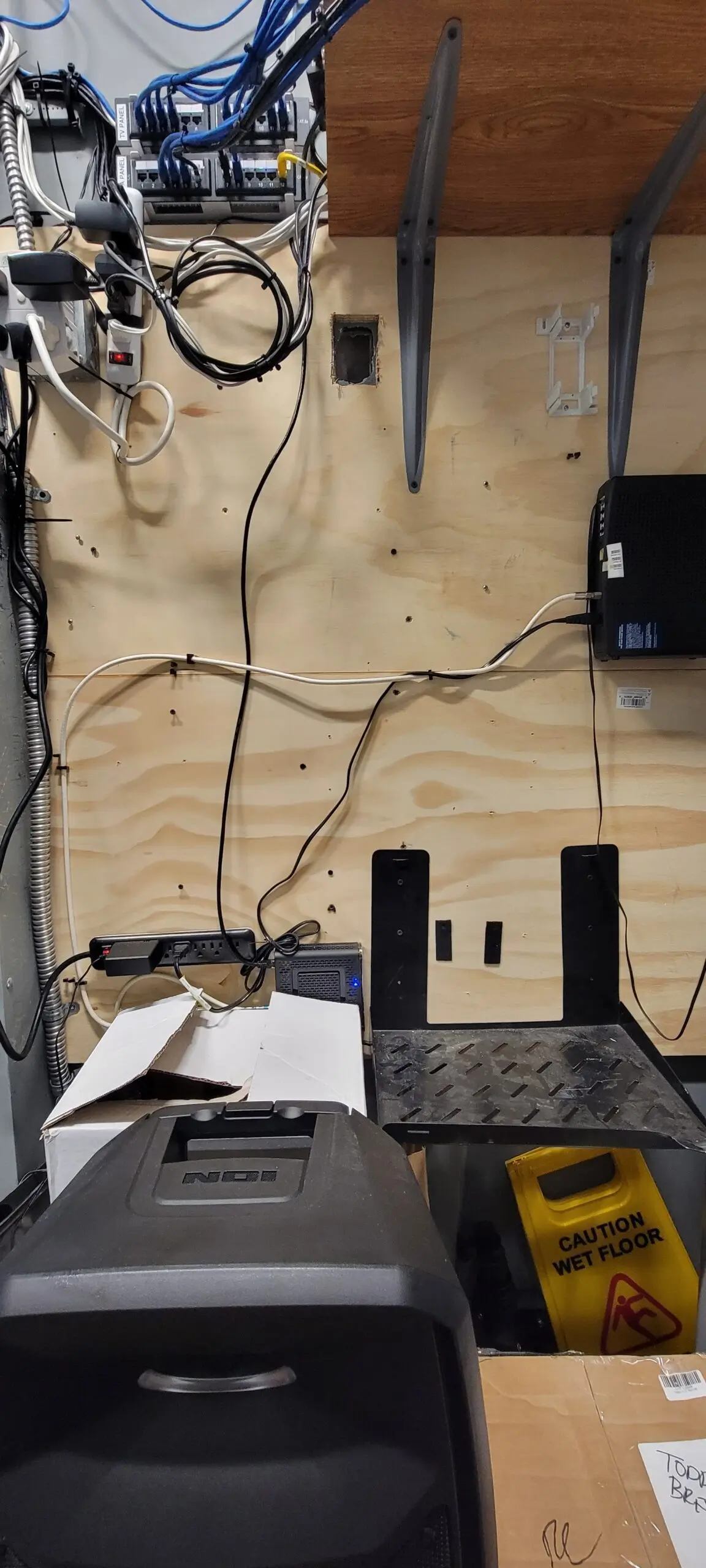
We No longer need camera but we decide to keep these wired just in case in future.THIS GONE, We dont need COX Secuirty because We already have one this feature from Washington server.This Old and Not acceptable throw out there not okay… I like keep clean and stack it up nicely…. IT please you can do better!Old Revelup POS Network… this is nonesense because they can do VLAN TAG on Router to “separate router” easy job.Revelup router with raspberry pi yuck… we no longer need it, we do have square now and amazing.all gone! and Much better.After I did this Clean up our Drive Thru and our KDS Wired and More…This is afterI organized these wire and group up with zip tie. After – For now we just leave phone modem and Modem internet below the wall because COAX Spiltter is bottom and Main Cord is maxium so I do not have extra cox for putting it up.After – Much better This after
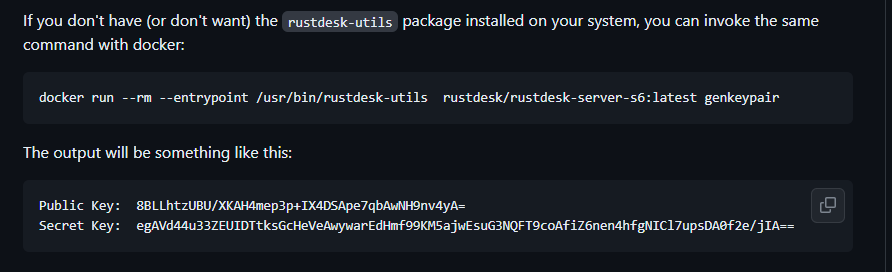
This version is not PRO. Please note that. Soon, PRO will be coming. I just set up RustDesk pro with WebGui a couple of months ago.
Please listen carefully to the RustDesk warning again. Do not install RustDesk and connect to the phone agents (fake windows, fake apple, fake ATT, fake bank, fake IRS) server. They will trick you and take your personal information.
This solution is significantly less costly than TeamViewer and provides the most efficient solution for my job. It is also significantly less costly than TeamViewer. It allows me to resolve any issues on my employees or family’s computers, which reduces the cost of resolving the issue. Not only that, but it is highly secured. I chose to employ enforced encryption on RustDesk because I’d prefer not to expose it to the public and exploit my RustDesk server.
I have been using Grammarly for my work and to strengthen my writing skills. I was looking for something cheaper and more affordable, and I found this LanguageTool, which offers an API on Docker, and it works great. We won’t get premium, though… they’re not yet available for self-hosted premium.
Before we start, please make sure your NGINX Proxy Manager and Portainer are up and running. It is unnecessary to establish a network as it has already been integrated into Docker.
Go to Portainer sites→ Login admin→ stacks → add stacks:
version: "3"
services:
  languagetool:
    image: erikvl87/languagetool
    container_name: applegate-languagetool
    networks:
        - nginx
    environment:
        - langtool_languageModel=/ngrams  # OPTIONAL: Using ngrams data
        - Java_Xms=512m  # OPTIONAL: Setting a minimal Java heap size of 512 mib
        - Java_Xmx=1g  # OPTIONAL: Setting a maximum Java heap size of 1 Gib
    volumes:
        - /mnt/applegate5tb/language-tool/data:/ngrams
networks:
  nginx:
    external: true
Now deploy the stack and open the nginx proxy manager sites to add this secure HTTPS site. Let’s get started.
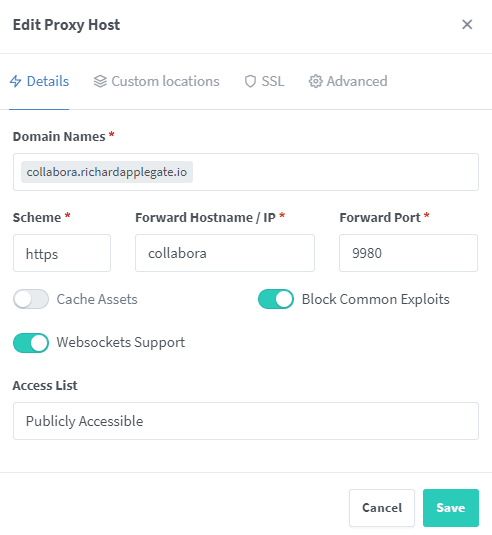
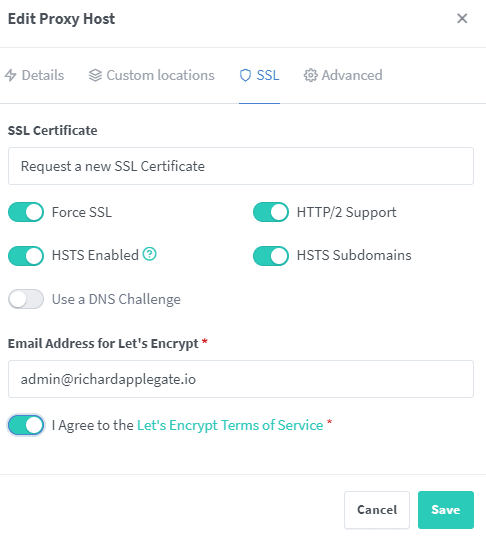
Scheme – HTTP Forward Hostname – your container_name Forward Port – 8010 (Default on docker for LanguageTool).Ensure enable SSL and HTTP/2 and HSTS
Your websites have been successfully launched. Go check it out and try the API out.
To connect to this API, please download language tools for Edge or Firefox or Chrome. Please note that Desktop PCs do not yet have API support. Stay tuned on this.
My goal to make my Nextcloud to become Google Workspace because my goal is our data most important to privacy with our data sensitive. And I would like to purchase free instead of paid Google Workspace because we have our server, and we use it for IT documents and resources.
So, you need to make sure nginx proxy manger and Portainer Up running before we start this.
We do not need to create a network because we already did created with nginx proxy manager (nginx)