Author: applegater

  • I Made Outdoor Wireless Internet.

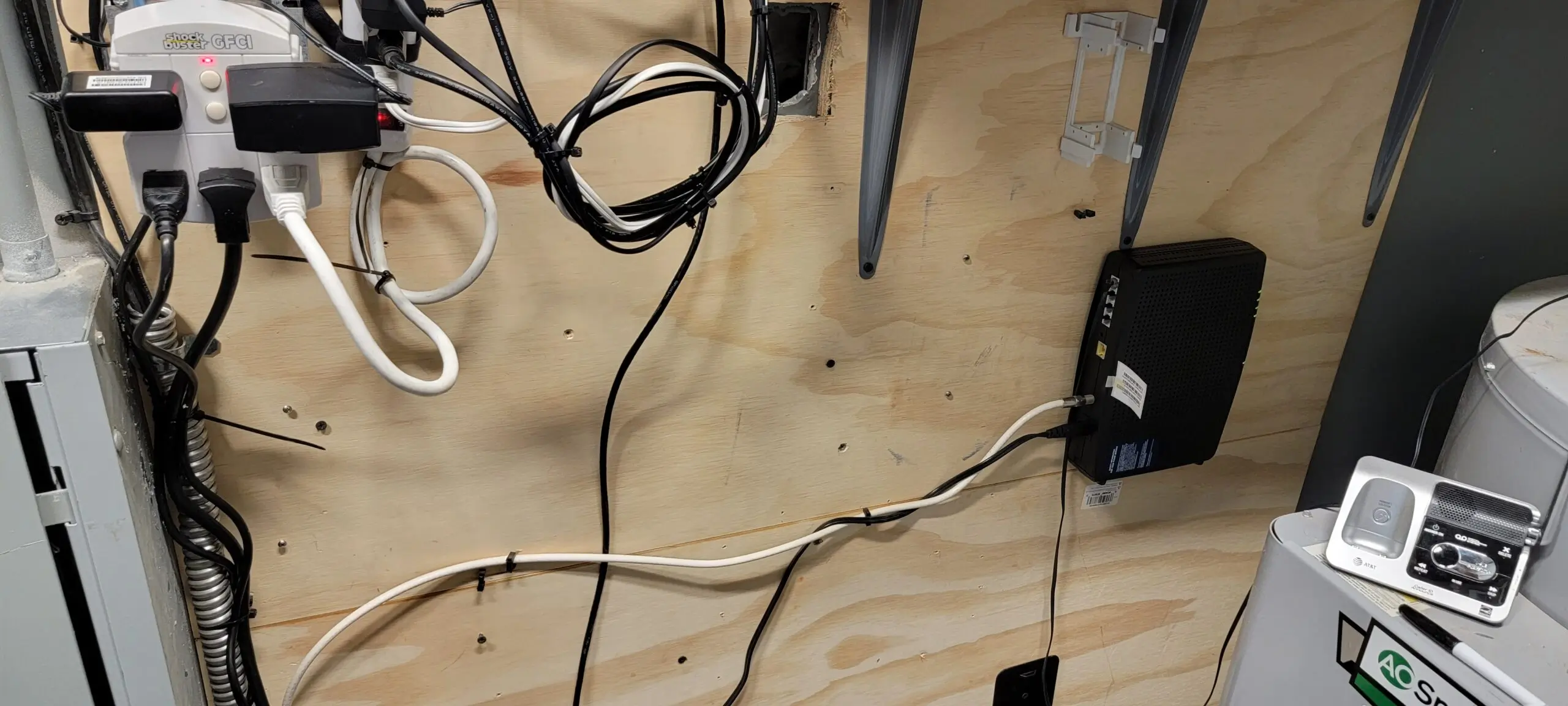
    I am deeply grateful to Lady Bonnie for allowing me to undertake a DIY project at her residence. For this project, I utilized my personal Xfinity modem in her living room, which is registered to my account—I did not use her internet service at any time. Additionally, at her request, I custom-made a cable for her security camera and routed it through an existing opening in her living room wall.

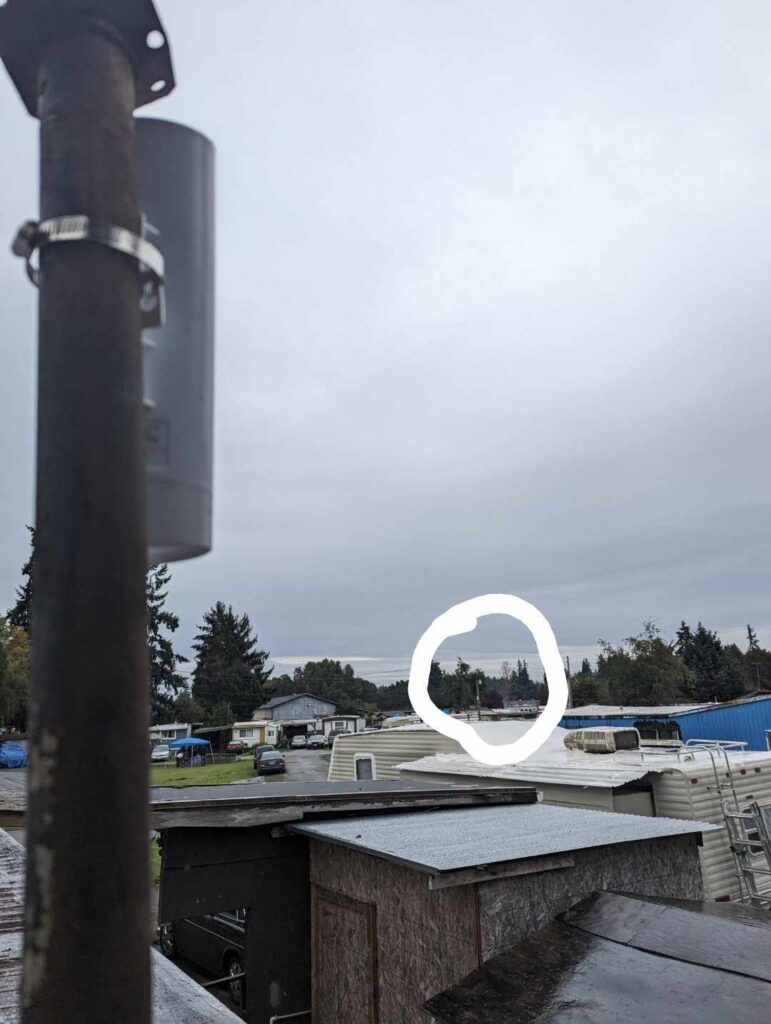
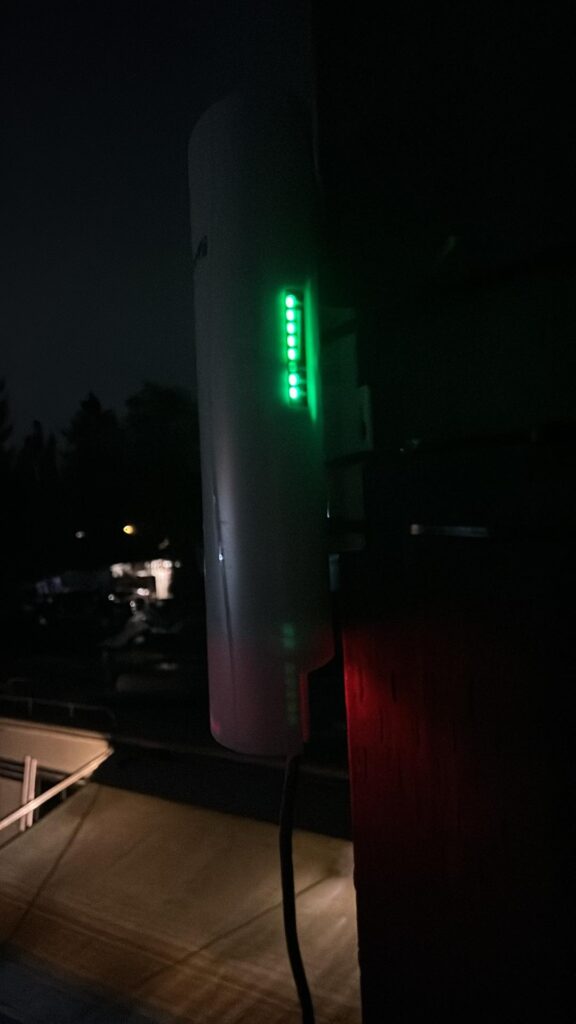
    Furthermore, I installed a Gigabit Wireless Bridge on the outdoor pole that was previously used for her TV antenna. This spot turned out to be ideal for achieving excellent signal strength. The new setup is even more effective than using Xfinity Pods, as it enabled a direct connection to the pole near my RV, allowing me to find the optimal position for both stability and speed.

    I am pleased to share the details of my project below.
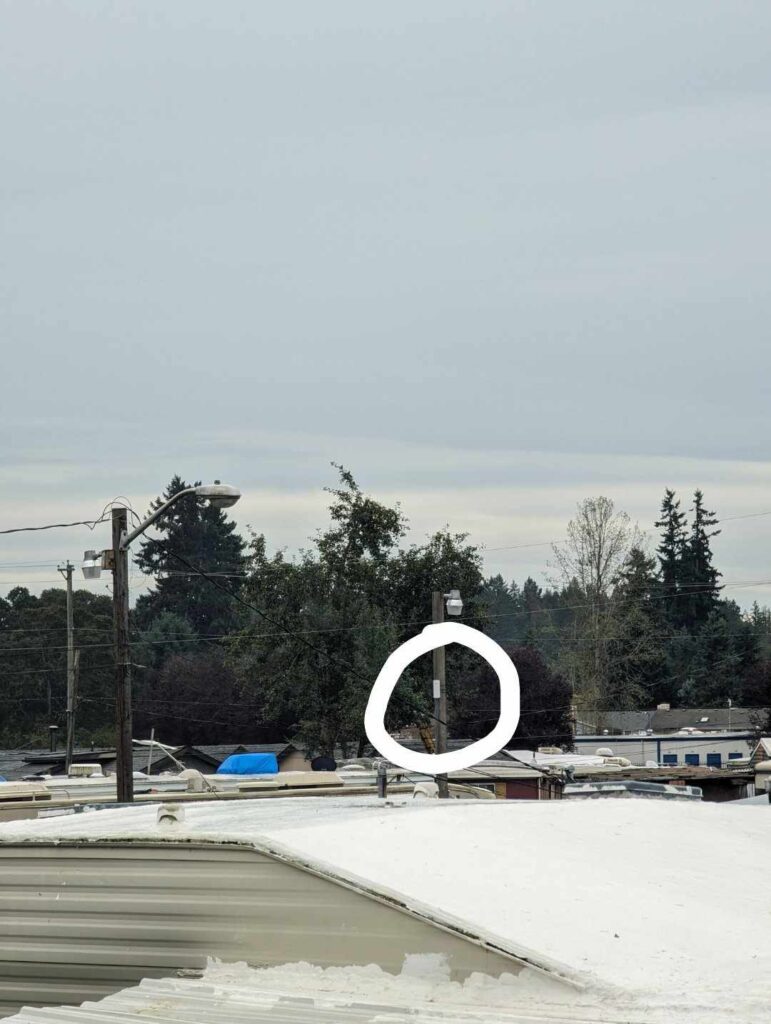
    Location Master B is where the circle is that is my pole light.
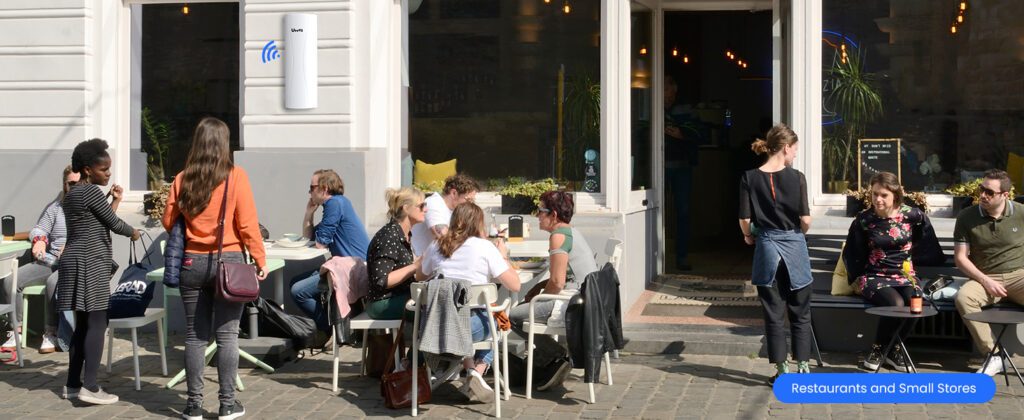
    See that far, this device can go up to 5KM! So cool which my idea is maybe I can give around to whoever doesn’t have internet. I am happy to set up a network for them.
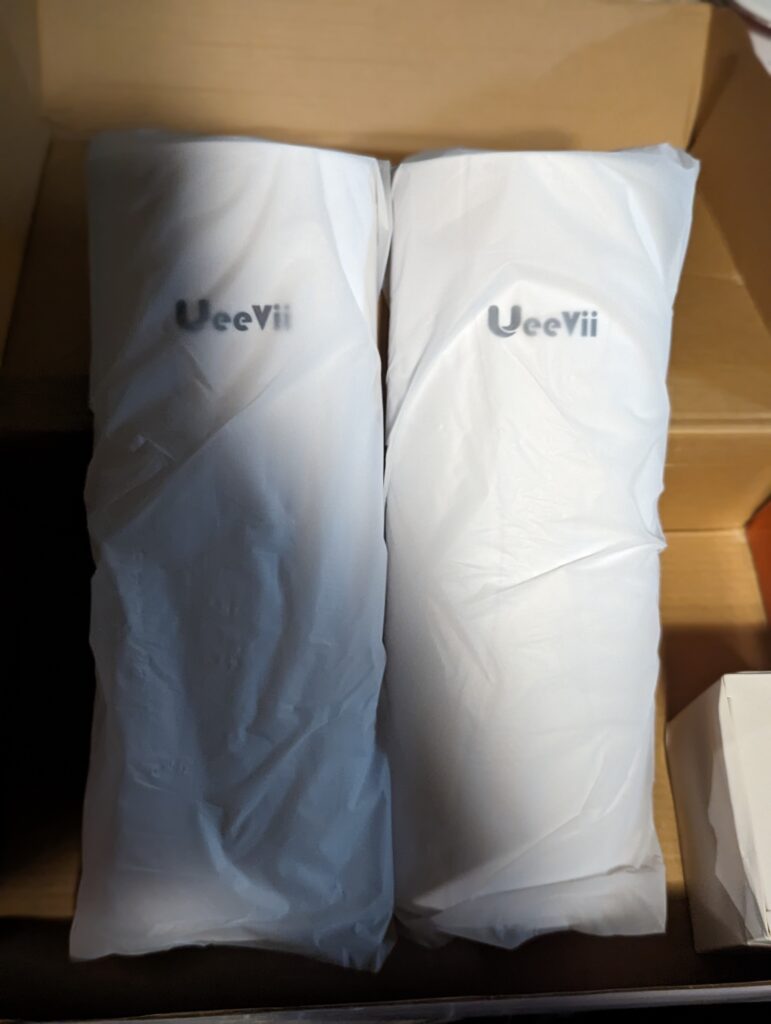
    The package is very well and secured and the bag very nice.
    Credit photo= by:Slade Lutz

    You wonder how it works?

    I can help this RV park obtain reliable Wi-Fi service, potentially saving you money compared to high Xfinity bills. I would love to assist your business with a connectivity project. Typically, the network hub is in an office, headquarters, or utility shed where the internet connection enters the property. If your location has COAX or Fiber lines, but they’re too far from key areas, you may not be getting the internet performance you’re paying for. Using extenders in these situations often results in significant speed losses—sometimes 60% to 90%—leaving you unable to upload content to YouTube or access servers effectively.

    To resolve this, I recommend installing a pole-mounted gigabit wireless bridge on the roof. This setup can be aligned to directly connect with your RV, mobile home, or business, maximizing your connection speed and reliability throughout the property.

    Coffee stands are an example. If you don’t have coax wall or cable to use service Internet, we can do wireless bridge. If you have internet from another store, we can ask the office lease for permission to add a Gigabit Wireless Bridge to the building roof. You own a residence or business, I can do install that for you. One cable 100–150 feet to your office or living room to hook up your router is all you need. Unless you change network information on your router, it is a plug and play device.
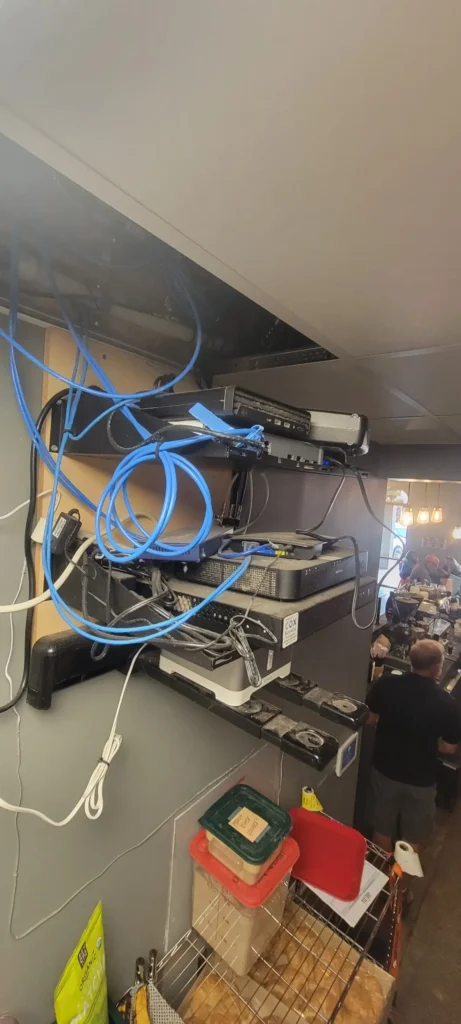
  • Anthem Coffee | Verrado Network.

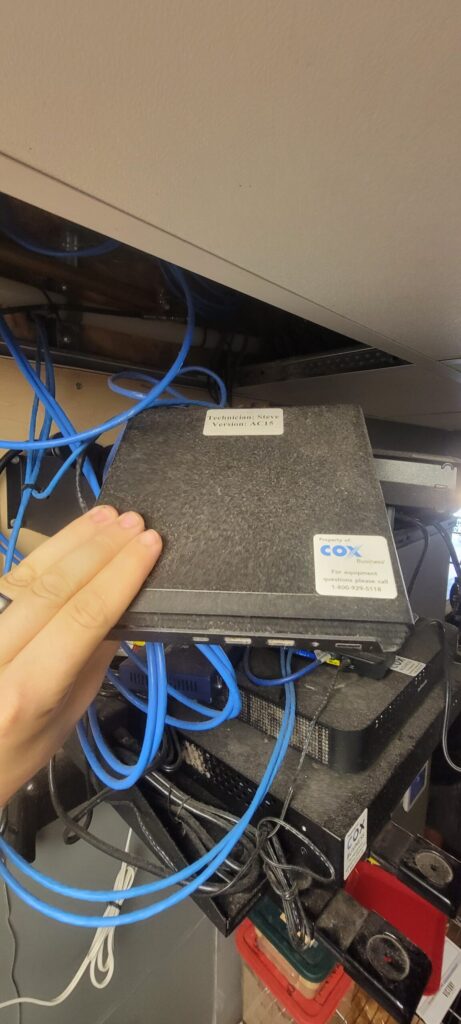
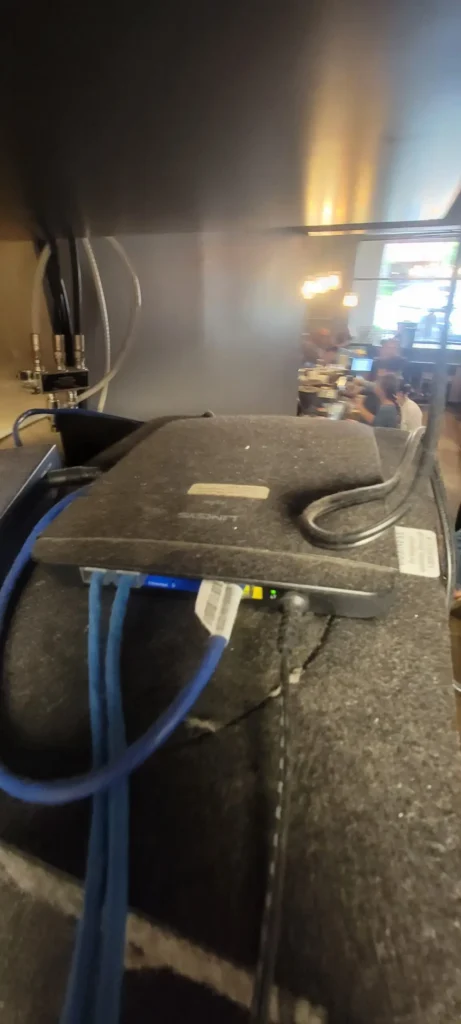
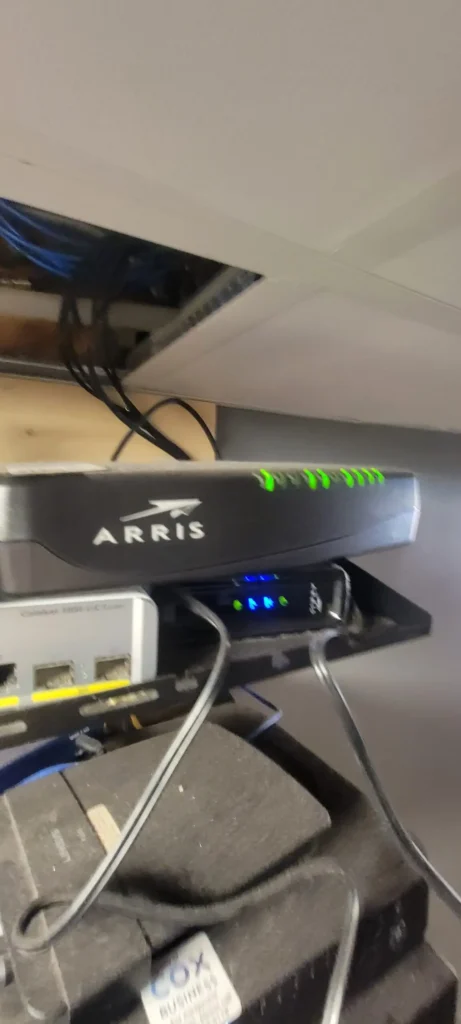
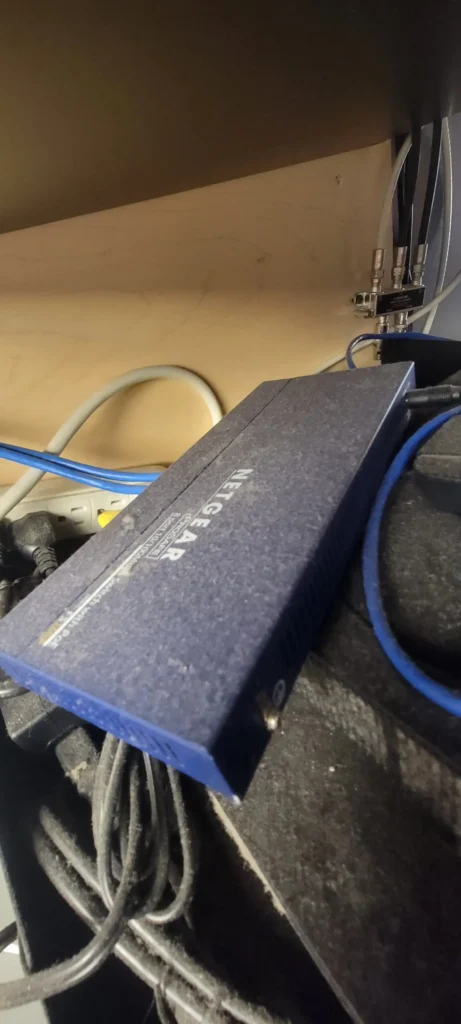
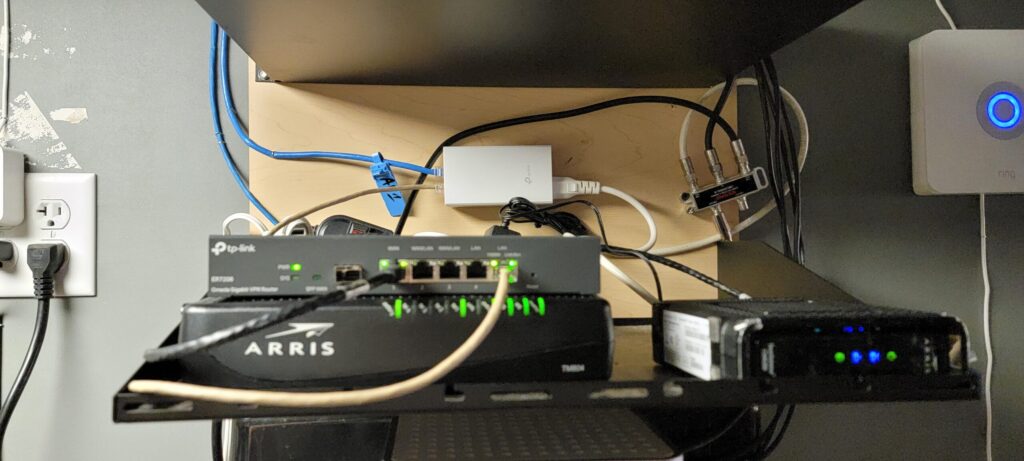
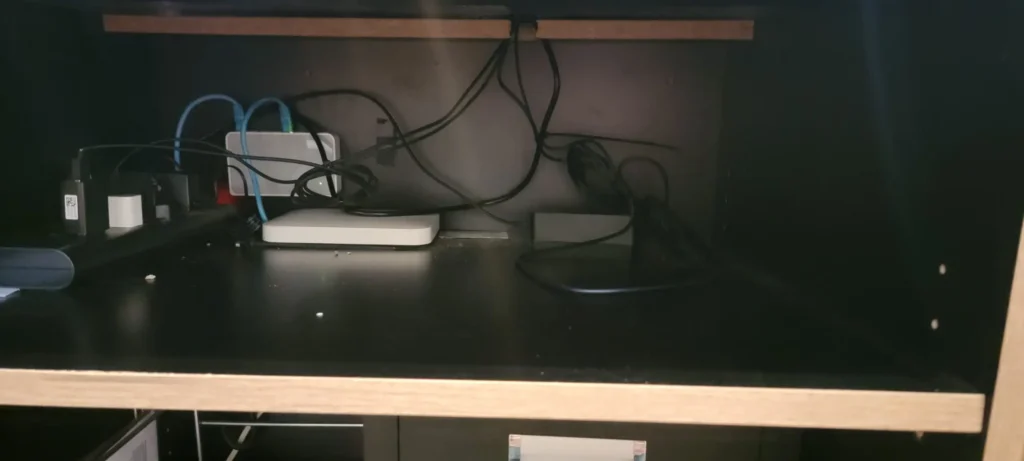
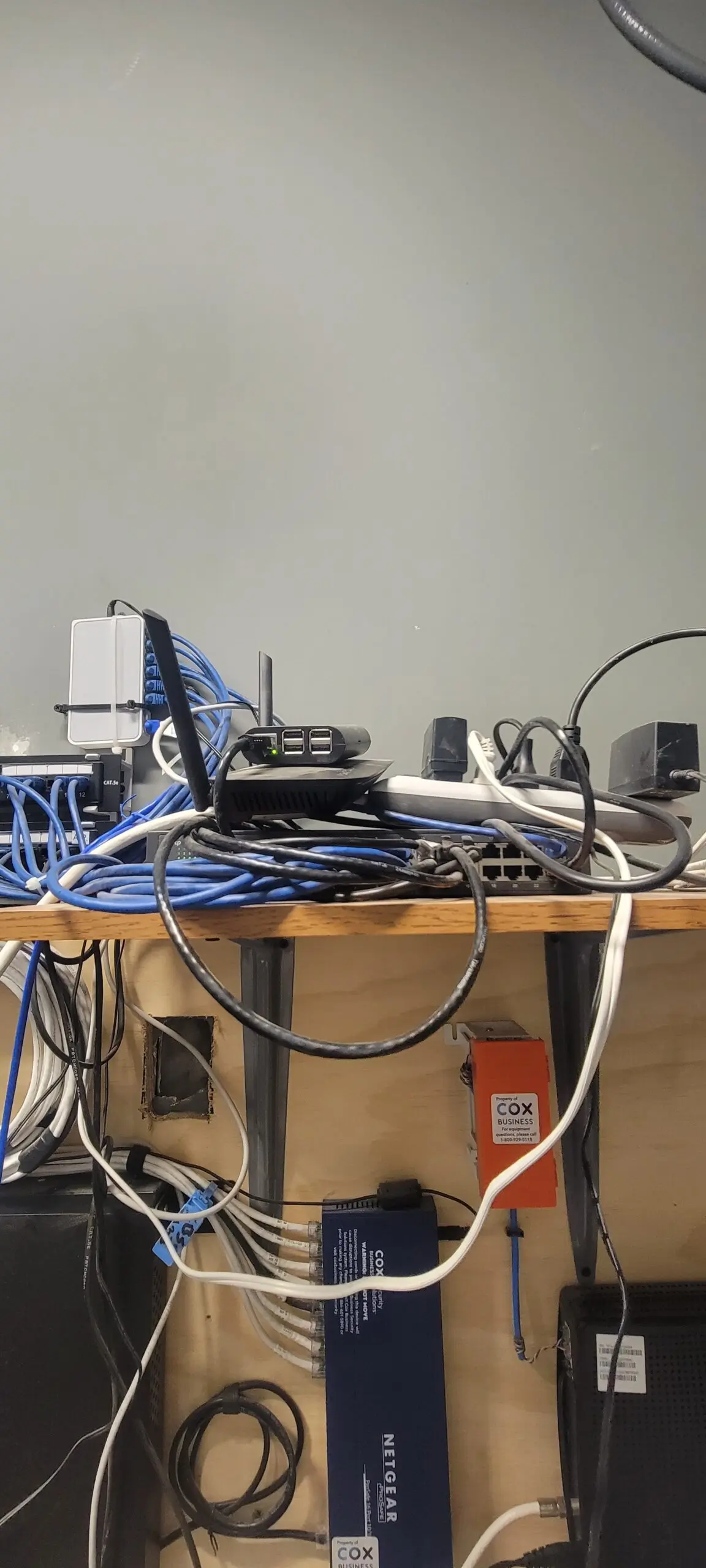
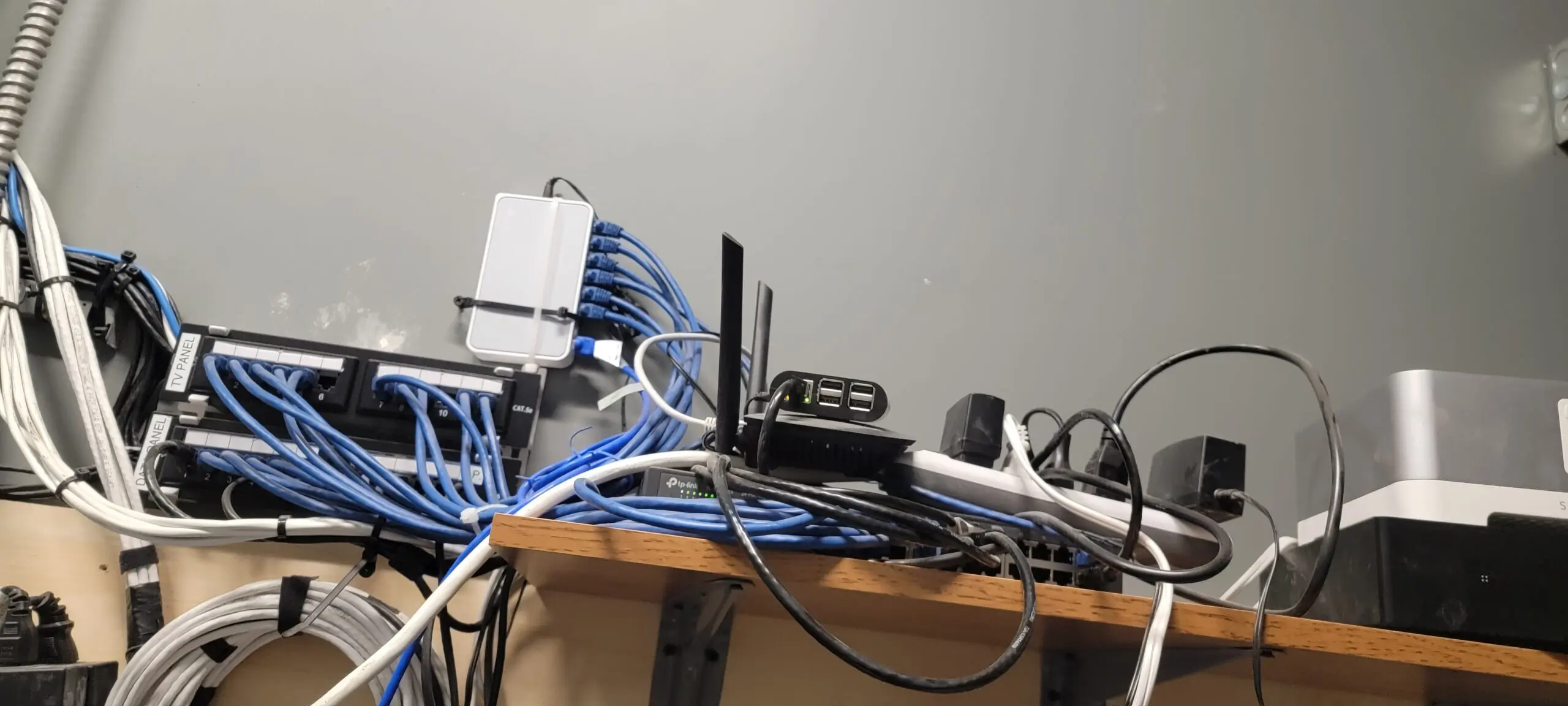
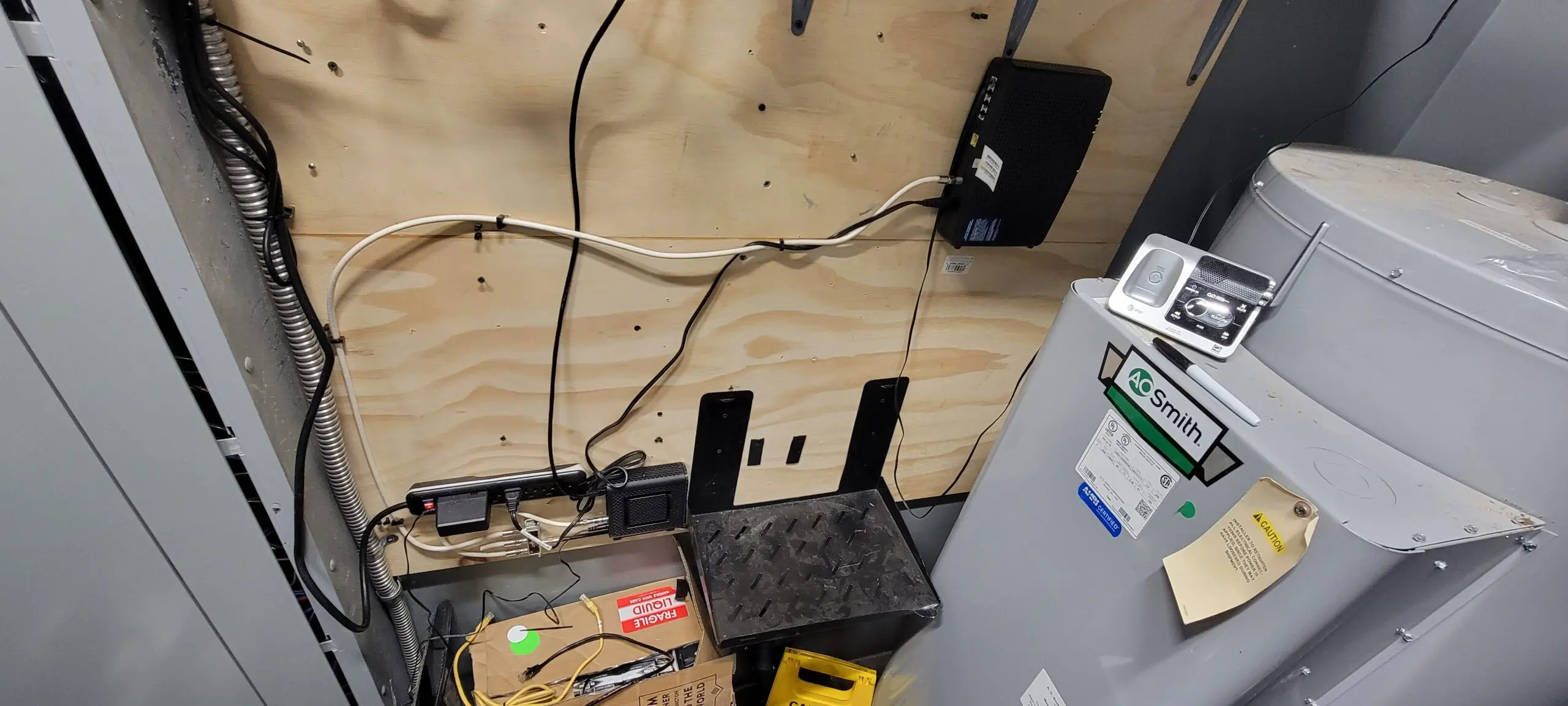
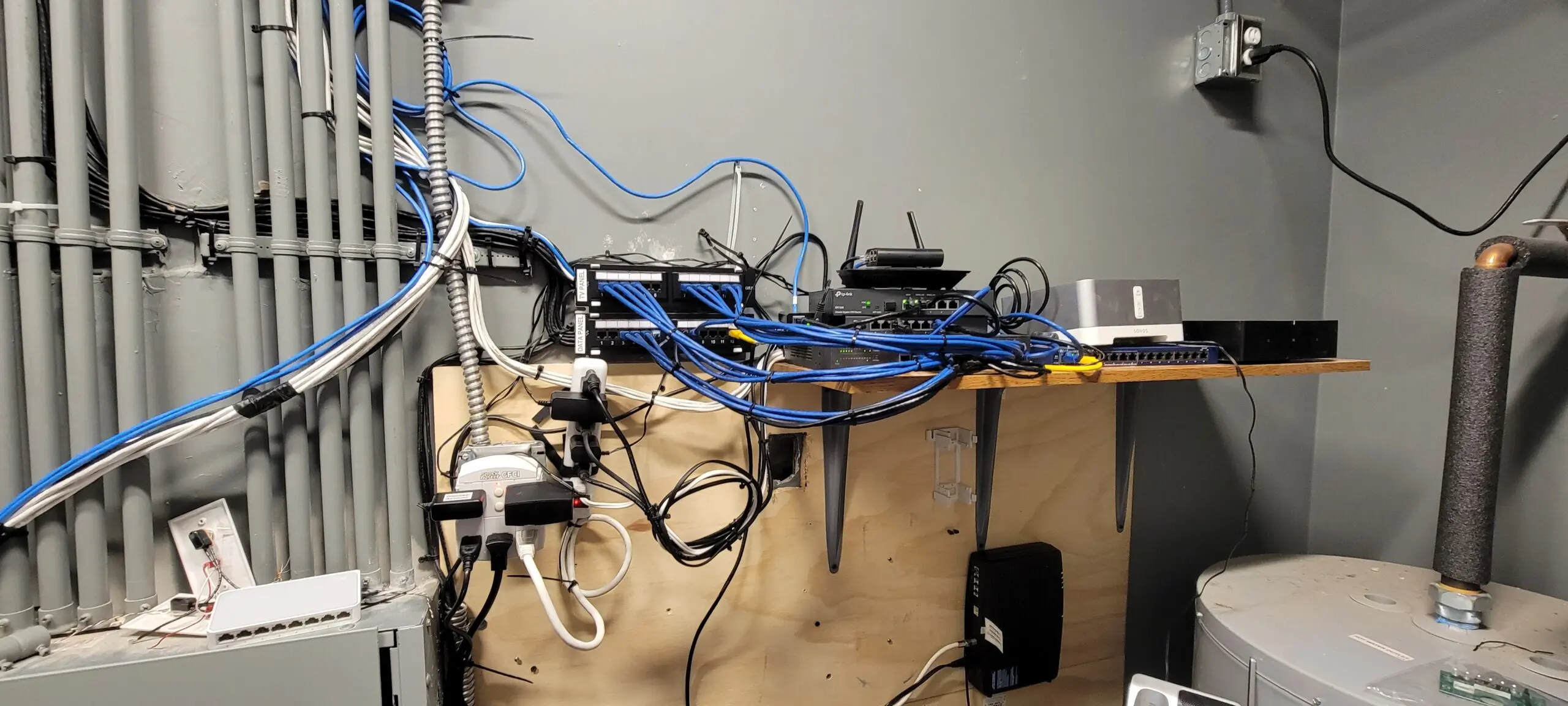
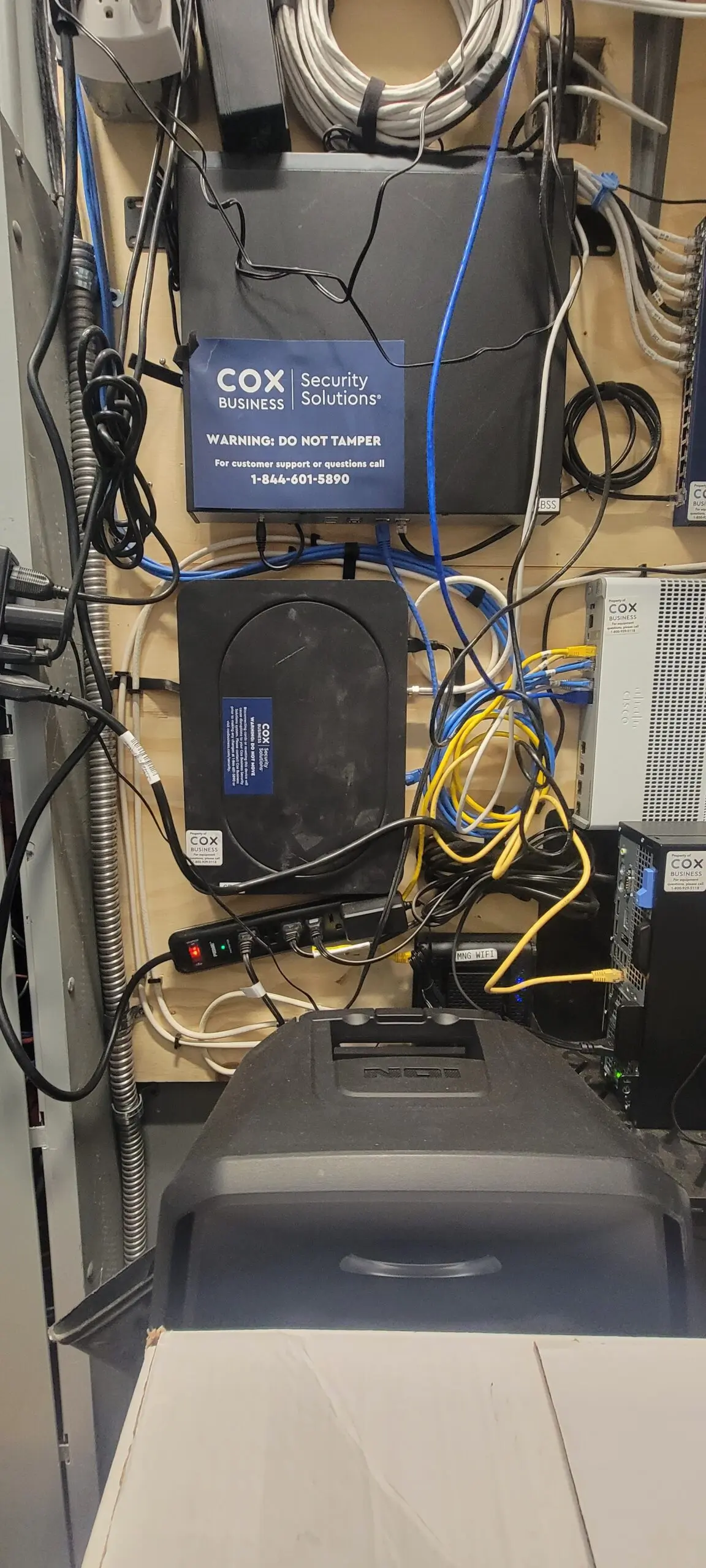
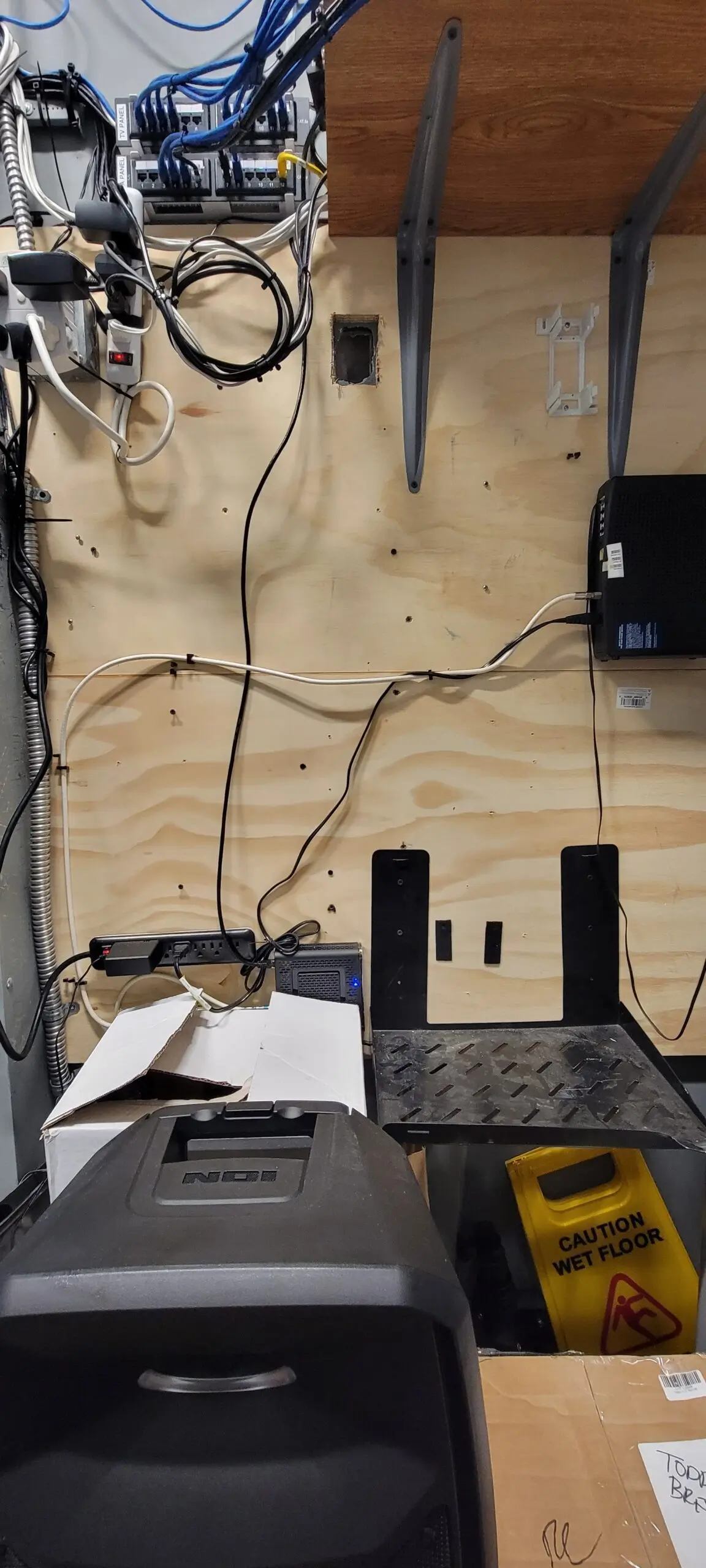
    This location is simple and clean up to fix network, and They do have Camera Security, but COX just discontinued these which is crazy. So I removed it from the shelf and removed the old Phone Modem and Router and Security Router. We only need on the shelf is Business Router and Access point and Modem phone and Modem.

  • Anthem Coffee and Tea | Litchfield’s networks.

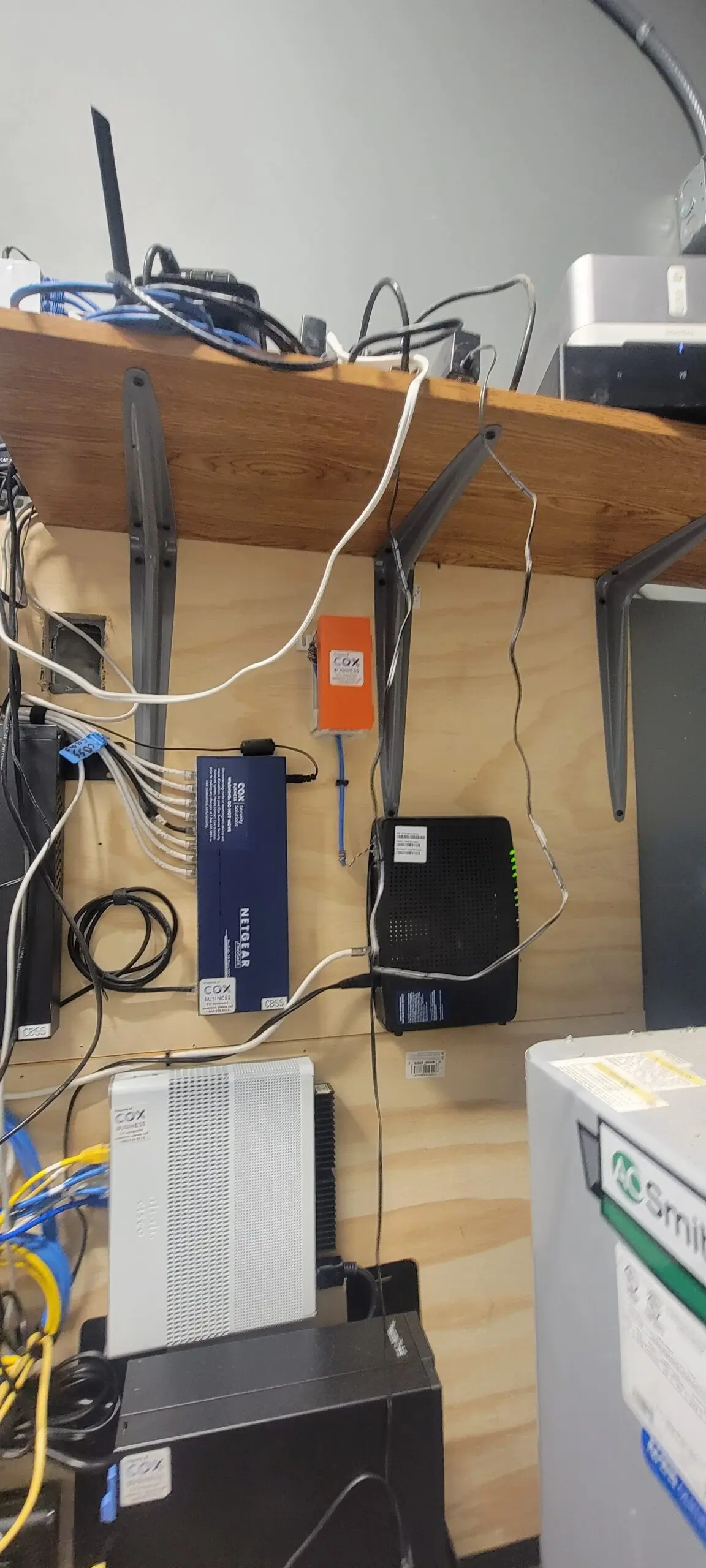
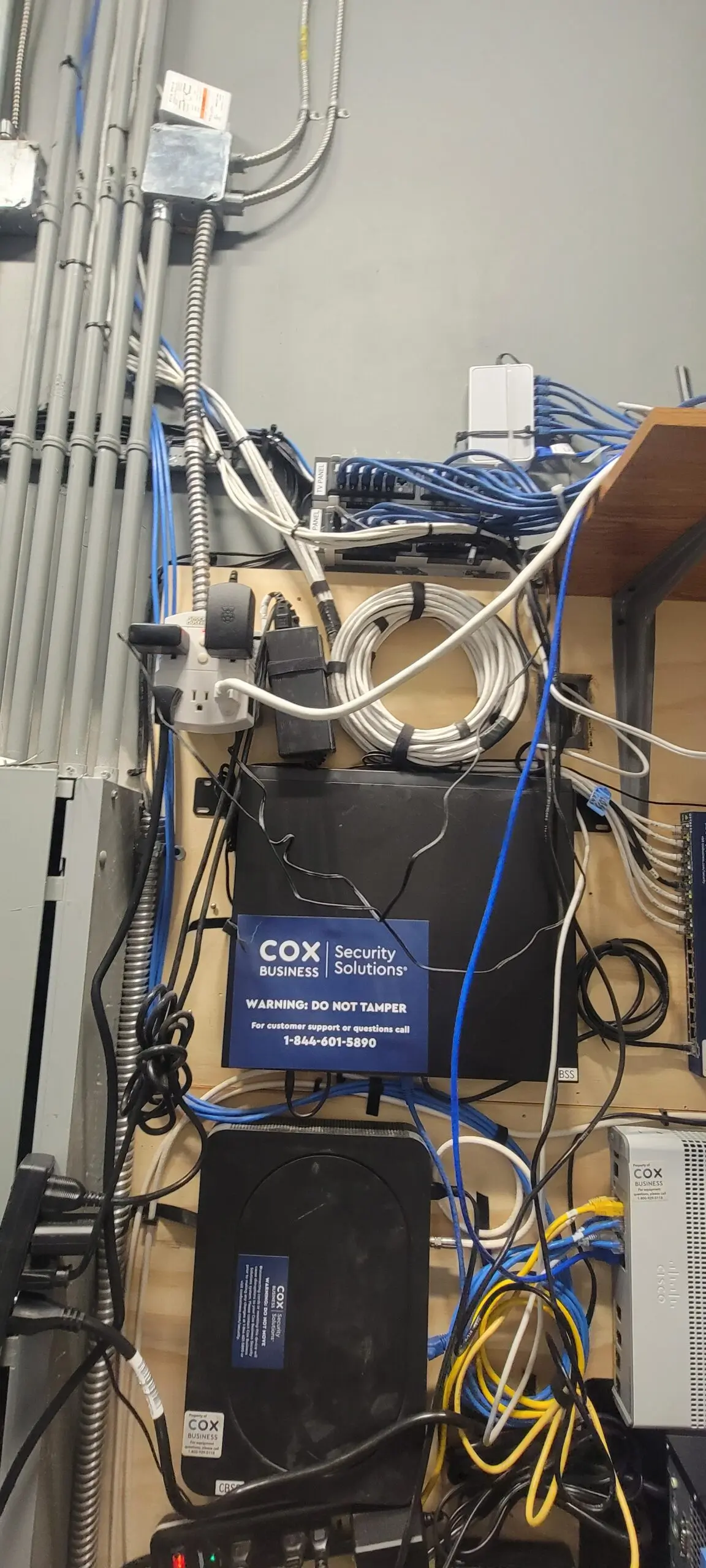
    I’ve been at Litchfield for five and a half days now. I went through this real challenge experience of going through crazy OCD trigger… So I decided to take all the old Discontinue servers (Camera Security and Firewall) COX wasn’t doing them anymore. So I took everything down and installed a Business Router and 1 Access Point Wi-Fi 6, which is enough for a small coffee shop and it keeps flow. Then, proceed to configure the router to connect to our Anthem DNS and Controller Host for our Network Configuration.

  • How to build RustDesk on Portainer with Cloudflare domain (Disable proxy needed)?

    This version is not PRO. Please note that. Soon, PRO will be coming. I just set up RustDesk pro with WebGui a couple of months ago.

    Please listen carefully to the RustDesk warning again. Do not install RustDesk and connect to the phone agents (fake windows, fake apple, fake ATT, fake bank, fake IRS) server. They will trick you and take your personal information.

    This solution is significantly less costly than TeamViewer and provides the most efficient solution for my job. It is also significantly less costly than TeamViewer. It allows me to resolve any issues on my employees or family’s computers, which reduces the cost of resolving the issue. Not only that, but it is highly secured. I chose to employ enforced encryption on RustDesk because I’d prefer not to expose it to the public and exploit my RustDesk server.

    Written Instruction:

    version: '3'
    services:
      rustdesk-server:
        container_name: rustdesk-server
        ports:
          - 21115:21115
          - 21116:21116
          - 21116:21116/udp
          - 21117:21117
          - 21118:21118
          - 21119:21119
        image: rustdesk/rustdesk-server-s6:latest
        environment:
          - "RELAY=rustdesk.example.com:21117"
          - "ENCRYPTED_ONLY=1"
          - "DB_URL=/db/db_v2.sqlite3"
          - "KEY_PRIV=YourPrivateKEY"
          - "KEY_PUB=YourPublicKey"
        volumes:
          - /home/applegate/docker/rustdesk/db:/db
        restart: unless-stopped

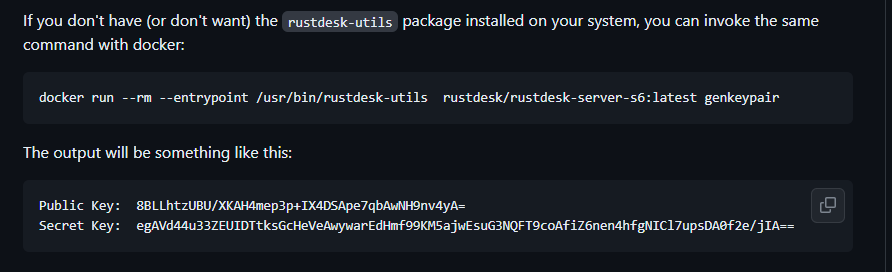
    This command line on the ssh terminal generates the key you require.

    Command: docker run –rm –entrypoint /usr/bin/rustdesk-utils rustdesk/rustdesk-server-s6:latest genkeypair

    Copy and paste the key into your docker-compose environment.

    Then, you should deploy the stack. You’ve got your RustDesk up and running, and it’s encrypted, so no one can mess with it.

    Video Instructions:

Secret Link