If you’re looking to run a robust relational database in your Dockerized environment, MariaDB is an excellent open-source choice. With Portainer, managing your databases and application stacks becomes super easy—even with little Docker experience. In this post, I’ll walk you step by step through deploying MariaDB using Portainer Stacks (which leverages Docker Compose).
Why Use MariaDB with Portainer?
- MariaDB: Powerful open-source database, compatible with MySQL.
- Portainer: Friendly web UI to easily deploy, manage, and monitor Docker containers, stacks, and services.
Using them together lets you:
- Quickly spin up databases.
- Take advantage of persistent storage.
- Easily manage your containers and stacks through a visual interface.
Step 1: Access Your Portainer Dashboard
You need your Portainer instance up and running. Log in athttp://<your-server>:9000
Replace <your-server> with your server’s IP or domain.
Step 2: Open Portainer Stacks
- On the left sidebar, click Stacks.
- Then, click the “+ Add stack” button.
Step 3: Compose the MariaDB Stack
- Name your stack (e.g.,
mariadb-stack). - In the Web editor area, paste the following Docker Compose YAML (and adjust credentials as needed):
   version: '3.8'

   services:
     mariadb:
       image: mariadb:11.3
       container_name: mariadb
       restart: unless-stopped
       environment:
         - MARIADB_ROOT_PASSWORD=YourRootPassword123
         - MARIADB_DATABASE=mydatabase
         - MARIADB_USER=myuser
         - MARIADB_PASSWORD=userpassword
       ports:
         - "3306:3306"
       volumes:
         - mariadb_data:/var/lib/mysql

   volumes:
     mariadb_data:
What does this do?
- Pulls the latest MariaDB image (v11.3).
- Sets up root/user passwords and a database.
- Persists your data in a Docker volume (
mariadb_data). - Exposes MariaDB on the default port 3306.
Step 4: Deploy Your MariaDB Stack
Scroll to the bottom and click Deploy the stack.
Portainer will pull the required images and create your MariaDB container.
Step 5: Connect & Use Your Database
The MariaDB instance is now running! You can connect to it:
- From any app on the server:
localhost:3306, usermyuser, passworduserpassword - From another machine (if port 3306 is accessible):
your-server-ip:3306, same credentials
Use your favorite MariaDB/MySQL client, or connect from other containers via the Docker network.
Optional: Add phpMyAdmin for Easy Database Management
Want a web interface for MariaDB? Just add phpMyAdmin to the stack by updating your YAML:
version: '3.8'

services:
  mariadb:
    image: mariadb:11.3
    container_name: mariadb
    restart: unless-stopped
    environment:
      - MARIADB_ROOT_PASSWORD=YourRootPassword123
      - MARIADB_DATABASE=mydatabase
      - MARIADB_USER=myuser
      - MARIADB_PASSWORD=userpassword
    ports:
      - "3306:3306"
    volumes:
      - mariadb_data:/var/lib/mysql

  phpmyadmin:
    image: phpmyadmin:latest
    restart: unless-stopped
    ports:
      - "8080:80"
    environment:
      - PMA_HOST=mariadb
      - PMA_USER=myuser
      - PMA_PASSWORD=userpassword

volumes:
  mariadb_data:
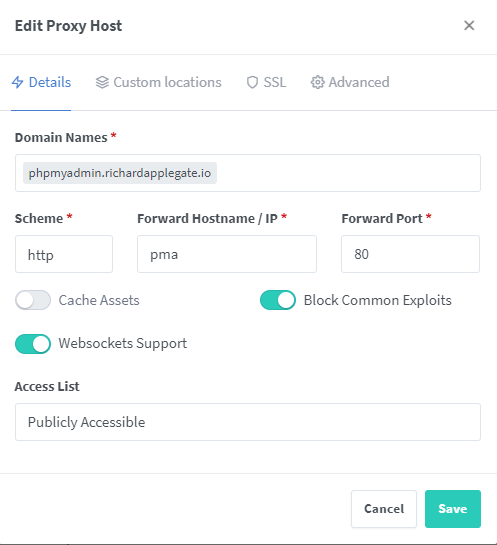
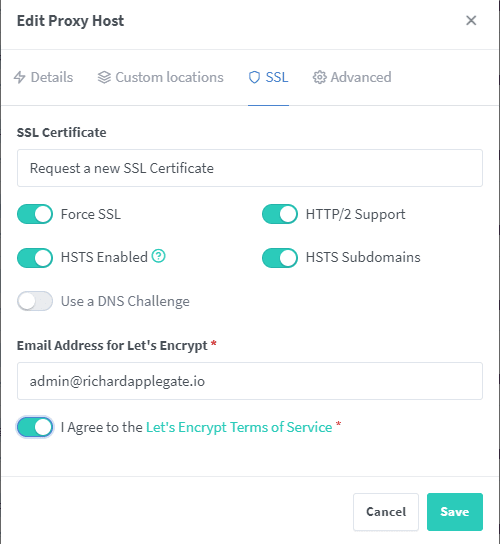
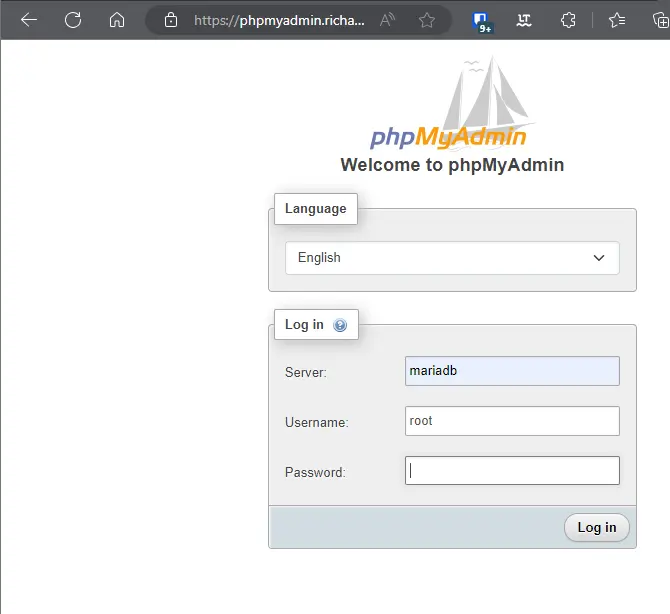
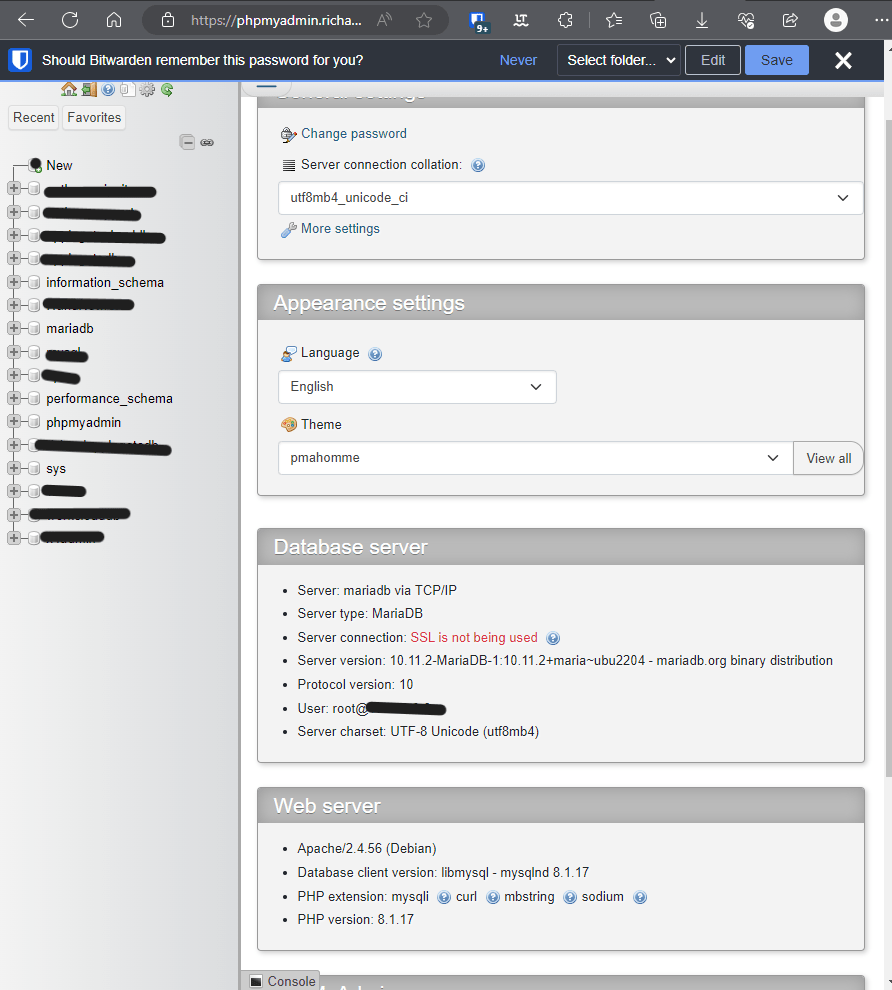
Now, after redeploying the stack, visit:http://<your-server>:8080 for a full-featured GUI!
Tips & Best Practices
- Secure Your Database: Don’t expose port 3306 to the internet unless necessary.
- Persistent Storage: Docker volumes make it easy to back up or move data.
- Stack Upgrades: Edit the stack YAML and re-deploy for future changes.
Conclusion
With just a few clicks and a simple YAML file, you can have a resilient MariaDB server up and running using Portainer Stacks and Docker Compose. Add phpMyAdmin for web-based administration, and you have a powerful, easy-to-manage development or production setup!
Have questions or run into trouble? Drop a comment below! 🚀