 Richard Applegate
 📰 Reference: CBS News: Microsoft CrowdStrike Outage — Blue Screen of Death Fix
What Happened on July 19th, 2024
On July 19th, 2024, a faulty software update tied to the CrowdStrike and Microsoft outage triggered the infamous Blue Screen of Death (BSOD) on Windows computers across the globe — and businesses of all sizes felt the impact. If your system was set to auto-update, there is a good chance you woke up to a nightmare scenario: screens frozen, systems unresponsive, and operations at a complete standstill.
How to Fix the CrowdStrike BSOD
The good news? A fix exists. The recommended solution is to boot your affected Windows machine into Safe Mode and remove the problematic CrowdStrike driver — specifically, the csagent.sys file located in the CrowdStrike directory. Both Microsoft and CrowdStrike have released official step-by-step guidance walking users through this recovery process. You can find full details via the CBS News article linked above.
⚠️ Quick Fix Summary: Boot into Safe Mode → Navigate to the CrowdStrike directory → Delete or rename csagent.sys → Reboot normally.
Why This Hit Businesses So Hard
What made this outage particularly painful for businesses was its sheer scale. Imagine every digital display, point-of-sale terminal, and back-office PC in your store suddenly going dark — simultaneously. For companies with small IT teams, manually recovering each individual machine became an exhausting, time-consuming ordeal. My sincere appreciation goes out to every IT professional who spent that Friday scrambling to restore operations.
How My Stores Stayed Operational
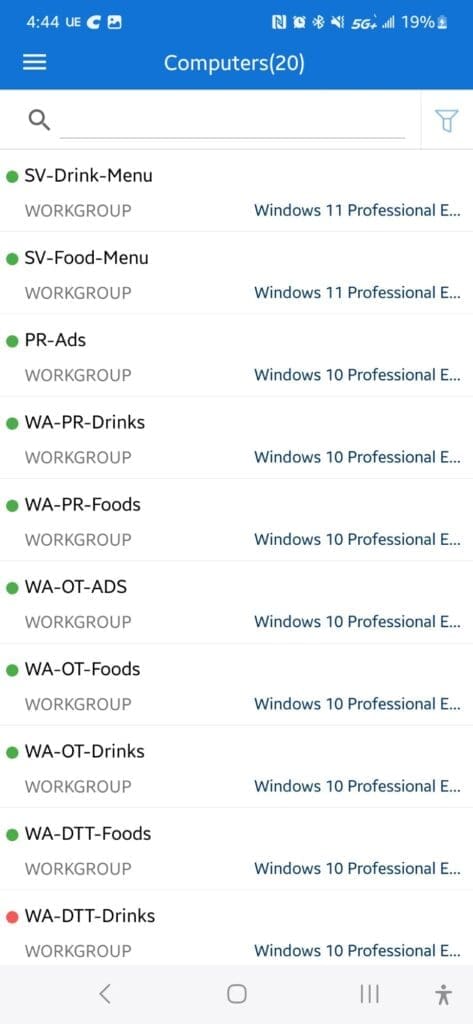
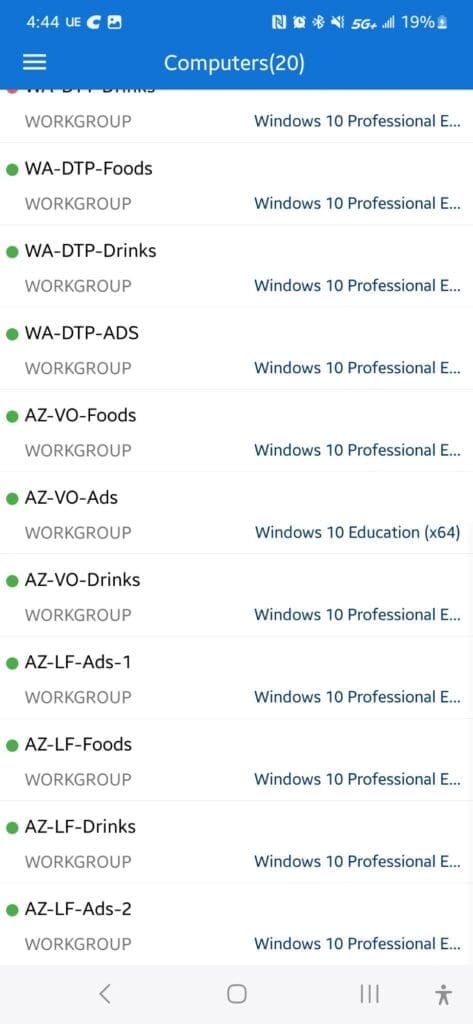
Fortunately, my own stores were not affected. I make it a personal policy to disable automatic Windows updates and instead perform manual updates on-site on a monthly schedule. This approach gives me full control over what gets installed and when — and moments like this are exactly why that policy exists. As of July 19th, 2024, all of my locations running Windows 10 and Windows 11 remained fully operational.
I will admit that last month’s update did give me a brief scare, so I held off and waited for Microsoft to release a follow-up patch that resolved the issue. That fix arrived shortly after — and what a relief it was. There is nothing quite like the terrifying mental image of Blue Screens of Death spreading across every monitor in your store in the middle of the night while you are asleep. For many business owners this week, that nightmare became very real.
Endpoint Central Dashboard During the Outage
The Key Takeaway for Business Owners
Think carefully before enabling automatic updates on business-critical machines. A controlled, manual update schedule requires more planning and effort, but it can protect you from a catastrophic, wide-scale outage at the worst possible moment. The July 19th CrowdStrike incident is a clear reminder that even trusted, enterprise-grade security software can become your biggest liability overnight.
- Disable automatic updates on all point-of-sale and mission-critical Windows machines.
- Test updates on one non-critical machine before rolling out store-wide.
- Monitor patch notes from vendors like Microsoft and CrowdStrike before applying updates.
- Keep a recovery plan ready — know how to boot into Safe Mode and access system directories quickly.