Tag: Final

  • DNS DDoS Attack: How Port 853 Saved My Servers

    What a wild ride! As someone who cares deeply about keeping ads and trackers away, I run not one, not two, but three Adguard Home DNS servers for my network and my work and a few trusted friends. Things were smooth…until today’s wake-up call.

    When 3 DNS Servers All Go Down

    Early this morning, my phone lit up with monitoring alerts: All three Adguard Home DNS servers were timing out. At first, I figured it was typical network flakiness, but when I logged in and checked the stats—yikes! Each DNS server was being bombarded with requests. Log entries were flying by like a slot machine, and CPU loads were through the roof.

    I quickly realized: this was a full-blown DDoS attack. Someone (or something) had decided today was the day to flood all my DNS instances and bring them to their knees.

    Port 53 is Love, Port 53 is Pain

    If you run a DNS server, you know traffic flows through port 53. It’s the default, it’s widely known, and unfortunately, it makes you a target. Even with basic security and firewall rules, a determined attacker can throw a gigantic amount of junk queries your way. The more public your DNS, the more likely it is to end up on a botnet’s hit list.

    I tried to mitigate: blocking IPs, tweaking Adguard’s query limits, but the traffic just kept coming—botnets can scale, after all.

    The Fix: Hello, DNS-over-TLS (853)!

    Desperate for relief, I remembered what sets modern DNS apart: encryption. Both DNS-over-HTTPS (DoH) and DNS-over-TLS (DoT) remove reliance on the open port 53, using encrypted connections to a different port.

    • DoT uses port 853.

    So, I did something radical (for my setup):

    • I closed public access to port 53 on all three servers.
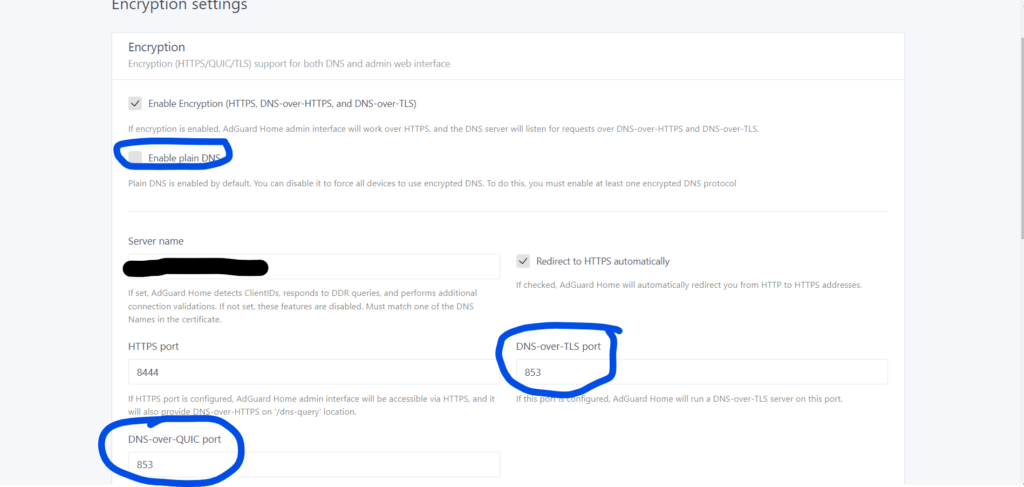
    • I configured Adguard Home to only accept DNS-over-TLS traffic on port 853.
    • I made sure my clients (phones, computers, routers) were using DoT (port 853) instead of plain DNS.

    Like flipping a switch, the attack ended. No more flood, no more timeouts—just blissfully fast, secure DNS again.

    Why This Works

    Open port 53 is universally scanned—by researchers and attackers—for DNS servers to abuse. By limiting access and switching to encrypted DNS-over-TLS, you:

    • Hide your DNS from general internet scanning.
    • Require authentication (sort of; at least a valid TLS handshake).
    • Dramatically reduce DDoS exposure, since randomized bot attacks target port 53 by default.

    Lessons Learned

    • Don’t run a public port 53 DNS unless you must. Always lock it down or require VPN/TLS/DNSCrypt.
    • Encourage clients to use DoT or DoH—they get privacy AND you get peace of mind.
    • Know your tools: Adguard Home makes it surprisingly easy to deploy DNS-over-TLS.
    • If you rely on DNS, have a mitigation plan—DDoS can strike anyone, anytime.

    Next steps? I’ll keep a close eye on logs, make sure clients are all set up with DoT, and might even look into DNS-over-HTTPS as a backup.

    How about you? Have you had to defend your home DNS from attacks? Share your story below!


    Stay safe, and happy (private) browsing!

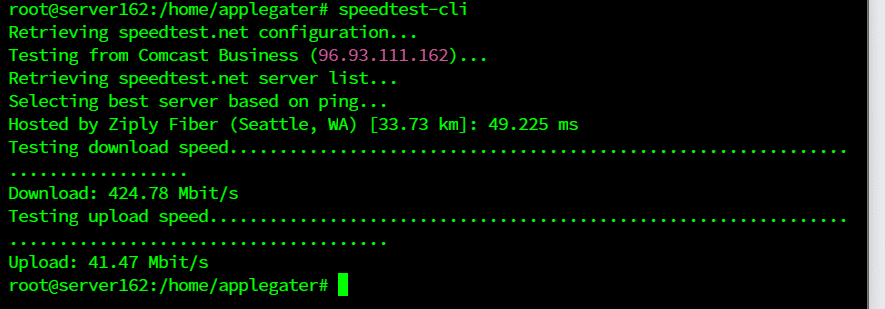
    The initial offensive commences on May 25, 2024. Additionally, the internet will experience a gradual slowdown to 2 Mbps and 3 Mbps during uploads; this is how people tell us they did the DDoS attacks on us.
    This is after and much better

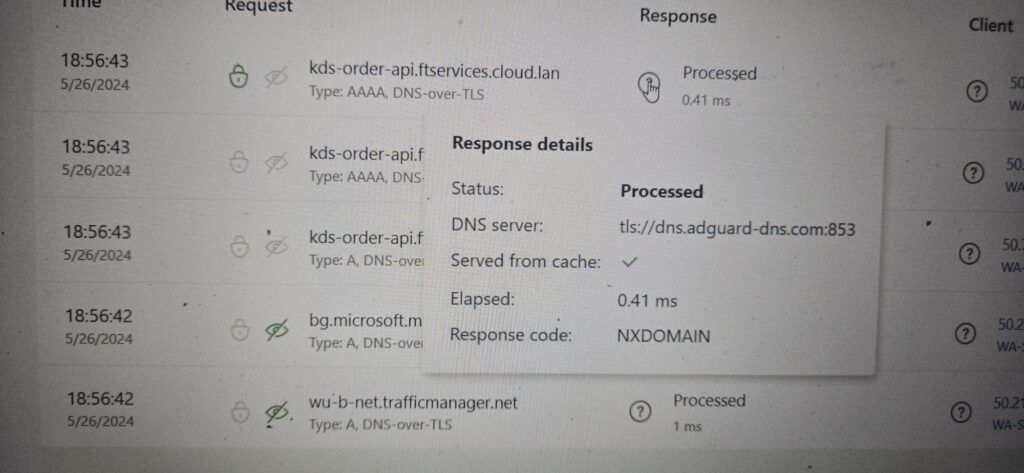
    My DNS query results confirm that all our DNS servers are secured with DNS over TLS encryption.
  • TV Mount Installation Sunrise Village Anthem

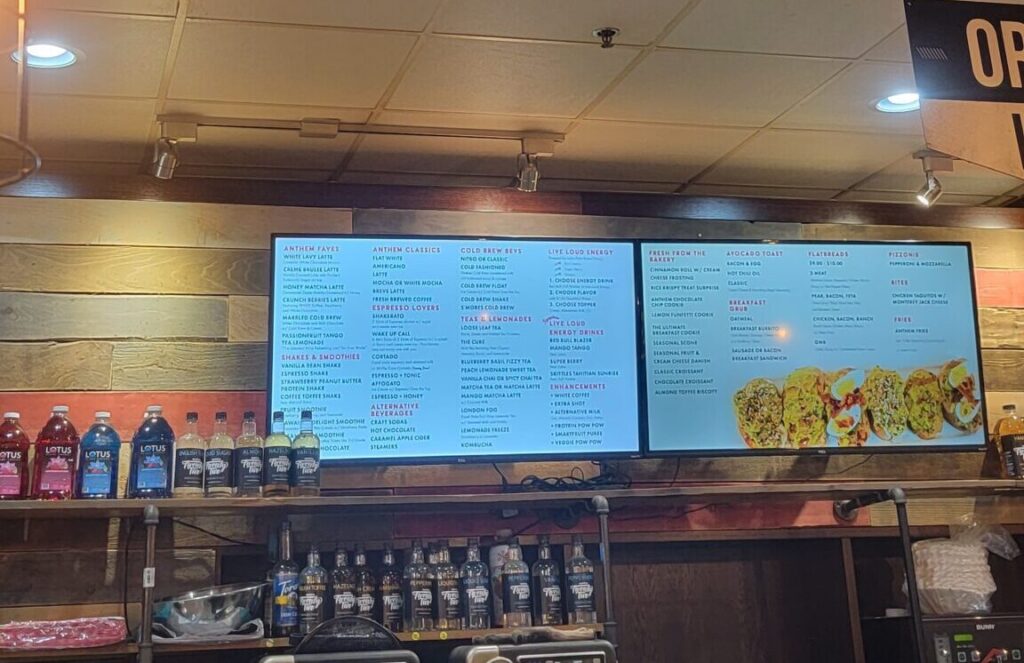
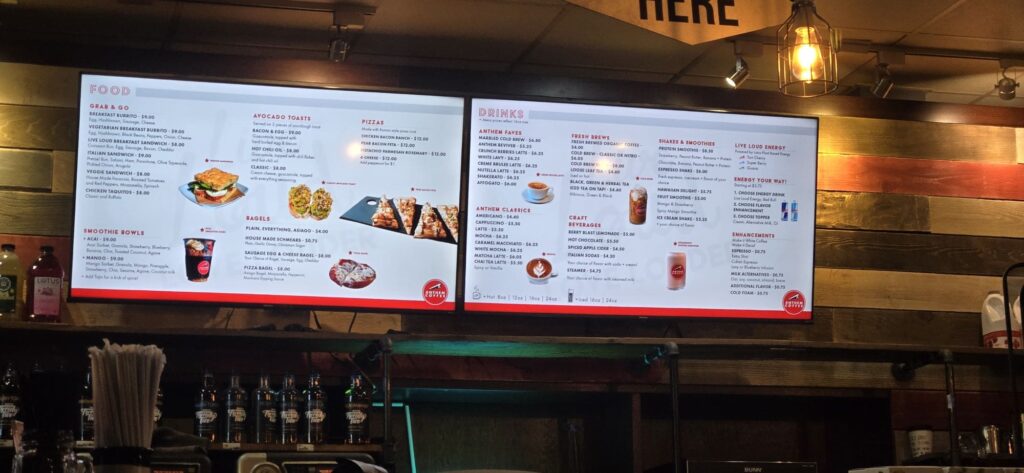
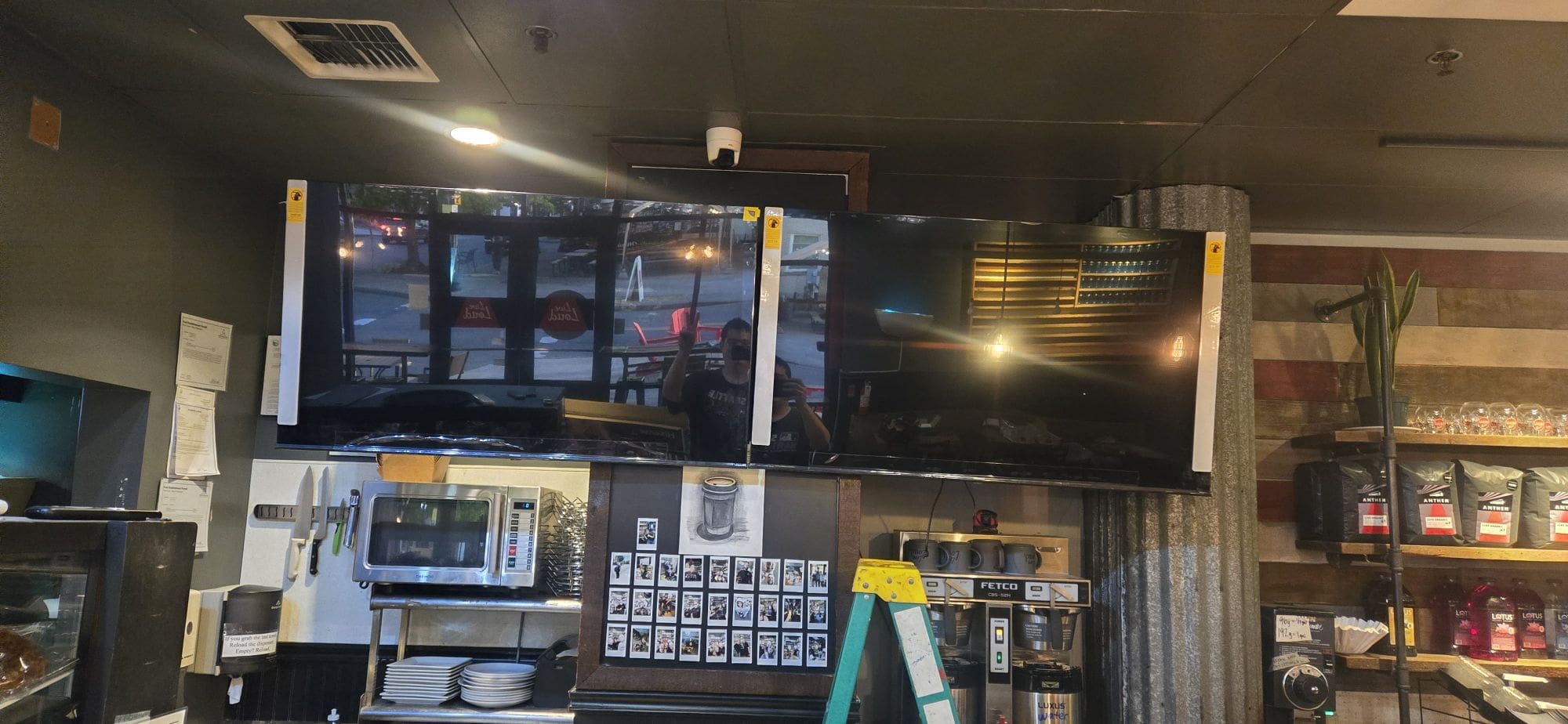
    We have replaced our old 51-inch TVs with new 55-inch models, enhancing both display size and quality. These upgraded TVs are now powered by YoDeck digital signage software—a cost-effective solution that eliminates the need for pricier alternatives. To date, YoDeck has been successfully deployed on 25 TVs across all our Anthem locations.

    Old TV, 51 inch
    Today 2024, New TV 55 inch and differnet TV Mount.

    Gallery:

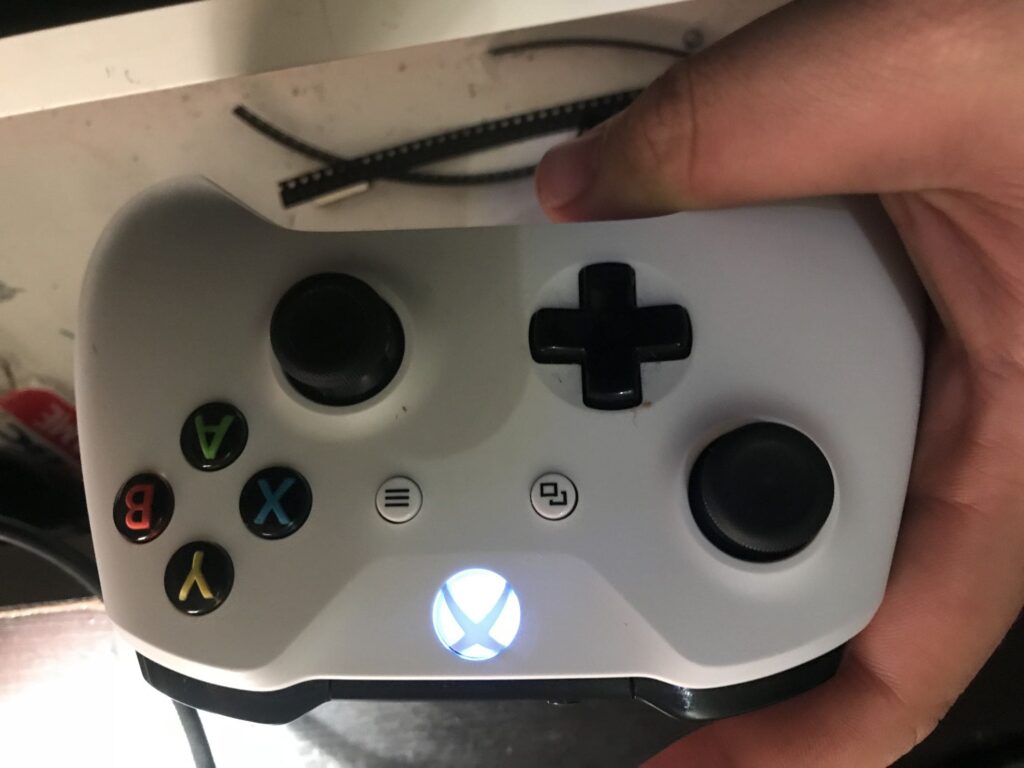
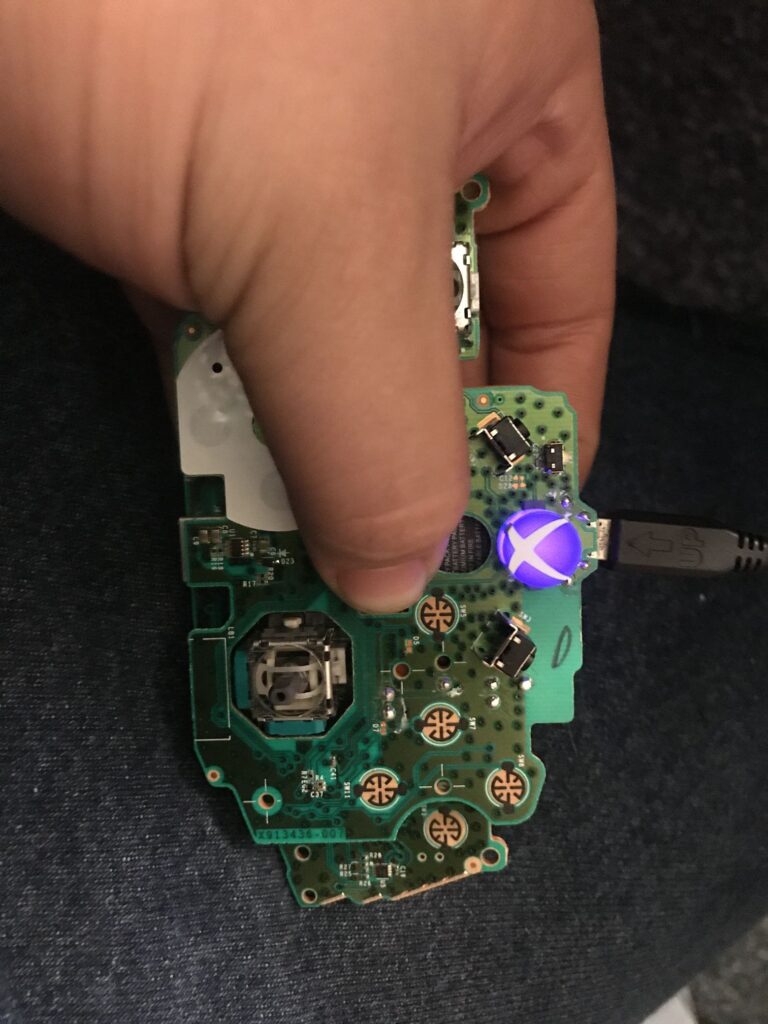
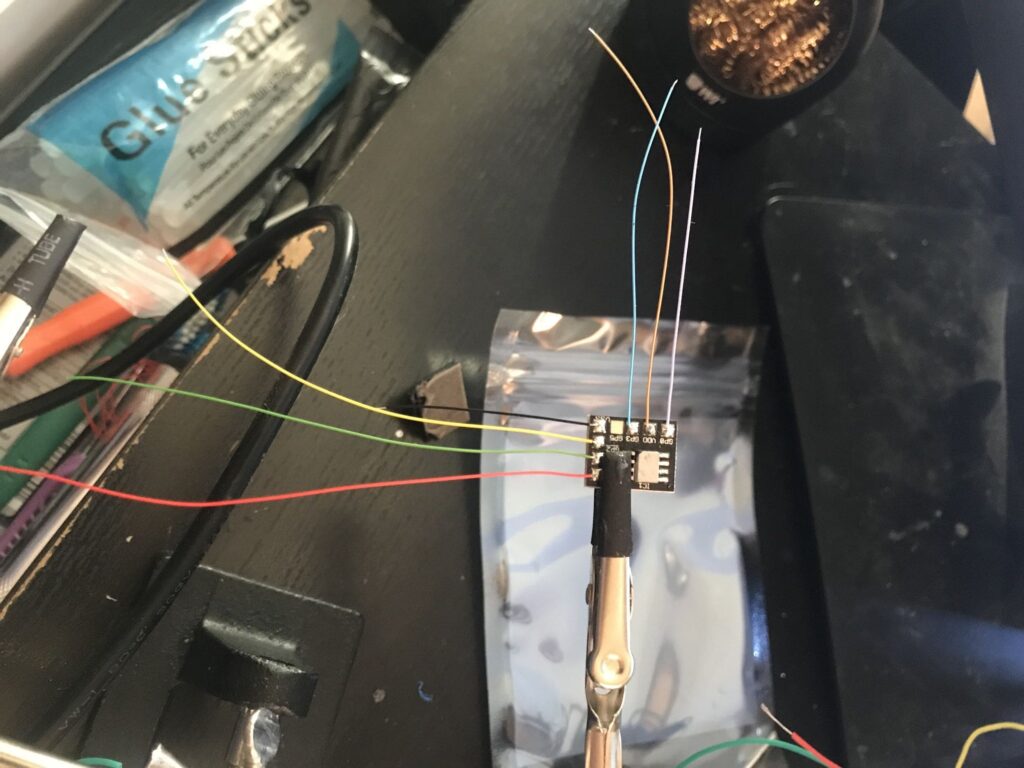
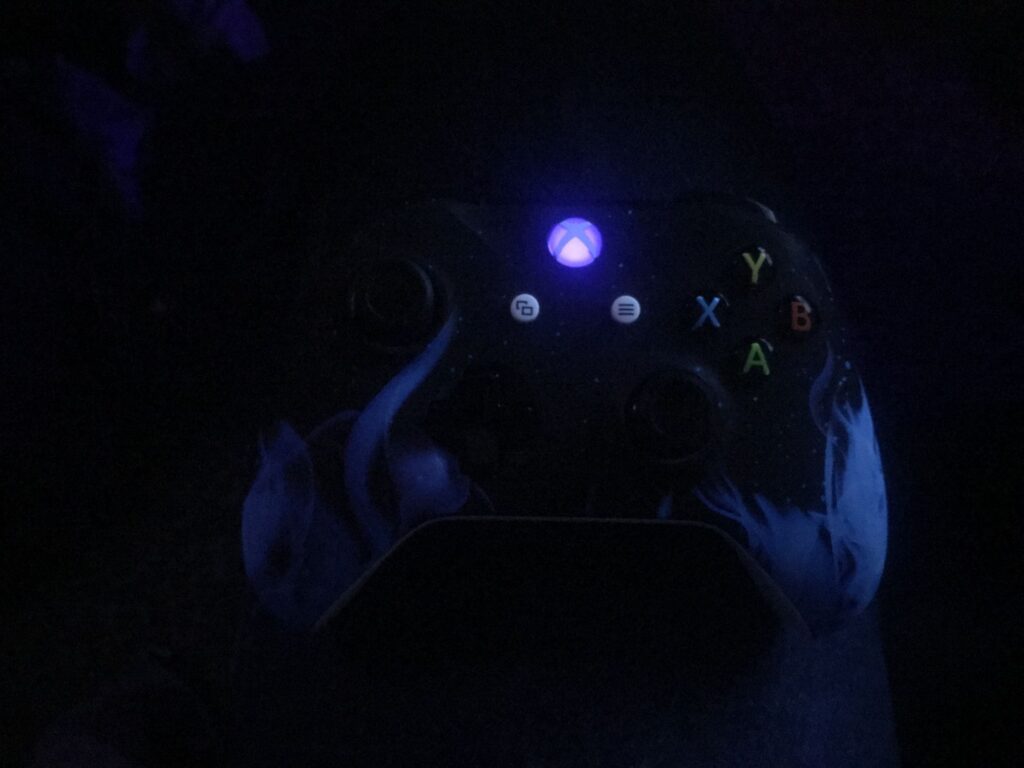
  • Custom Xbox Controller: LED Lights & Rapid Fire Mod

    I switched my led light from white to purple and then added some mod chip for rapid fire, and it’s working out really well!

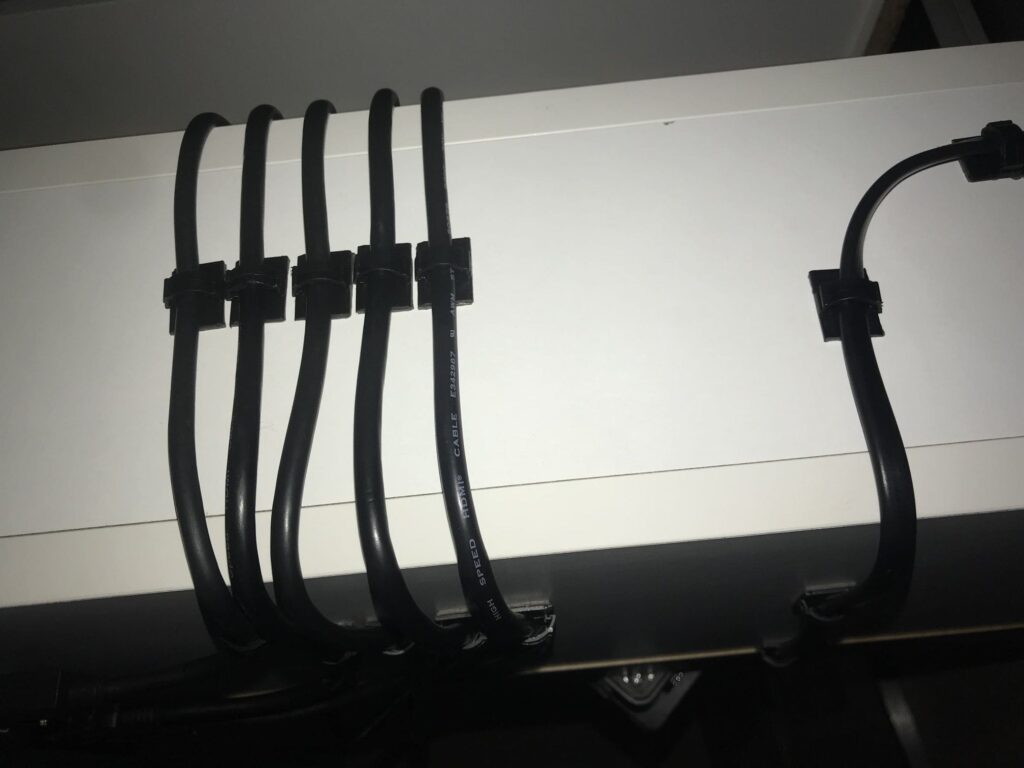
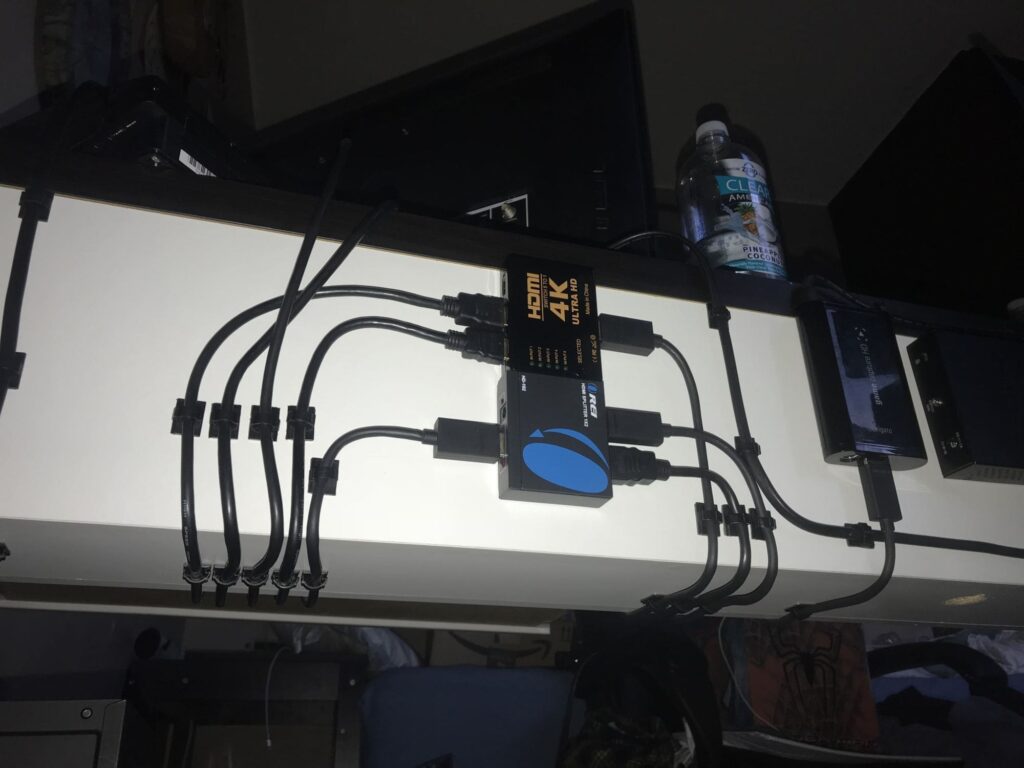
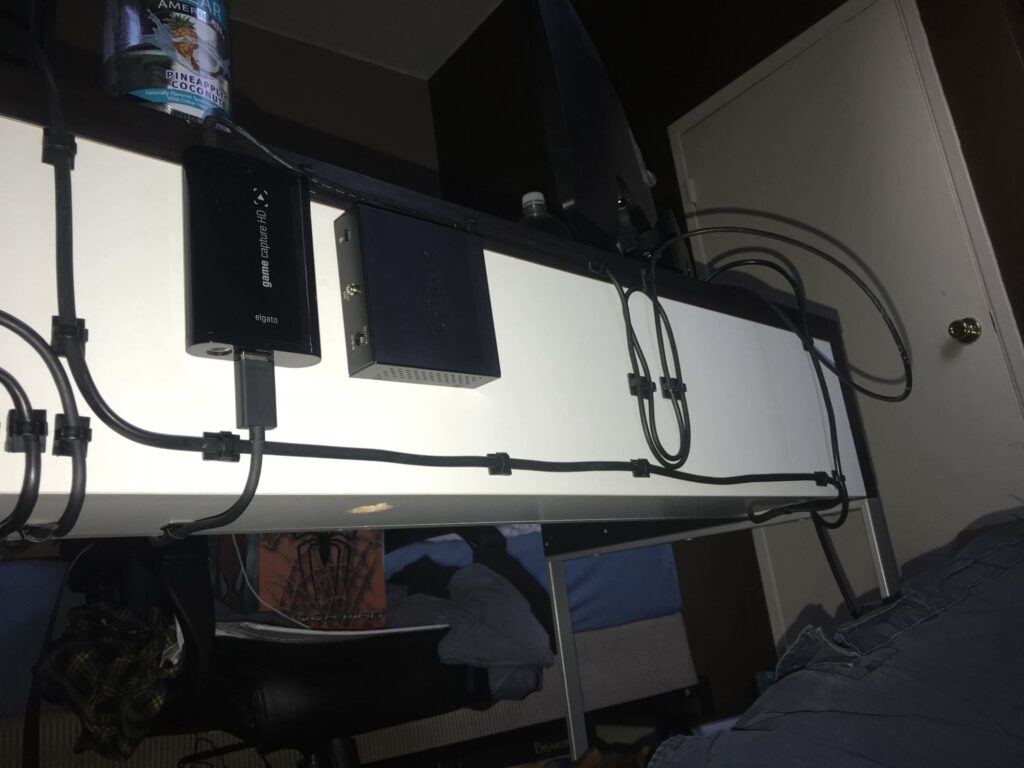
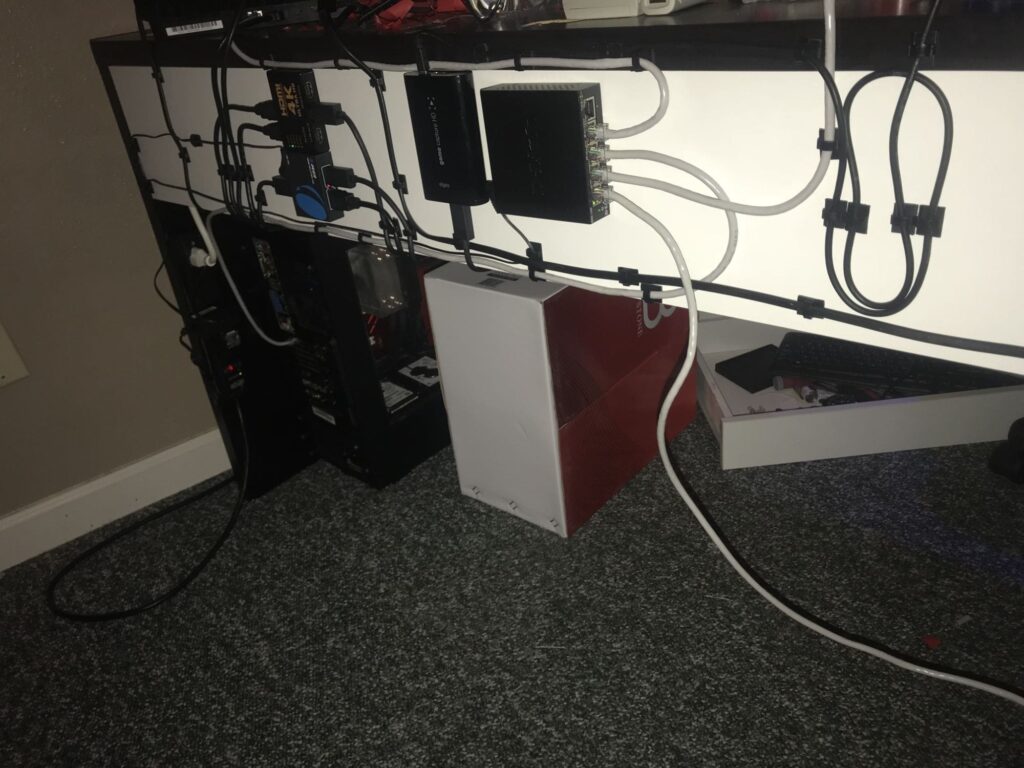
  • Desk Cable Management Hack: Reduce Clutter & Anxiety

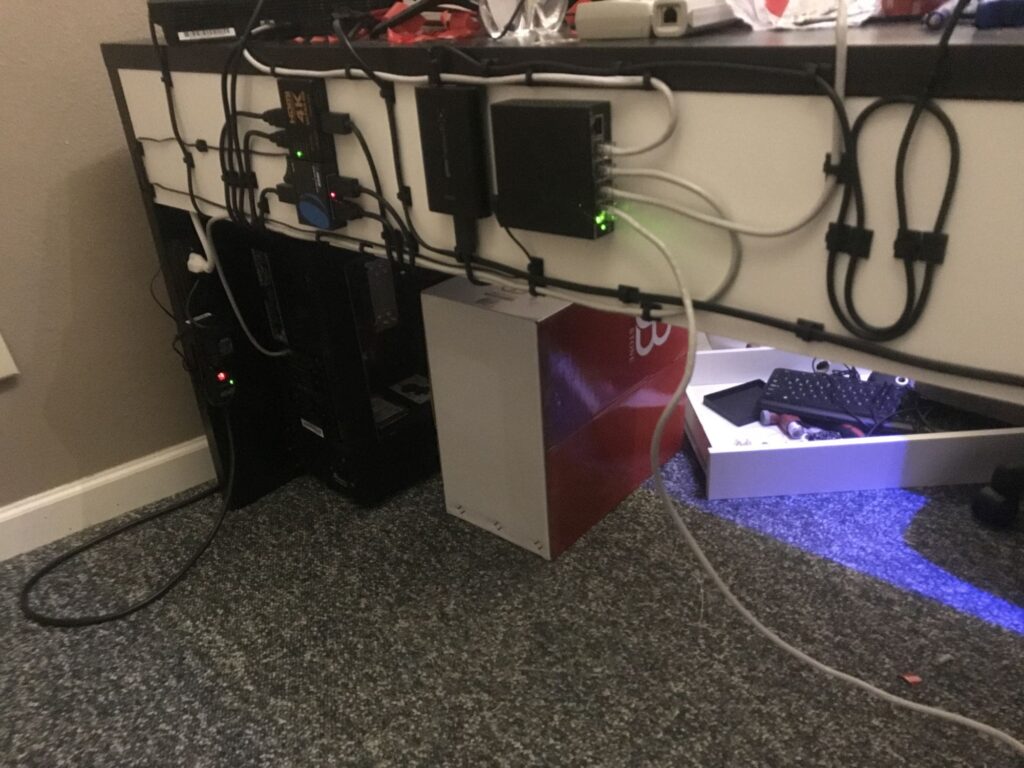
    In 2017, I did this on my desk to help my anxiety when I have too much wire in one area. This helps me feel smoother in the room.

    Yeah, I’m always looking to keep the wires off the floor. We’ve got many cats around here, so I came up with this idea to avoid any animals eating my wires.

  • Prevent DNS Amplification Attacks: Secure AdGuard Home

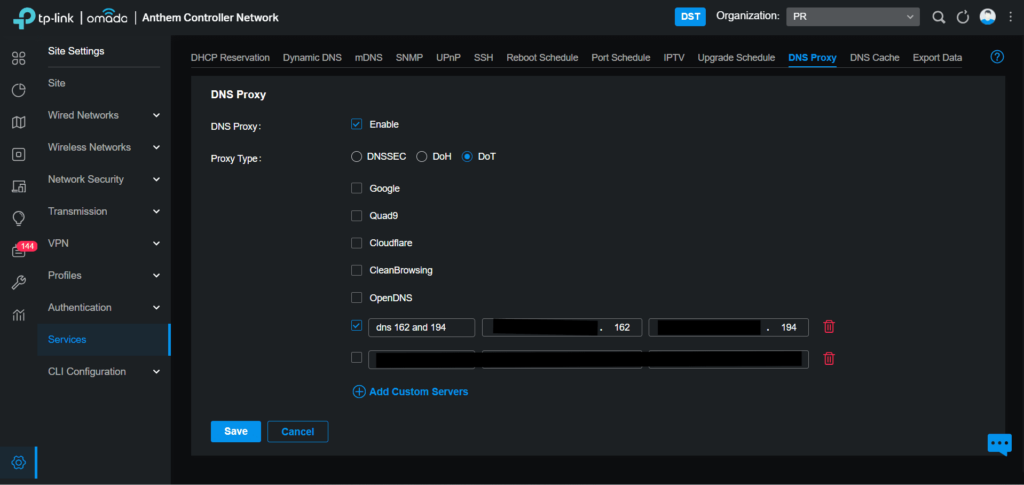
    Today, I turned off the DNS port 53. Since we have been cutting off our store’s DNS server, it has been a DNS amplification attack. So I found out that my Router does have a DNS Proxy, My DNS Server does have HTTP over TLS and DNS-over-HTTPS. Everything is working and attacking is currently stopped after I set up 853 port encryptions and disable Plain DNS. I also want to keep my stores safe.

    Disable Plain DNS and DNS over TLS is 853.

    My router has a DNS Proxy option, so I added my DNS IP Server,

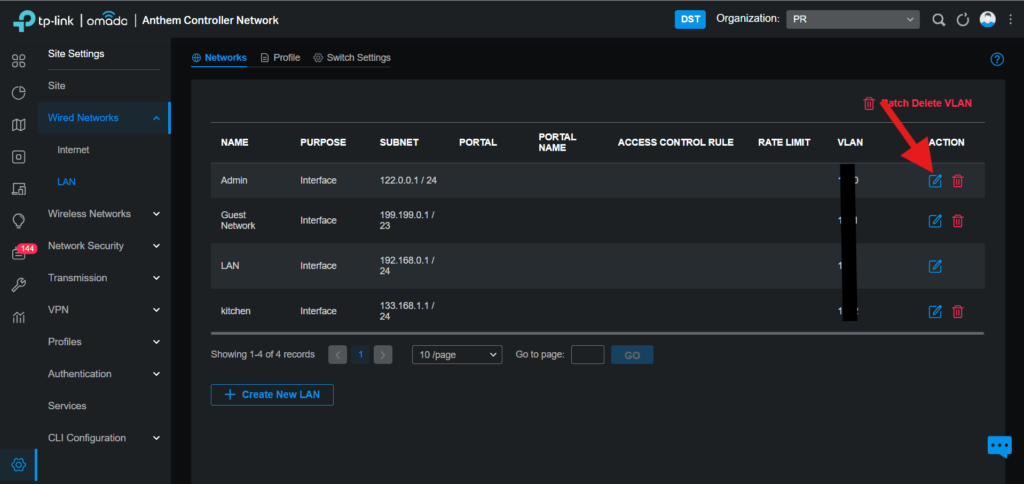
    Then I have gone to Wired Networks → LAN, then go to Admin

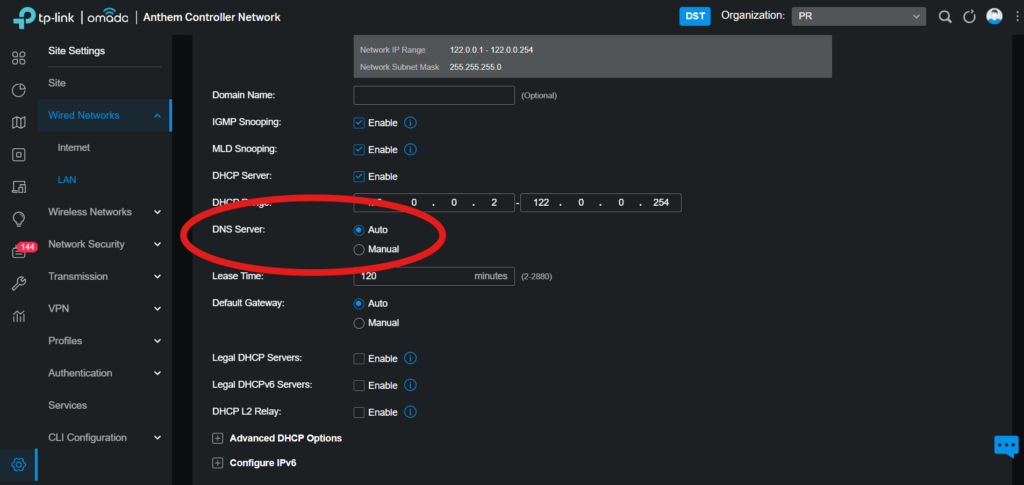
    If you change DNS Server to your DNS, please change to Auto So DNS Proxy to do the job.

    Now we have an encrypted DNS over TLS.

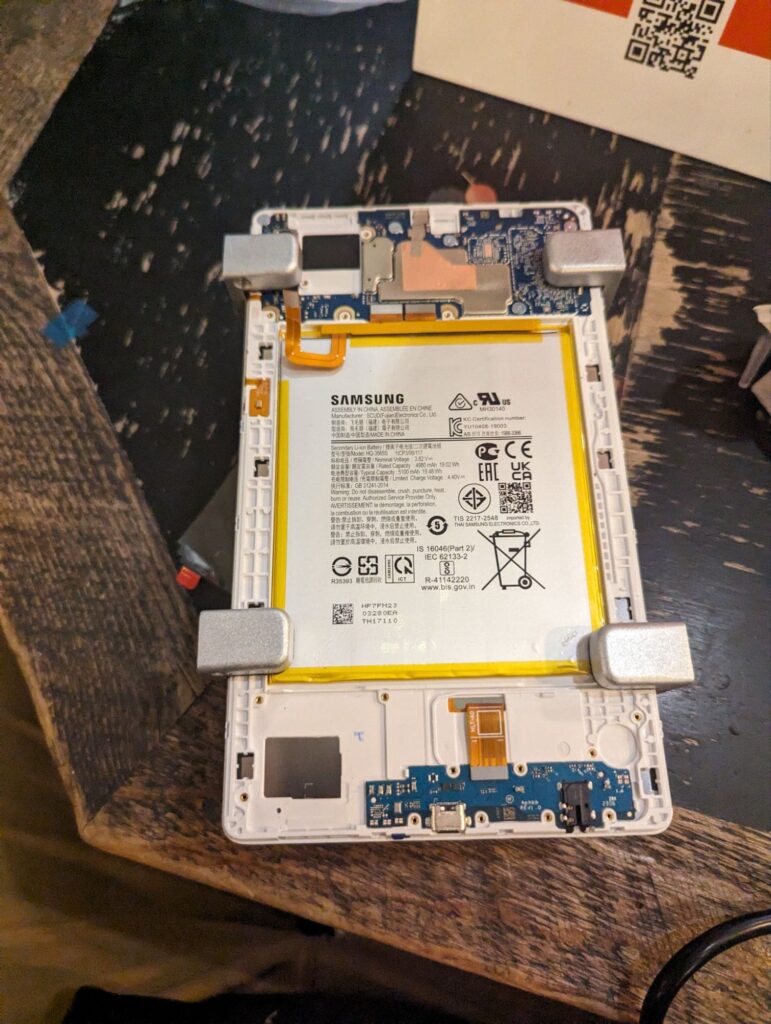
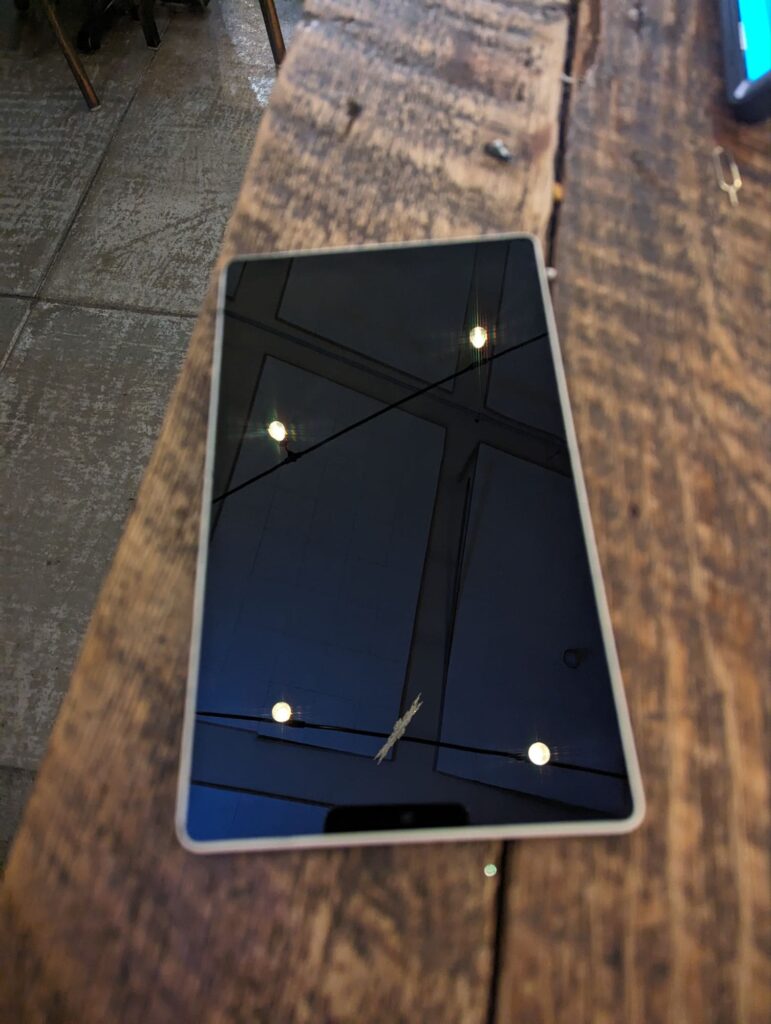
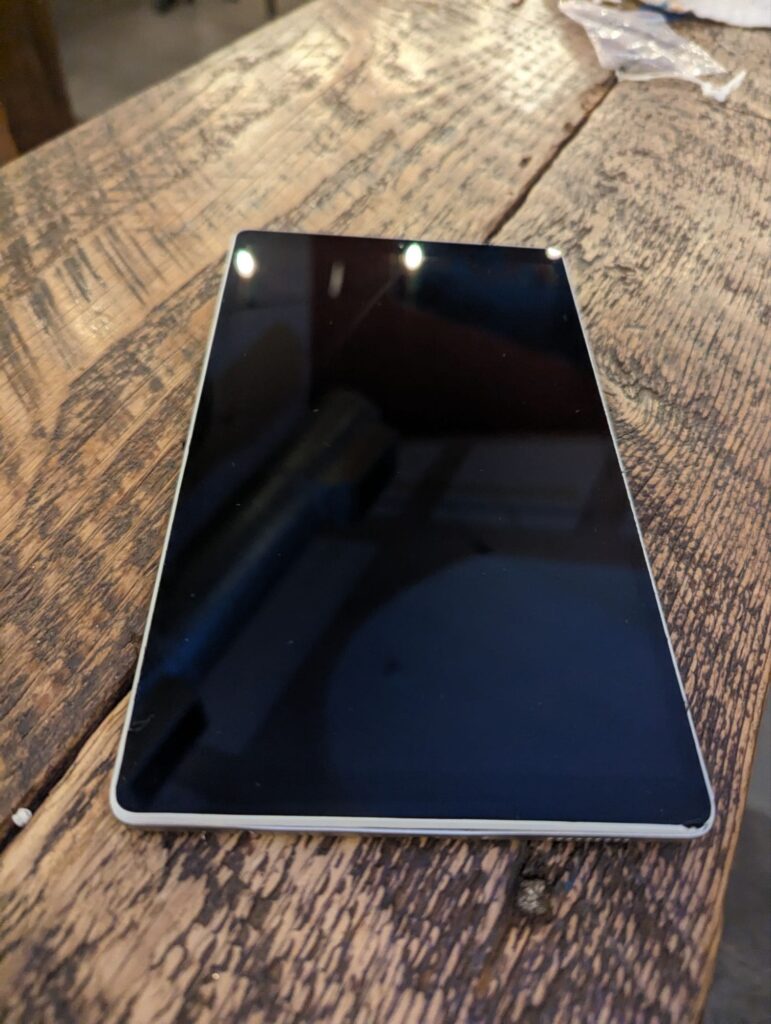
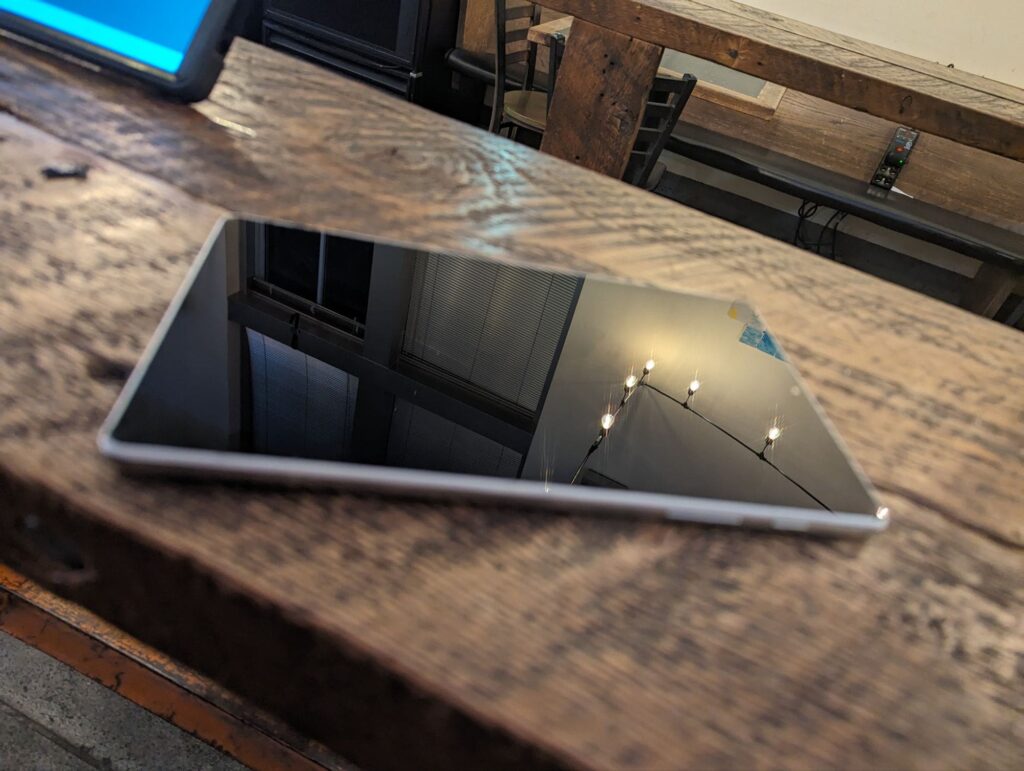
  • Samsung Galaxy Tab A7 Lite Screen Replacement Guide

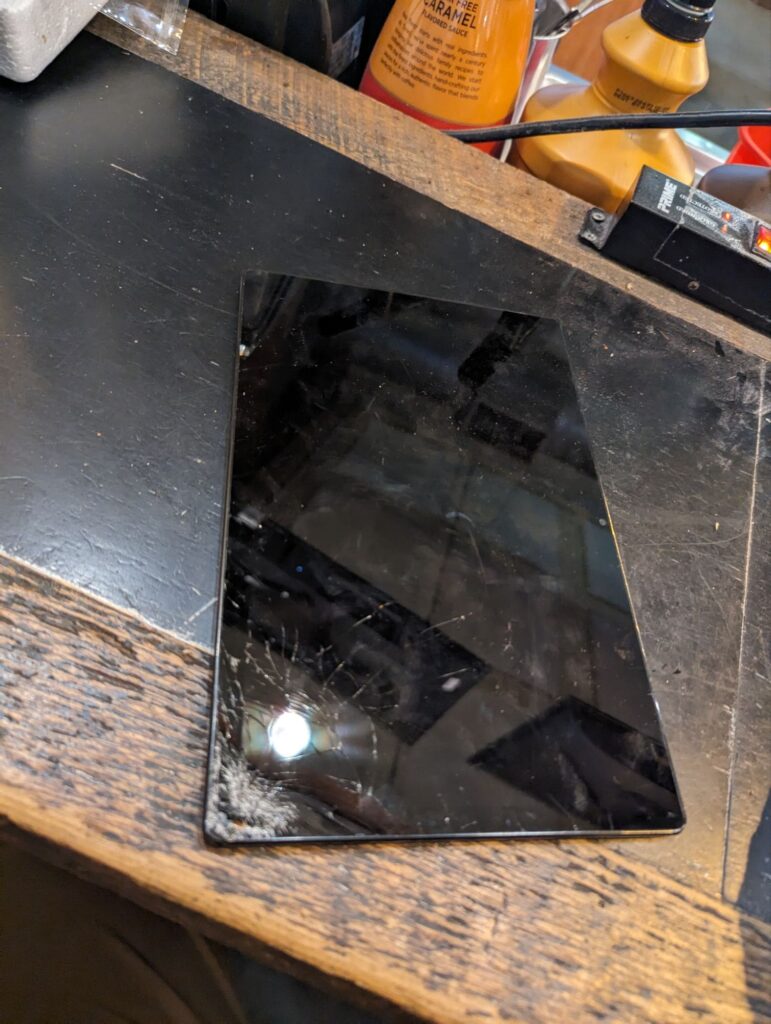
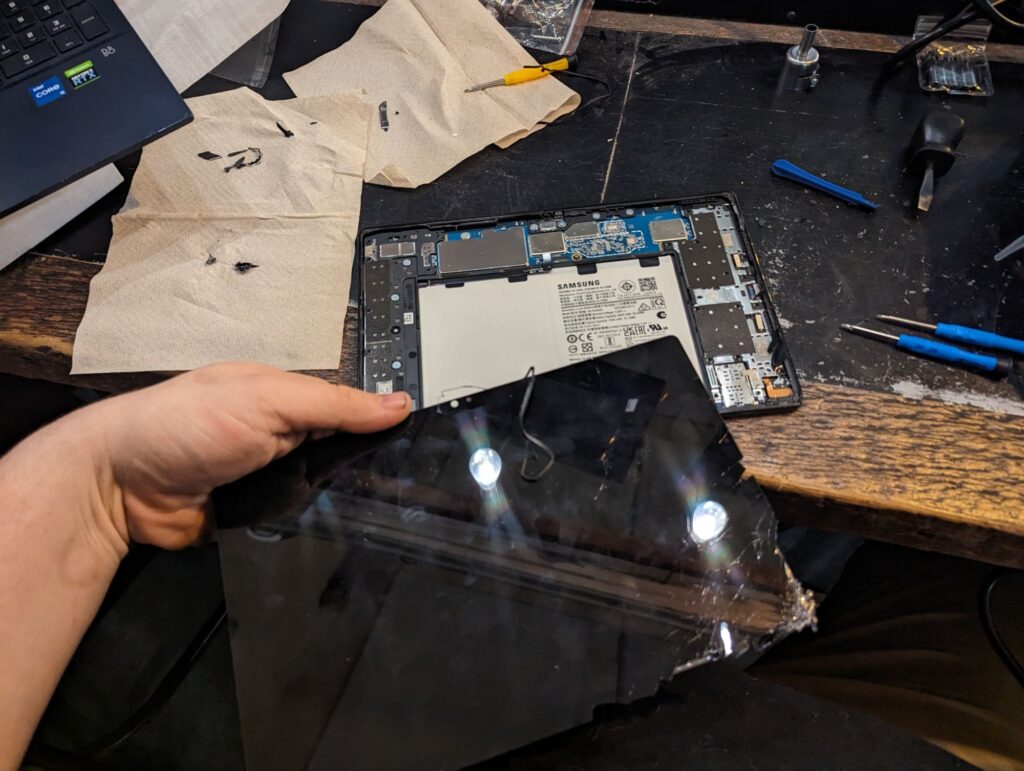
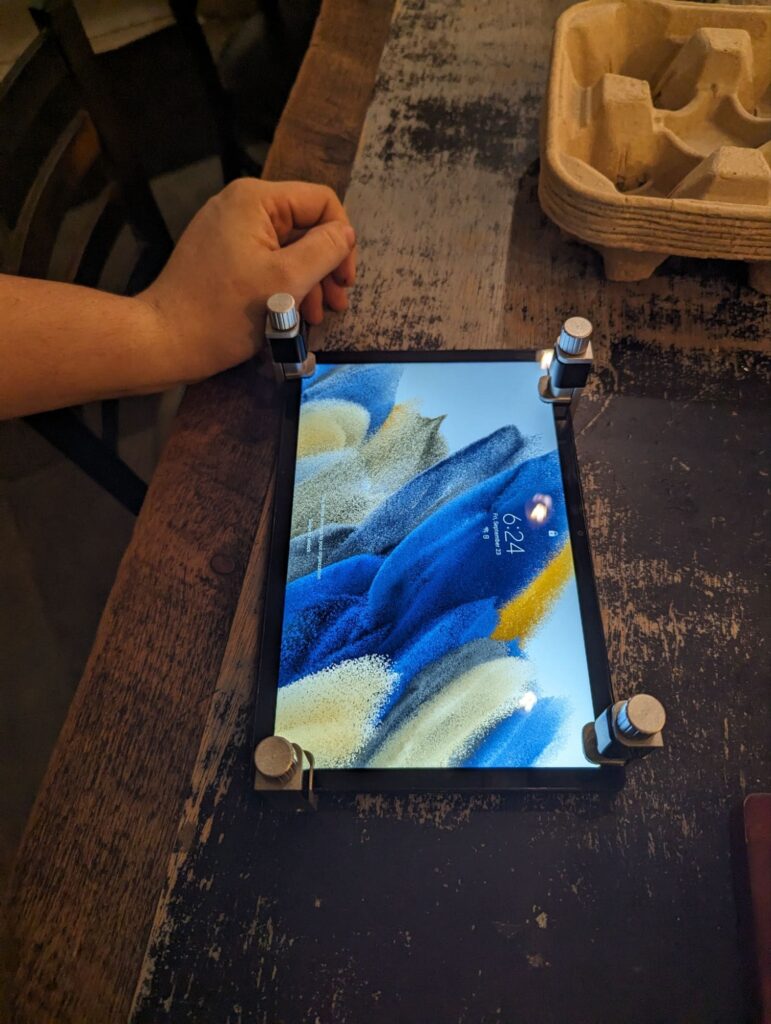
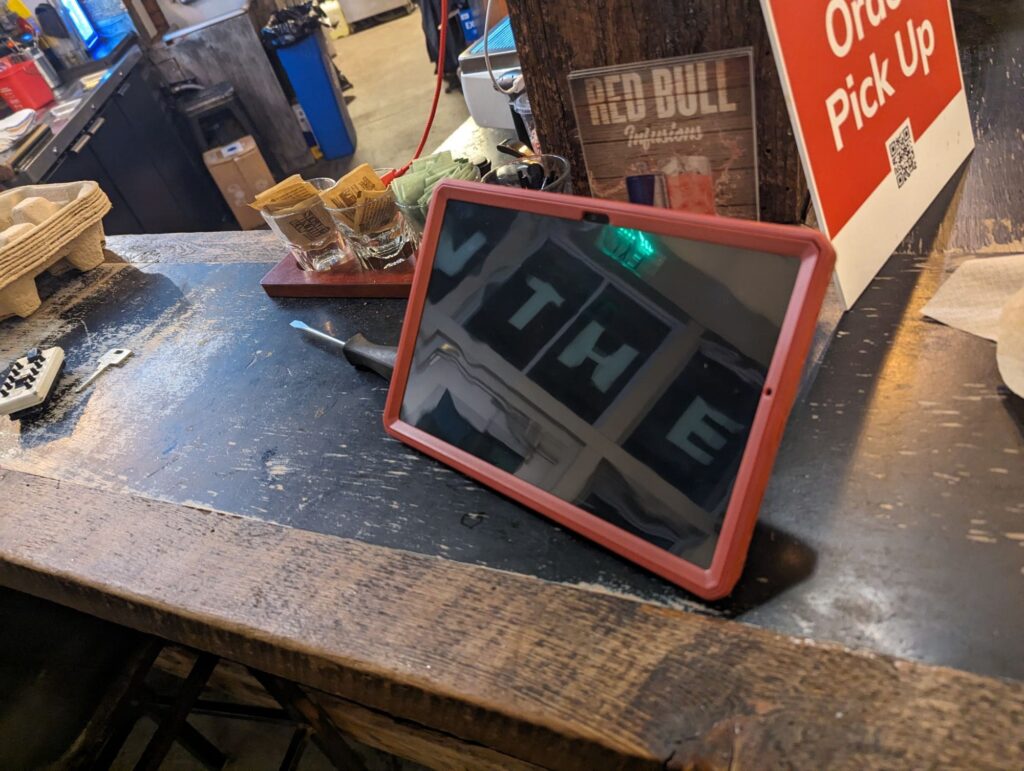
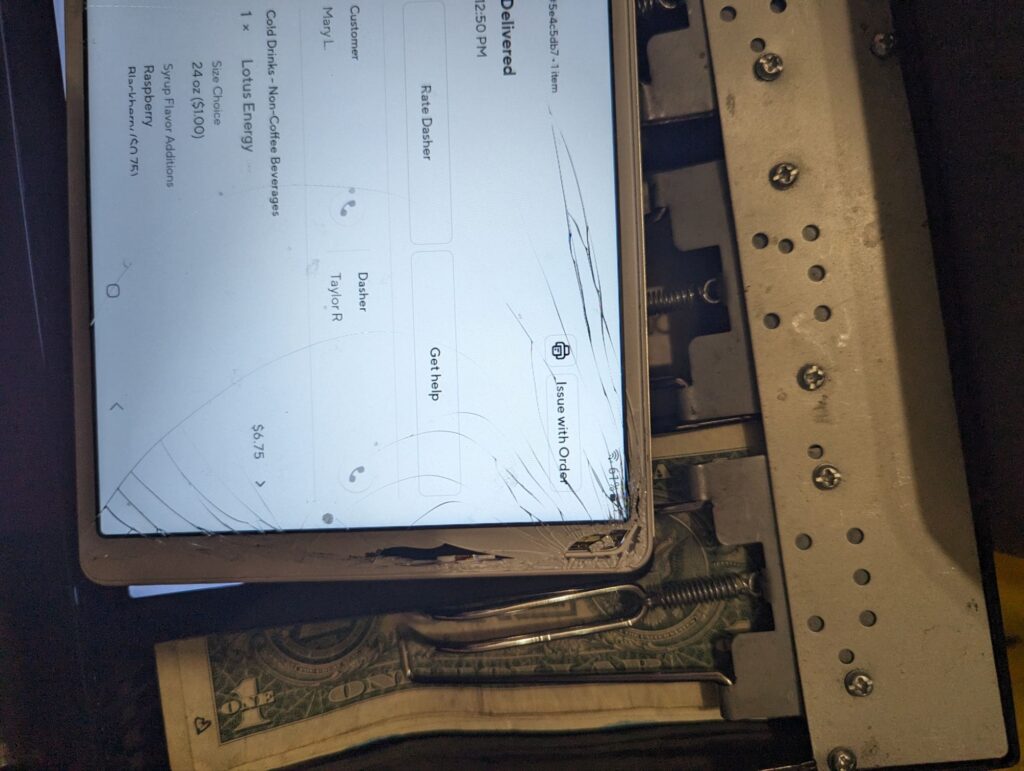
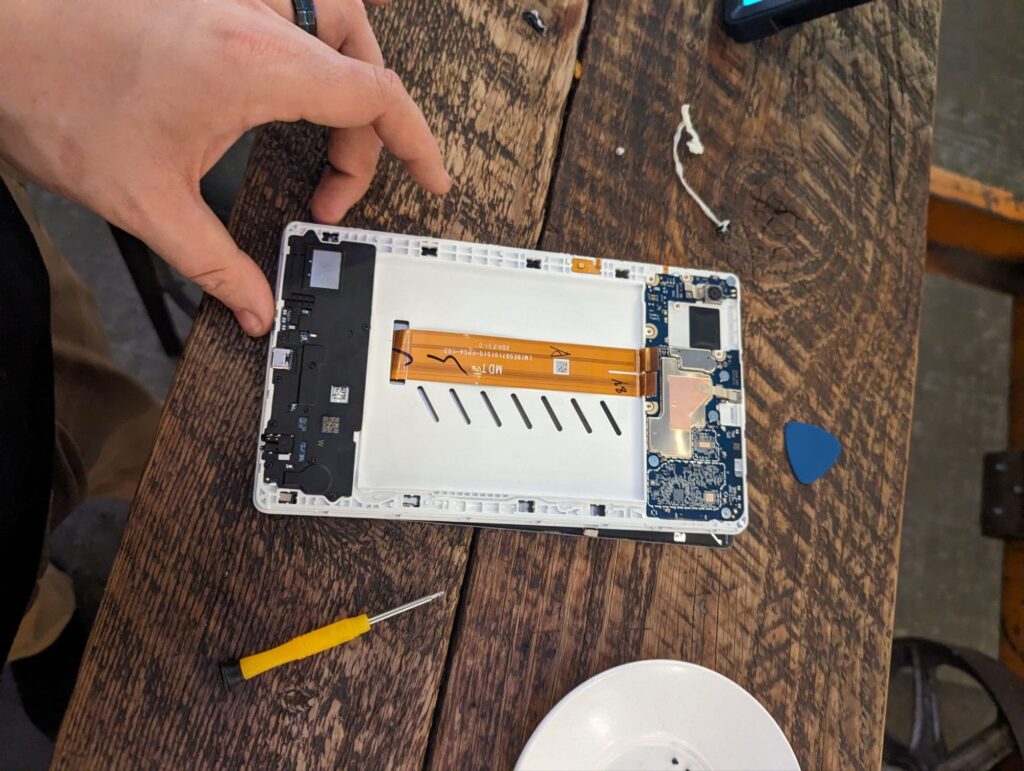
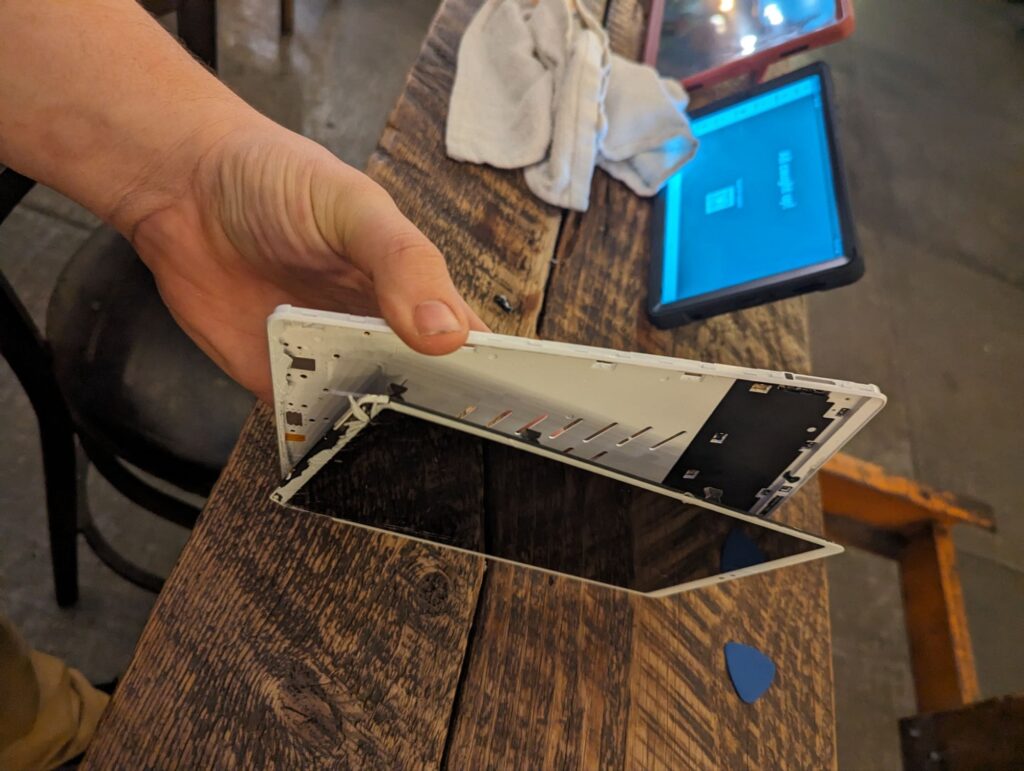
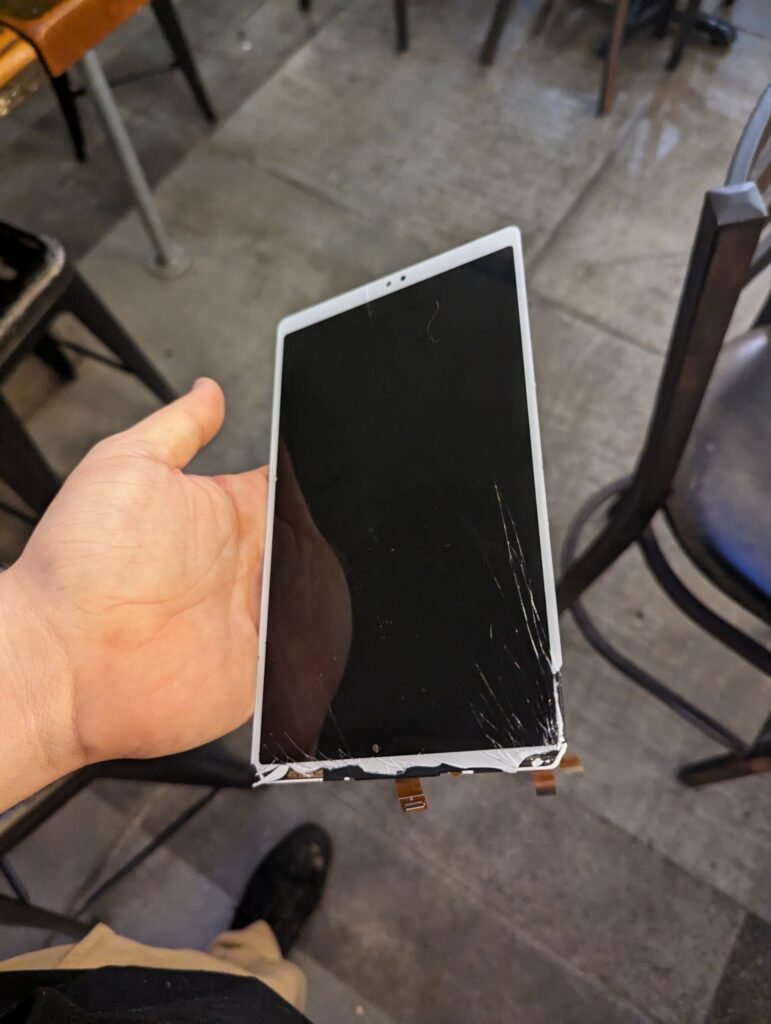
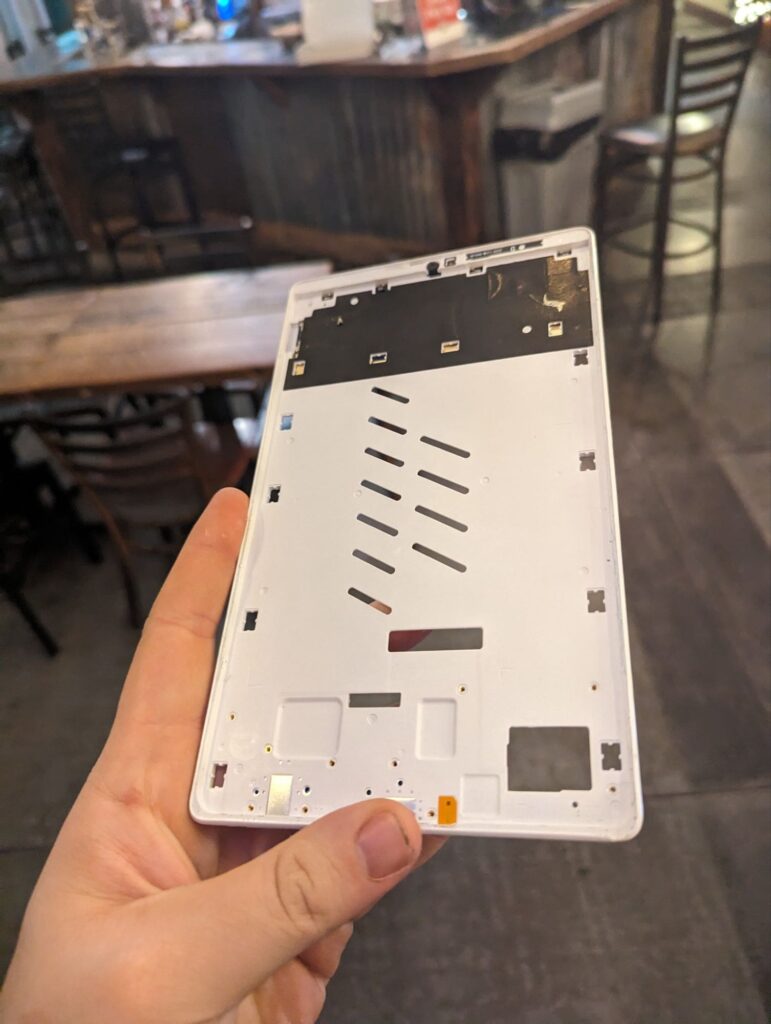
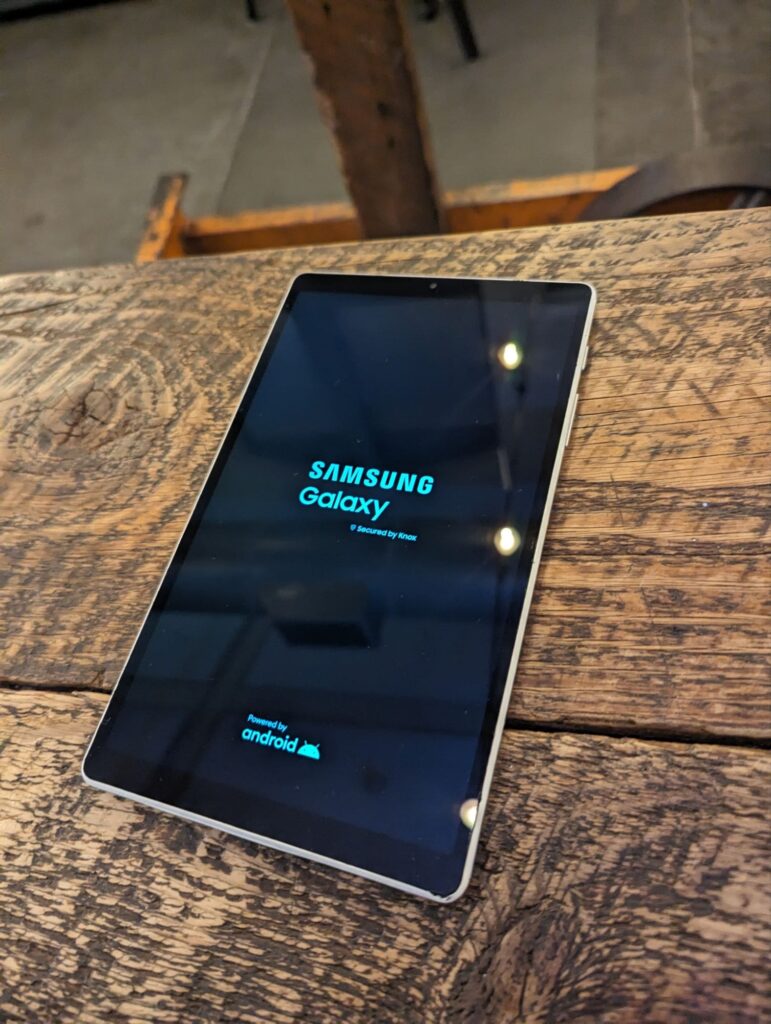
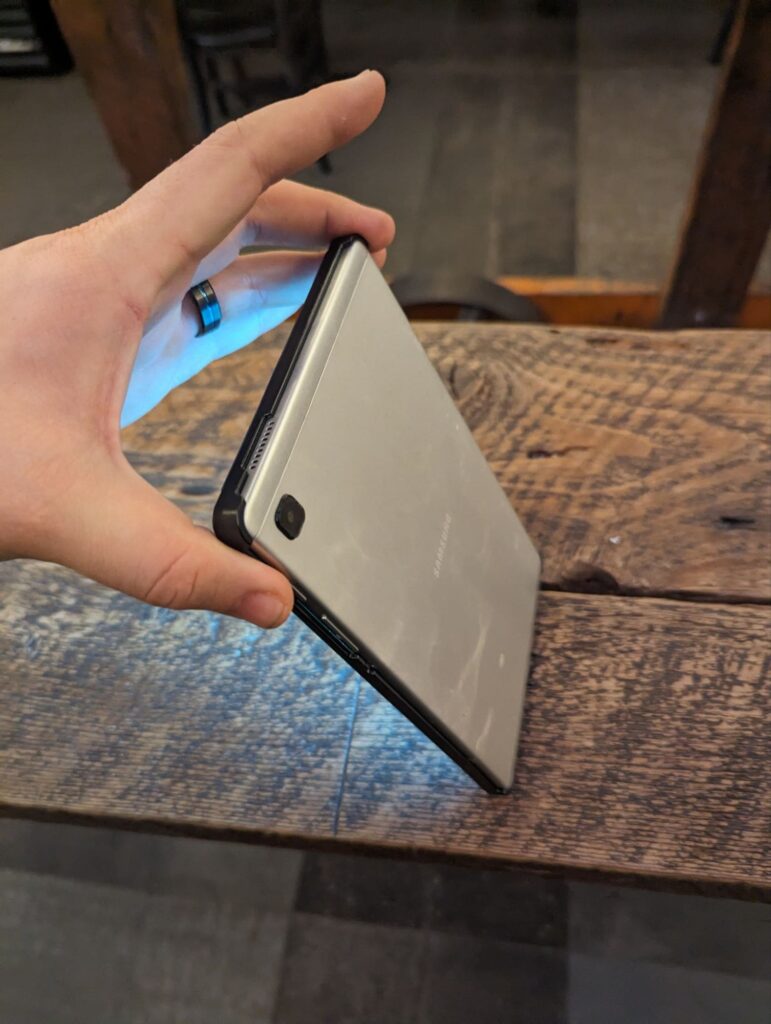
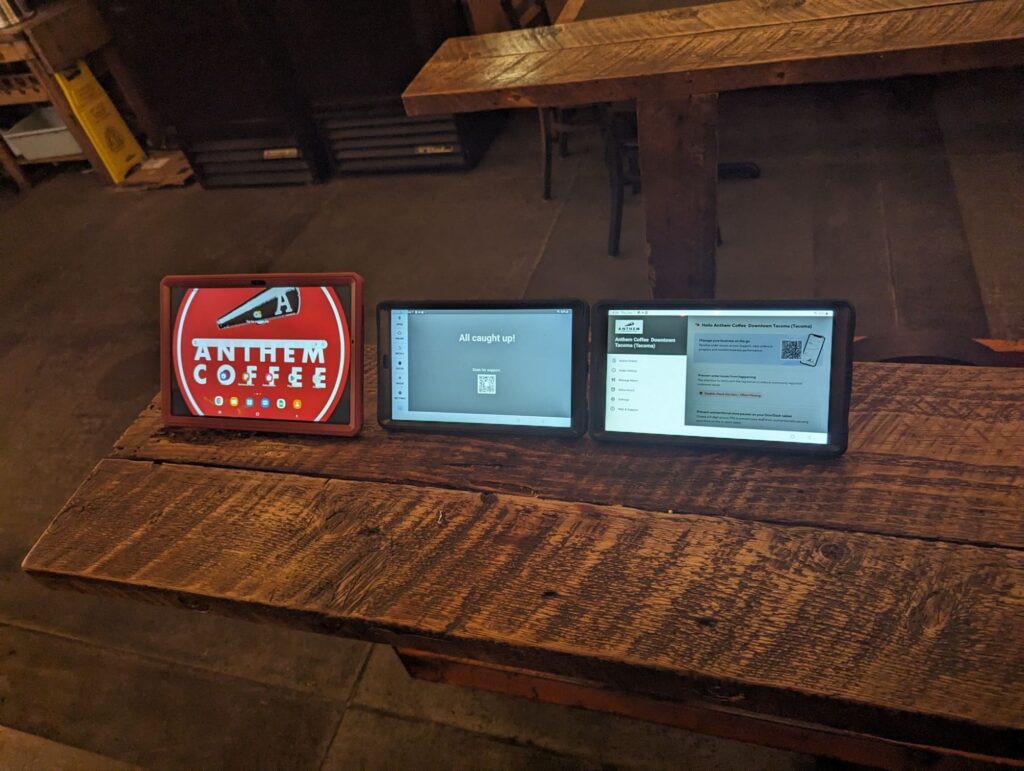
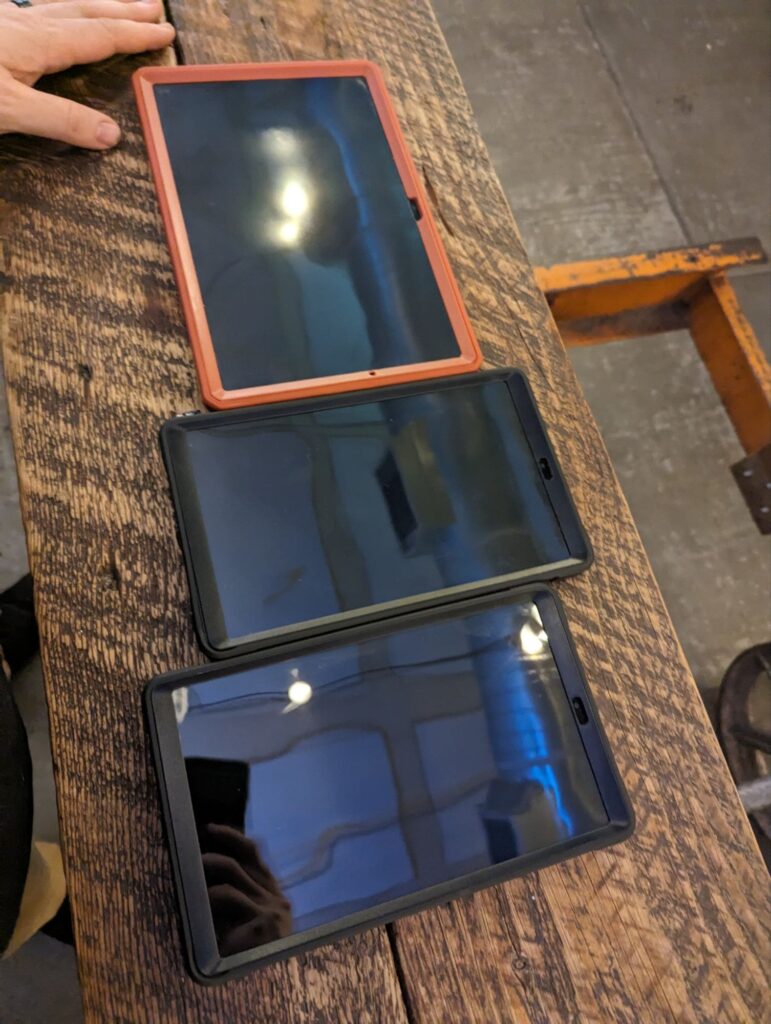
    One of our employees accidentally dropped their tablet while performing work-related tasks. Unfortunately, the device was not equipped with a protective case at the time, which increased the risk of damage. After reviewing the situation, we recognized that this oversight was our responsibility, as we had not provided an adequate protective case to safeguard company equipment from such accidents. Following the incident, I took immediate steps to resolve the issue. I arranged for a professional screen replacement to repair the device, ensuring that the tablet returned to a fully functional and reliable state. Once the screen was successfully replaced and tested to confirm proper operation, I took additional preventative action by equipping the tablet with a high-quality, durable protective case. This case will help to minimize the risk of future damage from accidental drops, contributing to the longevity of the device. Moving forward, our team has acknowledged the importance of providing proper accessories, such as protective cases, for all electronic devices issued to employees. This incident has served as a valuable learning experience, reminding us to prioritize proactive measures to reduce the likelihood of similar accidents and to better support our staff in carrying out their responsibilities safely and efficiently.

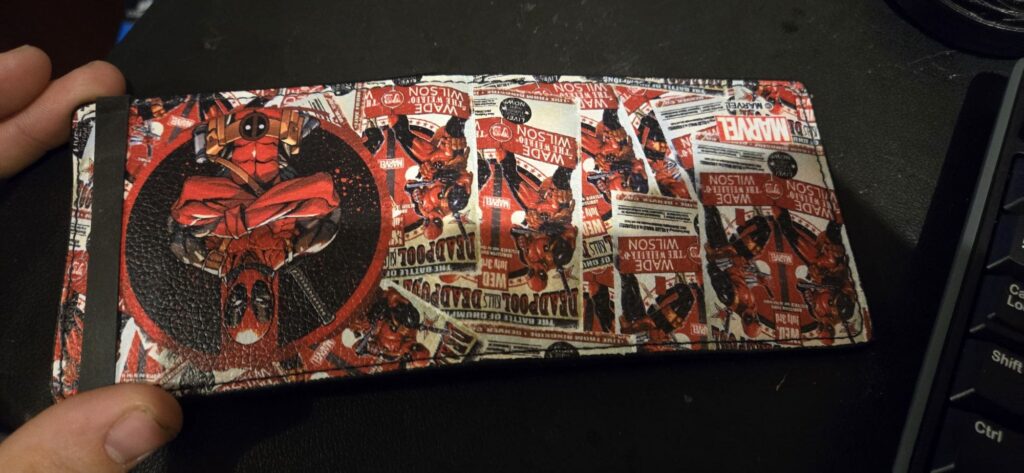
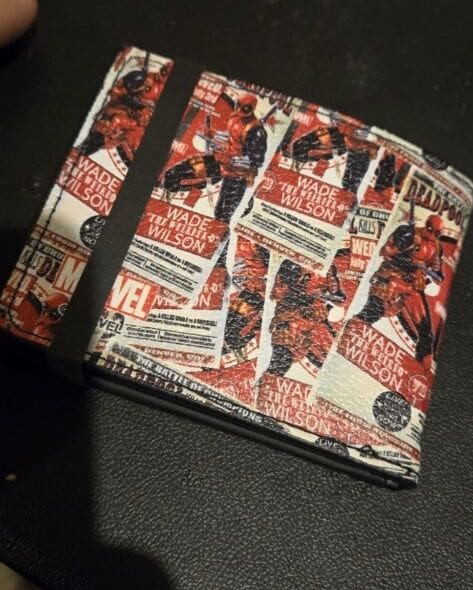
  • Deadpool Wallet Gift: The Perfect Present for Fans

    She is aware that I am a fan of Deadpool, and my wallet has been unchanged for 4 years. Despite its damage, she decided to purchase it without consulting me, which led to some excitement and finally resulted in something stronger. I love her so much. Thank you, honey bee 🐝💛💗

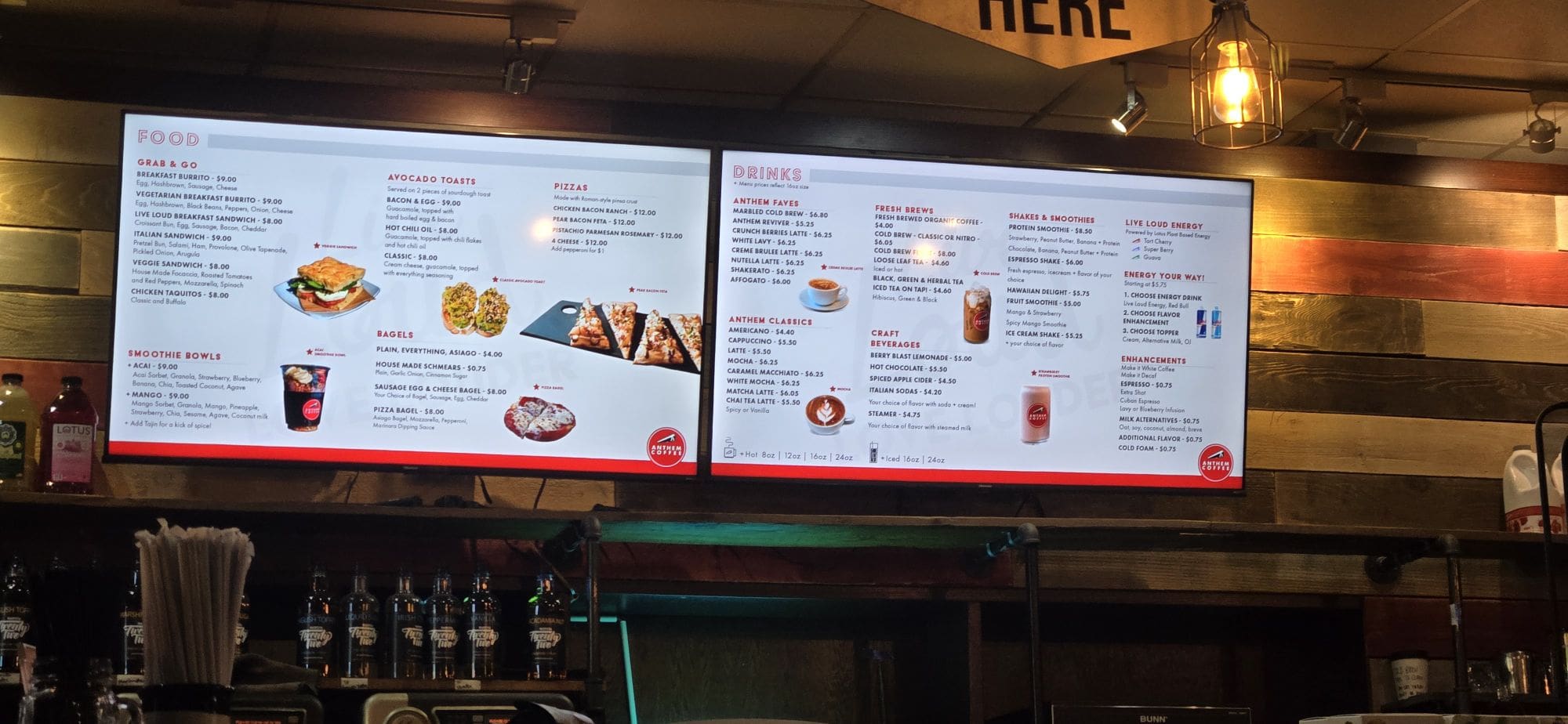
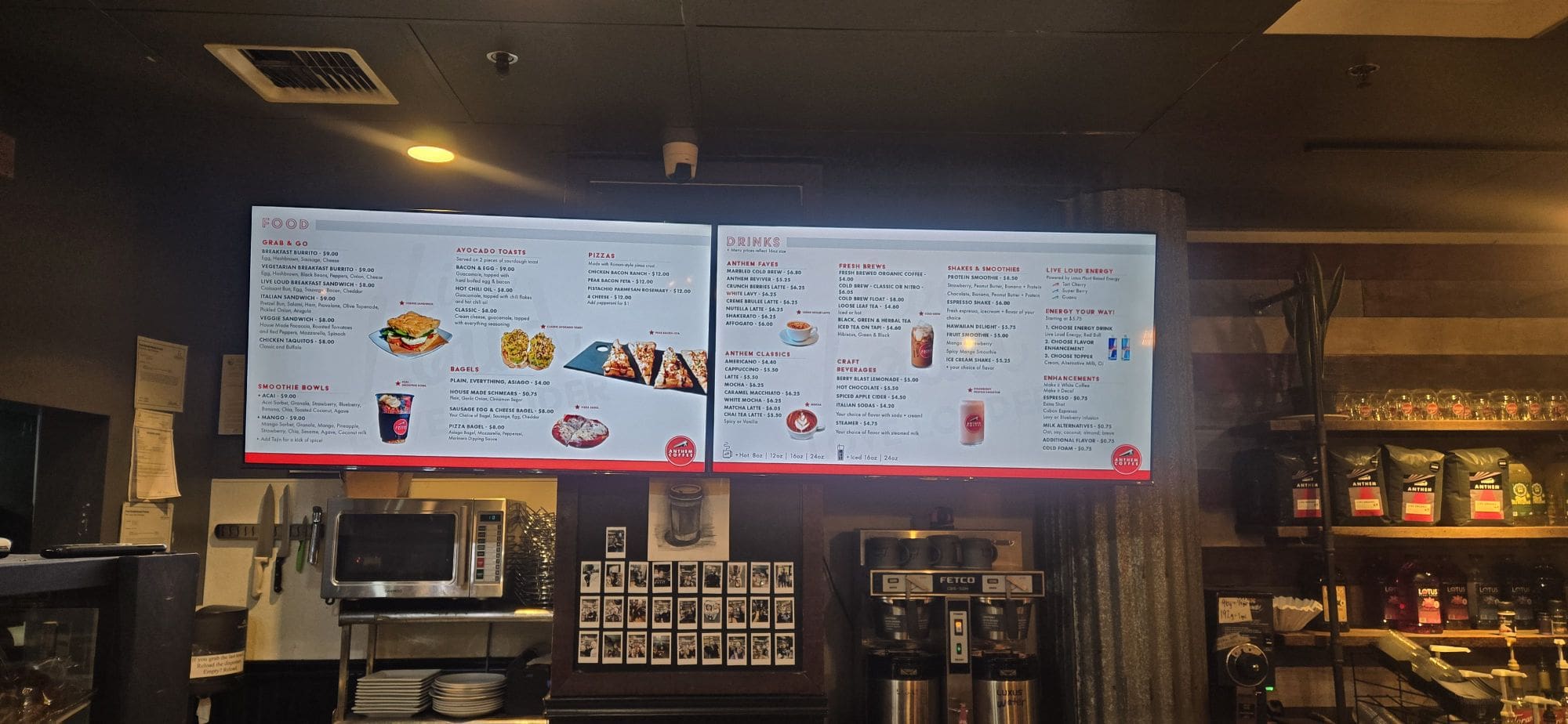
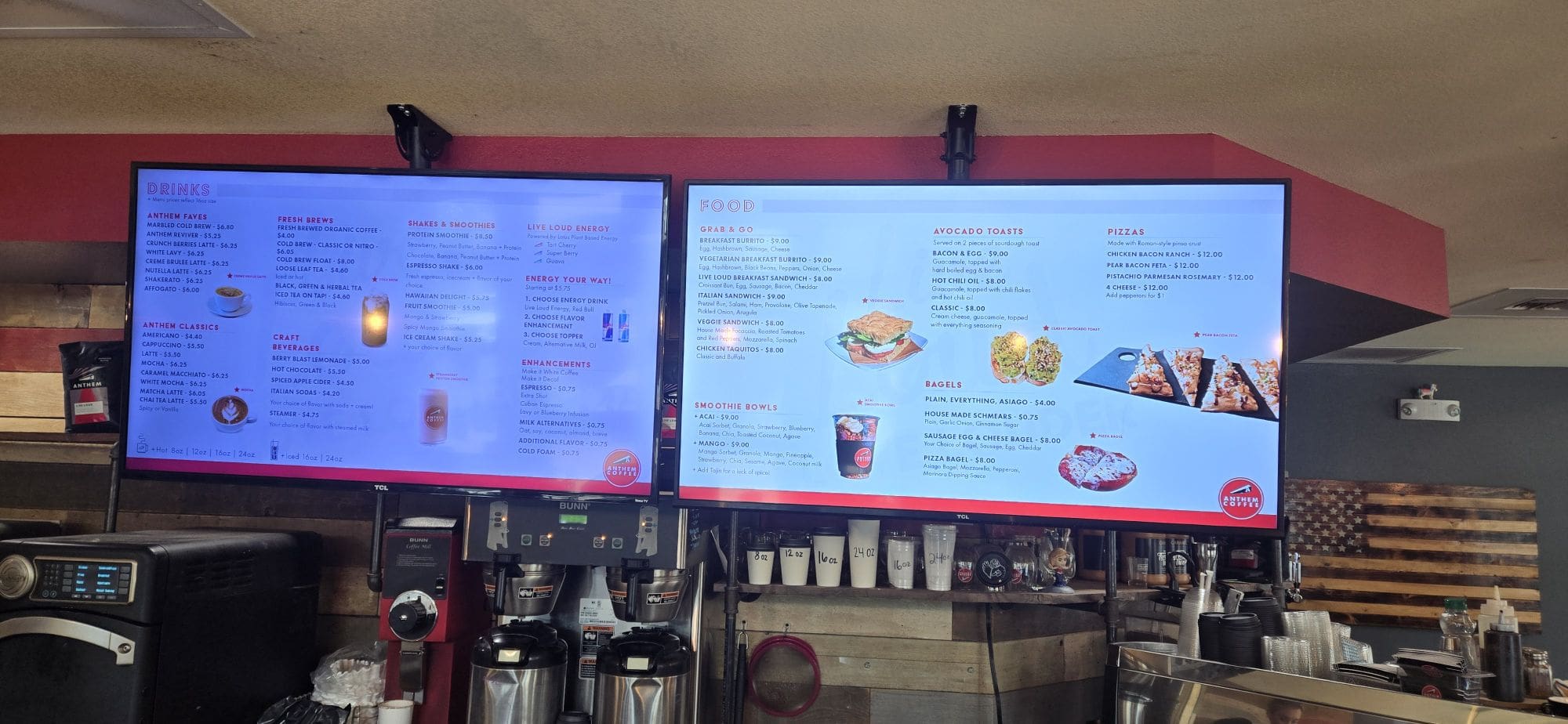
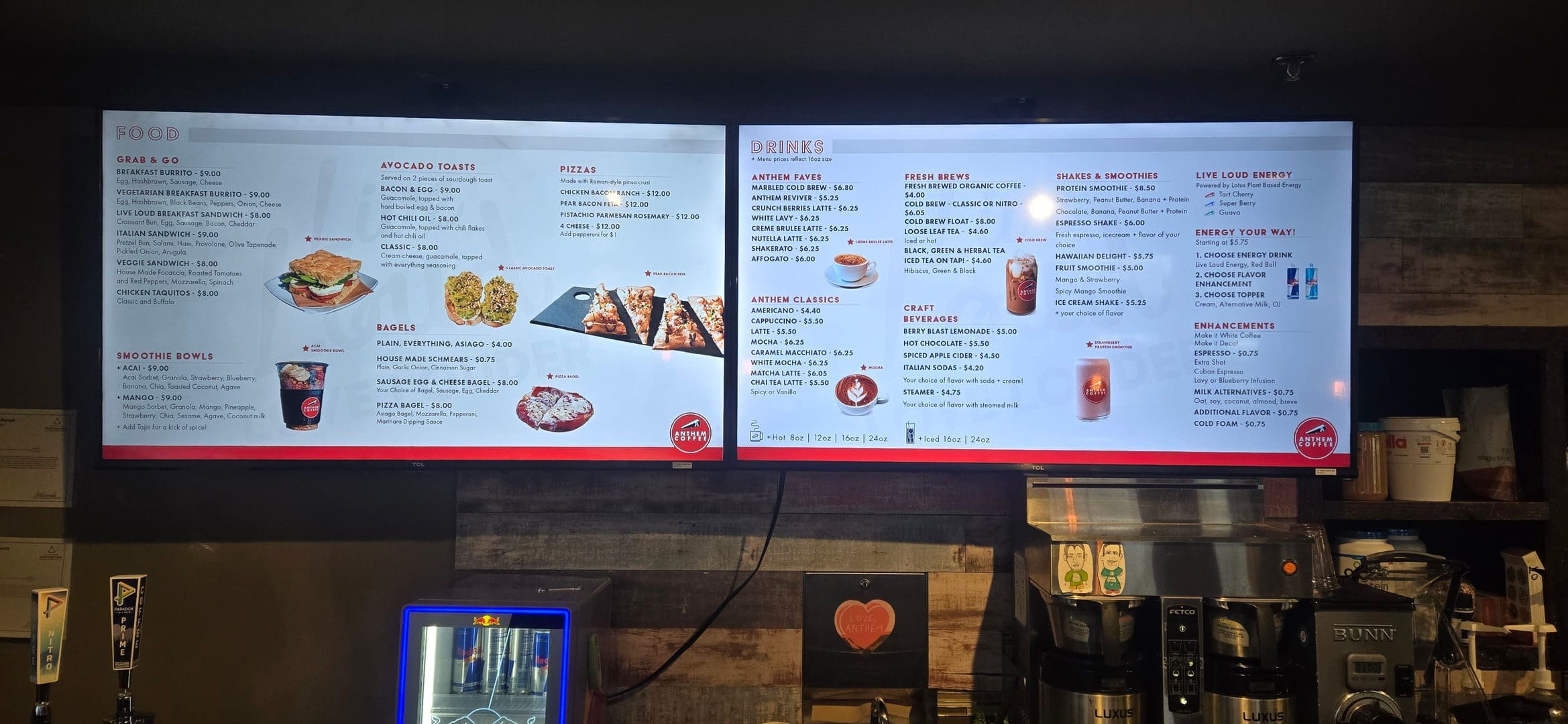
  • Digital Menu Boards for Coffee Shops: 6 Location Case Study

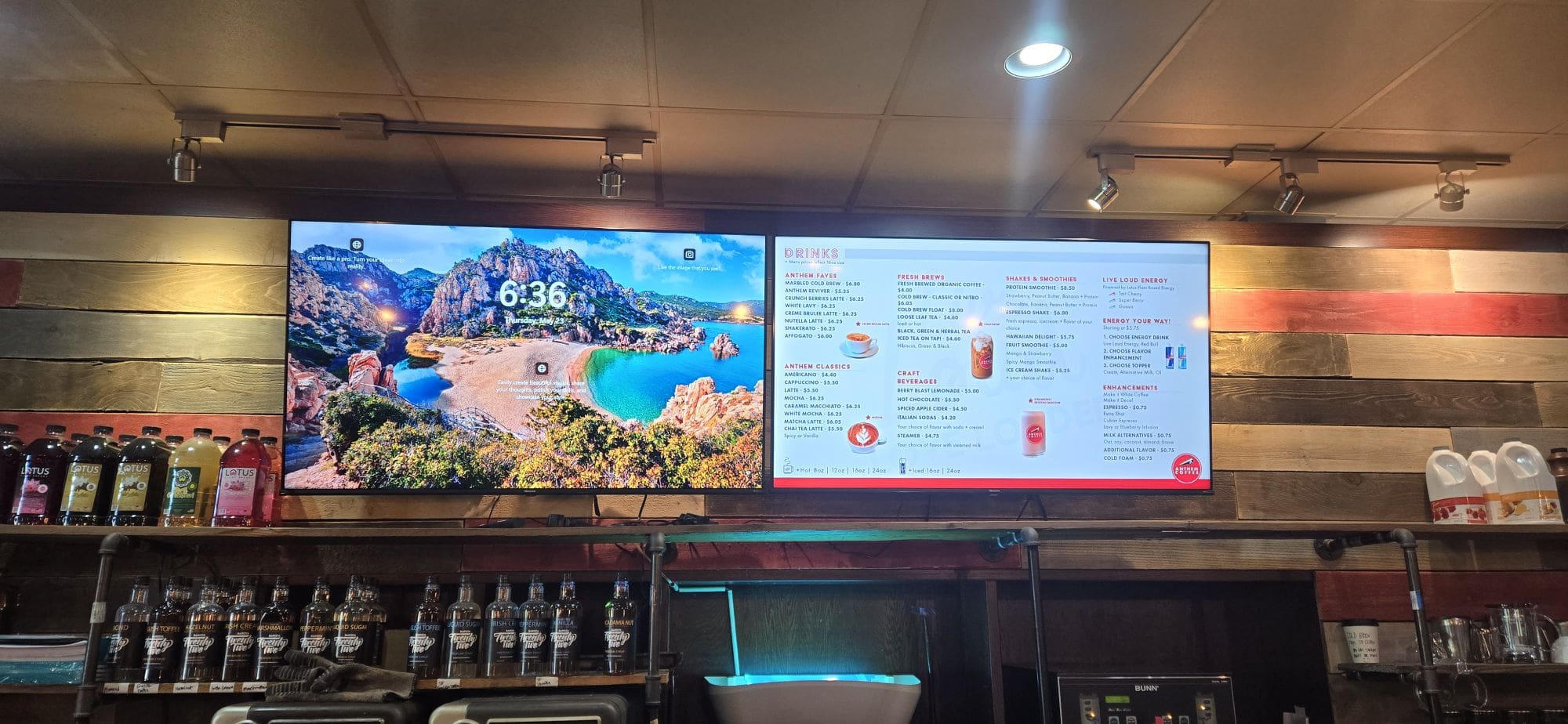
    If you’ve recently checked out the menu at any Anthem Coffee & Tea location and noticed something new and high-tech hanging above the counter—yep, that digital display for food and drinks—I have a fun behind-the-scenes story for you. I’m the one who ordered and installed the ceiling mounts for all 6 of our stores—solo!


    Why Go Digital?

    Our menu is always growing with new drinks, pastries, and specials you don’t want to miss. Paper menus or wall signs can feel cluttered and don’t always get updated quickly. Digital menu boards are a great way to:

    • Show off new items right as they launch
    • Keep the counter area clean and open
    • Make the menu visible for everyone, no matter where you’re waiting

    To pull this off at six different Anthem Coffee & Tea locations, we needed a reliable mounting system. That’s where my solo project really began.


    One Person, Six Ceiling Mounts

    I’m not the owner (I wish, haha!), but I take a lot of pride in making things better for our customers and my coworkers. Figuring out which mounts to get took some serious research. I required something strong, safe, and easy to install—since I was doing every step myself.

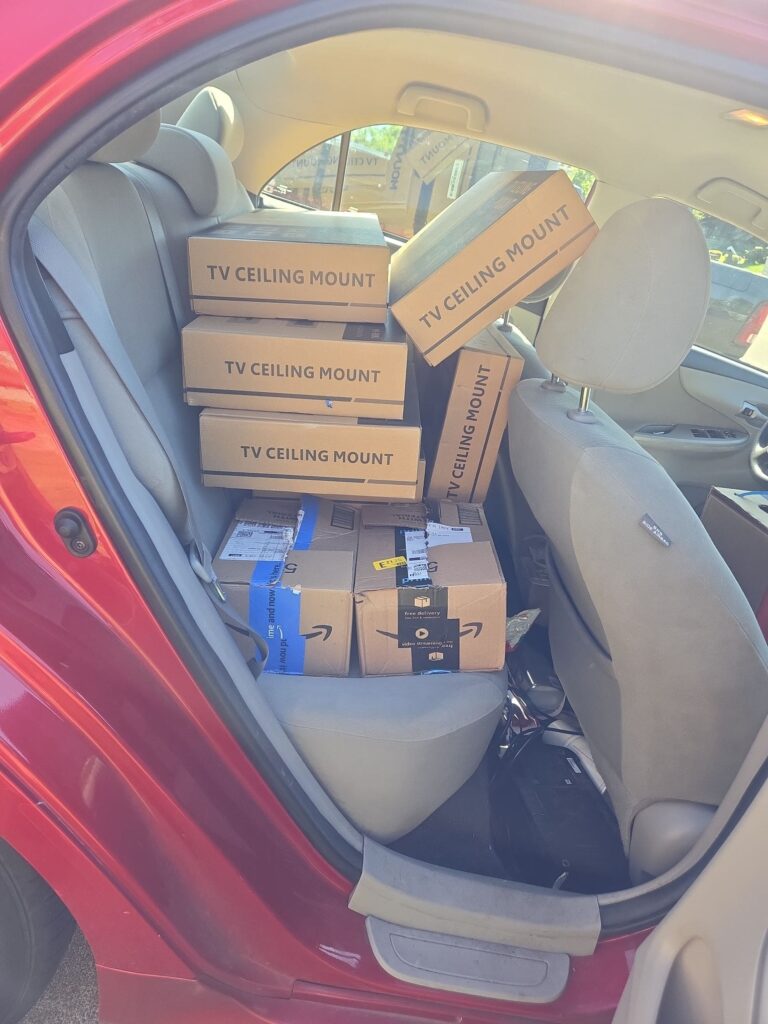
    Once I settled on the right model, I ordered six ceiling mounts—one for each store. When they arrived, my car looked like a mobile hardware store: boxes and brackets filled up every seat and square inch!


    The DIY Install Adventure

    Doing a six-store project by myself was no small task! Here’s what it looked like at each Anthem location:

    • Unpack & Prep: Lay out the tools, brackets, and cables so nothing got lost.
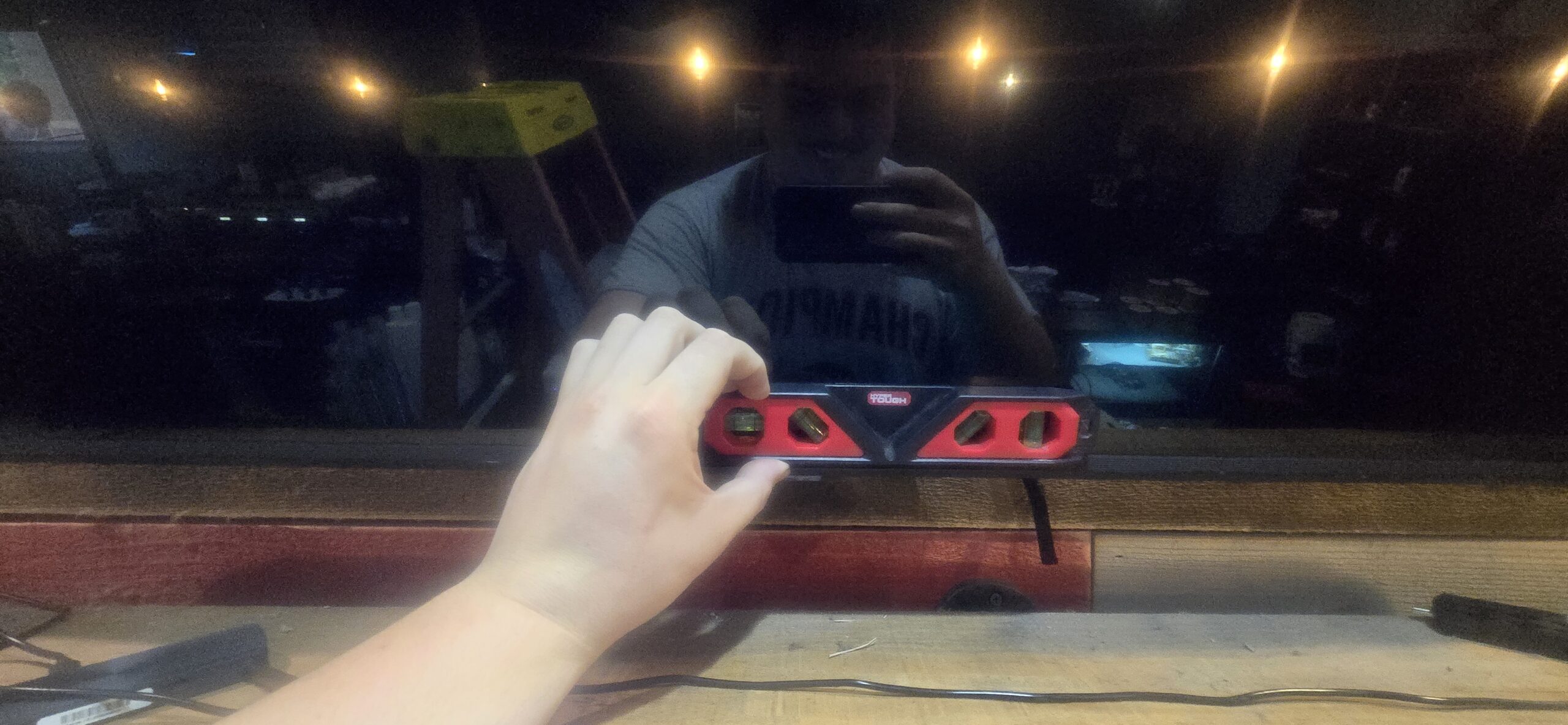
    • Measure (twice!): Make sure the menu would be at the perfect viewing angle.
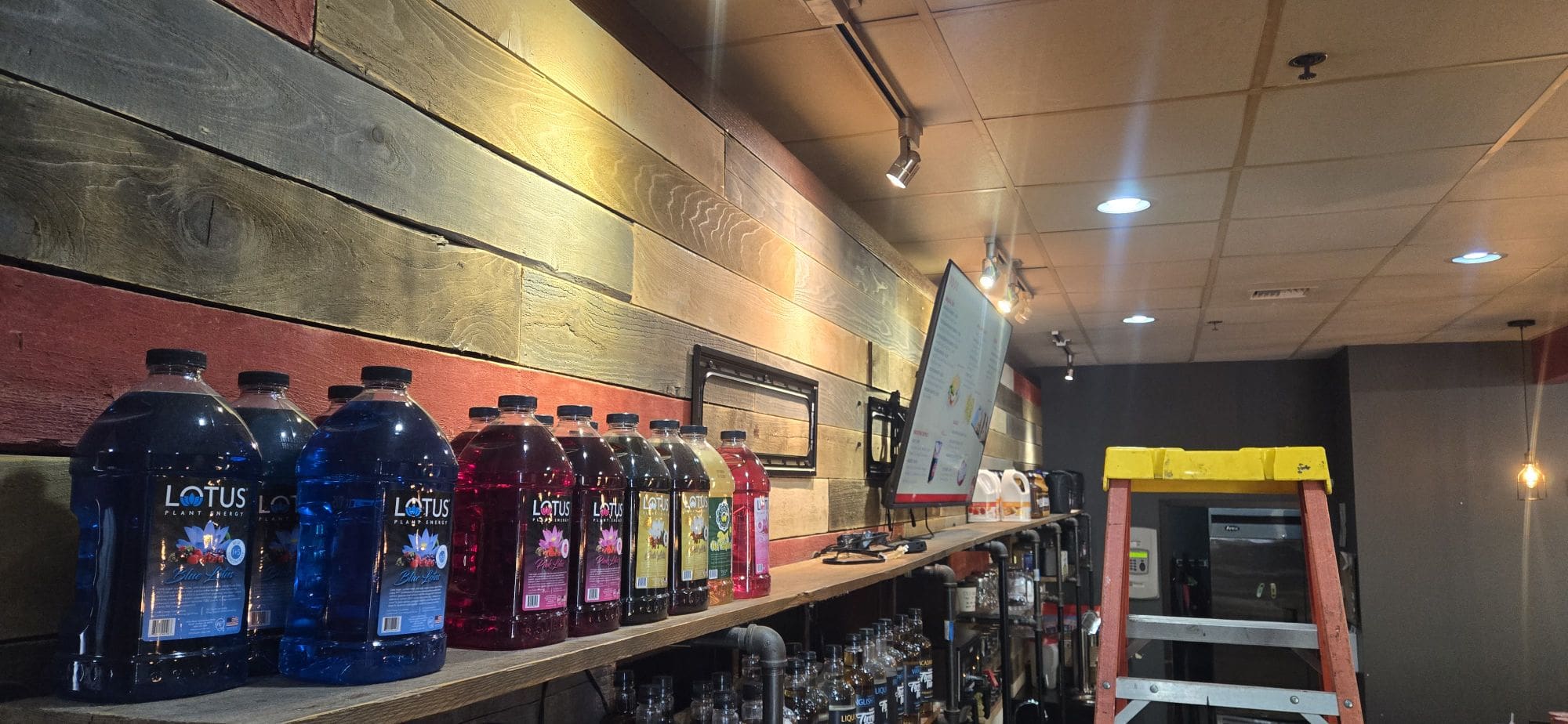
    • Up the Ladder: Drill, anchor, and secure the mount to the ceiling—all while hoping not to drop a single screw!
    • Mount the TV & Hide the Cables: A neat, tidy look was always the goal.
    • Test It Out: Make sure every display was straight, working, and ready to shine.

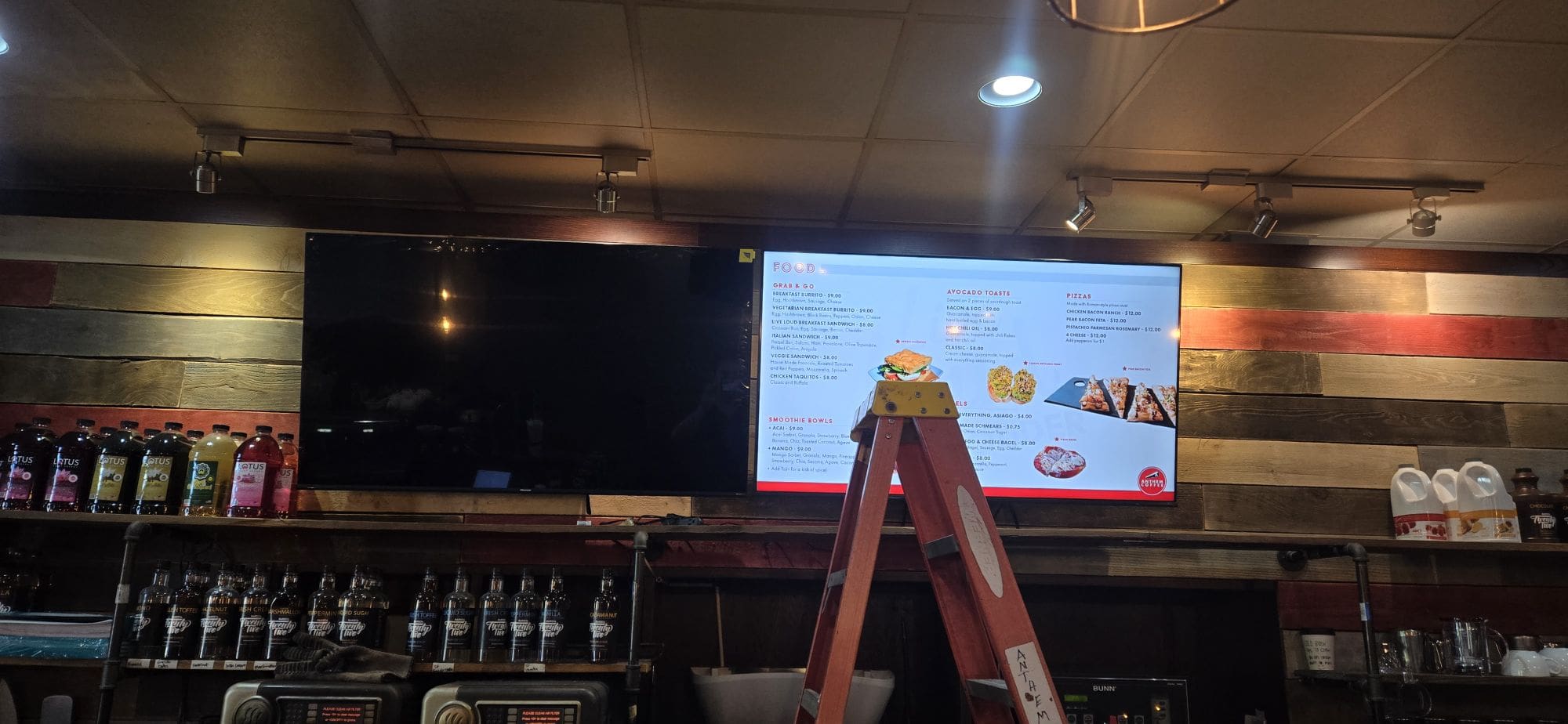
    It took some sweat, problem-solving, and a lot of coffee, but I managed to get each digital menu display up and running.


    The Payoff

    Now, every guest at Anthem Coffee & Tea can enjoy a modern, easy-to-read menu at every location. Updating specials is a breeze, and the setup looks so much more inviting. Best of all, I get a little boost of pride whenever I see someone glance up and easily find what they want.

    Have questions about the setup or want to know how you can do something similar? Please let me know in the comments or stop by the next time you’re in for your favorite drink. Thanks for letting me share a bit of the behind-the-scenes magic—and for supporting Anthem Coffee & Tea!

    So far, I am pleased with myself for completing three stores in a single week. Now, we can continue to achieve this.

Secret Link