Category: Work

  • We traveled to Grayland, WA to upgrade their wiring and bridge infrastructure.

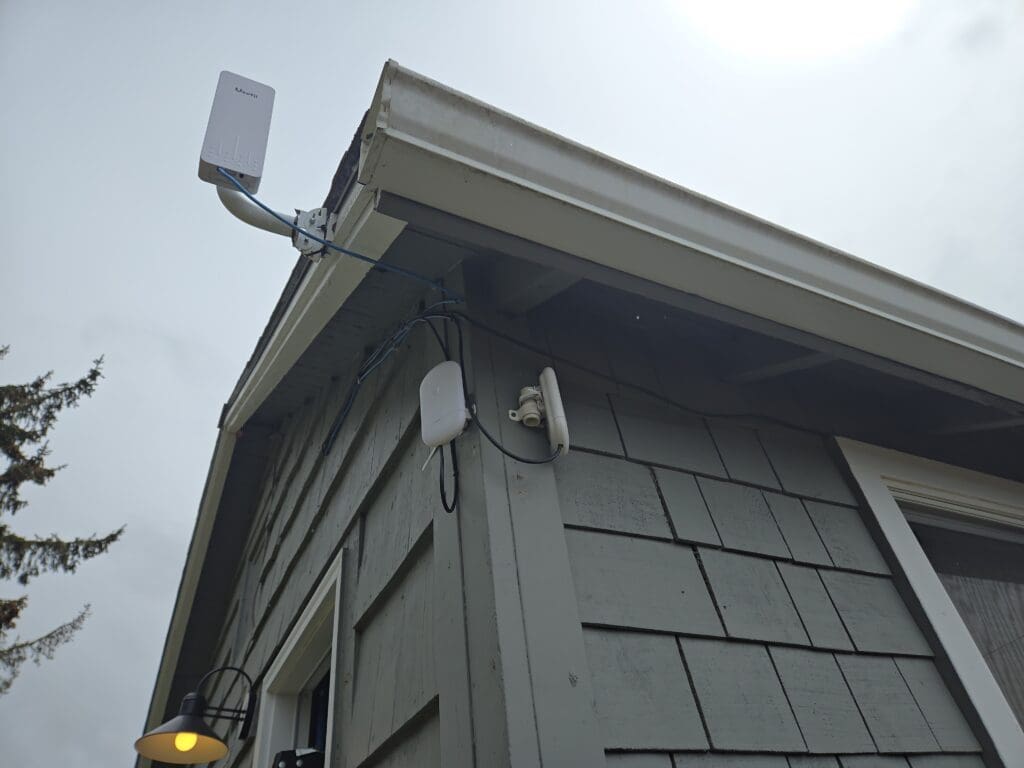
    We stayed for two nights at Breakwater Resort, and it was truly an enjoyable experience filled with both relaxation and a touch of adventure. During our visit, I also had the opportunity to work for the resort by assisting them with some essential networking upgrades. My main task was to install their bridge access point to improve wireless connectivity around the property. In addition, I needed to replace the existing indoor network cable with a more durable outdoor Cat 6 cable, making the network more reliable and resistant to the elements.
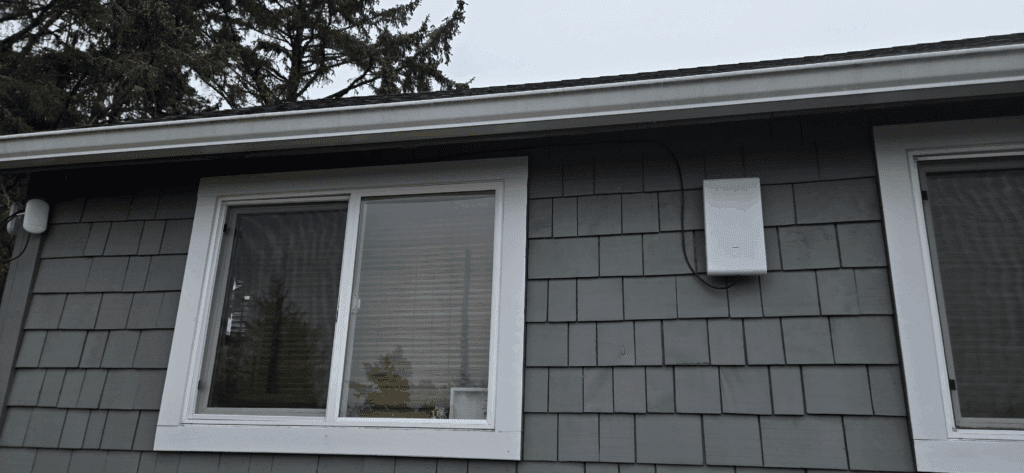

    On the second day, things took an unexpected turn. The newly installed access point stopped working suddenly, which led to a troubleshooting session. After careful inspection, I discovered that our NanoStation device had suffered significant damage—the Ethernet port had overheated and actually melted, rendering it unusable. Clearly, the device had been fried, possibly due to an electrical surge or unsuitable cable infrastructure.
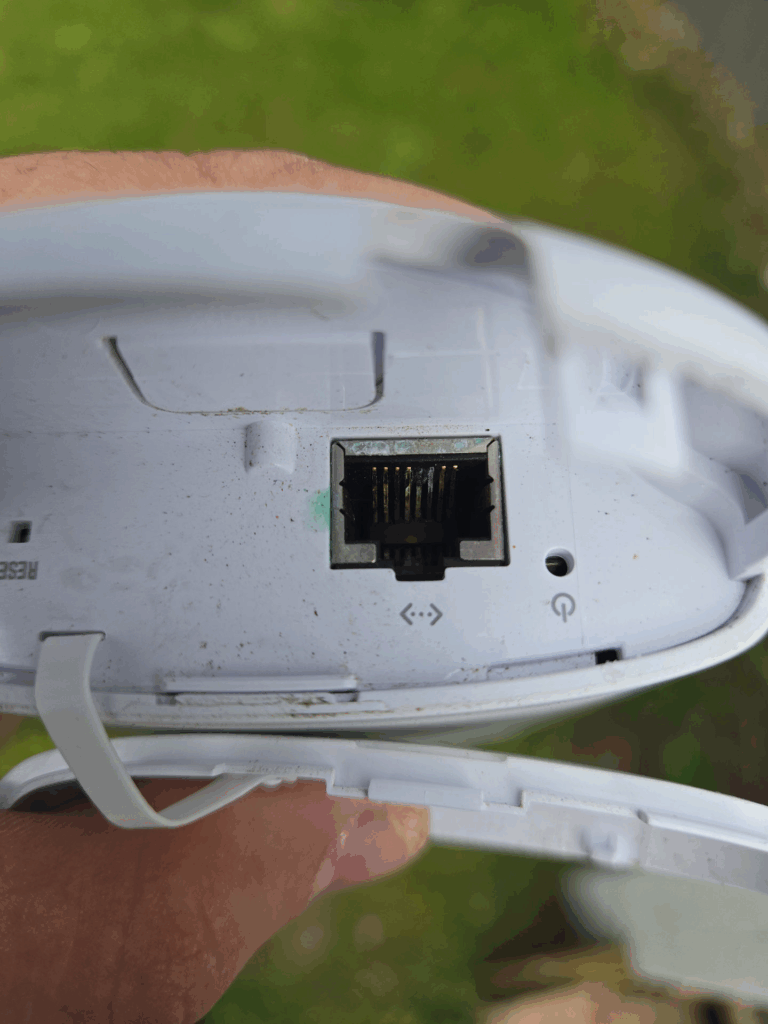
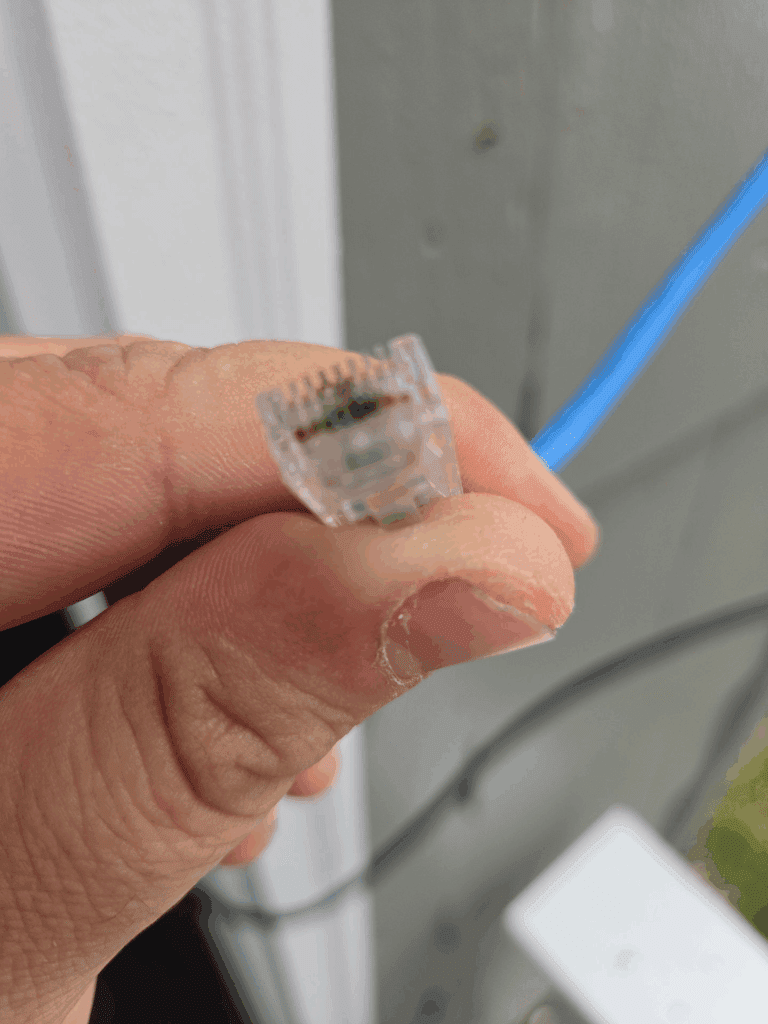
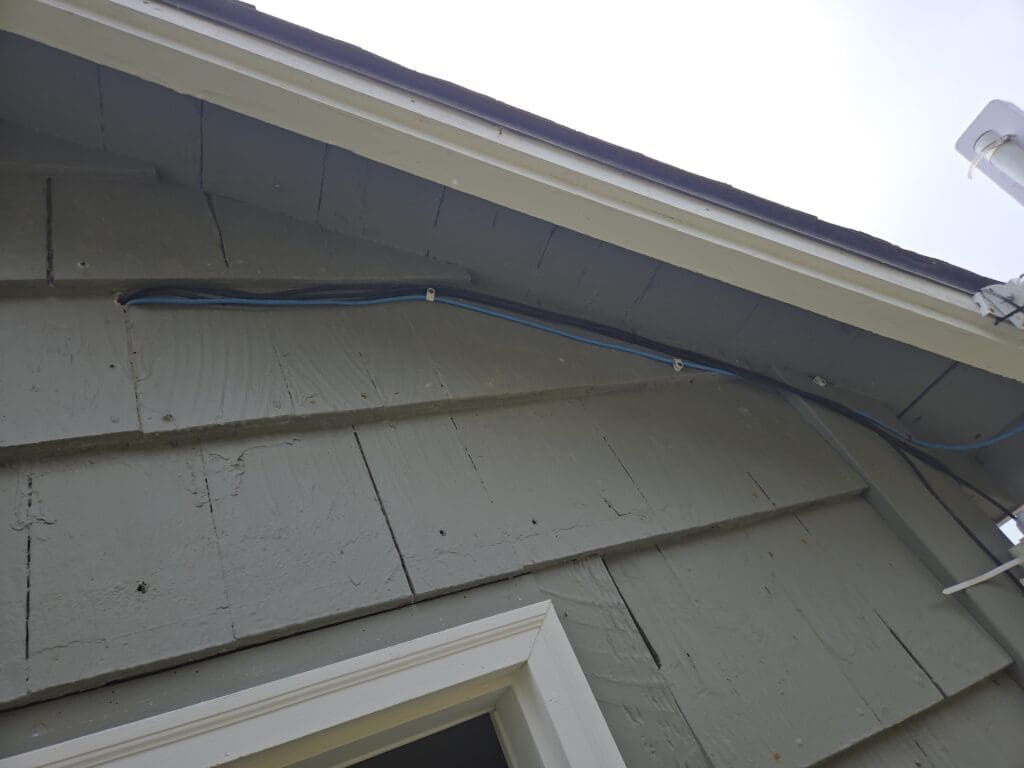
    To resolve the issue, we promptly swapped out the damaged NanoStation with a brand-new unit. However, in the process, I realized another problem. The existing Cat 5e cable that ran outdoors wasn’t compatible with Power over Ethernet (POE) requirements, meaning it couldn’t reliably supply power to the new access point devices. Recognizing the importance of proper cabling for outdoor networking hardware, I decided to upgrade the setup by replacing the old wire with a robust outdoor-grade cable specifically designed for POE support and harsh weather conditions. This ensured that the new access point would function optimally and remain protected against similar issues in the future.

    Overall, my time at Breakwater Resort was a rewarding blend of leisure and technical problem-solving, leaving a positive impact on both the guest experience and the resort’s IT infrastructure.
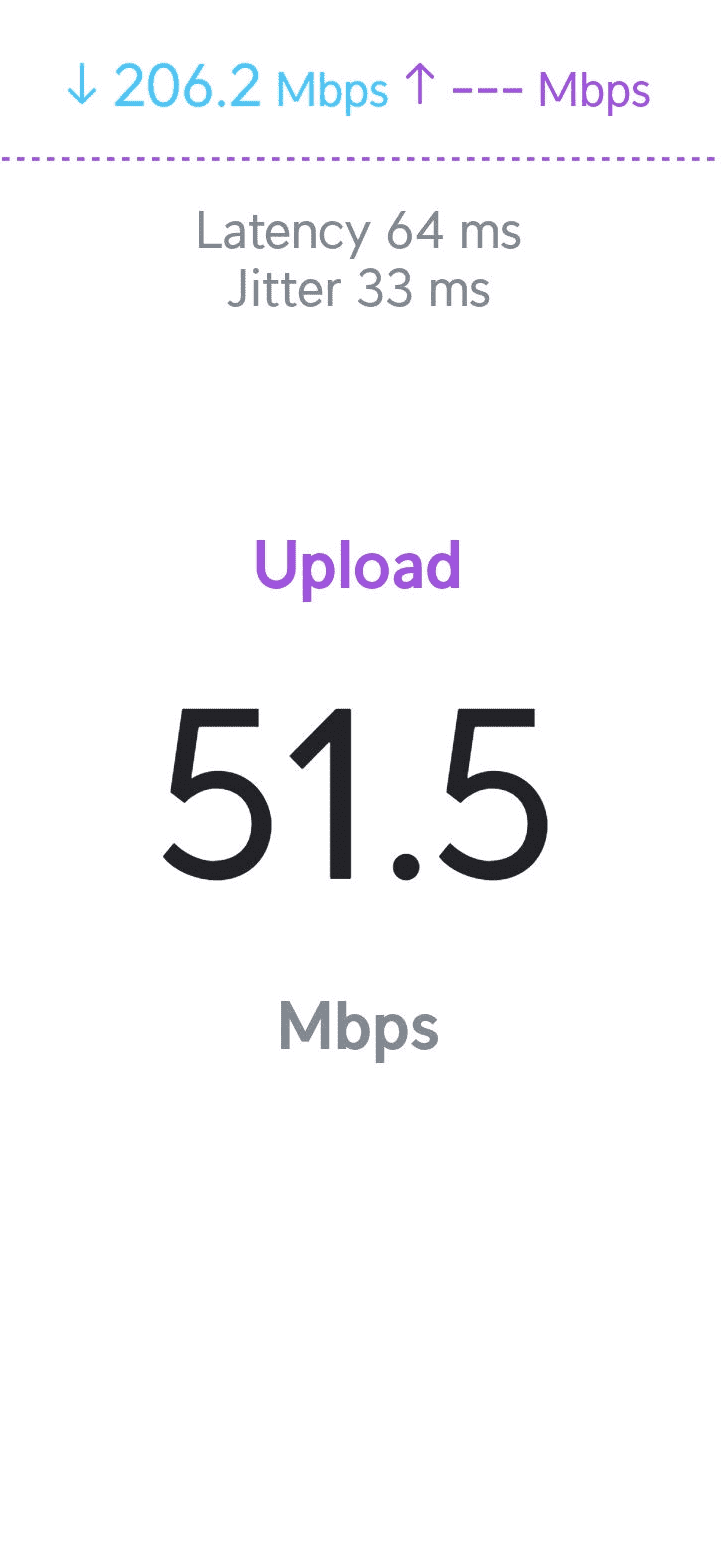
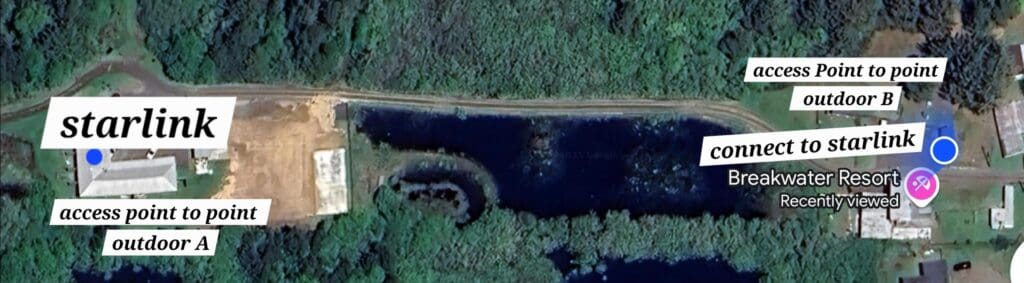
    Starlink from hotel to cottage half miles and work great.

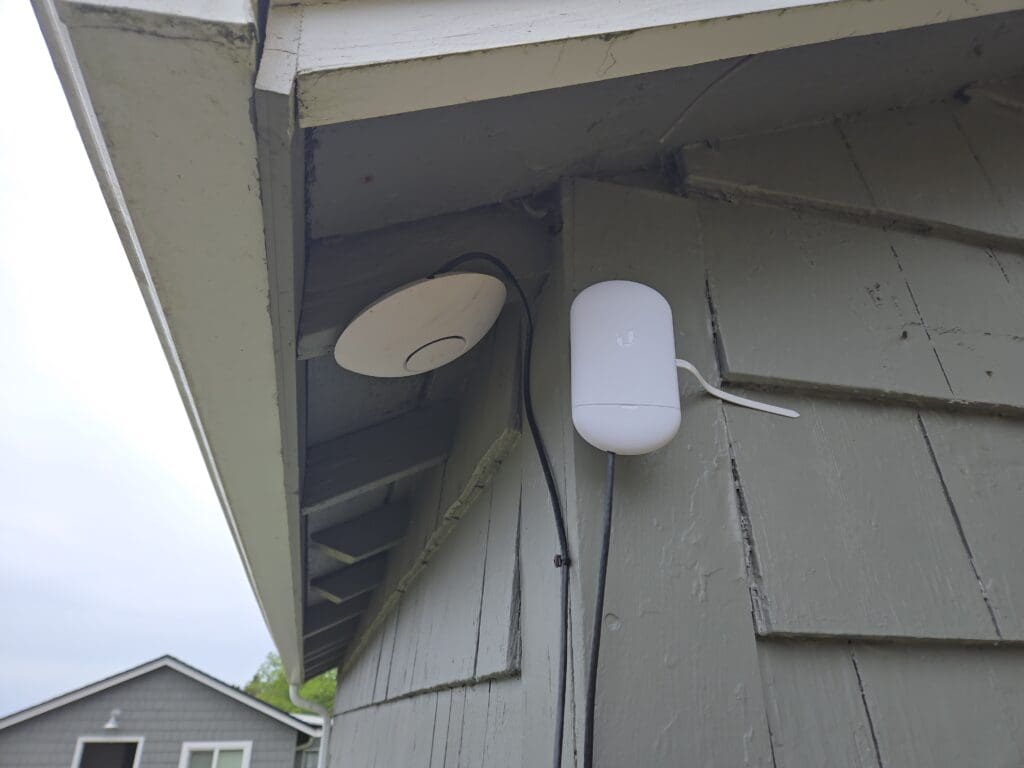
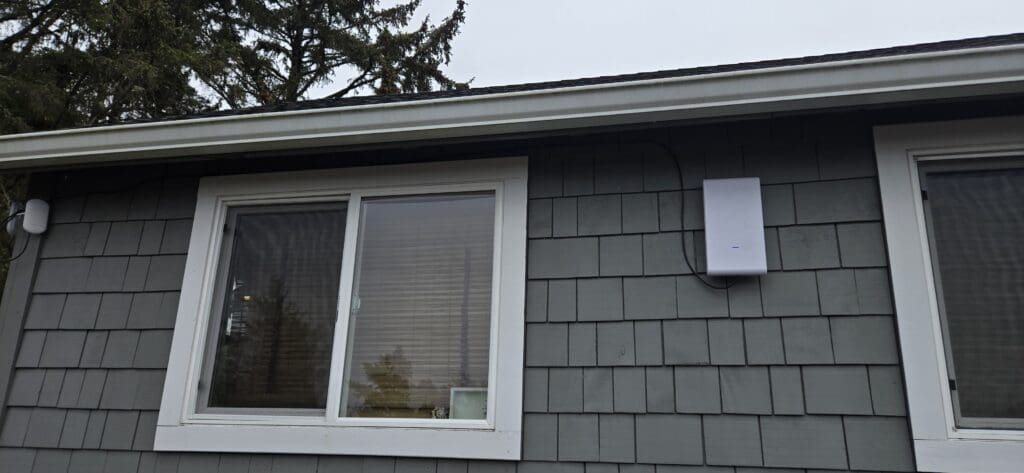
    Next, I installed an outdoor WiFi 6 access point, which provides extensive coverage across our parking lot. The connection speed is now nearly on par with our Starlink service.
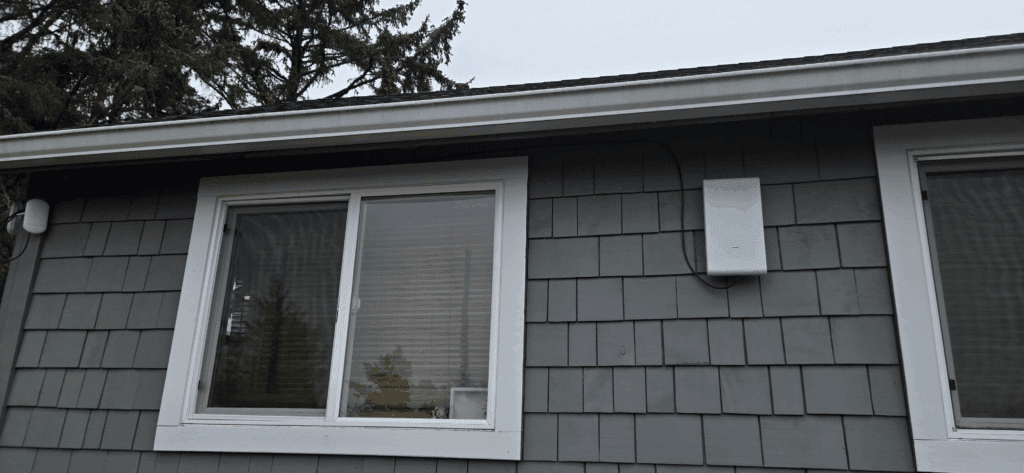
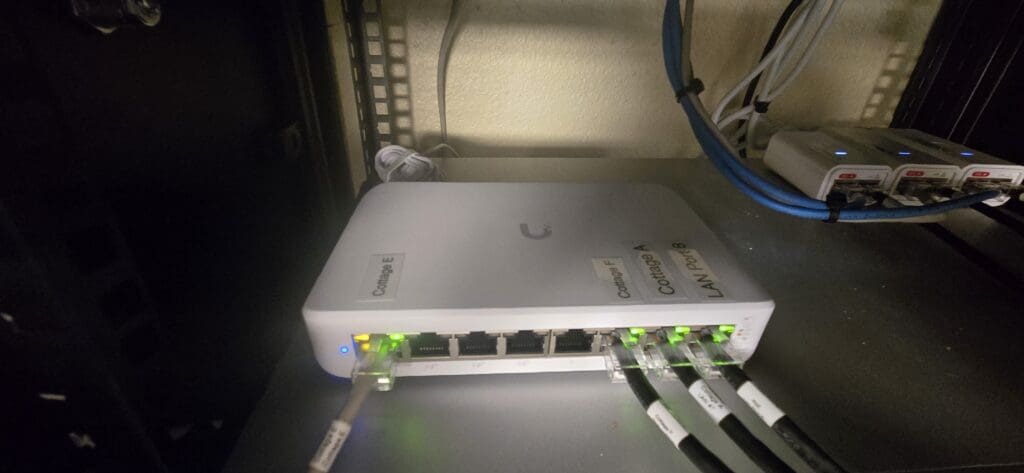
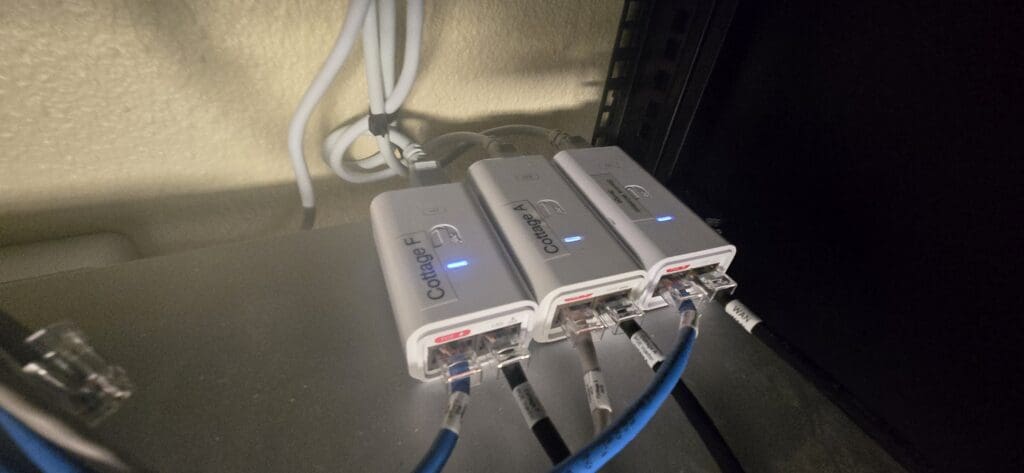
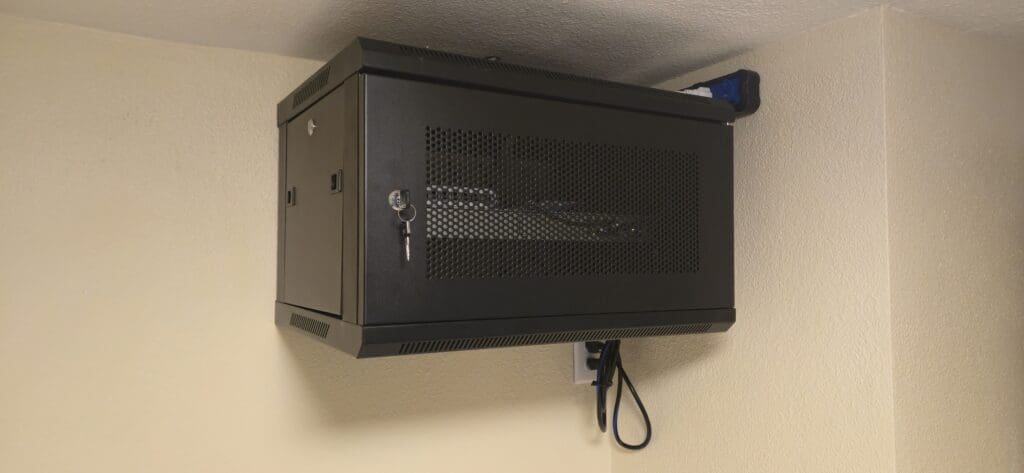
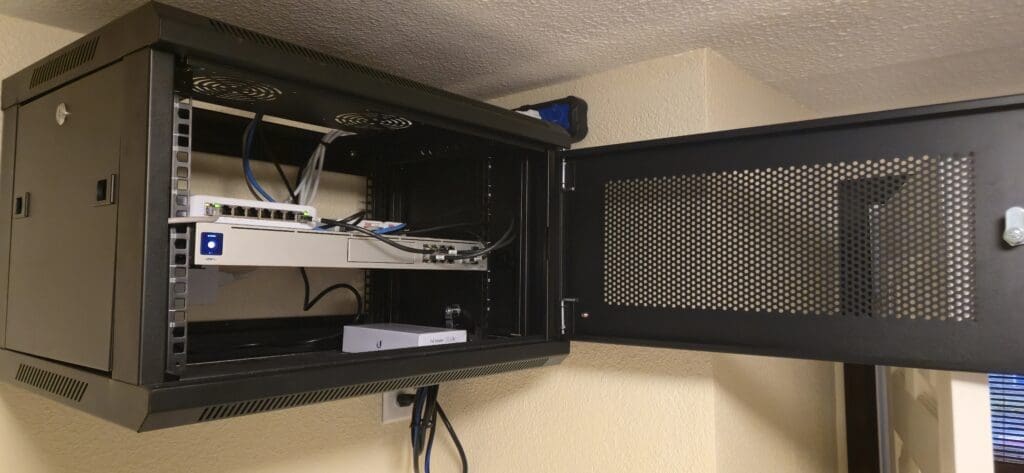
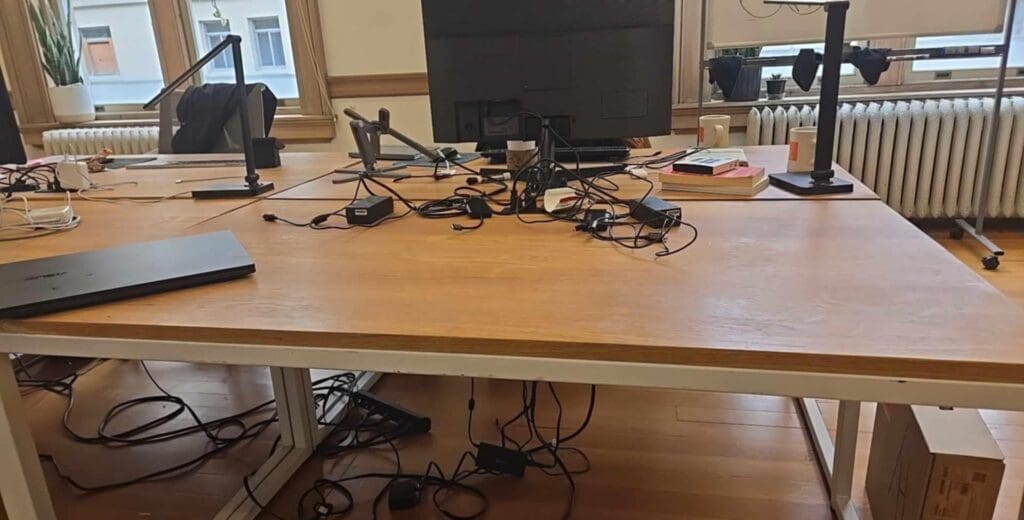
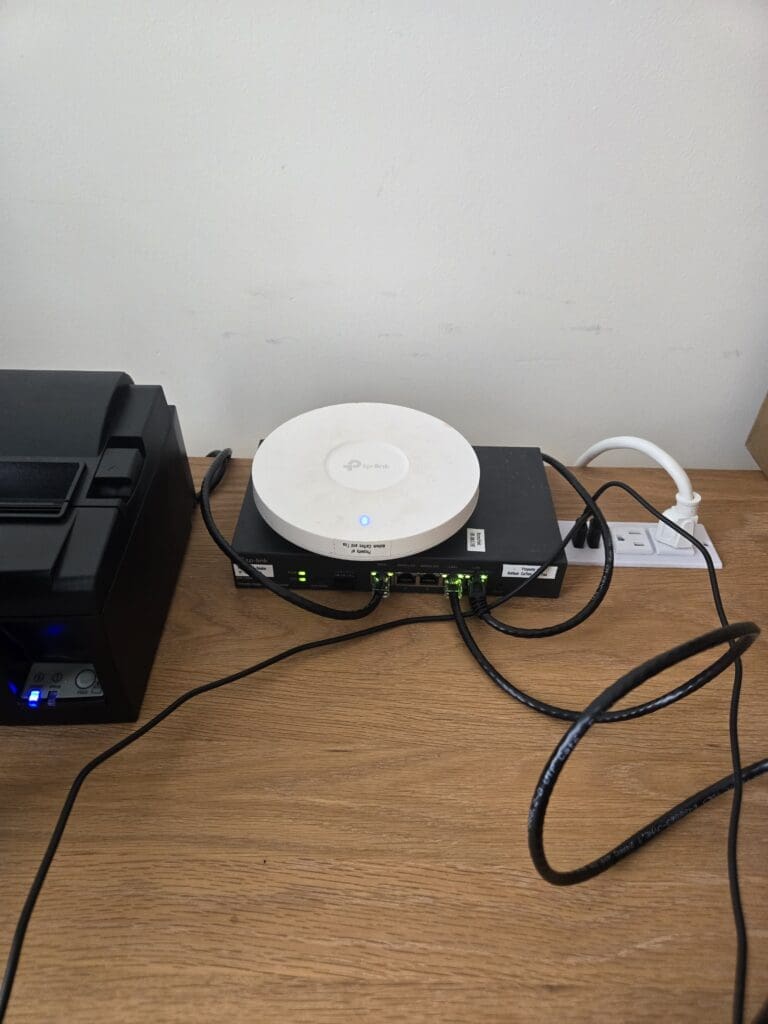
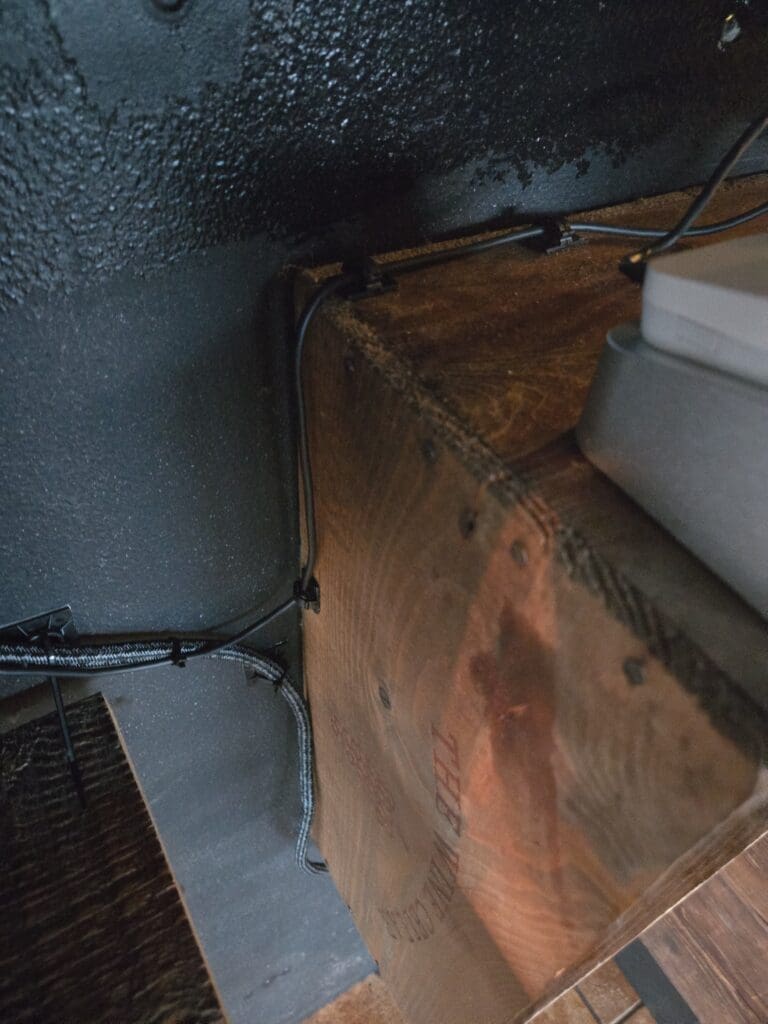
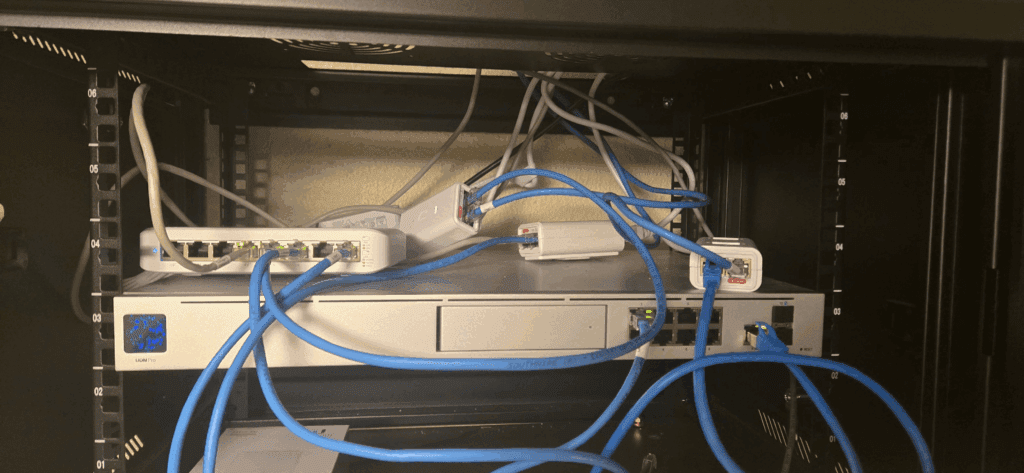
    First, I rewired everything and labeled it neatly. Let’s take a look at the original setup before the improvements.
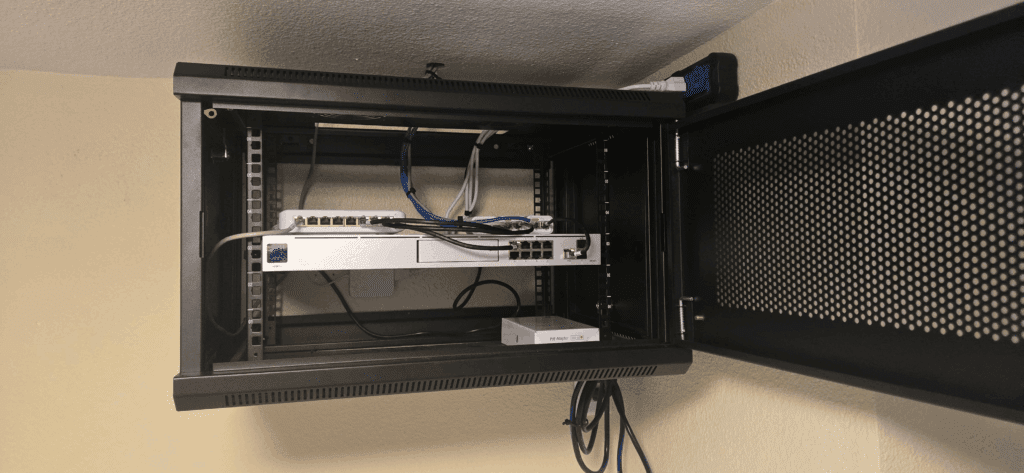
    After I complete the rewiring and accurately label all components,
  • How to Set a Static IPv6 Address on Ubuntu 22.04 LTS Using Netplan


    Setting a static IPv6 address on Ubuntu 22.04 LTS helps your server stay reachable. Netplan is the tool you will use. Follow these easy steps.


    Why Use a Static IPv6 Address?

    A static IPv6 address does not change.
    It helps your server always have the same address.
    This is important for web servers, email servers, and remote access.


    What You Need

    • Ubuntu 22.04 LTS installed
    • IPv6 working on your network
    • Your IPv6 address, prefix (like /64), gateway, and DNS servers
    • Root or sudo access

    Step 1: Find Your Network Interface

    Open a terminal.
    Type:

    ip a
    

    Look for your network name, like ens33, eth0, or enp0s3.


    Step 2: Backup Your Netplan File

    Before making changes, make a backup.
    Type:

    sudo cp /etc/netplan/00-installer-config.yaml /etc/netplan/00-installer-config.yaml.bak
    

    Step 3: Edit the Netplan File

    Open the file to edit:

    sudo nano /etc/netplan/00-installer-config.yaml
    

    Add or update your IPv6 settings.
    Change the example values to match your info.

    network:
      version: 2
      ethernets:
        ens33:
          dhcp6: no
          addresses:
            - 2001:db8::1001/64
          gateway6: 2001:db8::1
          nameservers:
            addresses:
              - 2001:4860:4860::8888
              - 2001:4860:4860::8844
    

    Tip: Make sure the spaces match the example. YAML needs correct indentation.


    Step 4: Test and Apply

    Test your new setup:

    sudo netplan try
    

    If it works, apply the change:

    sudo netplan apply
    

    Step 5: Check Your Address and Connection

    Check your address:

    ip -6 addr show
    

    Test the connection:

    ping6 google.com
    

    Tips for Success

    • Always backup before making changes.
    • Write down your settings.
    • Have console access in case you get locked out.

    Now your server uses a static IPv6 address on Ubuntu 22.04 LTS with Netplan.
    Your server will have a reliable address for all your needs.

  • Empowering Deaf Individuals to Achieve Career Success Beyond SSI Benefits

    Certainly! Here’s a refined and enhanced version of your text: — Things are different now—I no longer feel overwhelmed or defined by that old image. My work has become a bridge for communication, especially with the help of live transcription apps on my phone. It’s simply not true that a lack of formal education is an insurmountable barrier. Look at me: I’ve learned quickly and effectively, both through my job and from life itself. I don’t experience discrimination; I use both voice and sign language simultaneously. This blending of hearing and Deaf cultures is empowering for me. To be honest, the old picture feels like it’s making excuses for being Deaf, and that concerns me. Please remember—it’s never too late. If you work hard and stay persistent, you can achieve success in just a few months. To everyone in Deaf culture: push yourself, explore different paths, and find a job you truly love. Don’t rely on SSI benefits as your only option. Employment offers so much more—it provides: – Medical insurance – Dental insurance – Vision insurance – 401(k) retirement plans (at some workplaces) – Paid time off (PTO) – And many other valuable benefits So, I urge young people: don’t settle for staying at home on SSI. There is so much potential out there waiting for you. Think deeply about your choices—your hard work will open doors that SSI never could.

  • I got another Second Job. Woohoo

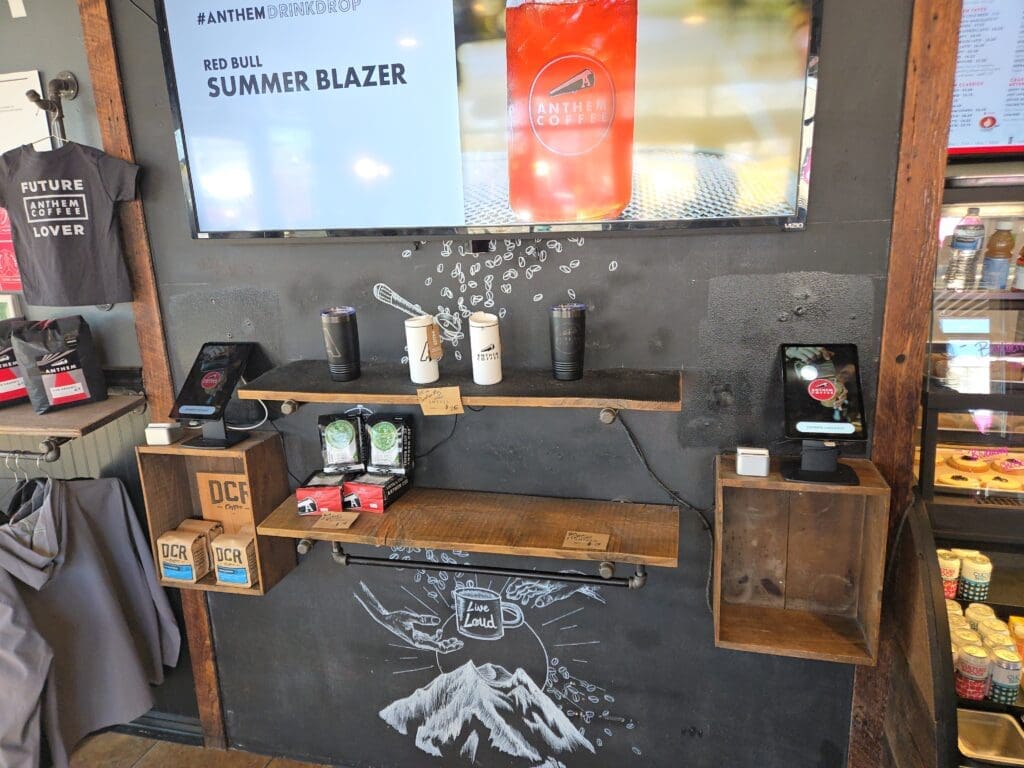
    On April 1, 2025, I got a job at Joe Coffee as a Fulfillment Specialist. April fool, it is difficult to believe, but it is real, and I have a second job.

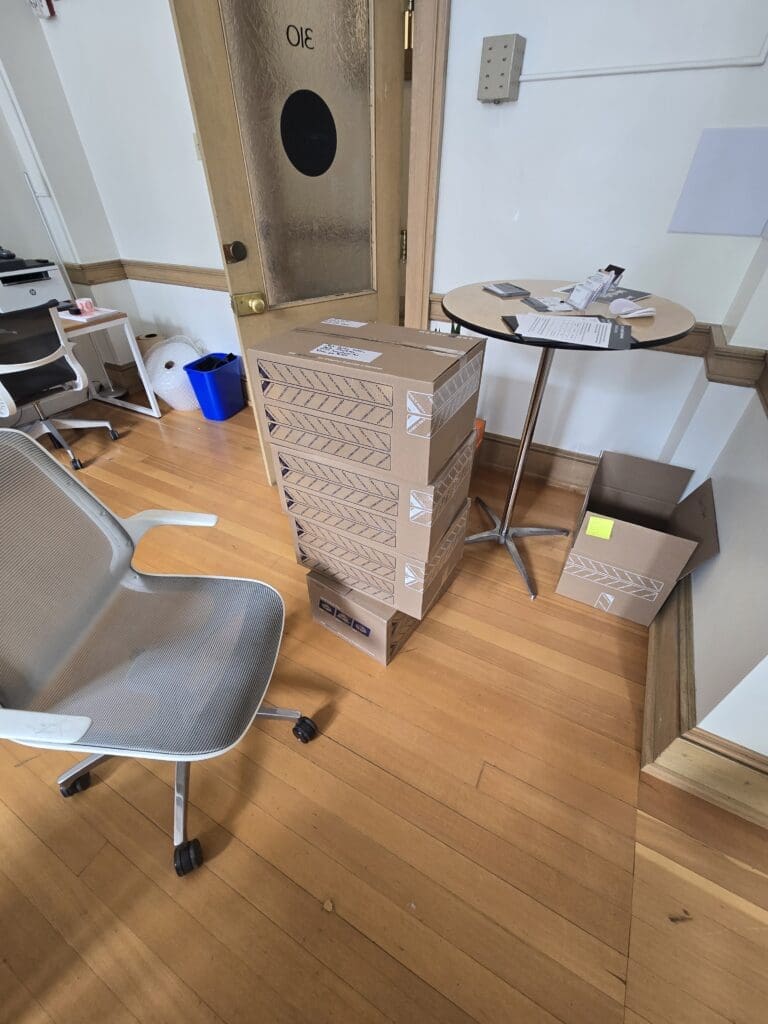
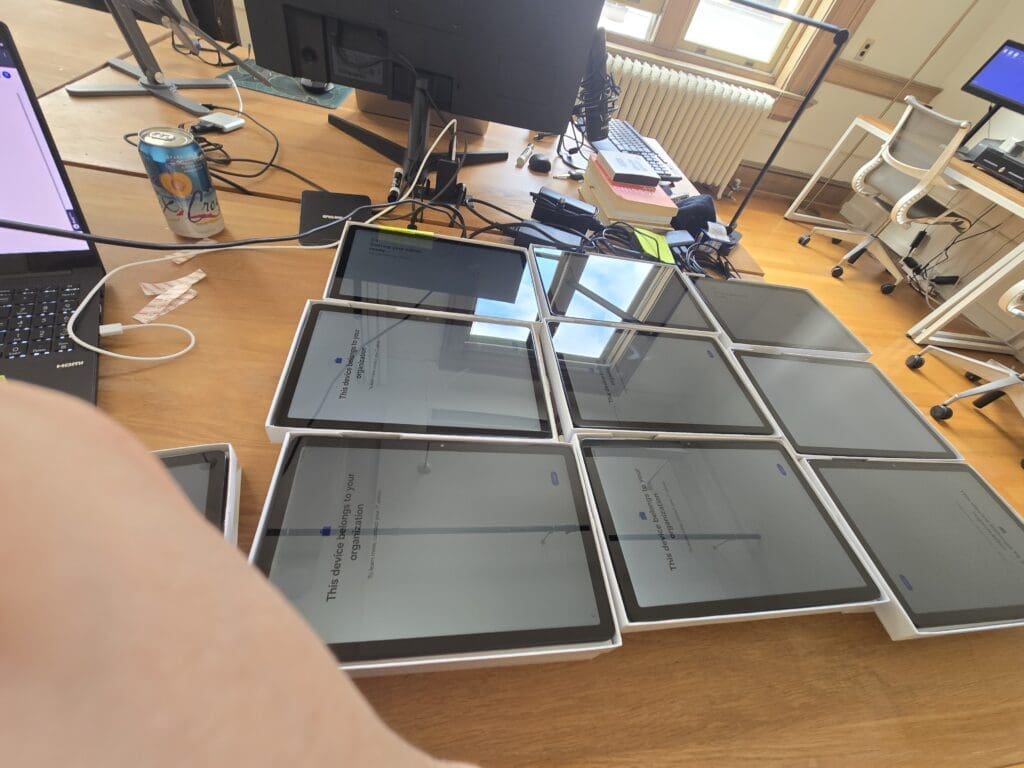
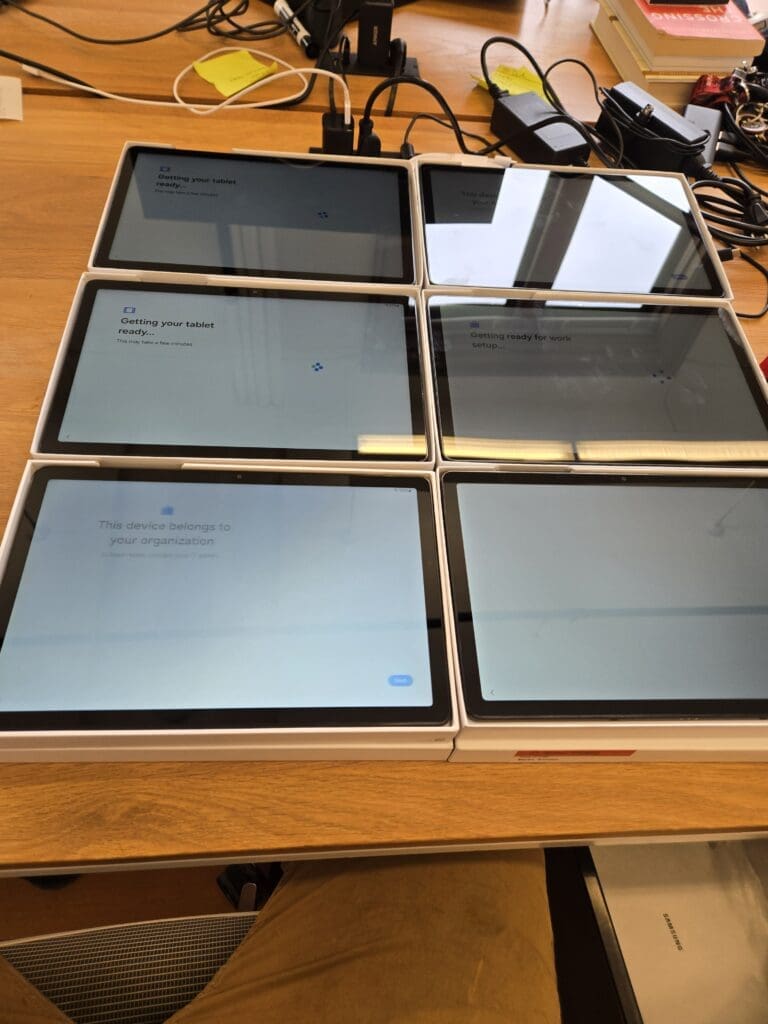
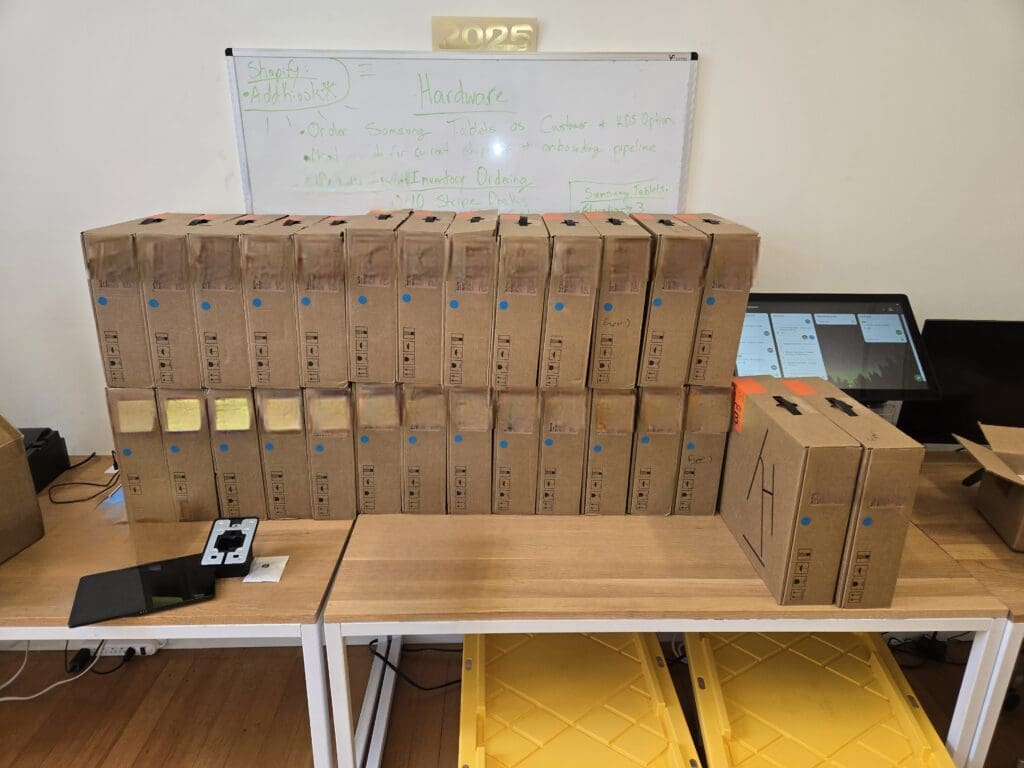
    I am currently working for Joe Coffee mobile as a Fulfillment Specialist, IT Support, Installer In-Person. Furthermore, I love these positions, and I love working and pacing much. I can make the Company get what they need, and I will make sure all pack and ship soon possible no matter what. I have remarkable team support and all my needs are attention. I have incredible team support.

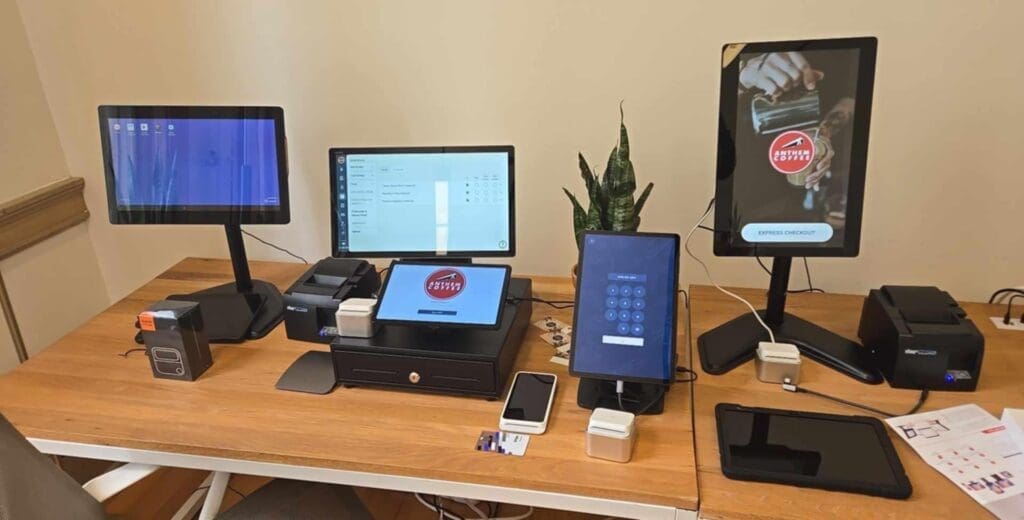
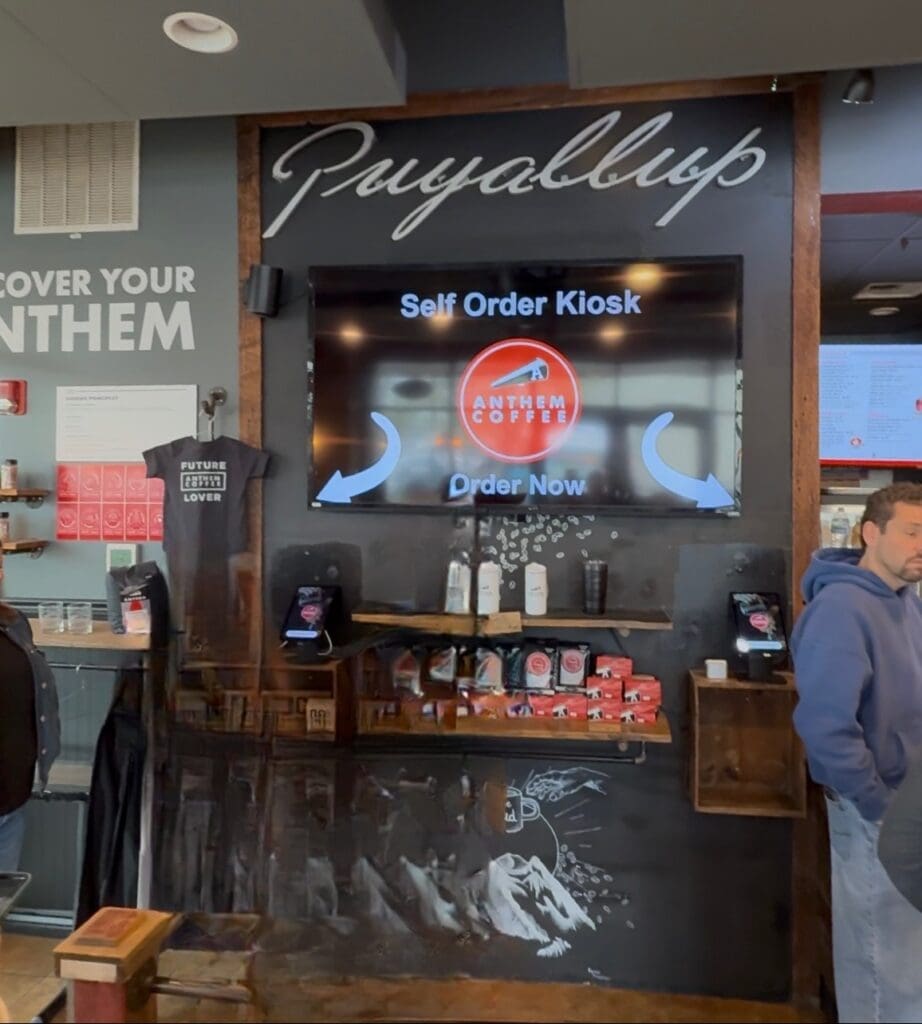
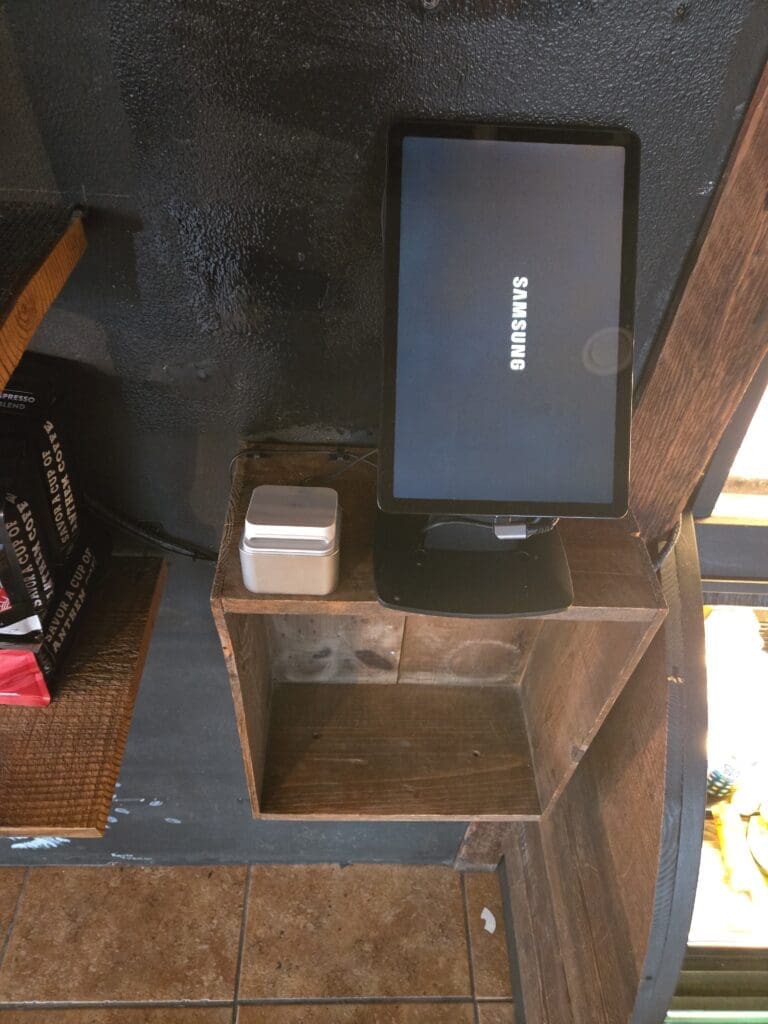
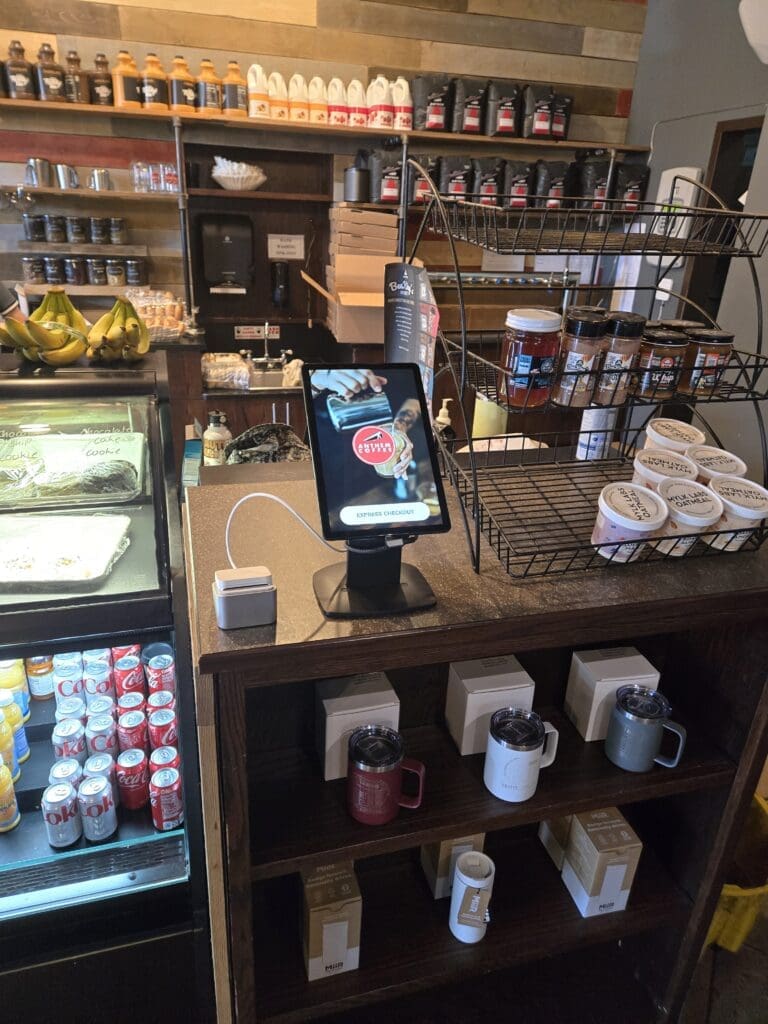
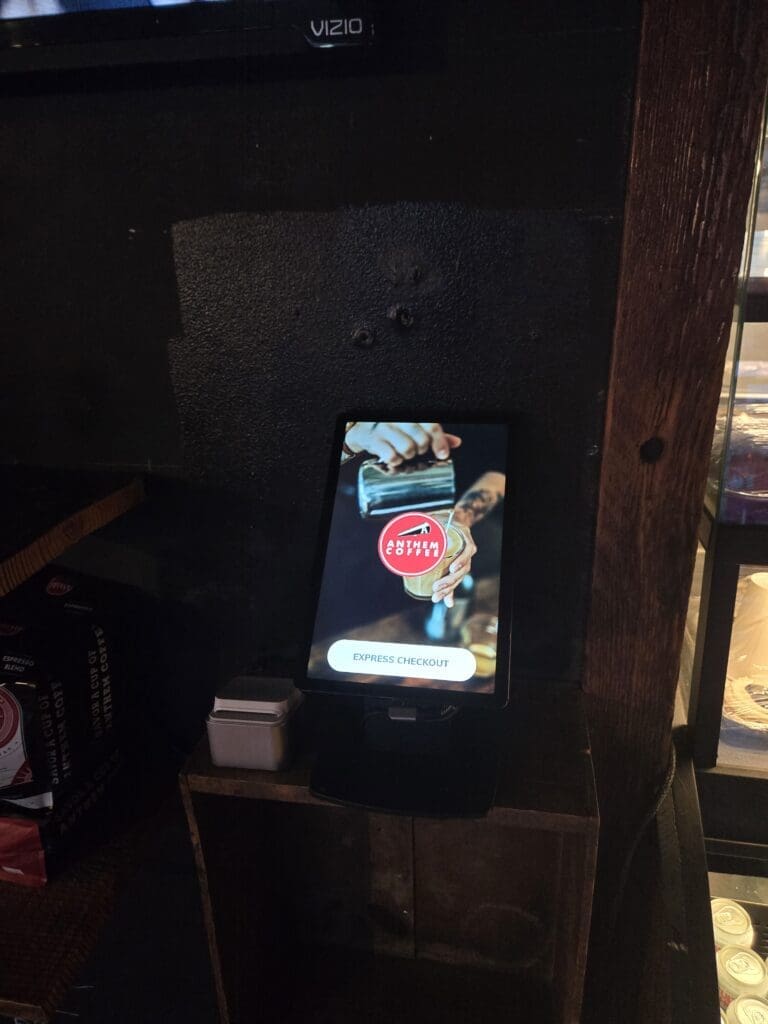
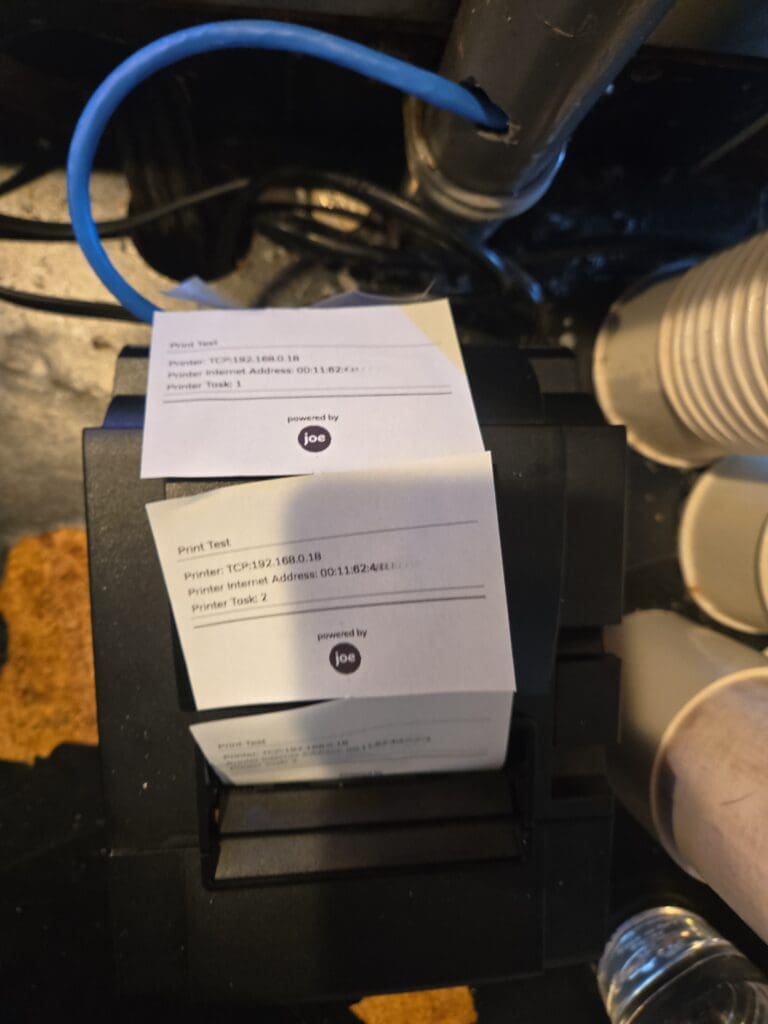
    Likewise, I am very excited to serve as an installer and IT support to many local coffee shops. I love to help Joe team out with all customer issues and get them resolved within the same day. 

    If you are looking for Joe Coffee hardware and software for your coffee shop, you should check out https://joe.coffee, a very trustworthy company to serve your coffee shop.

Secret Link