Category: Linux Server

  • Nextcloud 28.03 : annoy error message: 4 errors in the logs since… on Portainer

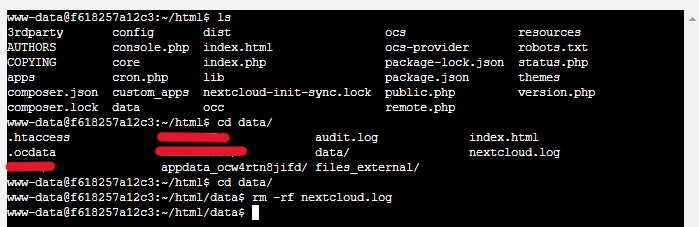
    Delete Nextcoud.log to fix the error, but it will come back again and make sure you fix the error, so it won’t pop up again. This is similar to the engine light.
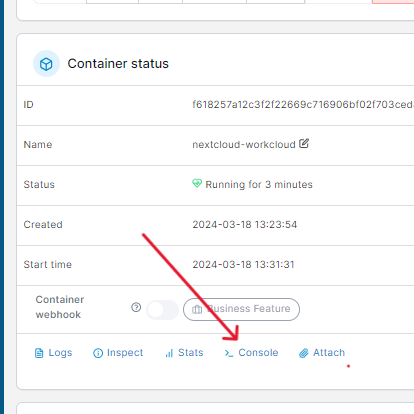
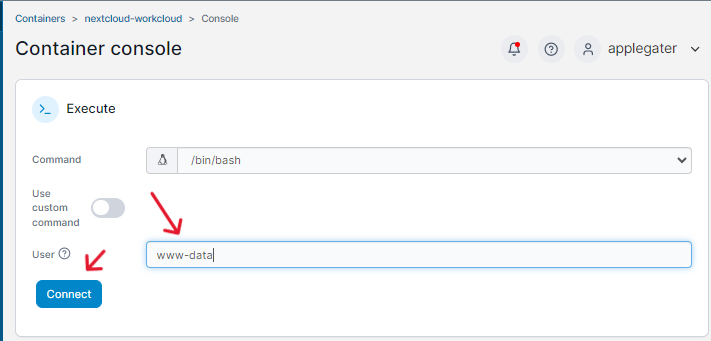
    Follow this command line

    After deleting the logs, Checks have now passed.

  • SSH – Make Sure Our Server Is Secure And Create A Key For SSH.

    If you are looking to remote your server from home, you can, but you cannot simply install OpenSSH with a password, which is very insecure. I strongly recommend using type Ed25519 ssh, which is the most secure and fast access to ssh. I recommend checking out this website. Follow the instructions on the red hat website to protect your Linux Server. These answers are the most accurate. Or here is my config for server ssh I made.

    But first, we must generate the ed25519 key for our SSH or SFTP access.
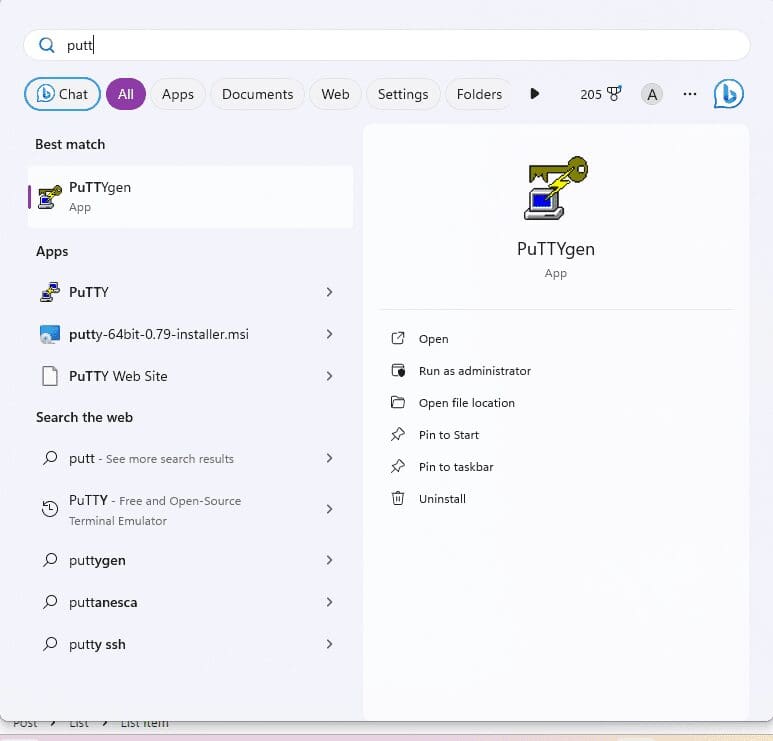
    1. Download Putty
    2. open program on Windows PC putty gen (Putty Key Generator)
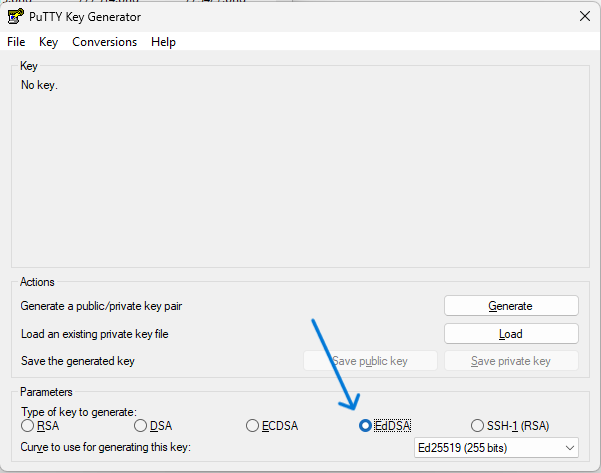
    3. select EdDSA then select Ed25519 then generate
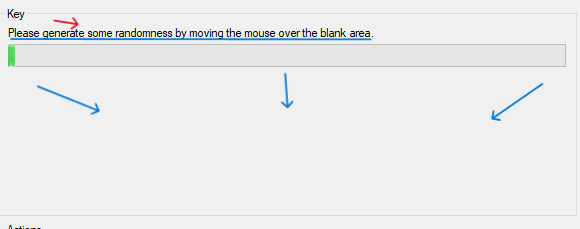
    4. Please generate some random by moving the mouse over the blank area on puTTygen (Putty Key Generator).
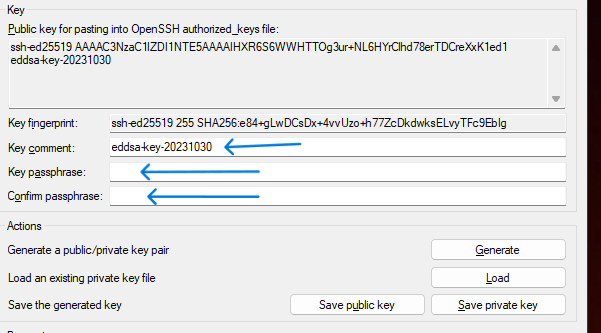
    5. After you generate, you can modify key comment and key passphrase
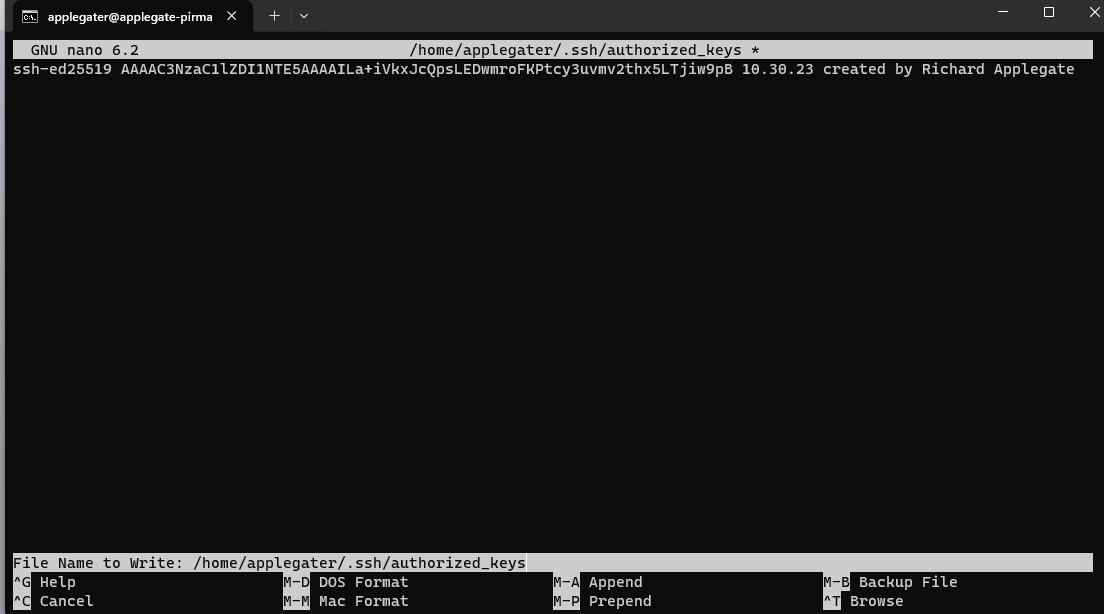
    6. Go over your server, type the command to modify authorized_keys – “nano ~/.ssh/authorized_keys” then add your Public Key from your puTTygen (Putty Key Generator) on your Windows pc copy these to Your Linux Server.
    7. Save authorized_keys, then restart ssh services.

    The server can still be accessed with a password, so we must proceed with the server Linux SSH configuration and generate the file richardprofile.conf or whatevername.conf. The SSH path is /etc/ssh/sshd_config/sshd_config.d/richardprofile.conf.
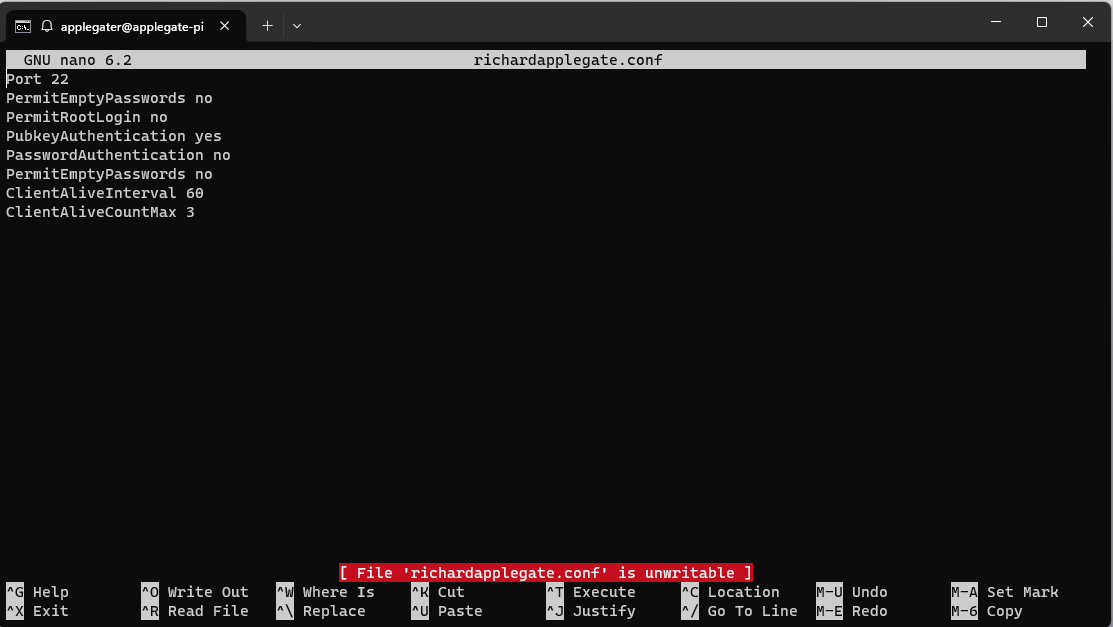
    Port 22
    PermitEmptyPasswords no
    PermitRootLogin no
    PubkeyAuthentication yes
    PasswordAuthentication no
    PermitEmptyPasswords no
    ClientAliveInterval 60
    ClientAliveCountMax 3


    Save the configuration file and then restart ssh. Currently, you are 100% safe because we will set up fail ban to block certain IP addresses so that our network doesn’t get too busy.

    These are great, and I plan to make a banner in ssh soon.

  • Network Experience

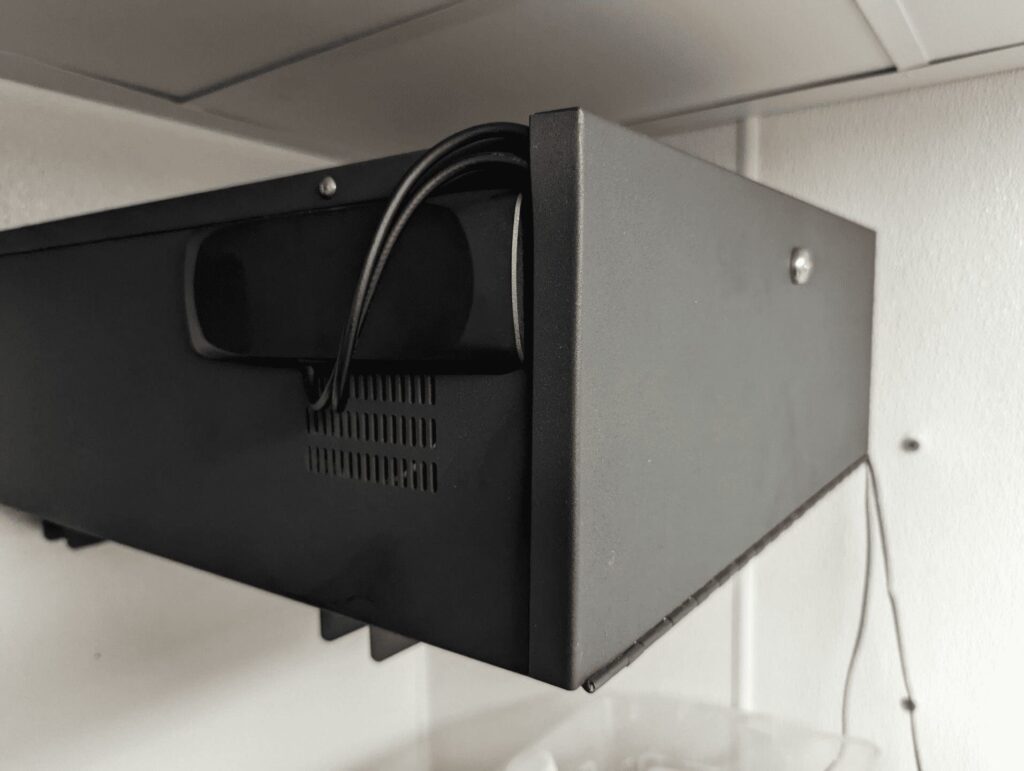
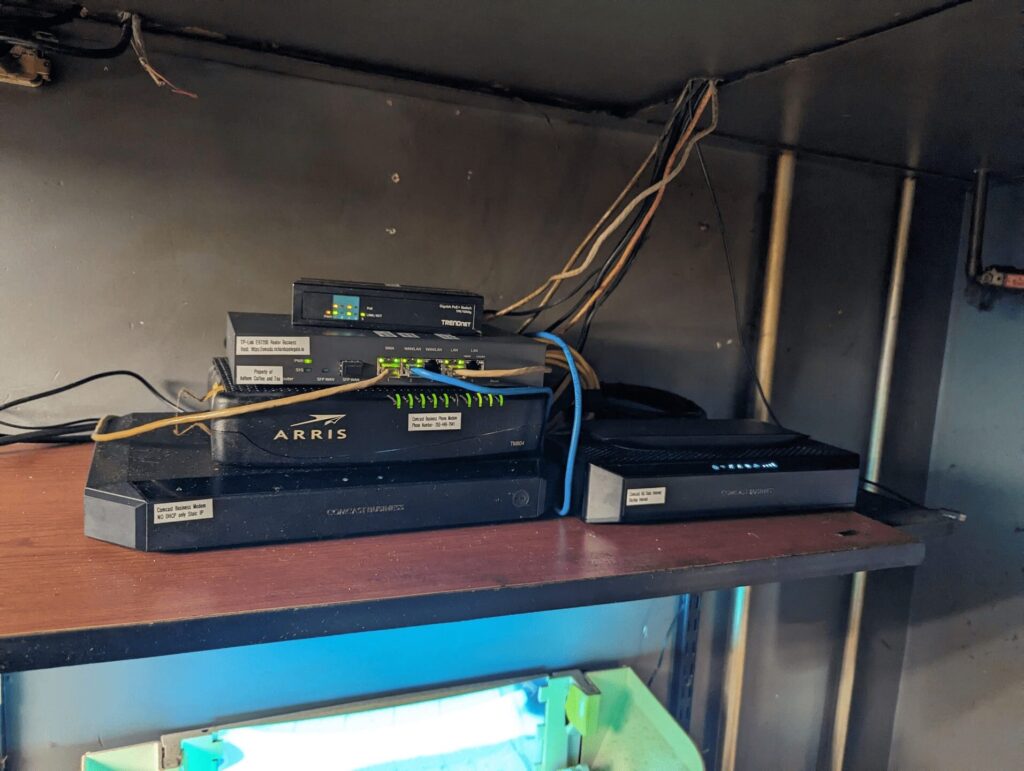
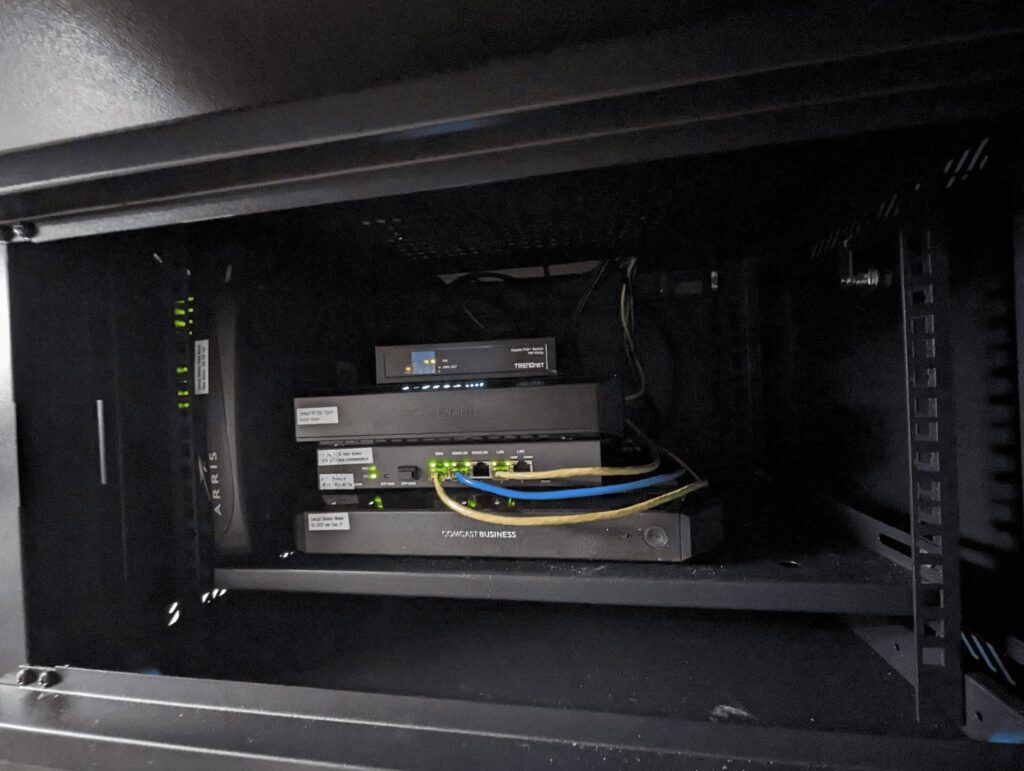
    Just wrapped up a much-needed network upgrade at Anthem Coffee & Tea! We’ve moved from a basic shelf to a secure, professional cabinet. This isn’t just about looks—it’s about reliability and maintenance.

    What’s changed?

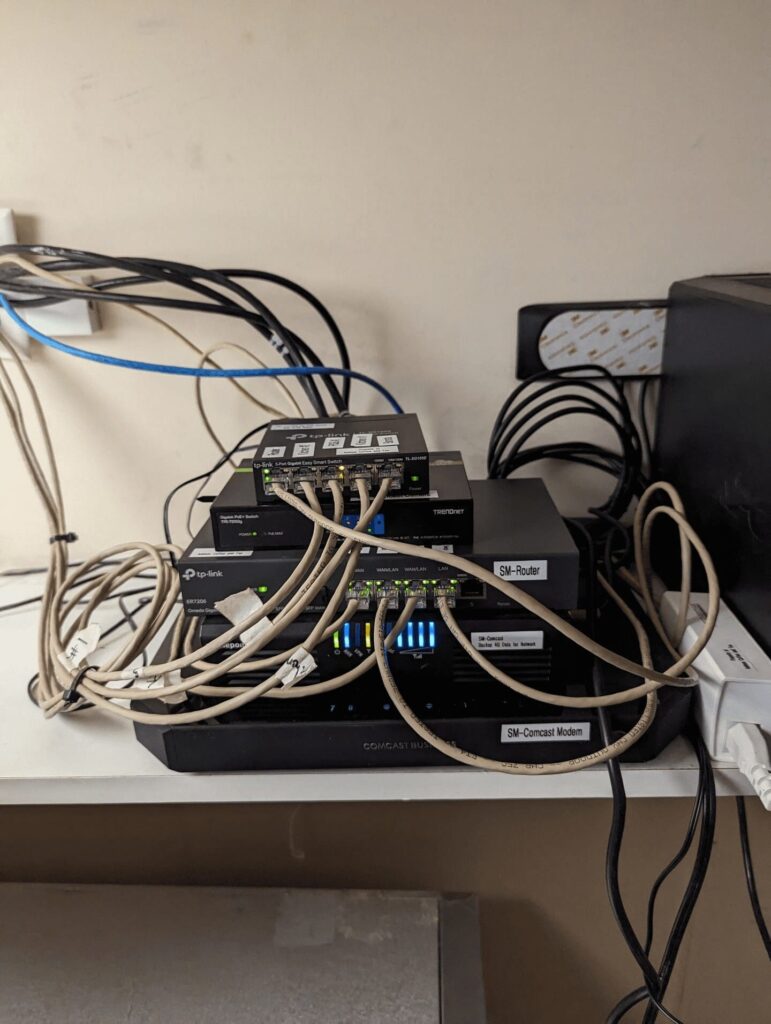
    • All Network Cables Labeled: I took the time to label every Ethernet and camera wire. No more guessing which cable goes where! Now, troubleshooting is much easier—for me, and for anyone else who needs to work on the system.
    • Avoiding Confusion: In the past, our Internet provider nearly disconnected the entire network, thinking our equipment was theirs. Now it’s clear what we own—business routers, access points, point-of-sale wires, and cameras are all identified and protected.
    • Cleaner, Safer, Future-Ready: The new cabinet keeps equipment clean, protected from dust, and organized. It’s a solid foundation for any future tech needs.

    Proud to keep things running smoothly by blending best practices from the past with smart improvements for the future.

    See the transformation and full details below:
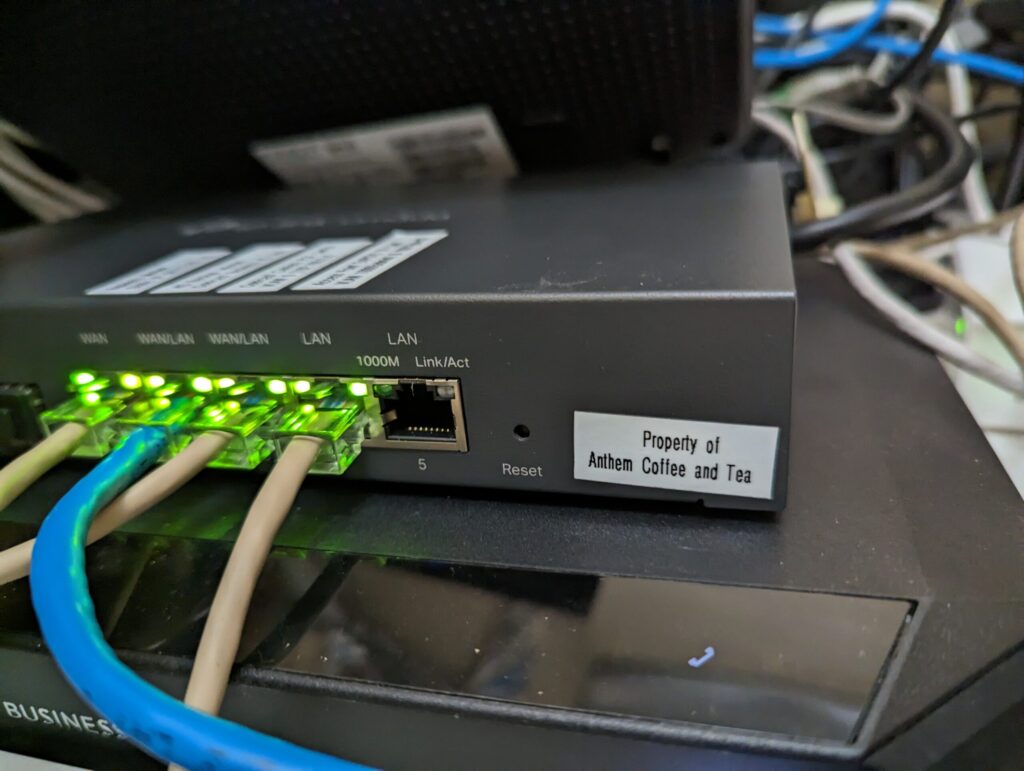
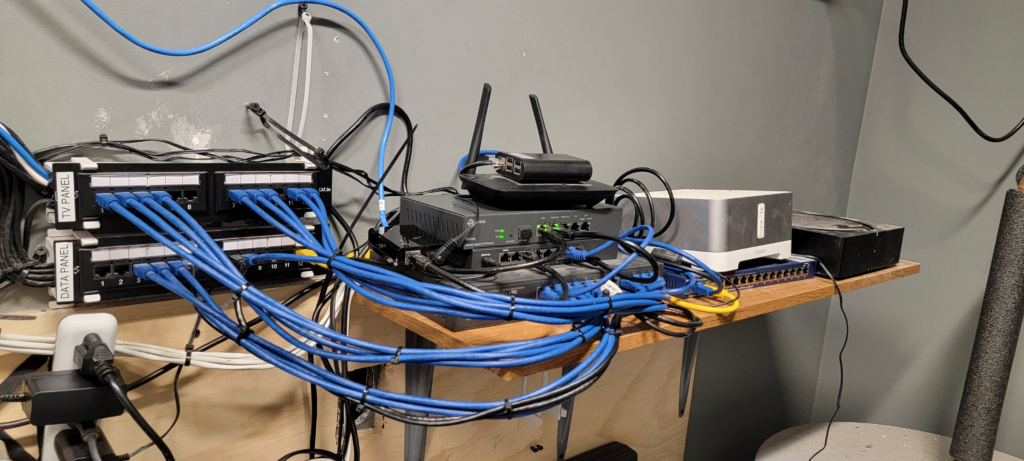
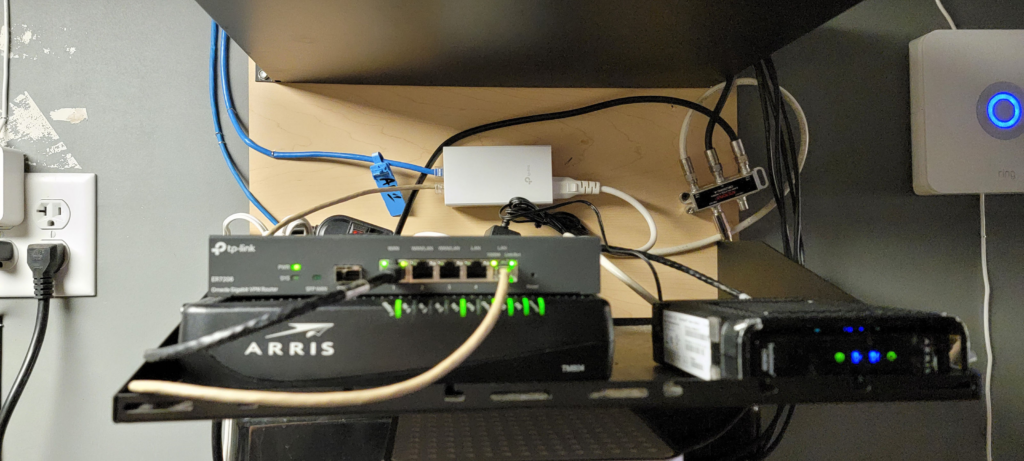
    Anthem Coffee and Tea | Sunrise Village
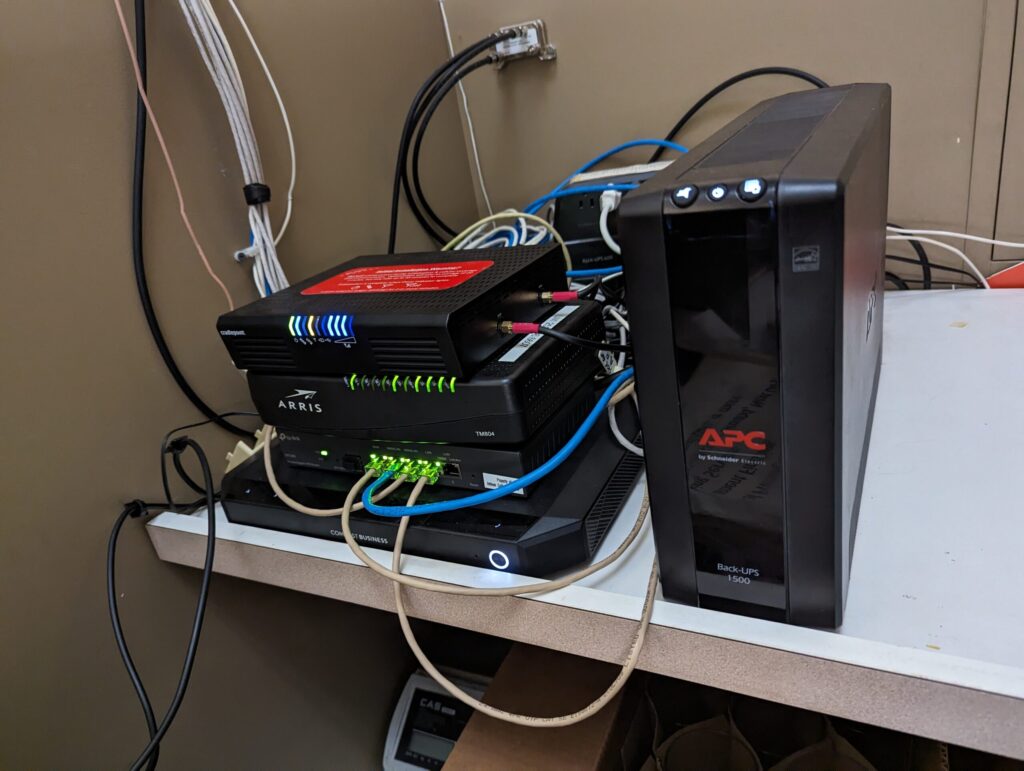
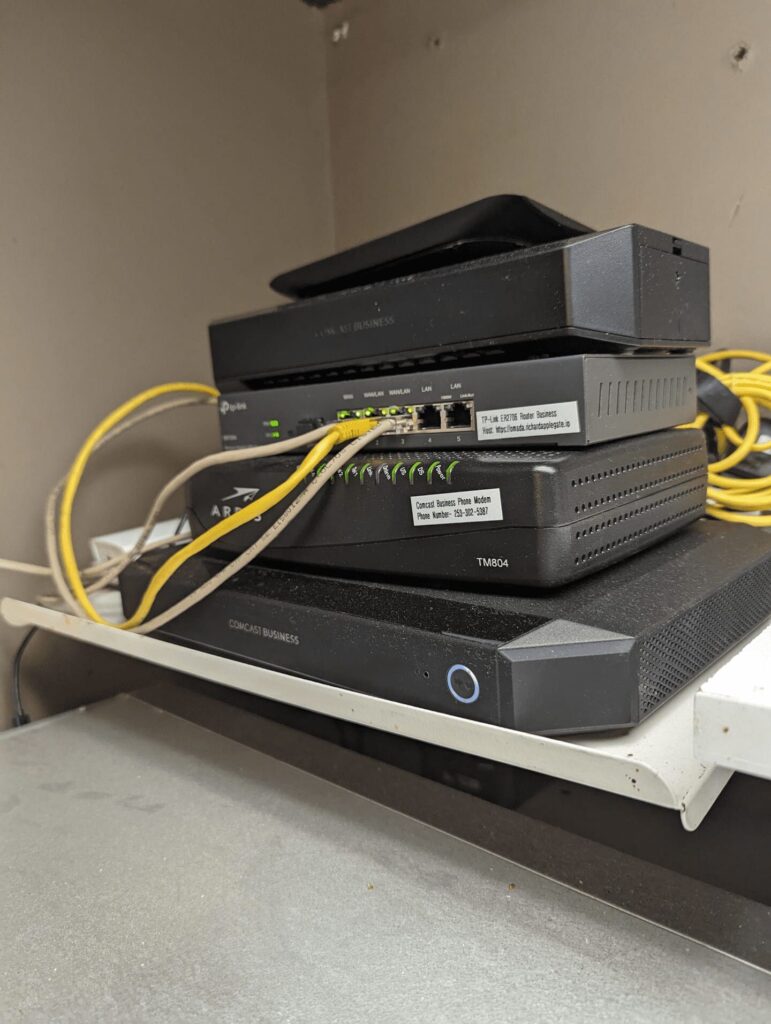
    Modem Internet and Router Business TP link and Modem Phone and 4G Data Internet Backup and Access Point from another room.

    Updated sunrise Village:

    Anthem Coffee and Tea Point Ruston – Phone, 4G data backup, Modem, router, switch.
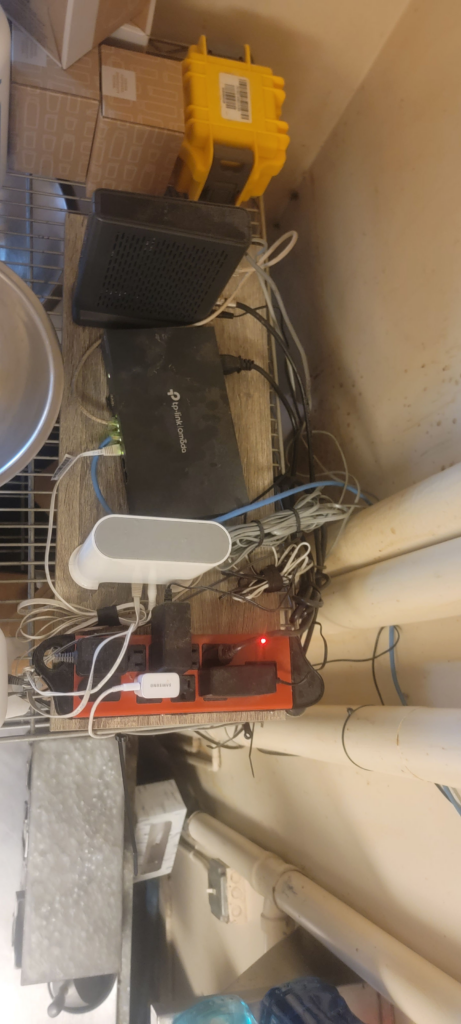
    Anthem Coffee and Tea – Old Town – Modem, Phone, Router, 4G, POE for camera. soon cabinet will add.

    Updated Old Town:

    Anthem Coffee and Tea – DownTown Puyallup before

    Updated Puyallup:

    Anthem Coffee and Tea – Medical Campus Network setup with backup battery
    Anthem Coffee and Tea – Downtown Tacoma – Network Setup

    Updated: UWT Cabinet

    Coming soon.

    Anthem Coffee and Tea – Arioniza Litchfield
    Anthem Coffee and Tea – Arioniza Verrado
Secret Link