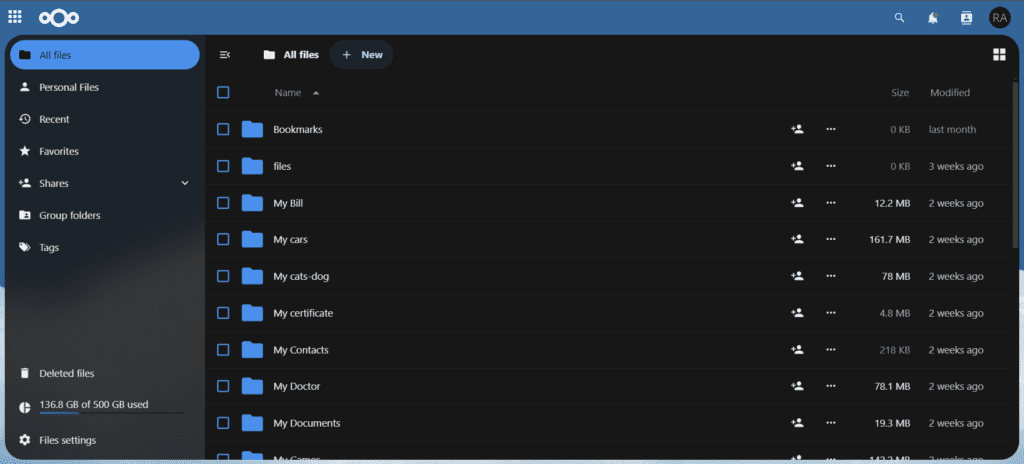
I recently migrated all of my Google Drive data to my own self-hosted Nextcloud server—and I haven’t looked back. Now, I have complete control over my personal data. Everything is stored securely on my own hardware, rather than on third-party platforms like Google Drive, OneDrive, or iCloud. Many of these services charge ever-increasing monthly fees, even for basic file storage, and they can restrict or terminate your access at any time without warning.
Why I Chose Nextcloud
Nextcloud is a powerful, open-source cloud platform that puts privacy and control firmly in your hands. By self-hosting Nextcloud, I can store, organize, and manage all my files without depending on big tech companies. There are no surprise price hikes, no data mining, and no risk of losing access to my own files if an account gets flagged or suspended. For anyone serious about data privacy and digital independence, Nextcloud is one of the best Google Drive alternatives available today.
All-in-One Productivity
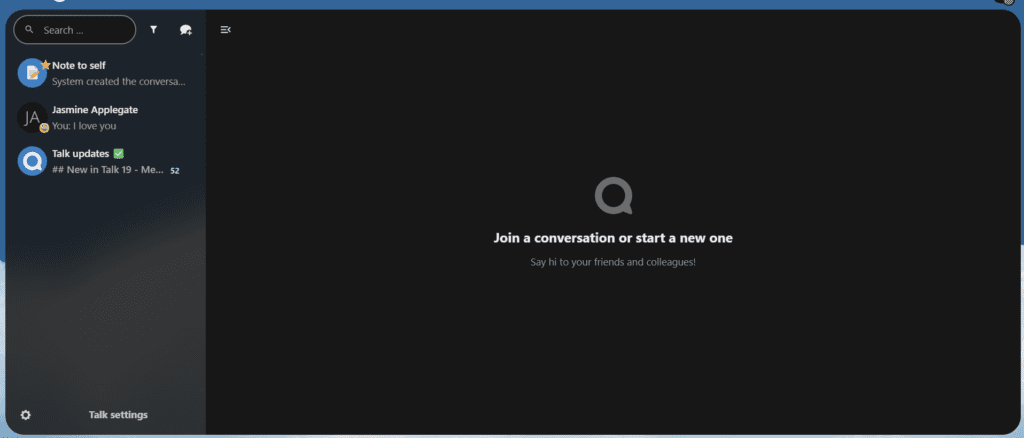
One of the biggest advantages of Nextcloud is its rich ecosystem of built-in apps. I installed an integrated office suite (powered by Collabora or OnlyOffice), which lets me create and edit documents, spreadsheets, and presentations directly inside Nextcloud—no third-party subscription required. I also use Nextcloud Talk for secure messaging, audio calls, and team collaboration. Having file storage, document editing, and communication all in one self-hosted platform has dramatically simplified my workflow and keeps everything organized in a single, secure location.
How You Can Do It Too
Ready to set up your own self-hosted cloud server? The best place to start is the official Nextcloud installation guide, which walks you through every step of the process.
Personally, I use Cloudron to manage my setup. Cloudron makes deploying Nextcloud incredibly simple by offering it as a pre-packaged, one-click app. It handles updates, backups, and security automatically, making it an excellent choice for those who want a stable, low-maintenance self-hosted solution without deep Linux expertise.
All of my data is now fully under my control. I’ve eliminated recurring payments to Google, and everything—from photos and documents to team communication—lives in one secure, private cloud that I own and operate.
Apps I’m Running on My Nextcloud Instance
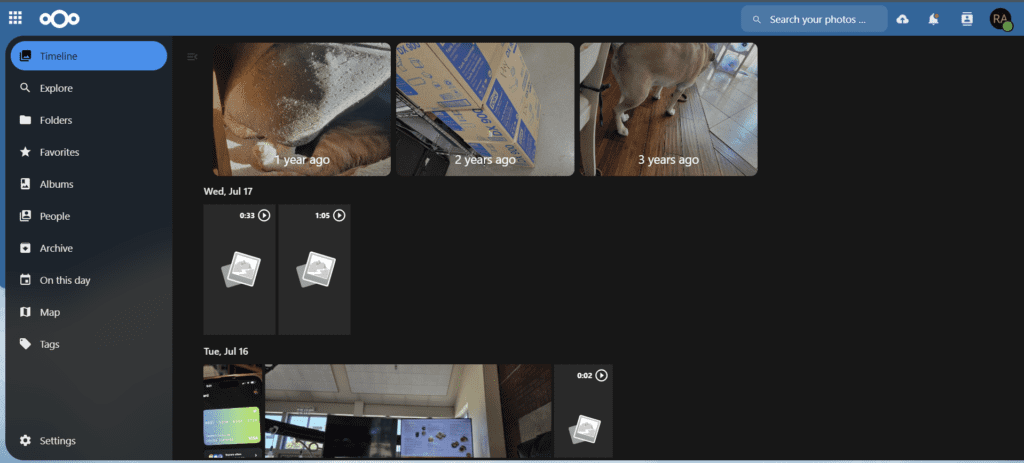
- Files & Memories — Photo Management
- Office Suite — Document & Spreadsheet Editing
- Nextcloud Talk — Messaging & Video Calls
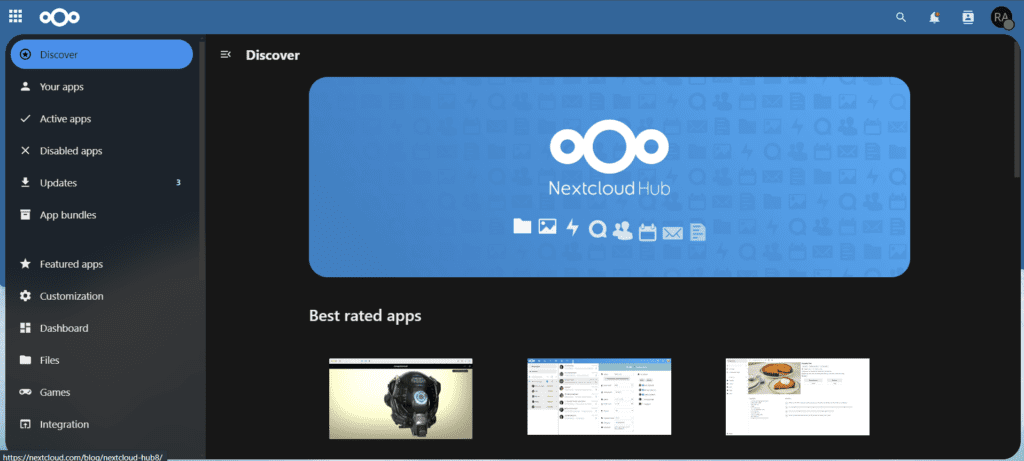
- App Marketplace — Hundreds of Add-On Apps
If you’re thinking about making the switch from Google Drive to a self-hosted Nextcloud server, feel free to reach out or explore the links above. The process is more approachable than you might expect—and the long-term benefits to your privacy and wallet are well worth it.
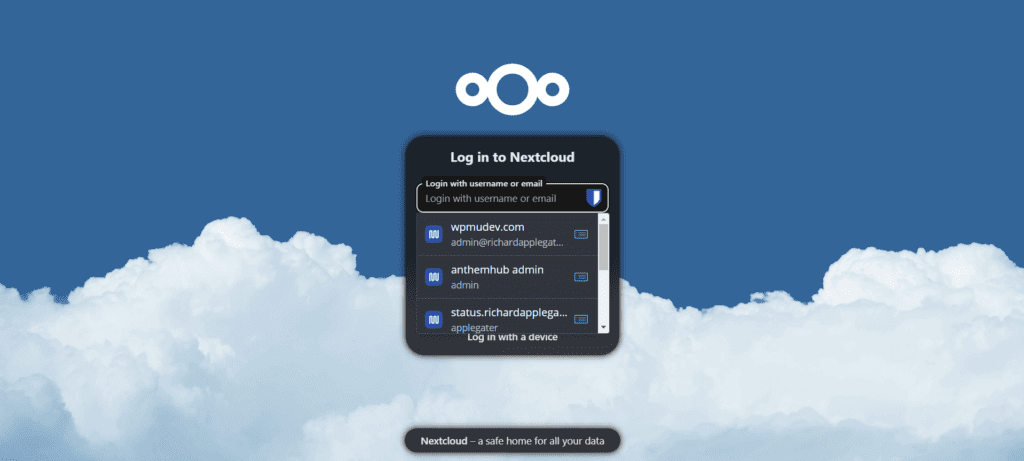
Here’s a look at my setup in action:
Comments (0)
No comments yet. Be the first!